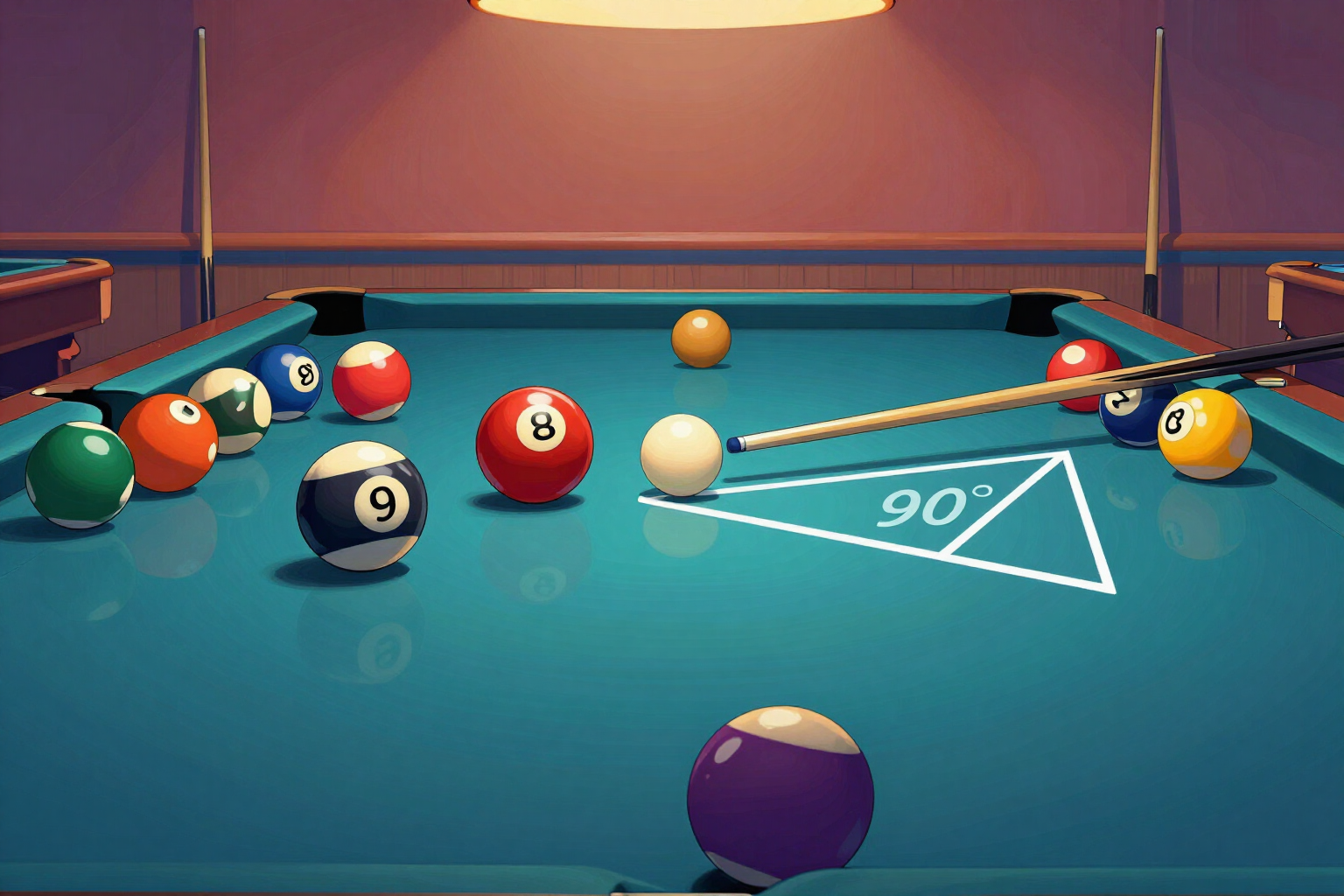
The 90° rule in 8 Ball Pool: control where the cue ball ends up
The exact 90° tangent, the 30° roll deviation and the draw, drawn on the table before you shoot: stop sinking stray balls and start stringing shots together.
Making the ball is 20% of the shot. The other 80% is where the cue ball ends up.
You place the cue ball, the object ball and the pocket you're aiming for, choose the hit and power, and the trainer draws the three possible cue ball paths on the felt. The first is the tangent: the exact perpendicular to the center line at the moment of contact, what everyone knows as the 90-degree rule. It's not an approximation or a table: it's the perpendicular component of the incoming direction, calculated with trigonometry, and the app tells you how many degrees it sits from your shot line (if you cut 32°, the cue ball leaves at 58° from your line).
The other two paths are built on top of that tangent. With the cue ball rolling, the roll moves it about 30 degrees ahead of the tangent — the 30° rule, which on very fine cuts scales down proportionally because the cue ball can't go past the tangent. With draw, it falls back another 30 degrees to the opposite side. Three paths, one shot, three completely different end positions.
And they don't stop at a short arrow: each path travels the distance that matches the power you chose (soft, medium or hard), bouncing off up to two rails, with the stun shot's path shorter than the roll's and the draw's in between. In other words: you see the point where the cue ball will actually stop, not just the direction it starts in. If that point lands in a pocket, the app flags it in red before you shoot.
When you want to put it into practice, the "Stop point control" route gives you four drills with a box drawn on the table: pure stop, 30° roll, controlled draw and the two-balls-in-a-row one, where the good shot isn't the one that goes in but the one that leaves a line for the next ball. You can take them with you printed in an A4 notebook with its log sheet.
Try 90° rule and cue ball control right here
Use it free without an account. If you want to save your result, you can sign up afterwards.
Save / Sign upBenefits of 90° rule and cue ball control
Exact tangent, not estimated
the 90° line is calculated as the component perpendicular to the center line at contact. The app gives it to you in degrees relative to your shot line, to one decimal, in the shot readout panel.
All three paths at once, on the same table
stun along the tangent, follow drifting forward about 30°, and draw pulling back another 30°. Each with its own color, so you see at a glance which stroke leaves you best positioned.
Distance, not just direction
each trajectory travels what it should based on power (soft, medium or hard) and stroke, bouncing off up to two rails. What you're looking at is where the cue ball stops, not just where it starts heading.
Red warning if the cue ball scratches
if any of the paths ends in a pocket, the app tells you before the shot and suggests a safer power or a different stroke.
The 30° rule, properly applied
on very thin cuts there isn't 30 degrees of deflection to go around, and the calculation scales it down proportionally instead of giving you a false number. It's the classic error of rules learned by rote.
The cue ball's tip dial, translated
it shows you where to hit the cue ball on the game's selector, with its clock position, for the stroke you chose. Side spin is given as qualitative information, not a promise of millimeter precision.
Four drills with a stop zone
the "Stop point control" route draws the box where the cue ball should land and asks for a measurable goal (8 of 10 on the pure stop, 4 of 10 on two balls in a row).
PNG diagram and A4 notebook, no registration
download the table with the three paths drawn out and the printable route notebook, with two rounds of ten boxes per drill and a six-session log sheet. No account and nothing to install.
Your next shot, thought out two balls ahead
Place the cue ball and the object ball, mark the pocket and see where it ends up. No registration and nothing to download.
In the features that use AI, responses are generated by artificial intelligence and are not a substitute for professional advice.