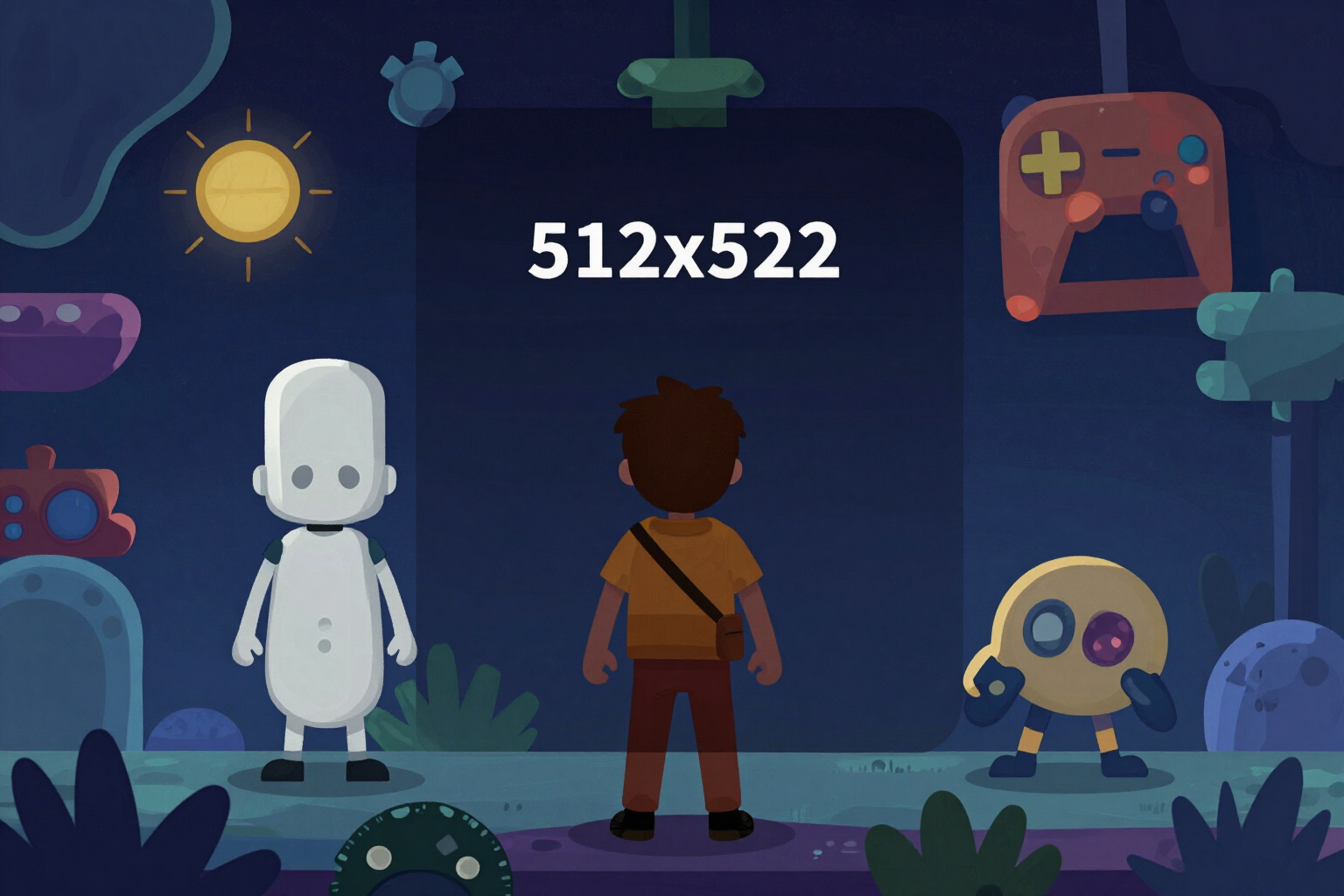
512×512 Roblox Icon Generator
Describe your experience, choose a genre and headline, and download the PNG icon in the exact size required by the Creator Dashboard.
On the Roblox home page, the icon is the only thing a player sees before deciding to enter. Here you generate it in the correct size with sharp, undistorted text.
The Roblox icon generator works in two separate steps, and that’s where the difference lies. First, the AI paints only the thematic background based on the name of your experience and the genre you choose: the prompt includes an explicit negative instruction to ensure the model does not draw any letters. Then, the headline is overlaid separately, as a vector, with sharp: that’s why it never comes out with spelling mistakes, duplicated letters, or melted glyphs, which is the classic failure of asking any image generator for an icon with text.
The image is generated at 1024×1024 and downsampled to 512×512 using lanczos3 resampling, which is the size Roblox requires for the experience icon. Below the text, a dark gradient scrim (from transparent to 72% opacity) is composed with outline and shadow according to the typographic style, so the headline stands out against light or highly saturated backgrounds.
You can request 1, 3, or 5 variants from a batch, each with a different narrative hook —epic action, mystery, reward, protagonist, or novelty—, choose from 7 Roblox genres (Obby, Simulator, Tycoon, Horror, Roleplay, Anime, and RPG), 5 colour palettes, and 5 font styles with instant preview and no cost. If you already have your own art, you can upload up to 2 reference screenshots for the AI to maintain your visual direction.
Before downloading, the app reduces the actual icon with sharp to mobile feed size and shows it to you at 64 pixels, which is roughly how a player will see it on their phone. It measures the result pixel by pixel —global contrast, figure against background, detail density, and actual text height— without going through any AI, so you can decide based on data rather than intuition. The PNG is downloaded separately or along with the other pieces in a ZIP with self-explanatory names and a README.txt indicating where each file goes in the Creator Dashboard.
Try 512×512 Icon Generator right here
Use it free without an account. If you want to save your result, you can sign up afterwards.
Save / Sign upBenefits of 512×512 Icon Generator
Exact 512×512
the size required by Roblox for the experience icon, generated at 1024 and reduced with lanczos3 to maintain sharpness. Downloadable PNG.
The text is not written by the AI
the AI only paints the background and the headline is overlaid later as a vector with sharp. Zero distorted letters and zero mistakes.
7 genres of Roblox
Obby, Simulator, Tycoon, Horror, Roleplay, Anime, and RPG, each with its own visual direction in the prompt.
Up to 5 variants in a batch
each with a distinct narrative hook (epic action, mystery, reward, protagonist, novelty) to compare before publishing.
5 colour palettes and 5 font styles
Gamer Cartoon, Block Impact, Neon, Metallic, and Clean, with immediate preview and no generation cost.
64-pixel feed test
the app reduces the actual icon sharply to the size of the mobile listing, so you can see if your silhouette and text survive.
Readability measurement without AI
global contrast, figure against background, detail density, and actual text height, calculated pixel by pixel and always reproducible.
Your art as reference
upload up to 2 screenshots (JPG, PNG, or WEBP, 8 MB per file) and the icon retains the visual identity your game already has.
Your next Roblox icon, ready in a minute
No registration needed to try it: enter your experience name, choose the genre, and download the 512×512 PNG.
In the features that use AI, responses are generated by artificial intelligence and are not a substitute for professional advice.