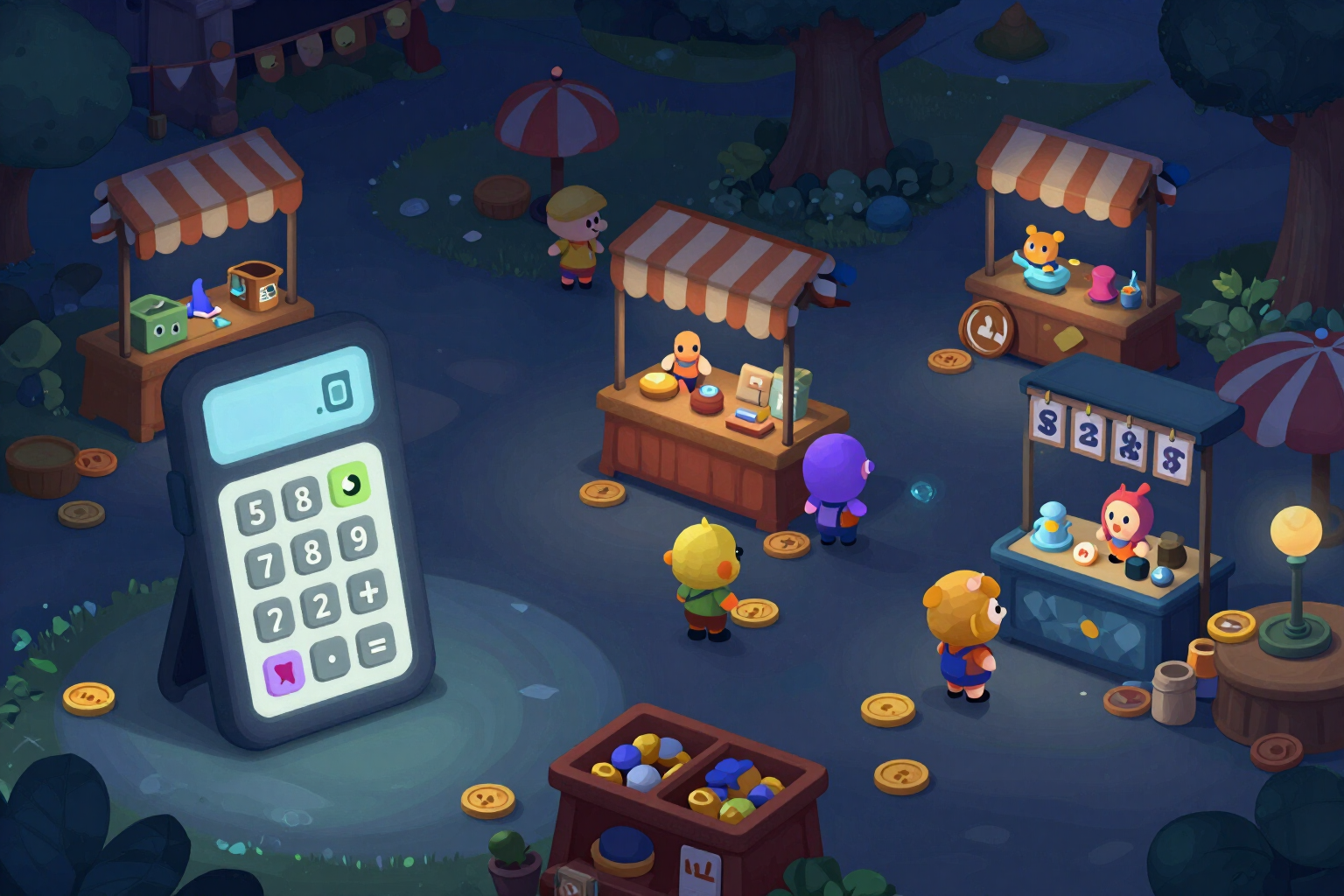
Roblox Commission Calculator: What You Keep and the Price to Publish
Set the price and see your net amount in Robux; or enter the net you want to receive and it tells you the exact price to publish. With the actual percentage for each type of sale and the rounding applied by Roblox.
Roblox doesn't just take '30%': a Game Pass leaves you with 70% and an item from the Avatar Marketplace leaves you with 30%. Here you choose what you sell and the number comes out with the distribution and rounding that actually apply.
The Roblox commission calculator —the tool for icons, thumbnails, and Roblox economy from AiToolsForApps— answers the two questions anyone pricing something in their game asks. The direct: I sell for 400 R$, how much do I keep? And the inverse, which almost no one calculates correctly: I want to receive 500 R$ net, what price do I need to publish? A switch toggles from one to the other and the big result is always what matters: your net in Robux, or the publishing price.
The first thing it asks you is what you are selling, because the distribution changes completely depending on the case. It brings the four current types with their percentage: Game Pass or developer product leaves 70% to the creator; an item from the Avatar Marketplace (clothing, accessories), 30%; an item from the Marketplace sold within an experience, 30% for the creator plus 40% for the game owner; and the resale of a limited item, 10%. Each option has its percentage written next to it, so you see the cost of the decision before calculating.
In the Marketplace, the 30% is not fixed, and this is rarely counted: the percentage increases if you publish well above the minimum price. The calculator includes seven tiers based on how many times you exceed that floor —1× leaves 30%, 1.3× leaves 37%, 1.5× leaves 41%, 2× leaves 50%, 3× leaves 62%, 5× leaves 69%, and 6× leaves 70%— and applies them only to Marketplace sales, where applicable. A split bar at 100% gives you a quick glance at what part the platform takes and what part is yours, without having to read numbers.
The detail that turns a nice calculation into a useful one is the rounding. Prices in Robux are whole numbers and your net is truncated downwards, so the reverse calculation gives you the whole price that actually reaches your target and also shows you what you would receive one Robux below, so you can decide if it’s worth it. If the price is so low that the rounding leaves you at zero, it tells you instead of giving you a false number. Next to each result is its approximate equivalent in your currency using the DevEx rate and the actual exchange rate, the assumption applied is indicated, and there’s a button to copy the line and paste it into team notes. The percentages are outside the code, with the date they were verified against the official Roblox documentation visible.
Try Roblox commission calculator right here
Use it free without an account. If you want to save your result, you can sign up afterwards.
Save / Sign upBenefits of Roblox commission calculator
Both directions, not just the easy one
from price to net, and from target net to publishing price. The inverse is what you need when you already know how much you want to earn.
Ask what you are selling before calculating
Game Pass and developer product at 70%, Avatar Marketplace item at 30%, item within an experience at 30% plus 40% for the game owner, resale of limited at 10%.
The seven tiers of the Marketplace included
the higher you publish above the minimum price, the greater your percentage, from 30% to 70%. Applicable only where relevant.
Shows the actual rounding
the net amount is truncated downwards and prices are whole numbers, so the reverse calculation gives you the price that actually arrives and shows you what you would receive one Robux below.
Ventaja 5
Notifies when a symbolic price leaves you with 0 R$ net, instead of returning a number that doesn't hold true when selling.
100% breakdown bar
see what Roblox keeps and what you receive without interpreting percentages, with gross, platform cut, and your net amount itemized.
The net amount, also in cash
each result brings its approximate equivalent in your currency with the DevEx rate and the actual exchange, to decide the price thinking about income.
Free, no registration, and without spending generations
it's arithmetic on verified percentages with visible dates, not an AI response. You can use it right here.
Set your price and see what you really keep
No registration and no cost: choose what you sell, calculate both ways, and publish with the price that reaches the net amount you seek. It’s the commission calculator from Roblox, the “Roblox” tool from AiToolsForApps.
In the features that use AI, responses are generated by artificial intelligence and are not a substitute for professional advice.