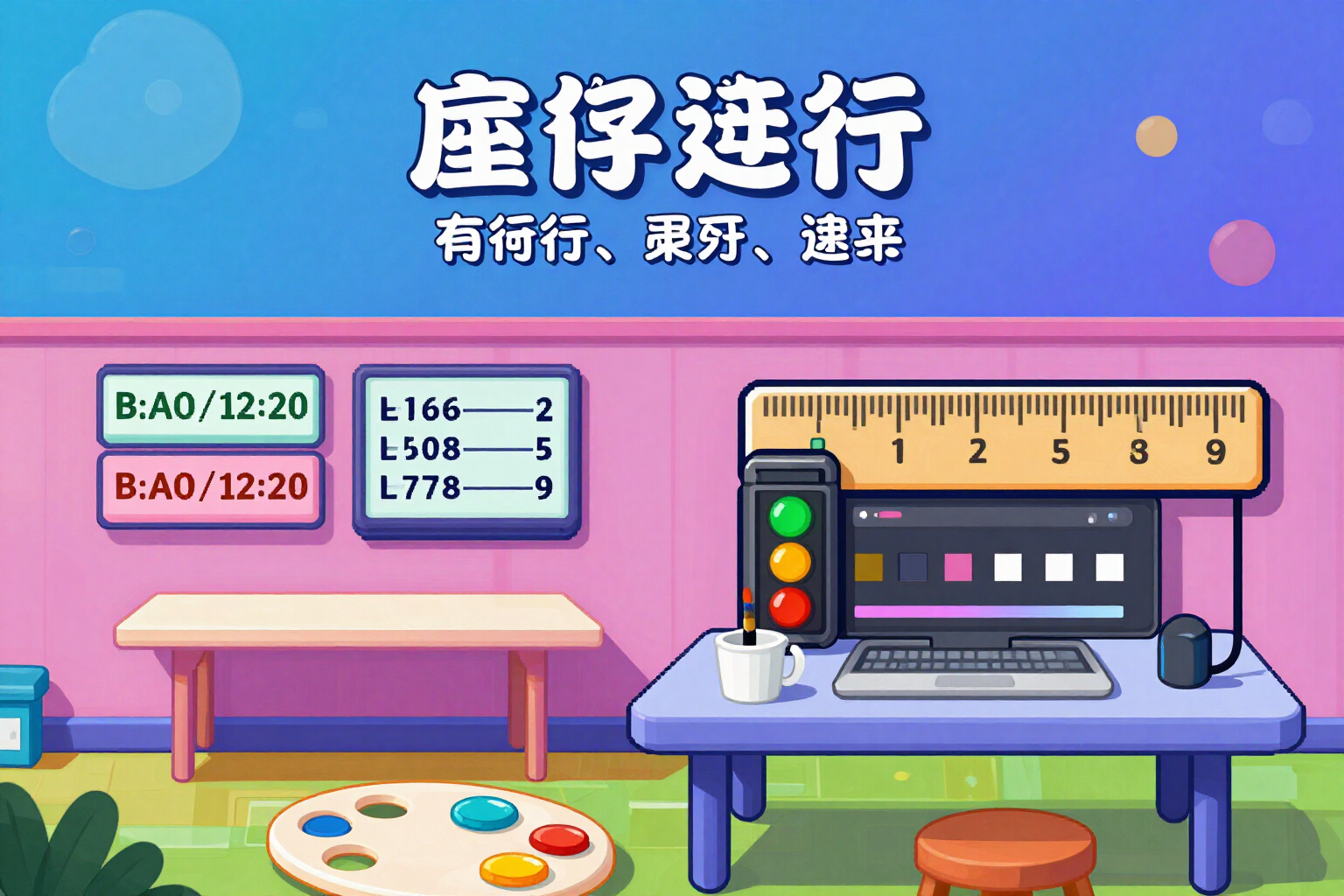
How many characters truly fit in your text box
You specify the width of the box in pixels, the font size, and the lines you accept, and we tell you how many characters fit. It's not a simple calculation: the server rasterizes your text and measures the actual inked pixels.
A character counter counts letters. This counts pixels, which is what determines if your headline fits or overflows.
You adjust three controls: the width of the box (from 120 to 2000 px), the font size (from 10 to 200 px), and the lines you accept (1, 2, 3, or 4). Optionally, EVERYTHING IN UPPERCASE. You write or paste your text, and the counter responds twice.
The first response is instantaneous and calculated by your browser using the same character width table and calibration factor as the server, so the number doesn't fluctuate while you type. The second response arrives in a few hundred milliseconds and is the authoritative one: the server renders your text in the equivalent font from your brand kit, rasterizes it, and crops the image to the ink, so the width we give you is the width occupied by your letters, not a statistical average. On screen, it is distinguished with a label: "estimated on-the-fly" or "measured on the server".
What you get: a traffic-light status (green fits comfortably, amber is at the limit starting from 92% of the box, red overflows), the number of characters counted by graphemes —a composite emoji or a letter with an accent is ONE character, not three—, the width in pixels compared to the width of your box, how many characters fit at that size, the exact pixels you overflow if you exceed the limit, and how the text would be distributed in balanced lines without cutting words. Below, a scaled view of your box with two vertical guides, so you can see it instead of imagining it.
And a warning that saves you from disappointment: if you reduce the font size below the minimum readable on mobile, it alerts you before you finalize the layout.
Try Character counter that fits in the box right here
Use it free without an account. If you want to save your result, you can sign up afterwards.
Save / Sign upBenefits of Character counter that fits in the box
Measures, not estimates
the width comes from rasterizing your phrase and cropping to the actual inked pixels using the server's image engine. That's why it gets uppercase letters, accented letters, and 'm's right, which is where character counters typically fail.
Counts graphemes, not bytes or code units
a composite emoji counts as one character and so does an 'ñ'. If you've ever measured with a counter that said 3 for a single letter, that's the mistake that doesn't happen here.
The browser number and the server number are the same
they share the width table and calibration factor, so the instant figure does not contradict the final one. There is no "jump" when validating.
It answers the useful question
not just "fits or doesn't fit," but how many characters fit in that text box at that size. It's the limit you can pass on to whoever writes the text for you.
Traffic-light status with explicit threshold
green, amber when you fill 92% or more of the box, and red with the exact overflow pixels. You know if you're overflowing by a little or a lot.
It shows you the line distribution before layout
balanced lines, without cutting words, so you don't end up with a single orphan word line.
Alerts about illegible size
if the text is smaller than the minimum recommended for reading on a mobile, a warning appears next to the slider.
Free and unlimited, with or without an account
measuring does not consume artificial intelligence or use up your quota. You can measure all the text you want without registering.
Measure the space before writing the text
Box width, font size, lines, and you already know how many characters you have. No registration and no installation required.
In the features that use AI, responses are generated by artificial intelligence and are not a substitute for professional advice.