Try EA Sports FC Mobile — Squad card, team OVR, tactics and FC Points now, no sign-up needed

EA Sports FC Mobile — Squad card, team OVR, tactics and FC Points · Your squad with a look of its own, your tactics explained and your numbers clear
For anyone building a squad, running a club or making EA SPORTS FC Mobile videos: you type in your XI and get your card, see your team rating and what's missing to raise it, put your formation and the 12 settings in writing, build your club crest and work out what FC Points cost you in real money. Independent tool, not affiliated with or endorsed by Electronic Arts: it doesn't connect to the game or your account, and the art is original.
In the features that use AI, responses are generated by artificial intelligence and are not a substitute for professional advice.

Valt je handtekening uit elkaar op de telefoon van de klant en verdwijnt het logo bij doorsturen?
Het gaat om vier dingen waar bijna geen enkele generator rekening mee houdt. Het handtekeningvak van Gmail is een visuele editor: plak je de broncode, dan ziet je klant de tags, dus de kopieerknop schrijft de opgemaakte tekst naar het klembord en niet de HTML-tekst. Gmail gooit stylesheets, klassen en externe CSS weg, dus de handtekening wordt opgemaakt met tabellen, inline stijlen en afmetingen in pixels, zonder flex, zonder rasters en zonder achtergrondafbeeldingen. Het logo moet op een absolute, openbare URL staan of het verdwijnt zodra iemand de e-mail doorstuurt, en het heeft zijn breedte tweemaal gedeclareerd nodig plus een kopie op dubbele grootte voor retinaschermen. En de donkere modus van Gmail keert de kleuren maar half om: een egaal witte achtergrond of zuiver witte tekst ziet er in de helft van de mailboxen slecht uit. Het verschil zit hier niet in de AI, maar in de kennis van het medium: de server bouwt de HTML, meet het echte contrast van elke accentkleur op wit en op het donkergrijs van Gmail, leest het logobestand opnieuw in om de echte afmetingen te controleren en geeft je apart de platte-tekstversie die de handtekening van de mobiele app vraagt. Wat veroudert, staat op het scherm als niet getoetst, met versie en datum.
See the tools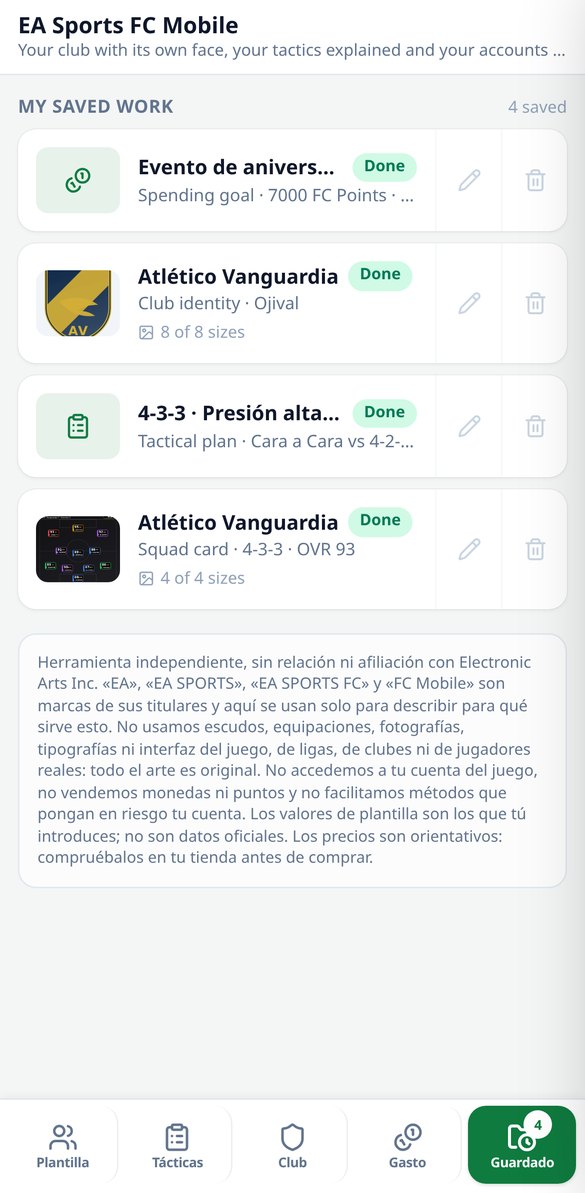
Discover every feature in detail

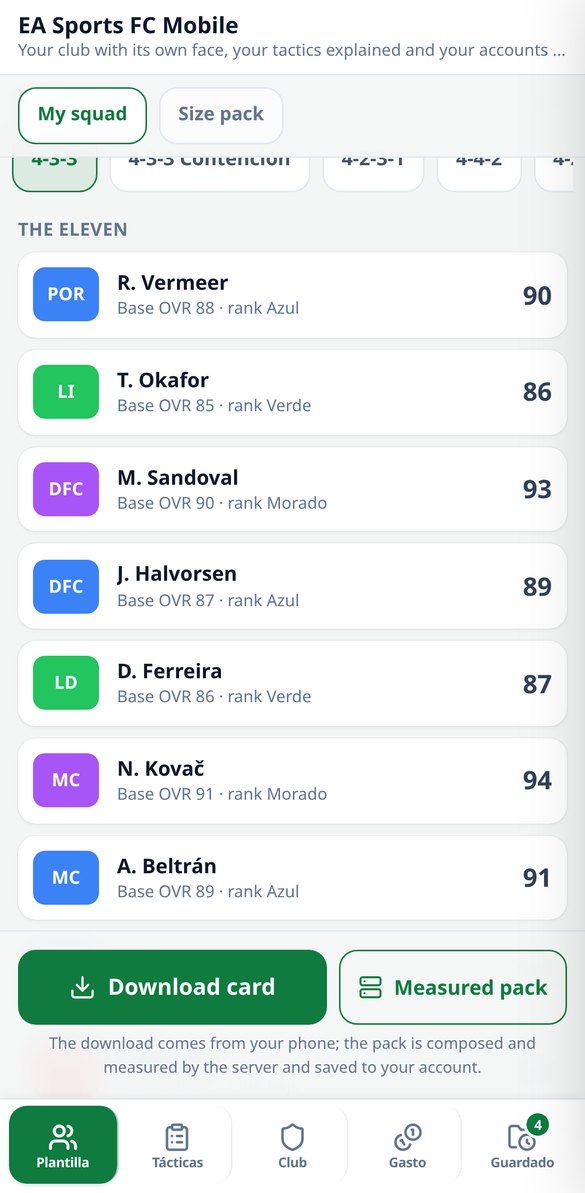
FC Mobile Squad Card: create the image of your XI and its OVR
Build your EA Sports FC Mobile XI card: 11 formations, 4 designs, and 8 palettes, team average calculated like in the game and download in 1080x1080 without registration.
Try it free
Team OVR Calculator in FC Mobile: how much is needed to level up
Calculate your team's OVR in EA Sports FC Mobile using the actual formula (ceiling of the average base OVR + ceiling of the average ranks) and see the exact points or ranks you need for the next step. Free and no registration required.
Try it free
Tactical settings in FC Mobile: the 12 values based on your formation
Choose your formation, your mode (Manager Mode, Head to Head, or Versus Attack) and your style, and we provide the 12 settings from the tactical screen of EA Sports FC Mobile with their value and term. Free and no registration.
Try it free
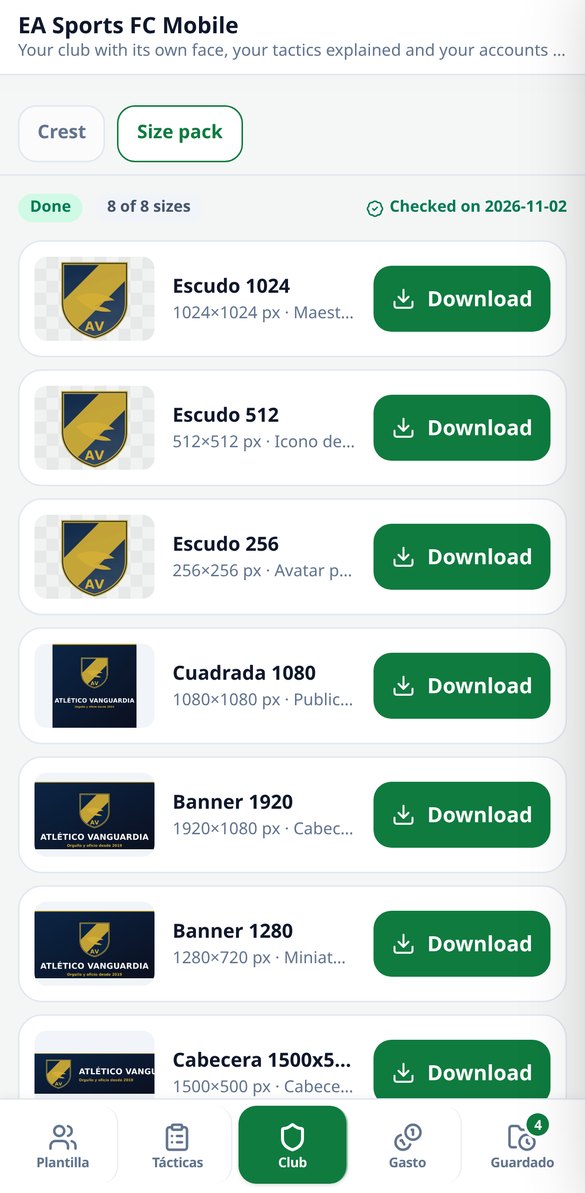
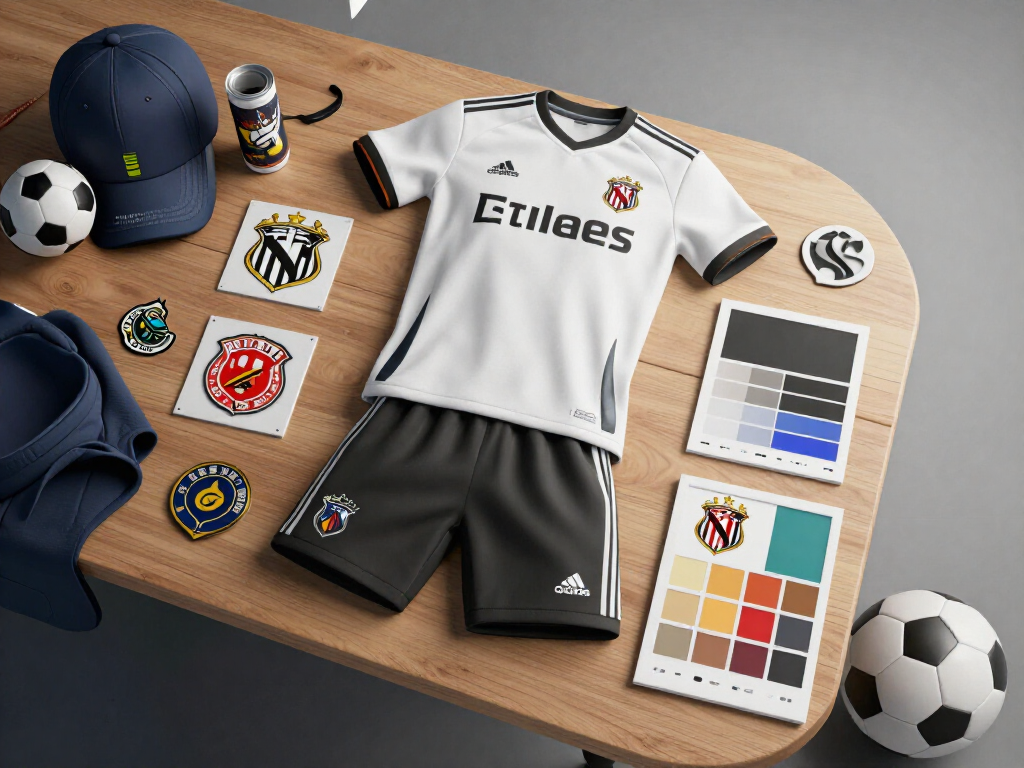
Create club crest for FC Mobile: Free transparent PNG
Club crest composer for EA Sports FC Mobile: 8 shapes, 7 divisions, 7 motifs, 8 palettes, and automatic monogram. Download the transparent PNG in 1024, 512, 256, and 128 px without registration.
Try it free
How much do FC Points cost in FC Mobile: cost calculator
Calculate how much your FC Points target costs in real money in EA Sports FC Mobile: cheapest basket of packs, price per 1,000, savings, and leftover points. Five currencies and editable prices.
Try it free
Do you have time to finish the FC Mobile Season Pass? Calculator
Calculate if you get your money back from the EA Sports FC Mobile Season Pass: with your level, the days remaining, and your minutes per day, it tells you if you can make it, how many levels are left, and the cost per level.
Try it freeFour tools, zero made-up data
Drie van de vier roepen geen AI aan: ze worden direct berekend, werken zonder account en kosten niets. De AI komt er alleen bij waar ze iets toevoegt, namelijk het schrijven van de koude e-mail.

Squad card and team rating, down to the last detail
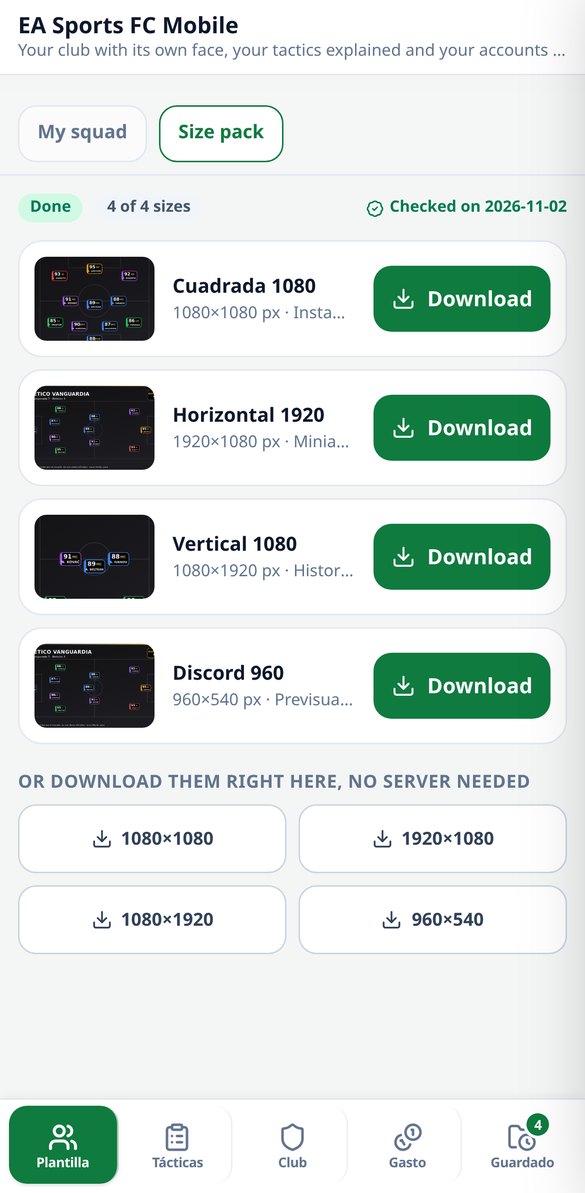
You fill in the eleven slots (name, position, base OVR from 0 to 125 and rank color from 0 to 5), choose from 11 formations, 4 visual templates and 8 palettes, and get your card. The team rating is calculated the same way as in the game — ceiling of the base average plus ceiling of the rank average — and the app tells you exactly how many base points or how many ranks you're missing for the next step, which is the question rounding always brings up. There's a selector for a pure starting XI or with substitutes that warns you what the bench pulls your rating down by. Without an account you download the card at 1080×1080; with an account, the sized pack at 1080×1080, 1920×1080, 1080×1920 and 960×540 for Discord.
Formation, the 12 settings and what shape you struggle against
You choose style, mode and covered positions and the app returns the formation, the 12 settings split across organization, attack and defense, the counter matrix for the 11 formations (what you struggle against and what you beat, with the reason) and the 12 position archetypes: what to look for in each slot, in archetypes, never specific players or ratings. With an account, a match plan written on that finalized selection, which explains what you chose and doesn't change it.
What FC Points cost, in real money
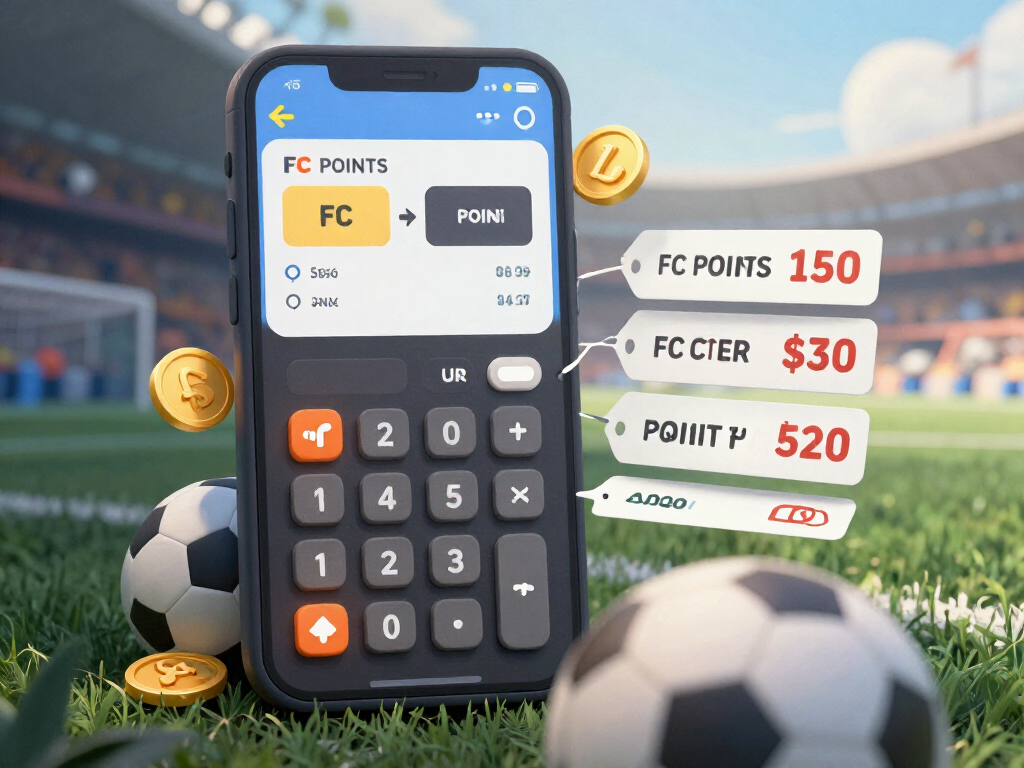
You enter your goal and the app calculates the cheapest basket of bundles — exact optimum, not an approximation — compares it with buying it all with the small bundle and shows you the price-per-unit table with the best and worst bundle marked. It also says whether the pass pays for itself with the levels you're missing and the minutes you play a day. Five currencies, and if your store's price doesn't match, you correct it and it takes precedence over the catalog. It answers how much it costs, never how to get it for free: there are no pack odds because EA doesn't publish them.
From your head to your phone in three steps
Kies de tool
Handtekening, koude e-mail, filters of sjablonen. Kom je voor iets specifieks, dan land je er direct op; de drie deterministische tools werken zonder registratie.
Vul je gegevens in
Je contactgegevens voor de handtekening, het op te lossen probleem voor het filter of de e-mail die je wilt controleren. Geen lange prompts: het fijnwerk doet de server.
Kopiëren, plakken of importeren
Je kopieert de handtekening met opmaak en plakt hem in het handtekeningvak van Gmail, downloadt de mailFilters.xml en importeert hem via Instellingen, of je neemt het sjabloon en de al gecontroleerde e-mail mee. Wij raken je mailbox op geen enkel moment aan.
Frequently Asked Questions
Latest blog articles
Guides and news to get more out of it

Stellar: Series and 3rd Anniversary of FC Mobile 27: How Much Does a Draft Really Cost and How Much OVR Does It Increase
Economics of FC Mobile 27 events: real price of FC Points, when a pass amortizes, and why a 122 OVR from the Draft only increases by 1 point.

Game Plans in FC Mobile 27: how the new formation and mentality system works (and what formation to use against each rival)
What are the Game Plans of FC Mobile 27, how to change formation in the middle of a match, and what formation to use against each rival. 2026 guide.
Build your card and do your math before you open the game
Begin met de handtekening of met de filters: zonder je mailbox te koppelen en zonder je te registreren om het uit te proberen.