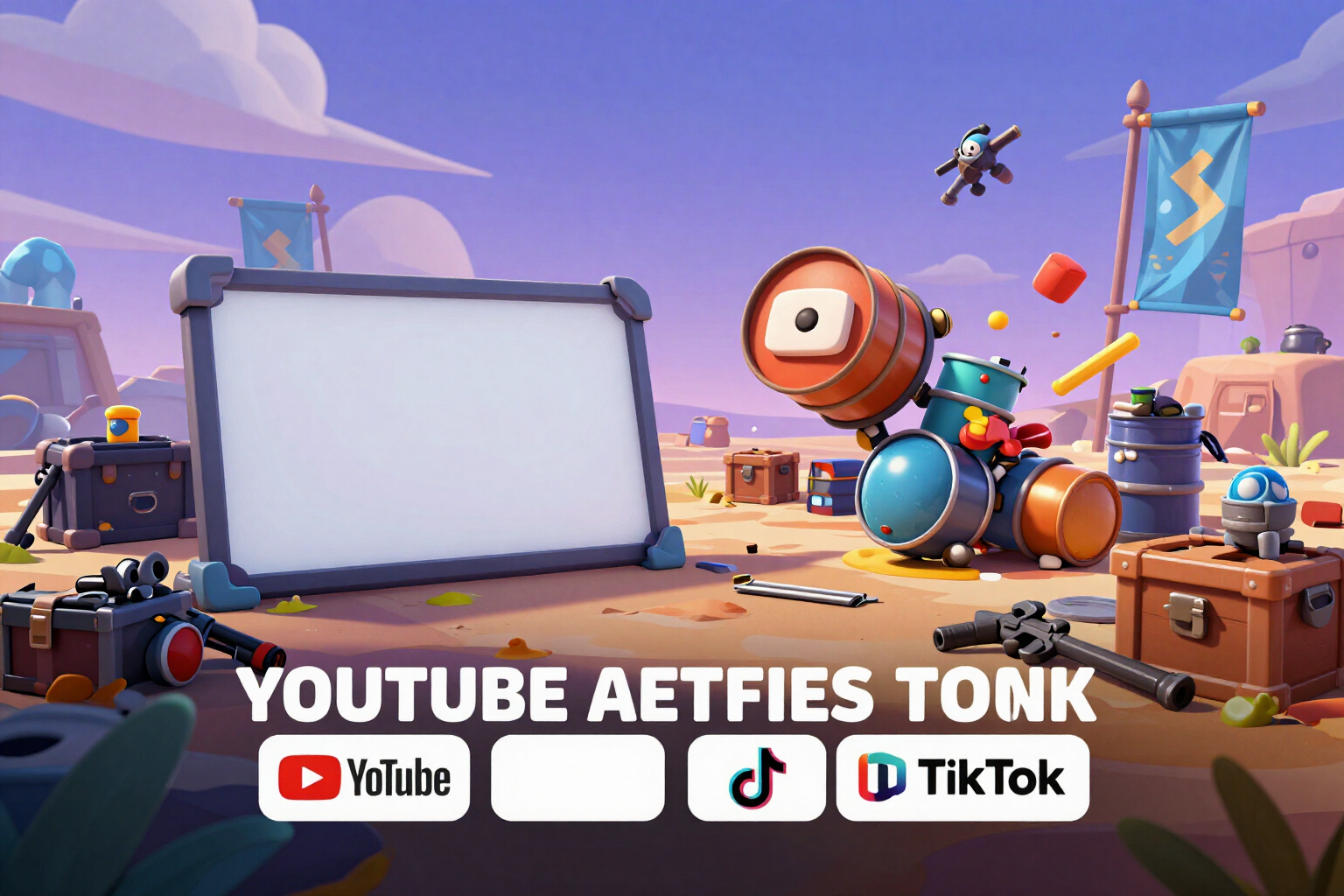
Thumbnails and banners for Free Fire: a call to AI, up to nine pieces ready for YouTube, Shorts, and TikTok
You write the hook, choose the setting and formats, and the studio returns the already composed pack: 1280×720 for video, 1080×1920 for Shorts and TikTok, 2560×1440 for the channel header, and 1080×1080 square, each in three variants for you to choose the best one.
The problem with AI-generated thumbnails is not the background: it's the text. Here, the background is painted by AI, and the title text is composed by the server with real typography.
This is the thumbnail studio of the app: you write the title or hook of your video (up to 90 characters), choose one of the 6 battle royale settings, select up to 2 stickers, and pick up to 3 formats in the same batch. From there, the AI generates a unique themed background, and the server composes all the pieces with it, so a single call to the AI can return up to nine different deliverables.
The difference lies in the division of labor. The image model is explicitly forbidden from drawing text, letters, logos, or interfaces: it only paints the environment. The title text, stickers, and framing are then assembled by the server with real condensed typography, adjusting the font size until the phrase fits in its box. That's why you don't get distorted letters or made-up words, which ruin almost all thumbnails generated in one go.
Each format is delivered in three variants A, B, and C, and they don't just change color: each one has a different hook. A uses your phrase as is, B has a trimmed version of three or four impactful words, and C turns the same idea into a question. Above each piece, you can activate the safe zone simulator, which shows where YouTube places the duration and progress bar, where Shorts and TikTok cover with the button column and text footer, and what areas a TV cuts off in the channel banner; if your title text overlaps any of these, the app will notify you.
Refining the result doesn’t require another call to the AI. Changing the color combination, moving the title text up or down between three positions, enlarging or reducing it, removing or adding stickers, or including a format you forgot instantly recomposes the pieces on the same background, without calling the AI again. And if you want the environment to resemble your match, you can upload up to 2 of your screenshots as references before generating: they are reoriented, recompressed, and stripped of metadata.
Try Thumbnails and banners right here
Use it free without an account. If you want to save your result, you can sign up afterwards.
Save / Sign upBenefits of Thumbnails and banners
One call to the AI, the entire pack
the image model paints a single background, and the server composes with it up to 3 formats × 3 variants, up to nine distinct pieces.
The AI doesn’t write the text
the title text and stickers are drawn by the server with real typography adjusted to their box, which is why you don’t get distorted letters or made-up words.
Three variants that truly stand out
A with your phrase, B trimmed to three or four words, and C turned into a question, each with its own color combination.
Safe zone simulator
mark the duration and the YouTube bar, the button column, and the footer of Shorts and TikTok, and the TV cut of the banner, and it alerts you if the title text overlaps them.
The four formats that are actually used
1280×720 for video, 1080×1920 for Shorts and TikTok, 2560×1440 for channel header, and 1080×1080 square.
Editing is free
color, three positions and three sizes for the title text, stickers, or one more format are instantly recomposed over the same background, without using another call to AI.
6 environments and 8 stickers
fiery sunset, neon, winter night, championship stage, desert, and zone wall; up to 2 stickers per piece, placed alone in a free space outside the safe zones.
Ventaja 8
Download in full resolution and without watermark, with direct saving to Photos from your mobile, and up to 2 of your captures as optional reference for the environment.
Build the thumbnail for your next video
It opens in the browser, no installation needed. Generating images requires a free one-touch account; usernames, sensitivity, and the diamond calculator work without registration.
In the features that use AI, responses are generated by artificial intelligence and are not a substitute for professional advice.