The palette of your level in HSV that the editor truly demands
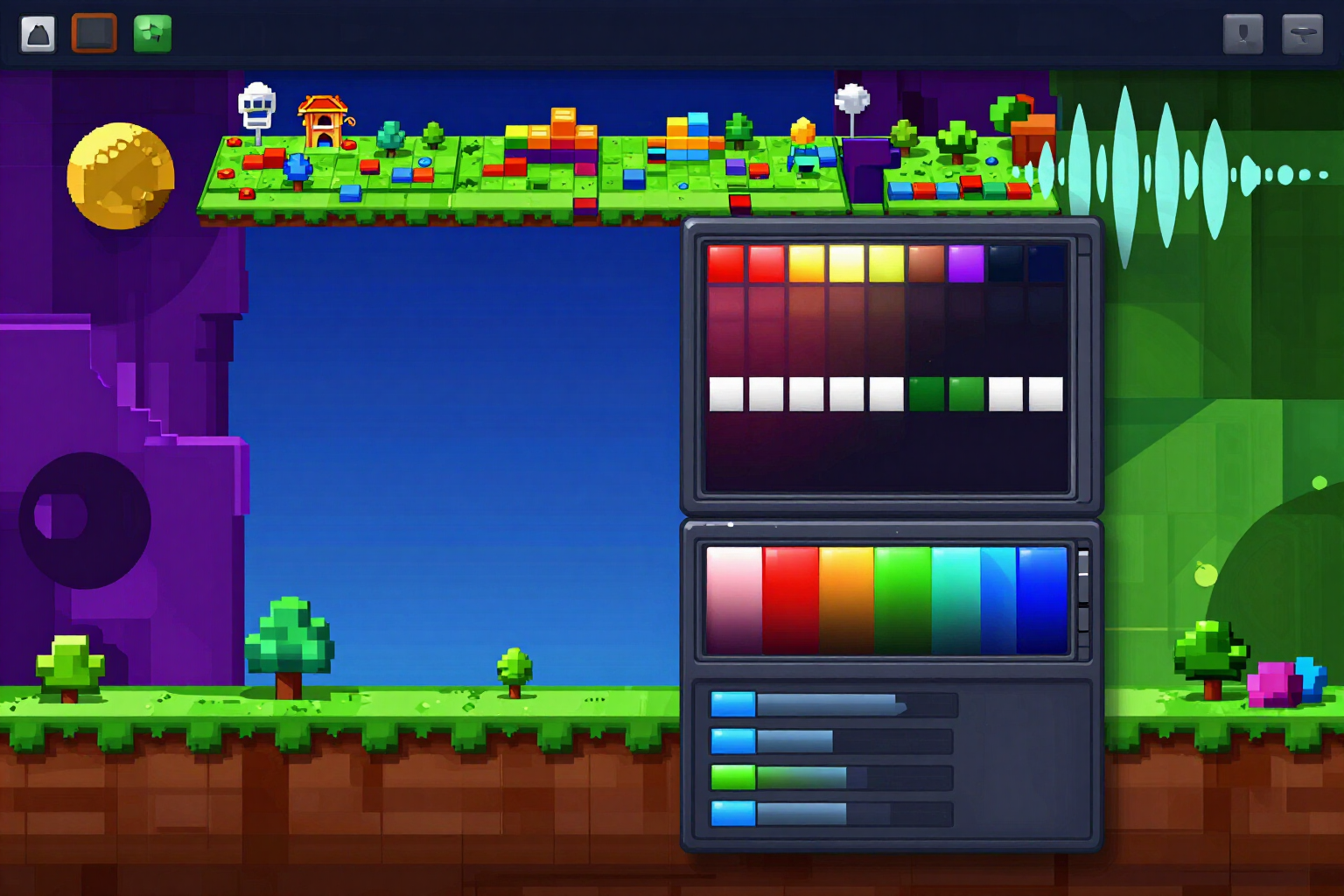
You choose style and atmosphere, and receive the seven color channels of the level —background, secondary background, floor, blocks, edge, hazards, and pulses— with their H, S, and V channel by channel, their Blending indication, and a guide of four layers. The values are corrected by the server before you see them.
No one loses a game because the level is ugly. You lose because the spike had the same brightness as the background.
The Geometry Dash editor does not work with hex codes: it works with three wheels, hue, saturation, and brightness. That’s why here the palette doesn’t come out in hex "for you to adapt it": it comes out already in H · S · V, channel by channel, in the same order you will be tapping the Color Channels.
You choose one of nine aesthetic styles (Modern Minimalist, Cyberpunk/Techno Neon, Dark/Hell Atmospheric, Art/Nature, Retro Pixel 8-bit, Space/Cosmic, Classic, Glow, and Effect), an atmosphere —gloomy, euphoric, melancholic, or mysterious, or you describe it in your own words—, mark if it is a white level, and if you have a brand color you don’t want to give up, you anchor it in hexadecimal and the palette is built around it.
What returns are the seven channels with their values, a usage note for each channel, the "Blending ON" pill in the three that require it —floor, edge, and pulses, never the collision block—, a guide of four layers (background, structural blocks, hazards, pulses), and three indications of pulses synchronized with the rhythm. Everything is copied in one touch with the format "H · S · V · hex" ready to be transferred from mobile to editor.
The important part is what you don’t see: the AI proposes the chromatic intention, but the server decides the final numbers. Before showing you anything, it checks that the background and blocks are at least 40 Value points apart, that the hazards have a 30-point margin over the background, and that the secondary background does not overshadow the main one; if something doesn’t match, it readjusts it and tells you exactly what it changed and why. A palette that violates the readability rule does not reach your screen.
Try HSV color palette for the editor right here
Use it free without an account. If you want to save your result, you can sign up afterwards.
Save / Sign upBenefits of HSV color palette for the editor
HSV, not hex
the seven channels of the level with their hue, saturation, and brightness just as you will type them in the editor. No more manually converting codes from your mobile.
The 40-point rule, applied alone
the background must be 40 Value points below the collision objects. If the proposal doesn’t meet this, the server separates the two values before showing it to you and explains the adjustment.
Dangers never blend in
a spike less than 30 points of Value from the background is an unfair death, so contrast and saturation are automatically increased.
Blending where it matters and only where it matters
ground, edge, and pulses are marked with 'Blending ON'; the collision block, never. Blending is for light, not for structure.
Collision warning with orbs
if a channel falls on the same hue as the yellow, pink, blue, green, or red orb, it tells you by name so you can add a black outline and the player can still see the orb.
Nine aesthetic styles and four environments, plus an optional anchor color in hex
if your channel has a marker color, the palette builds around it instead of ignoring it.
Guide for four layers and three synchronized pulses
not only what color, but also what goes in the background, what in the structure, what in the dangers, and when in the rhythm the level should pulse.
The first palette is free and no account required, copied with one touch and does not touch the game
it does not connect to RobTop's servers, does not edit your levels, and does not use any RobTop assets.
Your level, with colors that read at first glance
Style, atmosphere, and white level yes or no. In one minute you have the seven channels in HSV, already corrected, ready to copy to the editor.
In the features that use AI, responses are generated by artificial intelligence and are not a substitute for professional advice.