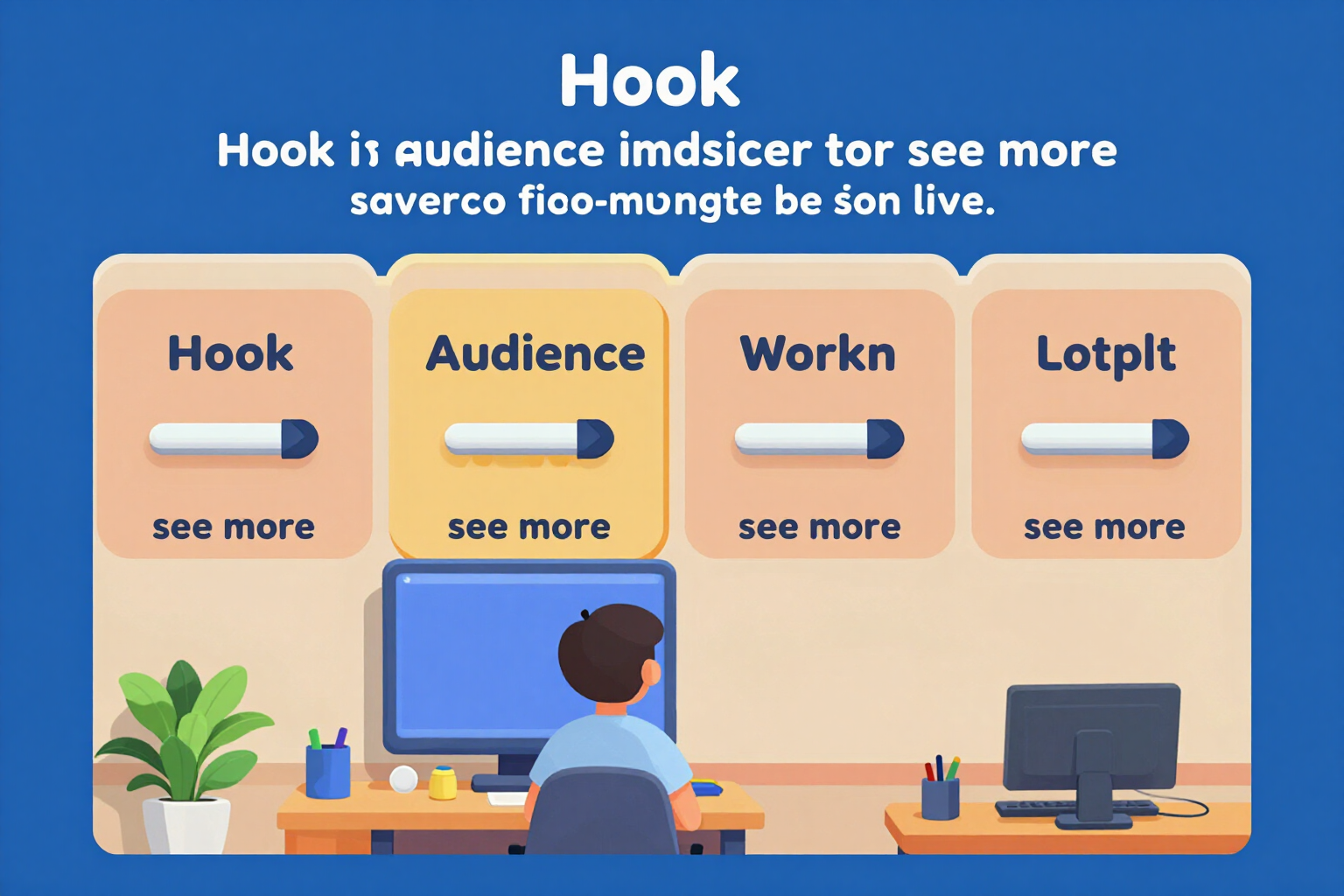
The LinkedIn 'About' in blocks, with the 'see more' line cutting off where it really does
Five blocks with their own counter, a structure validator, and the 'see more' cutoff line drawn where it actually cuts off, with what remains below faded. Deterministic, free, and without a single AI call.
Almost no one reads the 'About' section in full: what decides if they keep reading are the first two lines, the ones that fit before the 'see more'. Here you write in blocks and see exactly where it cuts off.
The block-based 'About' is the deterministic layer of the app: it runs entirely within your browser, without sending your text to any server and without costing anything. Instead of a blank box of 2,600 characters, you have five fields with their purpose and limit: Hook (240), Who you serve (400), How you work (600), Proof (600), and Call to action (240). Each one comes with a prompt of what to put — sector, size, and moment of the client; your method in three steps; figures you can prove — and its own counter, in addition to the total counter.
The centerpiece is the cutoff line. LinkedIn's 'see more' does not cut by words: it cuts at the end of the first two lines, and at most at 275 characters. The app draws that cutoff exactly there: above, in black, what is visible before anyone clicks anything; a dashed line with the label '… see more · cutoff at 275 characters'; and below, faded in gray, everything you have written and almost no one will read. It is not a visual approximation: it is the same calculation used to cut the text, applied to your blocks as you write.
The structure validator checks five things about the whole: that it fits within the limit, with the exact count; that the hook truly fills the first two lines and does not waste them; that there is at least one figure in the text; that you end with a call to action; and that there is no empty jargon, contrasting against a list of twenty-three worn terms that shows you which ones it has found. And each block is marked separately: empty, correct, or exceeded.
When you like it, the 'Copy the About' button gives you the five blocks joined and ready to paste. The app does not connect to your LinkedIn account, does not post for you, and does not read anyone's profiles: you copy and paste. The blocks are saved as a draft so you can come back tomorrow.
Try 'About' in blocks with cut-off line right here
Use it free without an account. If you want to save your result, you can sign up afterwards.
Save / Sign upBenefits of 'About' in blocks with cut-off line
The 'see more' line cutting off where it really does
not a decorative box, but the real cutoff — the first two lines or 275 characters, whichever comes first — recalculated as you write, with a dashed line and what’s below faded.
Five blocks with purpose and their own limit
Hook 240, Who you serve 400, How you work 600, Proof 600, and Call to action 240. Each field tells you what to put, so you’re not staring at an empty box.
A counter for each block and another for the total
counts graphemes with Intl.Segmenter, not code units, so a composite emoji counts as 1. If you exceed a block, it alerts you without deleting anything.
Structure validator, not a score
five specific checks —limit, leveraged hook, at least one digit, closure with a call to action, and jargon— each with a hint on what to change.
Jargon detector with the list in view
compares your text against twenty-three worn-out terms and tells you which ones it found, one by one. It doesn't remove them for you: you decide.
Zero AI calls and zero network requests
blocks, counters, validator, and cutoff line run in your browser. It doesn't consume credits, doesn't queue, and your text stays on your device. If you later want an AI rewrite, that's a separate function and it warns you before spending.
The figures come with version and status seal
the 2,600 characters and the cutoff at 275 come from a proprietary catalog marked on-screen as 'unverified'. We prefer to tell you this rather than sell you a data point as official.
Copy and paste, without connecting anything
a button gives you the five blocks combined and ready. We don't ask for access to your account, we don't post for you, and we don't analyze other profiles.
See where your 'About' cuts off before publishing
Five blocks, counter per block, and the 'see more' line drawn where it cuts off. No registration, no AI usage, and your text stays in your browser.
In the features that use AI, responses are generated by artificial intelligence and are not a substitute for professional advice.