Look at the board and see the danger painted before you move
A color overlay on your Ludo King board: in red, the attack range where each opponent can capture you; in green, the sweet spot of the 7th square; and in blue, the distant threat. Without reading a single line of text.
Risk in Ludo isn't a list of numbers: it's a place on the board. This overlay paints it on top and lets you see it.
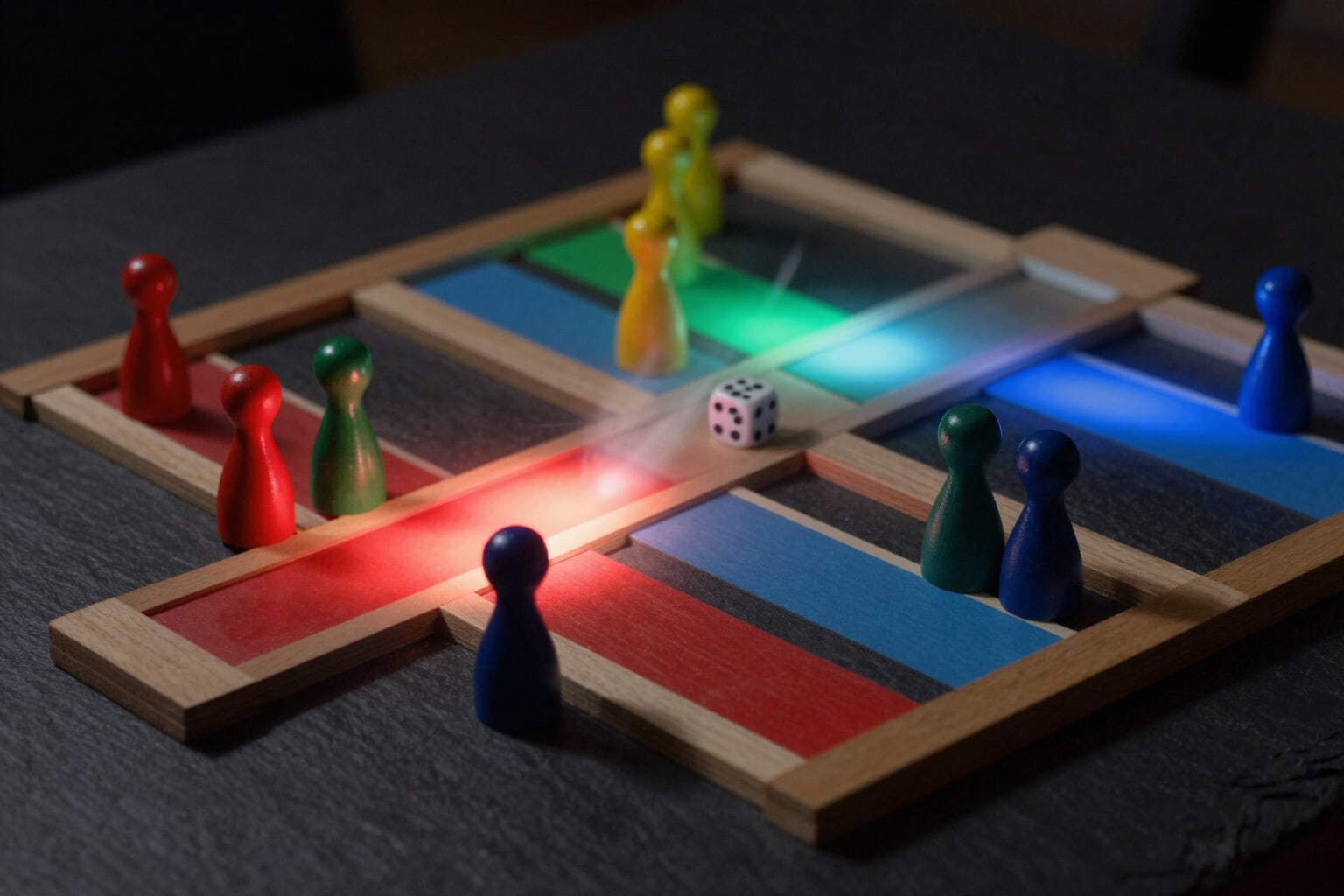
The app draws your complete board and, on top, a color overlay that translates each opponent's position into zones. From each opponent's game piece square, the next six squares—the attack range they can reach with a single die roll—are colored red. The 7th square is painted green: no die roll covers seven squares, so it's the sweet spot. From 8 to 12, the color turns light blue: there, they can't capture you in one go, but they can with a chained 6.
Red has three intensities and isn't just decorative: it counts how many different opponents cover that square. A pale red is a square threatened by one game piece; intense red means three or more opponents targeting the same spot. Thus, a position that would be eight rows in a list of percentages can be read at a glance like a map.
Threat lines are superimposed on the map: a dotted line goes from each opponent's game piece to each of your game pieces in danger, with the exact distance in squares written in the center. The line is red when the opponent can capture you with a single number, and blue when they need a 6 plus another number. If there are too many, you tap an opponent's game piece, and the overlay will only show its zone: you see exactly what that game piece threatens and nothing else. The «See All» button restores the full view.
The overlay turns on and off with the eye button, has its own legend below the board (danger, safe, distant), and recalculates automatically as soon as you move a game piece or change the number of players. Safe squares keep their star even if they are within a red attack range, and opponent game pieces still in the yard don't paint a zone until they enter the path, because until then they don't threaten anyone.
Try Board Danger Zones right here
Use it free without an account. If you want to save your result, you can sign up afterwards.
Save / Sign upBenefits of Board Danger Zones
You understand it without reading
the distance tactic stops being an explanation and becomes a color on the square you were about to move to.
Red measures accumulation
three shades depending on one, two, or three or more rivals covering the same square. You instantly see which is the worst spot on the board.
Square 7 in green, with purpose
it's the only distance that no die roll reaches in one turn, and it remains marked on the entire board at once.
The blue zone from 8 to 12 warns of what almost no one calculates
you won't be captured there in one go, but you can be with a chained 6.
Threat lines with the distance written
from which rival token it comes, to which of your tokens it points, and how many squares away it is. Red if it reaches you directly, blue if it needs a 6.
Touch a rival and isolate their zone
the overlay shows only that attacker when the board is too crowded to read entirely.
It recalculates instantly with every token you place or move, and respects the end of each rival's path
it doesn't show threats that can no longer be executed.
External analysis tool
you replicate your position in the app; the game is not touched, nor is anything overlaid on the real game. Free and without registration.
Your board, with the danger painted on it
Place your pieces and those of your rivals and see where the red is, where the green is, and which line points to which of your pieces. Free, without registration, and without installing anything.
In the features that use AI, responses are generated by artificial intelligence and are not a substitute for professional advice.