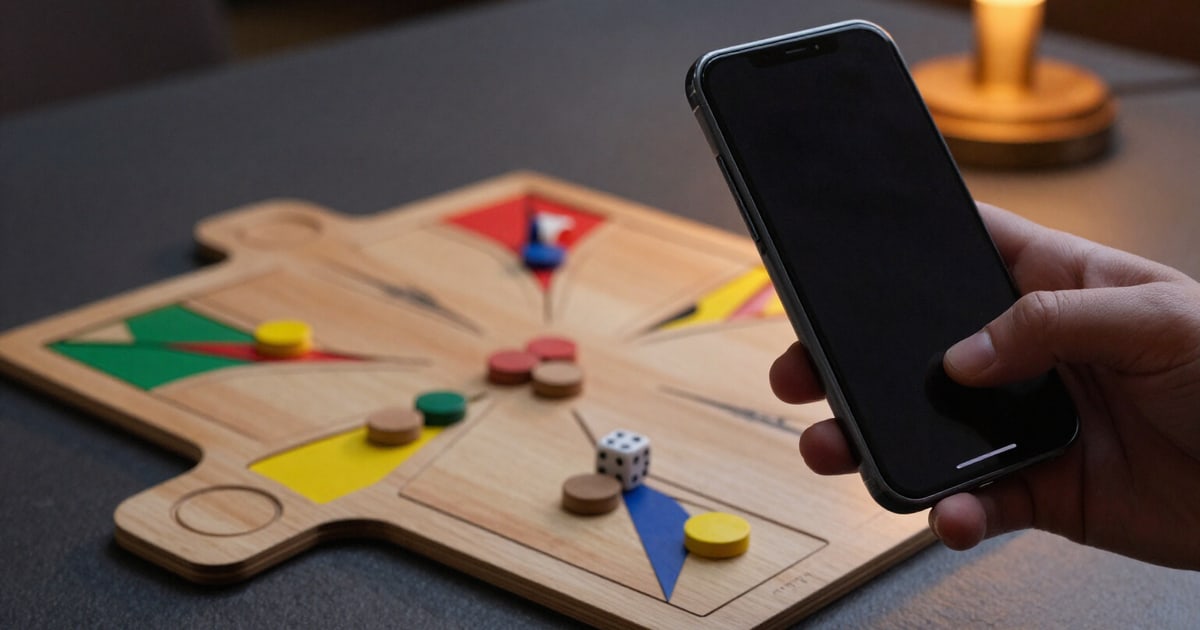
Upload your game screenshot and the board sets itself up
A vision model reads your Ludo King screenshot, suggests where each piece is and even the number you rolled on the die. You review anything that doesn't look right with your finger and the analysis comes out instantly. The screenshot isn't saved anywhere.
Setting up pieces by hand is just a few taps, but when the board is full the screenshot is faster. This is that shortcut.
You choose the screenshot from your gallery or take a photo of the screen, and the image travels to a vision model that returns the board state in the app's internal coordinate system: how many squares each piece has advanced from its own start, which ones are still in the yard, which are going down the coloured home stretch and which have reached the goal. If the active die can be distinguished in the screenshot, it reads that too: when you confirm the board, the analysis comes out solved without you pressing anything else.
The model's response isn't taken at face value. It's validated against the real geometry of Ludo: each colour has exactly four pieces, two different colours can only coexist on a safe square, and a normal square can't hold more than two pieces of the same colour. What doesn't fit isn't brutally discarded: it's flagged as uncertain and the app tells you how many pieces remain to be confirmed, so you only review those and not all sixteen.
No scanned board enters the analysis without going through the review screen. There you tap a piece and then the square, home stretch, goal or its yard to place it where it belongs. If the proposed board is impossible, the analyse button tells you so instead of giving you advice based on a position that doesn't exist. And if the screenshot isn't a game board — the menu, the shop, the lobby, a conversation — the app recognises it and tells you rather than making up pieces.
The scanner is a shortcut, never the main route: on every screen you have the button to set up by hand, which is free and unlimited. It's external analysis on your own screenshot: Ludo King isn't touched, the game isn't read and nothing is overlaid on top of the game.
Try Board scanner from screenshot right here
Use it free without an account. If you want to save your result, you can sign up afterwards.
Save / Sign upBenefits of Board scanner from screenshot
One screenshot instead of sixteen taps
you choose the image from the gallery or snap the photo, and the board appears proposed.
The image isn't saved
it's used for inference in memory and discarded when the request finishes. It doesn't go to any storage, there's no file left to delete.
It also reads the die
if the number you rolled is visible in the screenshot, when you confirm the board you already have the recommended move without tapping the die.
Uncertain items are flagged, not let through
anything that fails geometric validation is highlighted with a counter of pieces to confirm, so you review four instead of sixteen.
Impossible boards blocked
two colours on a normal square or three pieces of the same colour stacked are detected and explained before analysing anything.
Finger correction
tap the piece and then its square, its home column, the goal or its yard. No surgeon precision and no starting over.
If the screenshot isn't a board, it tells you
the menu, the shop or a chat are recognised as such instead of returning a made-up position.
Manual entry always available
placing by hand is free, unlimited and without an account. The scanner is the shortcut, never the toll gate.
Your game, read from a screenshot
Upload the screenshot, check what the app flags as uncertain, and see the best move with its real risk. No installation, no touching the game.
In the features that use AI, responses are generated by artificial intelligence and are not a substitute for professional advice.