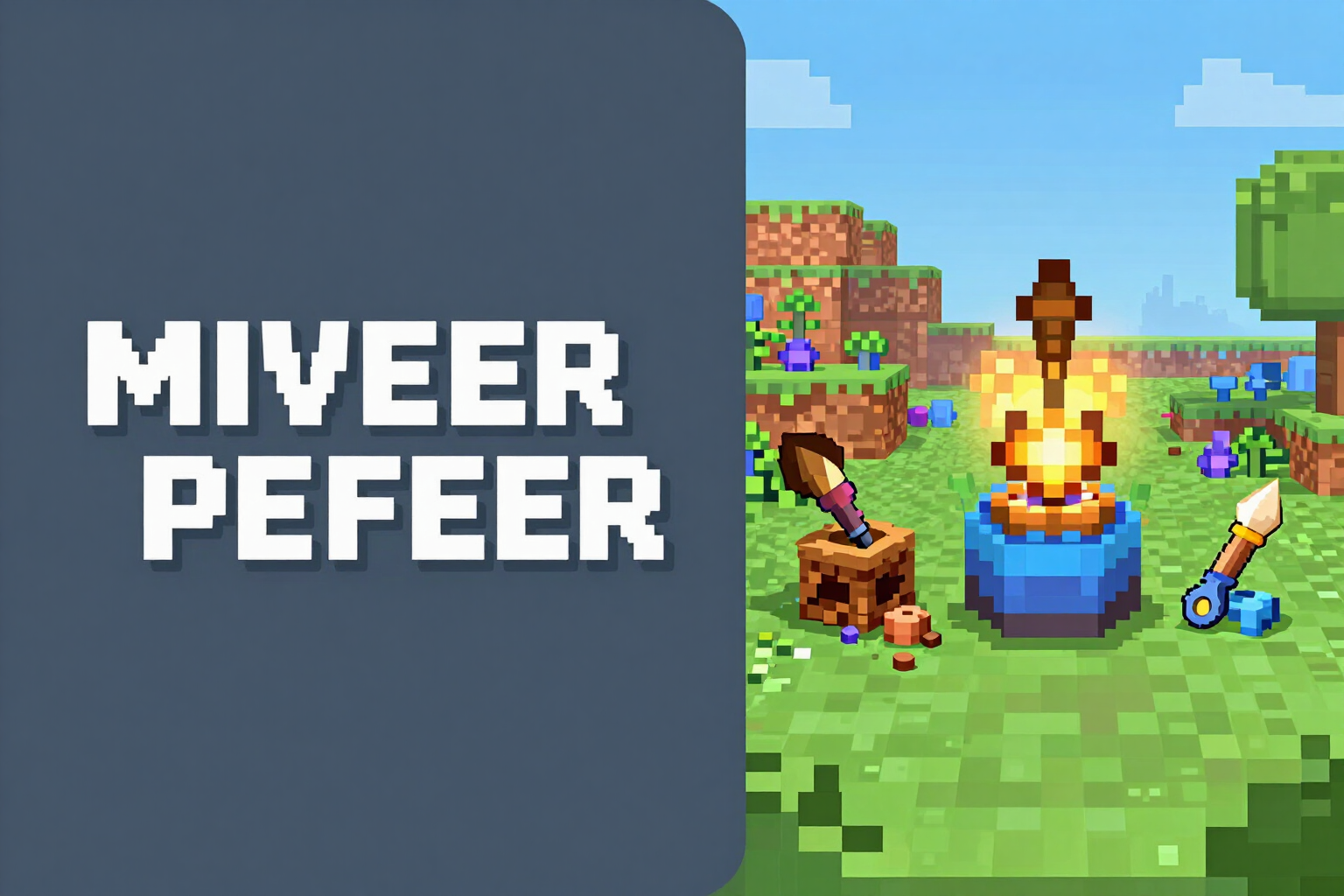
64×64 server-icon.png Generator with AI
Describe your server, choose the style, and download the server-icon.png measured at exactly 64×64. If it doesn't measure, it won't be delivered.
The icon is the only thing visible for your server in the list, next to the MOTD. The game only accepts a 64×64 PNG: no 65, no 128, and no renamed JPG.
You write the server name and its theme ("atlante skyblock", "medieval pvp"), choose one of the four styles —Pixel art, Emblem, Mascot, or Symbol— and the request is queued. An image engine paints the large art at 1024×1024 and from there the AI no longer intervenes: the app crops the central square, reduces it to 64×64 with sharp scaling, and if you’ve provided initials, it draws them on a lower band itself. The prompt states "no text, no letters, no numbers" precisely because image models write poorly: the two letters are composed by the app, never the model.
Then comes the part that almost no tool does: the app reopens the PNG it just wrote and measures it. If the binary does not yield exactly 64×64, the icon is not delivered, and it tells you; there’s no "it should be fine" here. It also calculates the actual contrast of the image at that size, because at 64 pixels a detailed landscape turns into mush: if the result looks flat, it warns you that it is hard to read and suggests cropping closer to the main element.
While it's being designed, you can go to another tab of the server kit: when you return, the icon is there. You see it at full size and also mounted on the server list card next to your MOTD, which is how your player will see it. Then you download it with its name, server-icon.png, to place it in the root of the server next to server.properties. The art is saved and reused by the server and Discord banner generator, so the emblem is the same everywhere.
This feature is part of Minecraft at AiToolsForApps (https://aistohire.com) and lives in the Server studio, Icon tab. NOT AN OFFICIAL MINECRAFT PRODUCT. NOT APPROVED BY OR ASSOCIATED WITH MOJANG OR MICROSOFT.
Try 64×64 Server-icon with AI right here
Use it free without an account. If you want to save your result, you can sign up afterwards.
Save / Sign upBenefits of 64×64 Server-icon with AI
64×64 measured, not promised
the app re-reads the PNG it has written and checks its dimensions against the binary. If they are not exactly 64×64, the icon is not delivered.
Readability notice
measures the contrast of the final image and tells you when it looks flat at that size, with the recommendation to crop closer to the main subject.
Four styles designed for a tiny icon
Pixel art, Emblem, Mascot, and Symbol. All with a strong silhouette, a single centered subject, and a simple background.
The letters are drawn by the app
you add two initials and they are composed on a lower band. The image model is prohibited from writing text, which is where it always fails.
No waiting on screen
generation goes in queue. You continue working on the MOTD or on the names, and the icon appears when it’s ready.
You see it as your player will see it
at full size and within the server list card, alongside your MOTD.
Ventaja 7
Download with the correct name, server-icon.png, ready to copy to the root of the server alongside server.properties.
Art is reused
the same emblem feeds the server banner and Discord, and if you prefer your own logo, you can convert it to 64×64 from the same tab.
Your server deserves better than the default gray cube
Describe your server, choose the style, and download the verified 64×64 server-icon.png. Free account with one click to generate and download.
In the features that use AI, responses are generated by artificial intelligence and are not a substitute for professional advice.