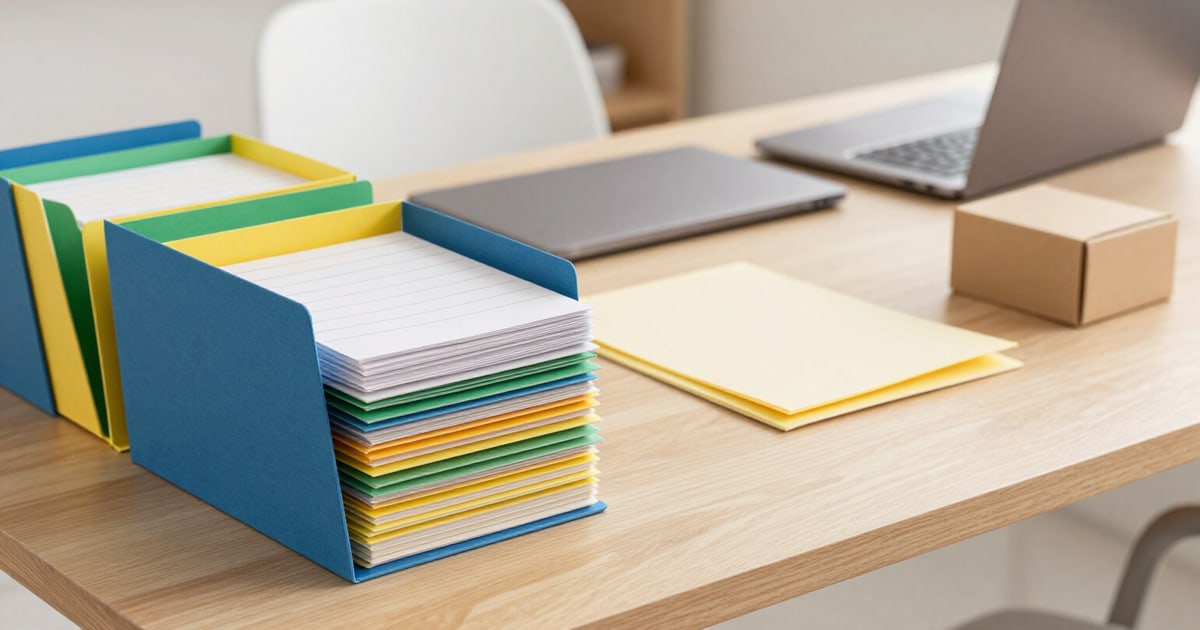
Your project's folder structure, set up and ready to drag to Drive
Tell us your project name and what you do: we set up the complete folder structure, numbered so Google Drive sorts it automatically, and give it to you in a ZIP to unzip and drag.
A messy Drive isn't fixed with willpower: it's fixed with a structure someone decided before you started saving files.
You type the project name and choose your work type from eleven: agency, law firm, construction site, event photography, teaching, consulting, clinic, real estate, architecture, e-commerce, and final degree project. If none fit, you describe it in your own words. The app sets up the entire structure based on a five-folder root lifecycle: what comes in, what's in progress, what's awaiting client review, what's already delivered, and what's archived upon closing.
Each folder has a numeric prefix before its name, and that's not just decoration: Drive sorts alphabetically, so without a number, the file ends up before the entry. With numbering, the order you see in Drive reflects the workflow. The structure stays at a maximum of three levels — if generation produces something deeper, it flattens itself — to remain navigable on mobile, where each extra level means two more taps.
The structure isn't fixed: before downloading it, you can rename folders, add your own, move them, delete them, and revert to the original structure if you went too far. You also decide if each folder includes its guide file, a short text explaining what goes there and what doesn't, so the rest of the team doesn't have to guess. If you try to create a fourth level, it warns you that you're breaking the rule before letting you proceed.
Try Folder structure in ZIP right here
Use it free without an account. If you want to save your result, you can sign up afterwards.
Save / Sign upBenefits of Folder structure in ZIP
Eleven real work typologies
it’s not a generic folder template. An agency, a construction site, a clinic, and a final degree project don't store the same things, so the second-level folders change with the typology you choose. And if your case isn't on the list, you describe it in one sentence, and it's built from there.
Numeric prefixes that force the order
Drive sorts alphabetically, but you work in phases. The number at the beginning of each name ensures the input folder is at the top and the file at the bottom, without you having to reorder anything manually or relying on your team to see it the same way you do.
Three-level limit designed for mobile
the folder structure won’t get out of hand. If the generation produces something deeper, it automatically flattens, because a five-level folder exists, but nobody opens it from their phone.
Each folder explains what goes inside
you can include a guide file in each one with its purpose, so the structure is maintained when others use it. If you don’t want it, you turn it off with a toggle switch before generating the ZIP.
Editable before downloading
rename, add, move, and delete folders on the proposed structure, and restore the original whenever you want. The app warns you if a name conflicts with another or if you exceed the depth limit.
ZIP with instructions inside, different for desktop and mobile
includes the warning everyone discovers too late, that Drive doesn’t unzip ZIP files. You unzip it on your computer and drag the already assembled folder.
Alternative without downloading anything
the app gives you an Apps Script script that creates the structure within your own Drive, with dry run mode activated so you can first see what it would do, and that reuses existing folders instead of duplicating them.
Without connecting your Google account
no permissions to grant nor tokens saved. Only the project name and your work type are sent; the app does not access your Drive and does not see, open, or save any of your files.
Your next project can start organized right away
Set up the folder structure without signing up: you have two trial generations. Downloading the ZIP requires a free account, and with it, you keep your structures to reuse them in your next project.
In the features that use AI, responses are generated by artificial intelligence and are not a substitute for professional advice.