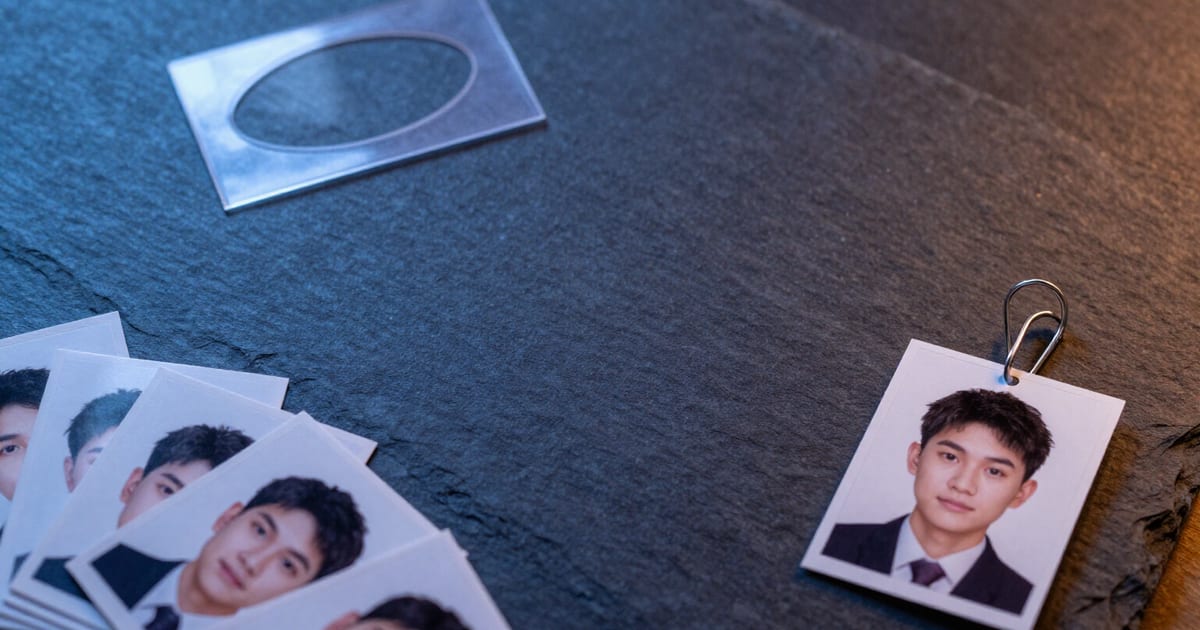
Passport photo 35×45 mm: frame the head with a template and download it instantly
The editor opens full screen with an oval-shaped mask and two guide lines —for the crown of the head and eye level—, and the crop box turns green when the head is correctly positioned.
The passport photo always goes wrong at the same point: nobody knows how much of the head should be included, where the eyes should be positioned, or how many pixels 35 by 45 millimeters translates to.
Within the AiToolsForApps mini app for Google Photos, the passport photo format is one of the crops in the «Crop» tool: you choose «Documents · Passport Photo (35 × 45 mm)» and each photo in the batch is rendered to the standard European size, calculated at 300 DPI (dots per inch), meaning exactly 413 × 531 pixels. The aspect ratio is locked and the format cannot be rotated: there's no way you'll end up with a landscape passport photo or an incorrect ratio.
What makes it different from a normal crop is the framing. When you activate the format, the app notifies you that the head needs to be positioned manually and takes you to the editor, which occupies the entire screen: inside the crop box you will see a dashed-outline ellipse and two amber lines, one at the crown of the head and another at eye level. You move the photo with one finger, zoom in with a pinch gesture, and a double tap returns you to the automatic framing; on a computer, you drag with the mouse and zoom with the scroll wheel. When the head is within the correct zone, the border of the crop box and the ellipse turn from amber to green. There's a button to restore the automatic framing, arrows to move from one photo to another without exiting, and a button to apply the same framing to the entire batch. And the zoom has a hard lower limit: it won't let you zoom in so much that the photo drops below the 413 × 531 pixels required by the format, and if a photo doesn't meet that resolution, it will notify you before processing.
It's important to be clear about what this is not. We do not validate the official compliance of the photo: we do not check the background, nor the expression, nor glasses, nor any requirement of the country requesting it; you must check that yourself, and the warning is permanently displayed in the editor, not hidden in fine print. We also do not change the background or make it white, and we do not use face recognition: the green line is a visual aid calculated using the point of interest the server estimates upon upload, not a biometric measurement of your face.
The passport photo is combined with the rest of the batch like any other crop: you can request the passport photo and other formats simultaneously, and the ZIP file arrives organized into subfolders by destination, the passport photo file is marked with the corresponding suffix, and you choose whether you want JPG, WebP, or AVIF. Everything happens in the browser: there's no OAuth, no access to your account or your Google Photos gallery —you upload the photos yourself—, and both the originals and downloads are deleted from our server within two hours, or sooner if you click immediate deletion.
Try Passport Photo 35×45 mm right here
Use it free without an account. If you want to save your result, you can sign up afterwards.
Save / Sign upBenefits of Passport Photo 35×45 mm
The standard European size, in actual pixels
35 × 45 mm calculated at 300 DPI are 413 × 531 pixels, and that's exactly what you download. The aspect ratio is locked and the format cannot be rotated, so there are no accidental landscape passport photos.
Template with an oval-shaped mask and two guide lines
a dashed-outline ellipse for the face and two amber lines that mark where the crown of the head and eye level should be. You stop guessing how much of the head needs to be included.
Green when the head fits
as soon as you place it in the correct area, the crop box and ellipse turn from amber to green. It’s a visual aid for framing, not an official compliance stamp.
Designed for thumb use
one finger moves the photo, pinch to zoom, double tap restores automatic framing, and there’s a magic wand button to reset. On a computer, use drag and the mouse wheel.
Same framing for the entire batch
if you’ve uploaded multiple shots, you frame one and apply it to all with a button, or navigate from photo to photo with the arrows without leaving the editor.
The zoom has a lower limit and sharpness is warned
you can’t zoom in so much that the photo falls below the format’s 413 × 531 pixels, and if a photo barely meets the resolution for printing, the app tells you before processing it.
Honest about what we don’t do
we don’t validate official compliance, we don’t change or whiten the background, and we don’t use face recognition. The notice for you to check your country’s requirements is always visible in the editor.
No registration and no logging into your account
it works in the browser, there’s no OAuth or access to your Google Photos gallery, and your files expire in two hours or are deleted instantly if you request it. As a guest, you can try it with a batch of up to 10 photos.
Crop your passport photo in your browser, no installation needed.
Try it without signing up, with a batch of up to 10 photos. With a free account, the batch limit increases to 100 photos, and your cropping settings are saved for next time.
In the features that use AI, responses are generated by artificial intelligence and are not a substitute for professional advice.