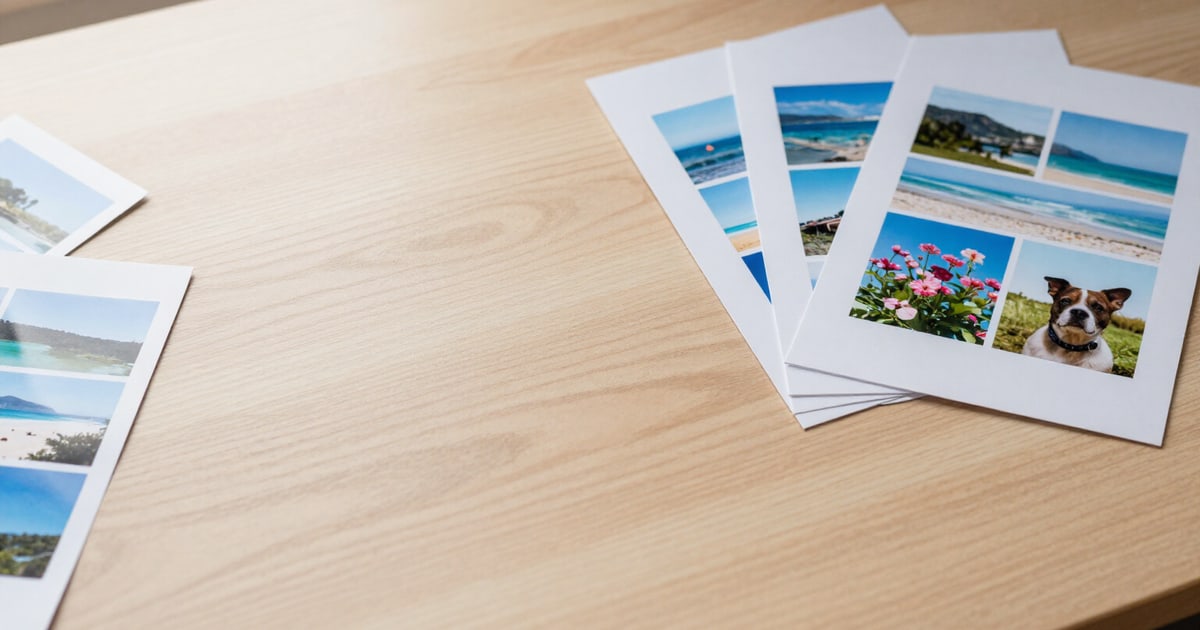
Printable PDF Album: your photos laid out on A4 or Letter and ready for the print shop
Choose 1, 2, 4, 6, or 9 photos per page, and the server returns a PDF with a cover, intact proportions, and not a single watermark.
Printing photos from your phone almost always ends in the same scene: dragging images into a text document, struggling with margins, and discovering at the shop that they came out stretched.
This Google Photos feature takes the batch of photos you just uploaded and lays them out into a real PDF: A4 (595×842 pt) or Letter (612×792 pt) page, one-centimeter margins, and the layout grid you choose—1, 2, 4, 6, or 9 photos per page—. Each image is uniformly scaled to fit its cell and centered within it: it is never stretched or cropped to fill the space. And when the last row is incomplete, the remaining photos are centered in the row instead of being left-aligned, which is the detail that betrays a handmade album.
The PDF includes an automatic cover: the title you write (or the date range the app extracts from your photos’ EXIF data), an optional subtitle, the number of photos, and the image you starred, almost full-page, framed, or without a photo. If you wish, a caption is printed below each image with the date it was taken, with the description generated by the AI, or with both; captions are supported in grids of up to 4 photos per page, because with 6 or 9, the text would no longer be legible.
The server generates it using PDFKit and sharp, and each image is embedded exactly to the pixels required by its cell, according to the profile you choose: share, at 150 dpi, for sending via WhatsApp or email; print, at 300 dpi, which is the resolution a print shop requires. If an image doesn't meet that resolution in its cell, it warns you before you pay for printing. The PDF is output in sRGB, without watermarks, logos, or anything added to the footers: a standard document accepted by any print shop. It is downloaded separately from the image ZIP and is deleted from our server when the batch expires, after two hours.
Try Printable PDF Album right here
Use it free without an account. If you want to save your result, you can sign up afterwards.
Save / Sign upBenefits of Printable PDF Album
Five layout grids and two paper sizes
1, 2, 4, 6, or 9 photos per page on vertical A4 or Letter, with one-centimeter margins and uniform spacing between photos. No manual layout in a word processor.
Proportions are untouched
each photo is scaled by its narrowest side and centered in its cell. No stretching, distortion, or surprise cropping to fill the space.
Centered last row
If you have 7 photos in a 4-photo grid, the three remaining photos are centered in their row instead of being cluttered to one side. The result looks professionally laid out.
Automatic cover with date range
The app reads the EXIF data from the batch and composes «from [start date] to [end date]» plus the number of photos, with your title and subtitle. The cover photo is the one you mark with a star, almost full-page, framed, or without a photo.
True print resolution
«Print» profile at 300 dpi or «Share» profile at 150 dpi, and each image is recompressed to the exact size of its cell. If a photo doesn’t meet the dpi requirements for its slot, the album warns you.
Captions with date or AI description
Below each image, in small print, with the capture date, the text the AI has written about what is visible, or both separated by a dot. Available in 1, 2, and 4 photos per page grids.
Zero watermarks and zero logos
neither on the cover, nor at the bottom, nor on the photos. It's a standard sRGB PDF that any print shop prints without question. (For professional CMYK printing, it will tell you no: we state this in the tool itself.)
No installation and no access to your account
It works in the browser, you upload the photos, there's no OAuth or access to your Google Photos gallery, and the PDF, ZIP, and original files are deleted from our server after two hours.
Upload your photos and download the laid-out PDF
Without signing up, you can try it with a batch of 10 photos and a PDF of up to 12 pages. With a free account, the album can reach 120 pages, and your grid, paper, and print profile are saved.
In the features that use AI, responses are generated by artificial intelligence and are not a substitute for professional advice.