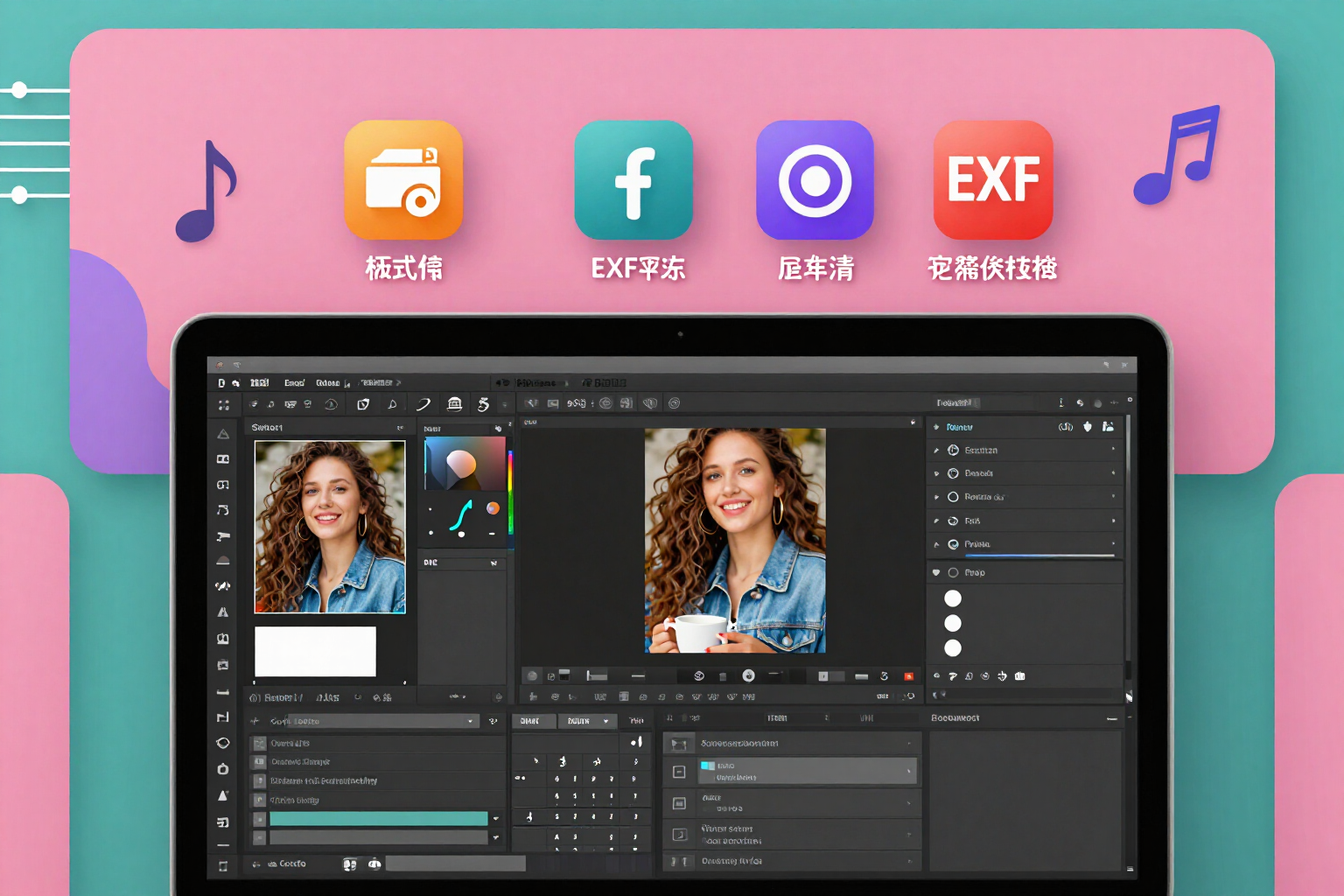
Fix my photo for Spotify: square, in JPG and to the exact file size
No artificial intelligence and no design needed: upload your photo, adjust the framing with two sliders, and download the 1000 × 1000 file that Spotify accepts as is.
You don't want generated art: you want Spotify to stop rejecting the photo you already like.
AI tools for Spotify, the AiToolsForApps app, has two equal paths in cover art creation: creating art with artificial intelligence or fixing your own photo. This page is the second, and no model is involved: it’s image processing on the server. You upload a JPG or PNG, crop it, and receive the binary that Spotify does not reject.
The order of operations is what prevents surprises. First, the EXIF orientation of your photo is applied and that metadata is discarded, so it doesn’t appear rotated; then the largest square that fits is cropped, with the framing you adjusted using the horizontal and vertical sliders over a thirds grid; next, it is rescaled to exactly 1000 × 1000 using lanczos3; it is flattened onto white to remove the transparency of PNGs and converted to sRGB. The final JPG comes out clean: no alpha channel, no strange profiles, and no information from your camera or phone.
The file size is also not left to chance. The export does an iterative quality search: it starts at 90 and goes down to a minimum of 62 while the file does not meet the target of around 600 KB, with a hard limit of 1.5 MB. When finished, the server reopens the file it just wrote and measures width, height, format, alpha channel, color space, and actual bytes: that’s what the badge accompanying your piece shows, and that’s why it can turn green or amber with the specific cause.
Two honest warnings, because the app shows them on screen. If your photo was less than 1000 px on the short side, it is enlarged and you are informed: it loses some sharpness and it’s better to look for the original. And if you upload a HEIC from iPhone, it is not converted: it is rejected with a message asking you to share it as JPG from Photos, which is the path that does work. If you also had a title set in the studio, it is composed over the photo with the legibility treatment that the server measures against the background itself; if not, the photo remains as is, without text.
Try Fix my photo right here
Use it free without an account. If you want to save your result, you can sign up afterwards.
Save / Sign upBenefits of Fix my photo
Zero artificial intelligence in this path
your photo is your photo. Nothing is generated or reinterpreted; it is only converted, cropped, rescaled, and compressed on the server with sharp.
Your framing, not automatic
two sliders move the square crop horizontally and vertically over a thirds grid, so the face or detail that matters isn’t left out.
The dimensions are non-negotiable
1000 × 1000 pixels exactly rescaled with lanczos3, the size with which Spotify does not crop or rescale on its own.
Orientation corrected and EXIF removed
the photo rotation is applied before cropping and the metadata is discarded, so the final JPG does not appear rotated and does not carry information from your camera, mobile, or location.
PNG with transparency without black edges
the image is flattened on white, the alpha channel is removed, and it is converted to sRGB before exporting. This is exactly what causes strange colors when uploading a transparent image.
Measured compression, not a fixed number
JPEG quality drops from 90 to 62 only as needed to meet the target of around 600 KB, capped at 1.5 MB. If it doesn't meet that, it delivers the file with its actual size visible.
The result is re-checked
after exporting, the server opens the file and measures width, height, format, alpha, color space, and bytes. The badge displays those measured numbers and not a promise.
And you see it before uploading
your fixed photo goes through the playlist, lock screen, and thumbnail simulators, with a micro-guide on where to apply it on Spotify and download with saving to Photos on mobile.
Your photo is valuable: what’s wrong is the file
Exploring the app, styles, and specifications sheet is free and requires no registration; processing and saving your fixed photo requires a free account, no credit card needed. AI tools for Spotify is the AiToolsForApps app that creates cover art, names, and descriptions for your playlists and measures the file size of each delivered file: https://aitoolsforapps.com/spotify-playlist-covers-names-and-descriptions-222
In the features that use AI, responses are generated by artificial intelligence and are not a substitute for professional advice.