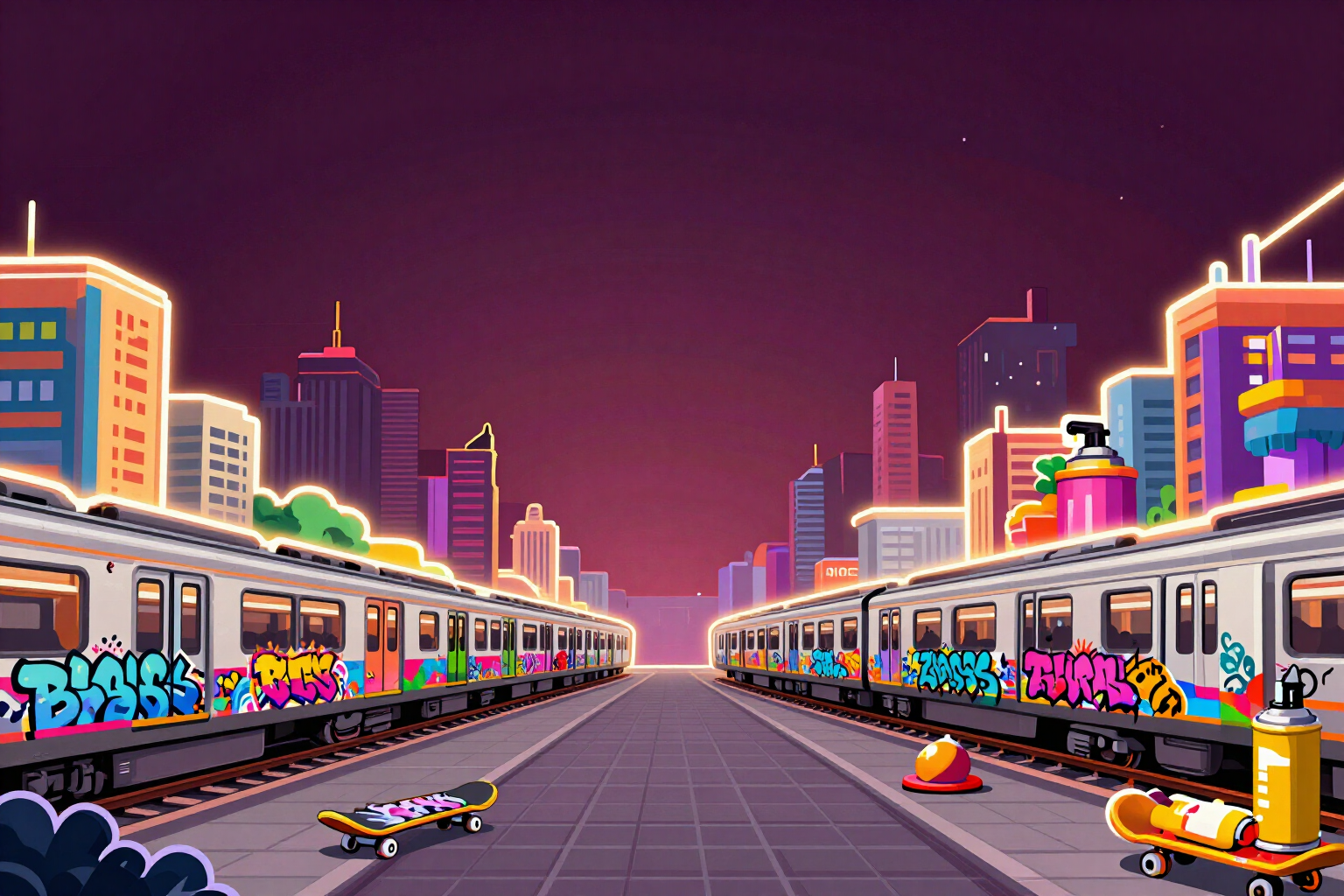
Listing screenshots at the exact pixels Google Play and App Store require
Choose the format, describe the setting and write up to three captions. We give you back the screenshots at the exact size the listing requires, with the caption composed on the server and readable over any background. Changing it afterwards is free.
A screenshot rejected over 40 pixels costs you the same launch day as a bug.
Stores don't accept "close enough". Google Play wants the phone screenshot at 1080×1920 and the tablet one at 1200×1920; App Store requires 1290×2796 for the 6.7" iPhone and 2048×2732 for iPad. If you upload a 1024×1024 image because that's what some generator handed you, the listing bounces it back and you start over. Here you pick one of those four formats by name and the file comes out measured to that pixel: the scene is cropped to cover and centered, so the result is never an approximate rescale.
The other problem with generating screenshots with AI is text. Image models write badly: crooked letters, made-up words, accents that don't exist. That's why the AI here is forbidden from writing a single letter: it only paints the game scene -three-lane chase, jump over an obstacle, active power-up, character showcase or world view- over the setting you describe and with your accent color. The caption is composed afterwards by our server, with real typography, centered, automatically fitted to the width and split into two or three lines if needed.
And before stamping it, the server looks at the photo. It measures the luminance and noise of the top strip where the text will land: if that area turns out bright or busy, it adds a dark gradient plate so the caption stays readable; if the sky is already dark and clean, it skips it and the image breathes. Below the text sits a short bar in your accent color, which gives brand continuity across the three screenshots in the batch.
The part most people appreciate comes last: the caption and the scene are separate pieces. The uncaptioned scene is saved, so fixing a typo, changing the pitch or trying another sales hook recomposes the image instantly and doesn't cost another generation. And if what doesn't convince you is the photo, you request another scene for that specific screenshot while keeping the text you already fine-tuned.
Try Exact-size screenshots right here
Use it free without an account. If you want to save your result, you can sign up afterwards.
Save / Sign upBenefits of Exact-size screenshots
Four formats by name, not by approximation
Google Play phone 1080×1920, Google Play tablet 1200×1920, App Store iPhone 6.7" 1290×2796 and App Store iPad 2048×2732. Pick the format chip and the PNG comes out at that exact size.
Zero AI-generated text
the model is explicitly forbidden from writing letters, numbers or logos. The caption is composed by the server with real typography, so there are no distorted words or made-up accents.
The caption is always readable, because the server measures the background
it calculates the luminance and noise of the top strip and only adds a dark gradient plate if that area turns out bright or busy. It's not a filter applied always "just in case".
Changing the caption is free
the scene without text is saved separately, so fixing a typo or trying another pitch recomposes the image instantly without spending a new generation. You can iterate on the sales copy as much as you want.
A new scene without losing the text
if one of the three screenshots doesn't convince you, request another photo just for that slot and the caption you already fine-tuned stays exactly as it is.
Three screenshots from one batch, with the same identity
same format, same setting and same accent color across all three, each with its own scene type and caption. It's a coherent set for the listing, not three loose images.
Thumbnail readability warning
if a caption goes over 34 characters, we warn you it won't be readable in the store thumbnail, and we still wrap it into lines so it doesn't overflow.
Original material and direct download
scenes are painted from scratch for your game, with a zoom viewer and a download button for each screenshot. If you request characters from another brand, the tool tells you and reinterprets the idea with your own material.
Your three screenshots, measured to the pixel, ready to upload
Screenshots need a free account because the images are generated on our servers. The economy calculator, the difficulty ramp and the pattern generator can be used before signing up.
In the features that use AI, responses are generated by artificial intelligence and are not a substitute for professional advice.