Try Threads — Measured Posts, Story Cards, and Fitting Bios now, no sign-up needed

Threads — Measured Posts, Story Cards, and Fitting Bios · Measured Threads, ready cards, and a bio that fits
Measure 500 characters as Threads counts them, see where the feed truncates before publishing, and download your post as a 1080×1920 card for Stories. Without connecting your account and without signing up.
In the features that use AI, responses are generated by artificial intelligence and are not a substitute for professional advice.

커버를 정성 들여 만들었는데, 피드에서 헤드라인이 버튼 아래로 가려지나요?
TikTok 인터페이스는 캔버스의 아주 큰 부분을 차지해요. 오른쪽의 버튼 열, 아래의 사용자와 설명 블록, 위의 바가 있고, 게다가 프로필 그리드가 동영상을 3:4로 잘라 내요. 눈대중이나 정사각형 템플릿으로 만든 커버가 망가지는 이유예요. 여기서는 이 치수가 확인 날짜와 함께 명시되어 있고, 화면에 보이는 시뮬레이터와 합성되는 파일을 동시에 좌우해요. 헤드라인은 피드에서 비어 있는 영역이면서 프로필의 3:4 창 안에 배치돼요. 텍스트도 마찬가지예요. 특수 글꼴은 코드 포인트 단위로 만들고, 카운터는 TikTok이 저장할 때 보는 실제 자소를 세요. 이 중 어느 것도 TikTok과 통신하지 않아요. 비밀번호도, 계정도, 팔로워도, 통계도 없어요. 파일을 다운로드해서 직접 업로드하세요.
See the tools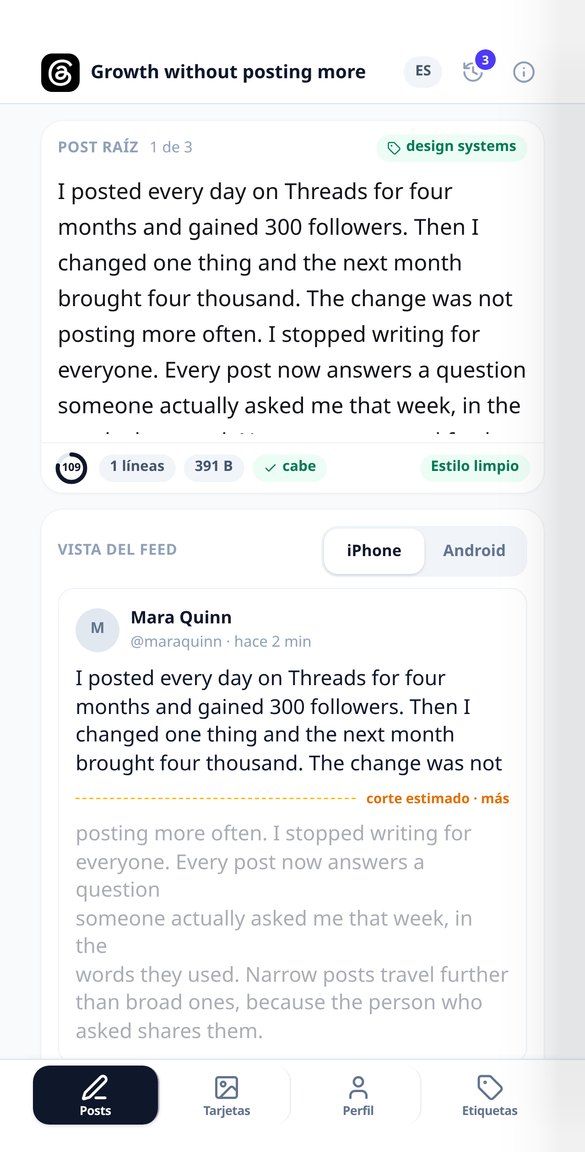
Discover every feature in detail
Threads Character Counter: 500 Graphemes and Bytes
Counts the 500 Threads characters by graphemes (an emoji counts as 1) and simultaneously measures the UTF-8 byte weight validated by Meta. Features include a progress ring, breakdown, and composite emoji reducer. Free and no registration.
Try it free
Where a post is truncated on Threads: «more» simulator
See before you publish where the Threads feed truncates your post and if your hook falls below the «more». Real layout simulator with iPhone / Android toggle, hidden text preview, and one-tap fix. Free and without connecting your account.
Try it free
AI Thread Generator for Threads (unnumbered)
Write your idea and the AI returns the root post with a hook and its chained replies for Threads: without «1/7», without X’s metadiscourse, and with each post measured in glyphs and bytes against the 500 characters. Free to start.
Try it free
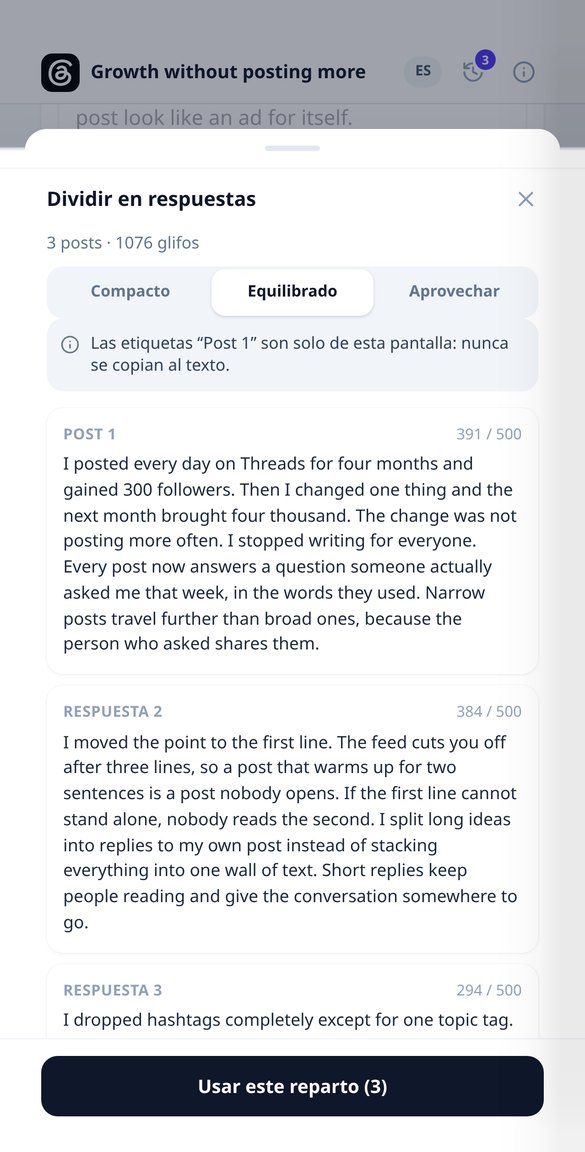
Split a long text into unnumbered Threads posts
Paste a long text and split it into posts of less than 500 graphemes, cutting at sentence endings, with three split densities and a forced break warning. Without «1/7» numbering, free, and without connecting your account.
Try it free
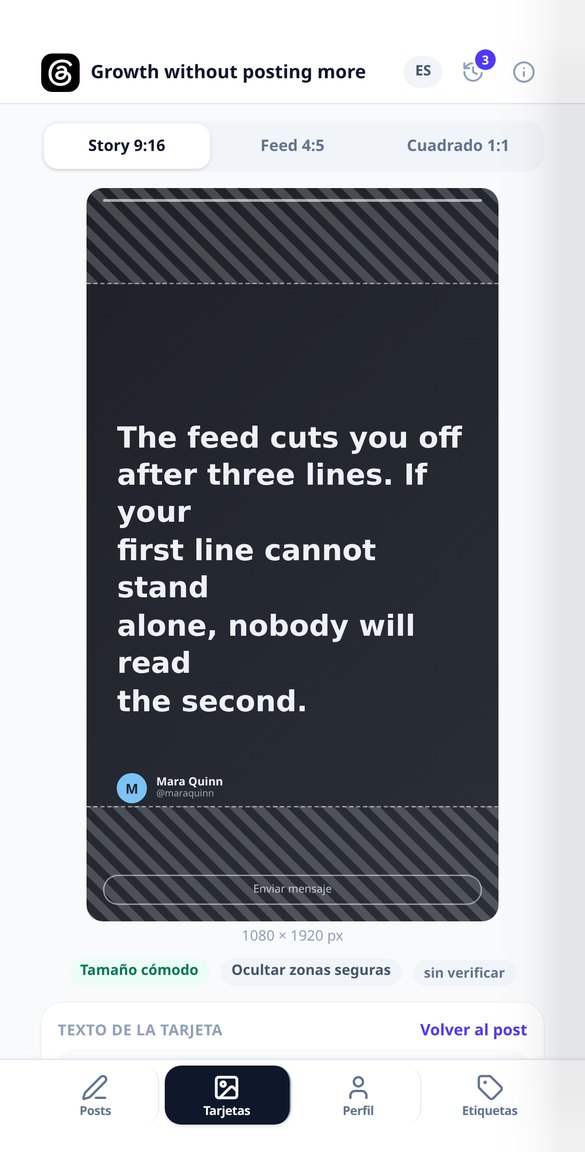
1080×1920 Image Card for Stories from your Threads post
Convert your Threads post into a 1080×1920 image for Instagram Stories, with safe areas marked (250 top, 300 bottom, 80 side), no watermark, and without connecting your account. Free to start.
Try it free
AI Bio Generator for Threads: 3 proposals, 150 characters
Write your Threads bio with AI: three proposals with distinct angles from four short fields, measured against 150 characters and against the 3 visible lines of the profile. Without connecting your account.
Try it free
Threads Topic Tag: How Many and Which to Choose
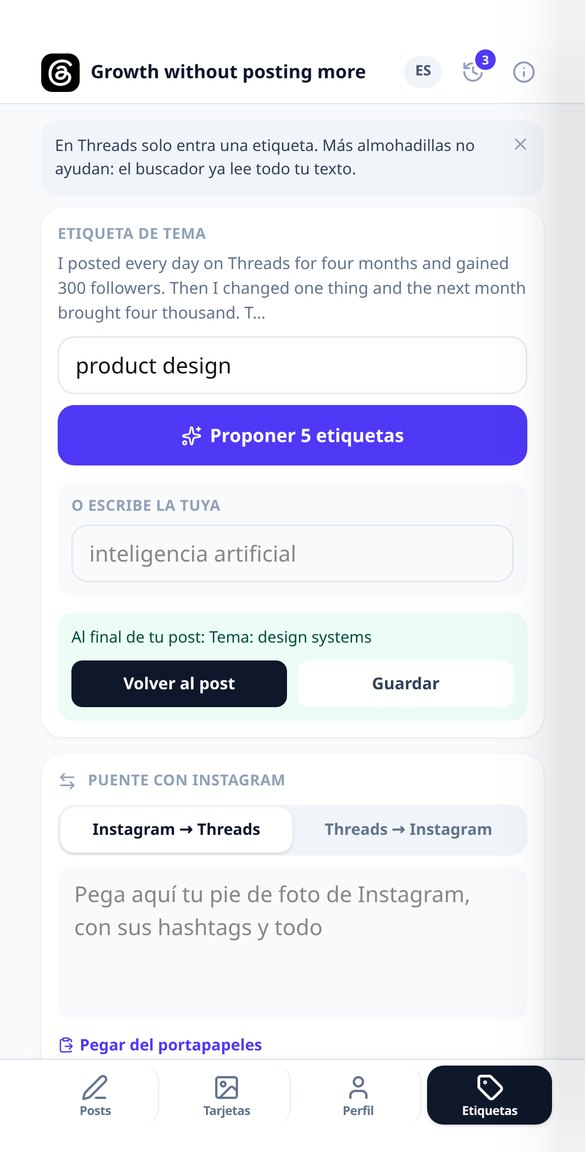
Threads only allows one topic tag per post: the app suggests five candidates with their rationale and breadth, validates yours (50 characters, no hash sign), and you choose one.
Try it free
Convert an Instagram Caption to Threads (without hashtags)
Paste your Instagram caption and receive a Threads post under 500 characters: without a block of hashtags, without «link in bio», and with an open question. Includes a report of what was removed and added. Free to start.
Try it freeEverything you need before hitting publish
AI는 이미지 안에 글자를 쓰지 않아요. 배경만 그리고 텍스트만 작성해요. 모든 헤드라인, 자막, 슬라이드 번호는 서버가 미리 측정한 뒤 합성해요.
Feed truncation, visible
Generate the root post and its chained replies without '1/7' numbering, measure graphemes and bytes against Threads' 500, and mark the line where the feed truncates your text, showing the most restrictive cut between iPhone and Android.
1080×1920 Cards for your Stories
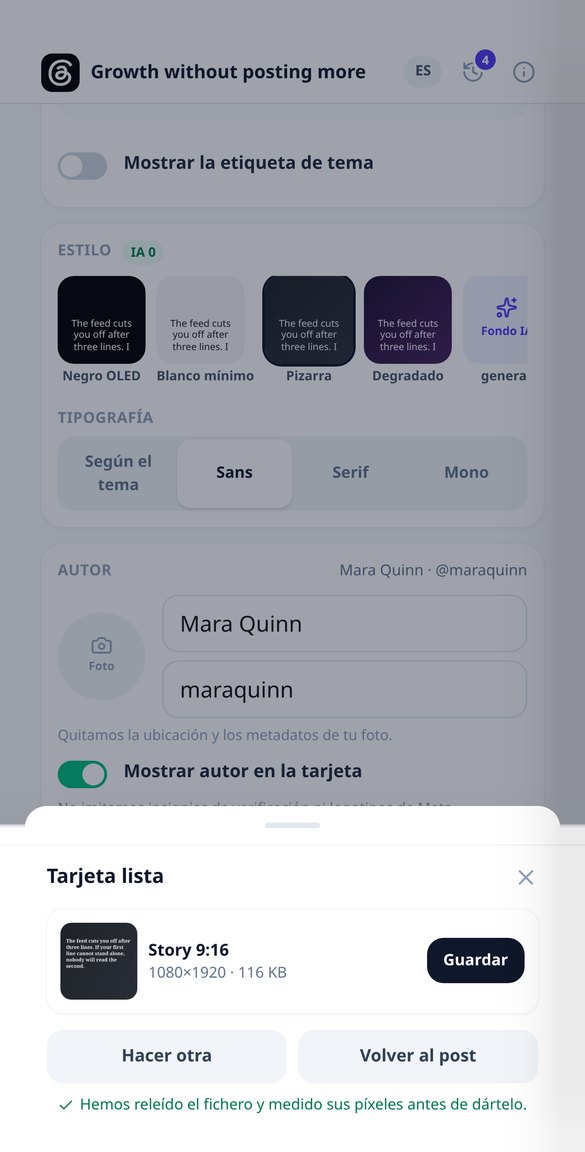
Export your post in PNG at 1080×1920, 1080×1350, or 1080×1080, with Stories' safe zones striped and four sober, zero-cost themes. Text is measured by actual ink box: it doesn't overflow or get cut off.

Profile, bio, and a single tag
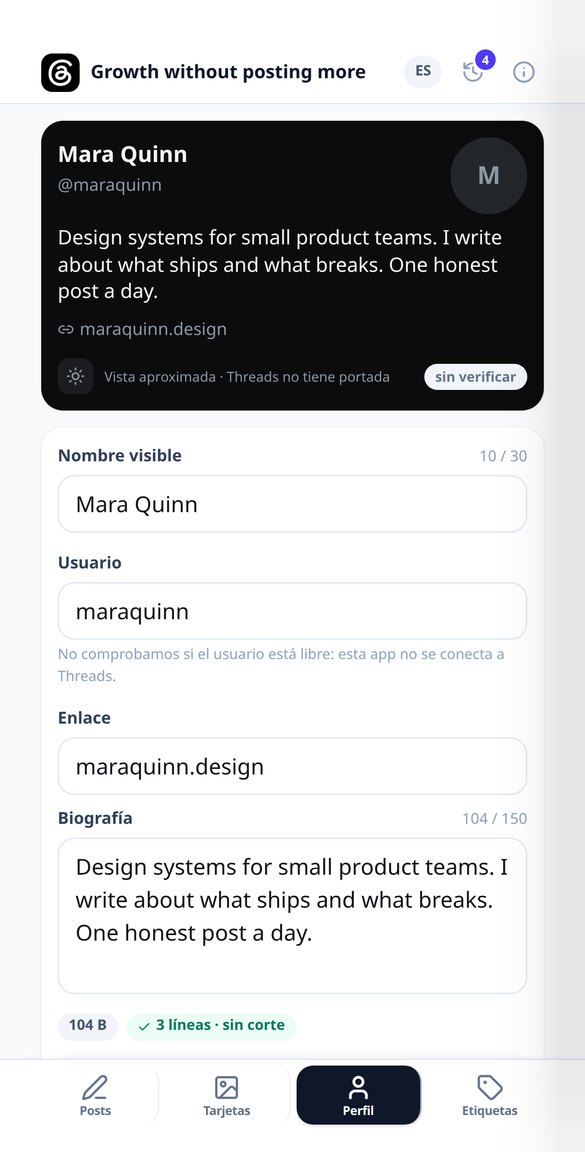
Simulate your profile card —without a cover, because Threads doesn't have one—, measure the bio in 150 characters, and notify when it exceeds 3 visible lines. Five Unicode styles to highlight words and five topic tag candidates, of which only one fits.
From draft to post in three steps
접속해서 시작하세요
설치 없이 브라우저에서 열어요. 이름 및 바이오 스타일러는 게스트로도 전부 사용할 수 있고, 작업을 저장하거나 AI를 쓰는 기능에만 무료 계정이 필요해요.
입력하고 선택하기
이름과 바이오에는 내 분야를, 커버에는 헤드라인과 스타일을, 대본에는 주제, 길이, 톤을, 캐러셀에는 주제와 슬라이드 수를 입력해요. 모든 항목에 기본값이 있으므로 바로 눌러도 돼요.
다운로드하고 업로드하세요
한 번 눌러 텍스트를 복사하거나 파일을 하나씩, 또는 번호가 붙은 슬라이드가 담긴 ZIP으로 다운로드해요. 아무것도 받기 전에 시뮬레이터가 인터페이스를 얹은 상태로 피드와 프로필에서 어떻게 보일지 보여 줘요.