Try TikTok — Stylish usernames and bios, safe-zone covers, hooks, scripts and carousels now, no sign-up needed

TikTok — Stylish usernames and bios, safe-zone covers, hooks, scripts and carousels · Your name, bio, cover, hook and carousel, ready to upload
For daily posters and TikTok Shop sellers: the bio fonts TikTok rejects when saving, the cover that ends up under the buttons, the hook for the first three seconds and the Photo Mode slides. Here you get the file already measured and the text already counted. It does not connect to your account or ask for your password.
In the features that use AI, responses are generated by artificial intelligence and are not a substitute for professional advice.

Vous voulez des vidéos avec effets mais vous ne savez pas comment éditer ni écrire des invites ?
Video Effects applique l'effet et l'IA : vous choisissez simplement la photo et l'effet qui vous plaît. En un peu plus d'une minute, vous avez la vidéo prête, prête à télécharger ou à partager.
See the tools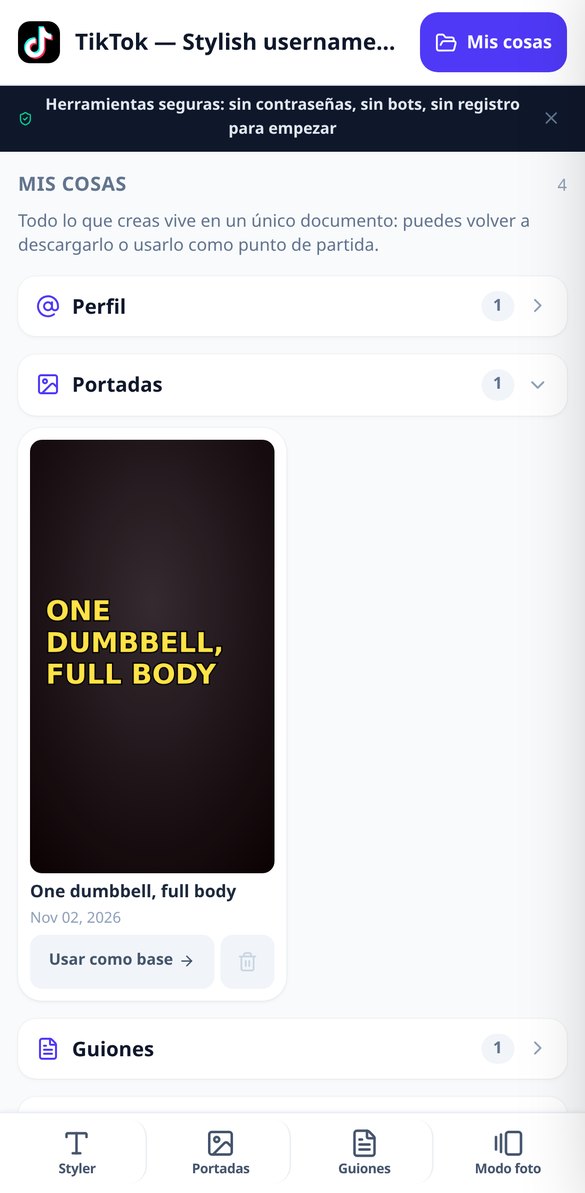
Discover every feature in detail

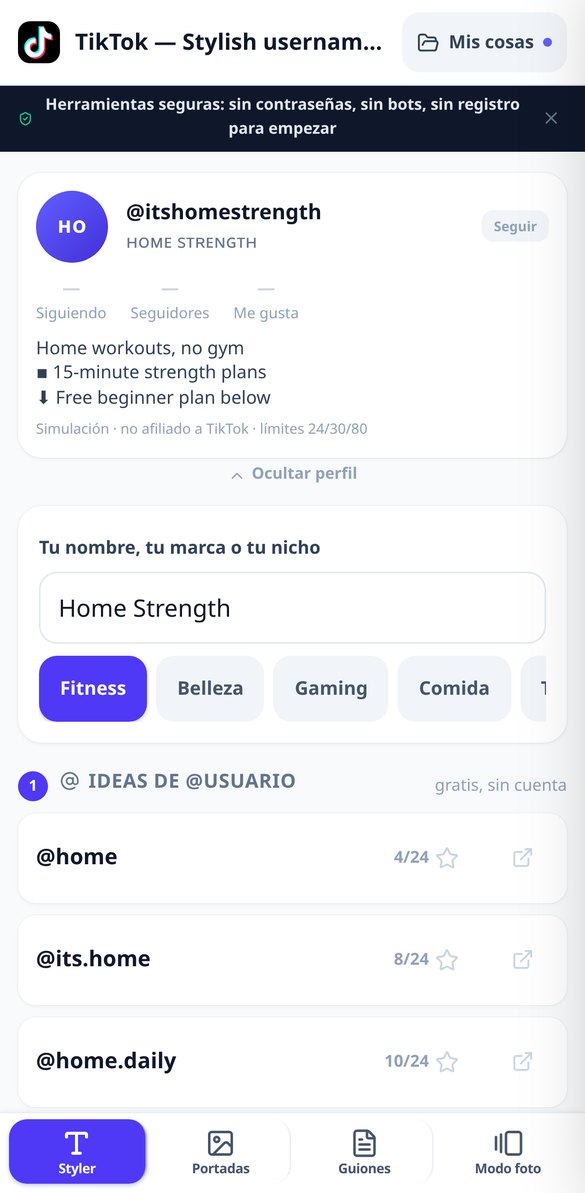
@username ideas for TikTok: valid and counted names (free)
@username generator for TikTok: six ideas based on your name or niche, validated against what TikTok accepts when saving and counted by actual letters up to the 24 limit. Free and no registration.
Try it free
Letters for TikTok: 8 families that can be saved
Convert your TikTok display name into eight families of Unicode letters built character by character, with their compatibility status, the real grapheme counter over the 30 limit, and a warning for blocks that appear as squared letters. Free and no registration.
Try it free
TikTok Bio: templates by niche with an 80-character limit
Generate your TikTok profile bio with three templates by niche (coach, shop, and faceless), editable line by line and copyable with real line breaks. Real grapheme counter on the 80-character limit and declared cut-off: the link never goes down. Free and no registration.
Try it free
TikTok cover of 1080x1920 with clear headline, no distorted letters
Create TikTok covers of 1080x1920 where the AI only paints the background and the headline is composed by the server: measured text, auto-adjusted body, balanced widow line, and measured contrast on the actual pixel. No distorted letters or mistakes.
Try it free
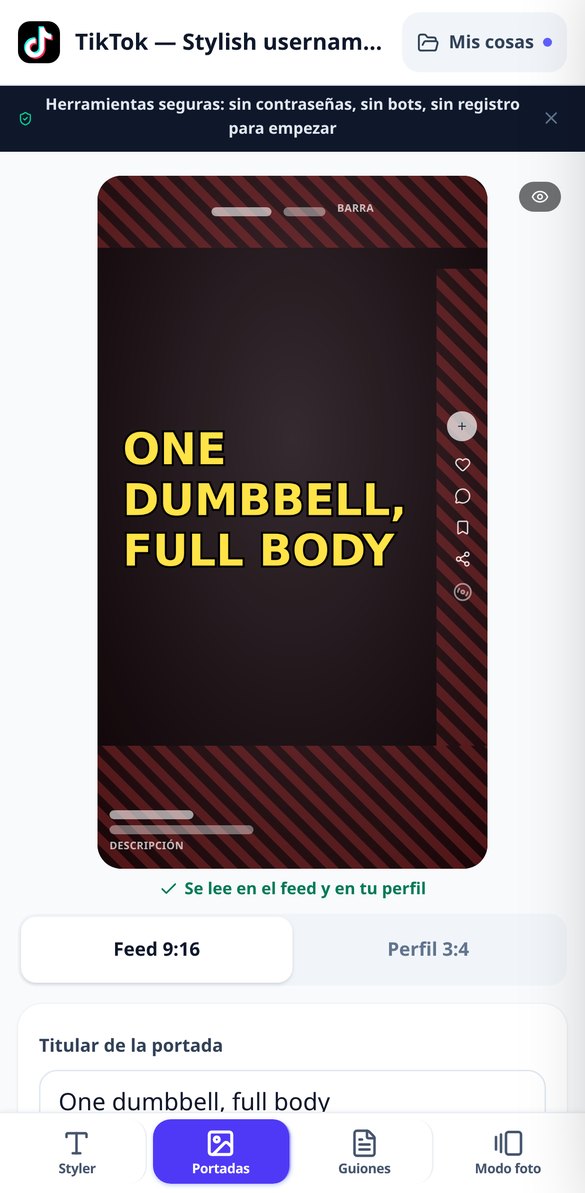
TikTok Safe Zones: interface simulator over your cover image
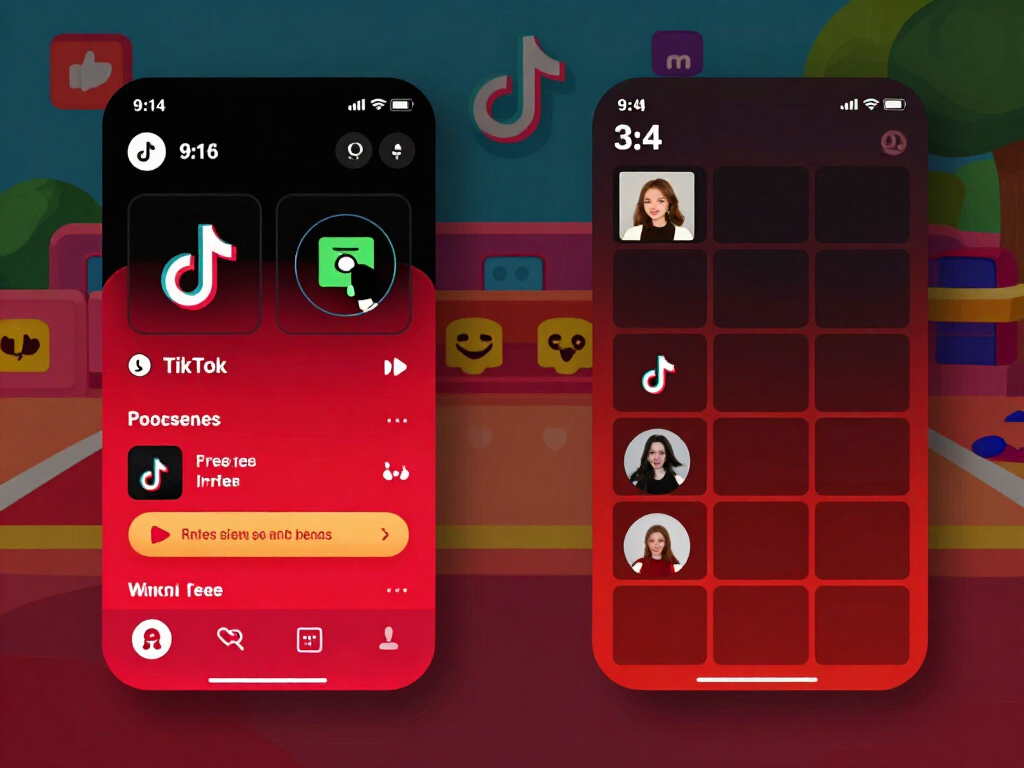
See on your 1080x1920 cover image what the bar, buttons, and TikTok description block: scaled drawings of zones, feed and 3:4 grid view, collision alert, and a tap to move the headline to the safe zone.
Try it free
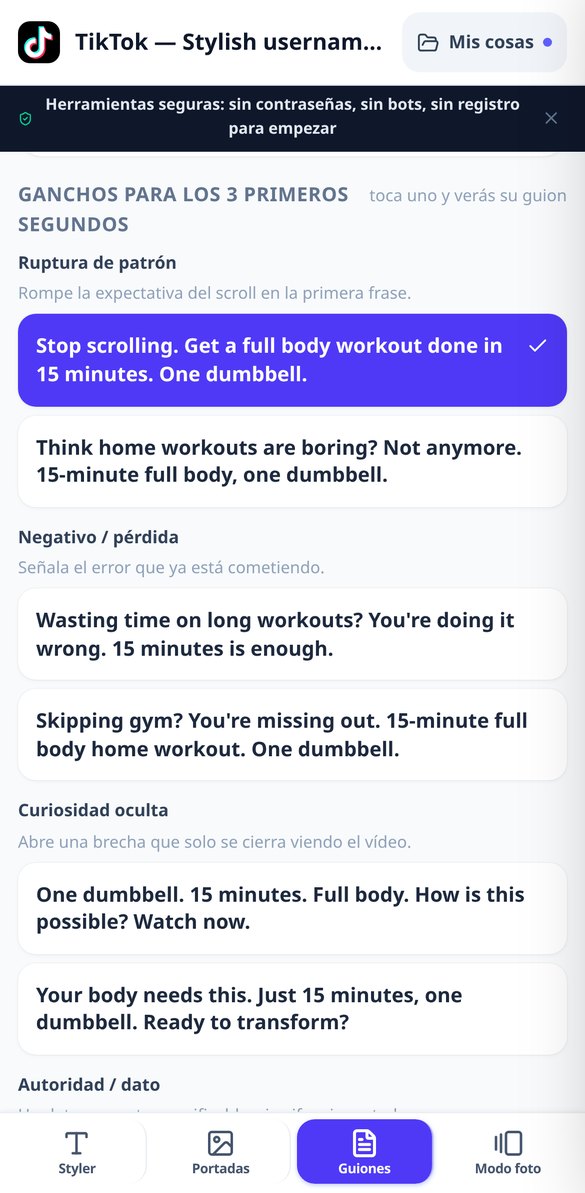
Hooks for TikTok: 10 openings per archetype for the first 3 seconds
Enter the video topic and get ten hooks for the first three seconds, grouped into five archetypes (pattern interrupt, loss, curiosity, authority, and TikTok Shop) with their explanation, each with a seamless loop ending. Maximum fourteen words and no overused openings.
Try it free
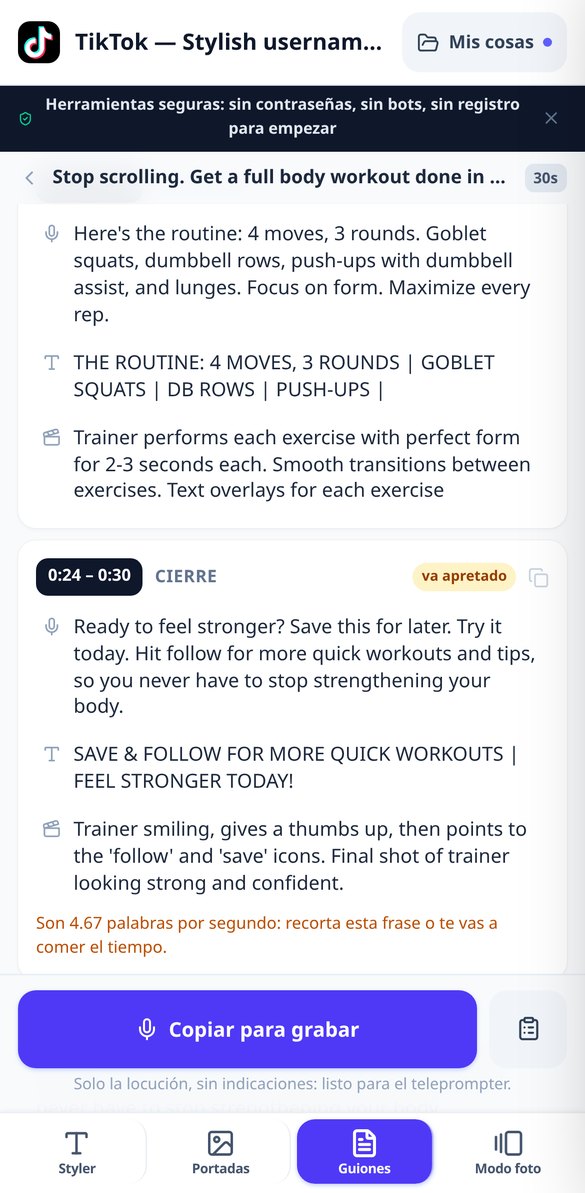
TikTok Script with Timing: Measured Segments and Pace in Words per Second
Vertical video script divided into four segments with timestamps (0:00-0:03 hook, problem, solution, and closure) for 15, 30, or 60 seconds. Each segment includes the voiceover, on-screen text, and shot, and alerts when a phrase does not fit its timing.
Try it free
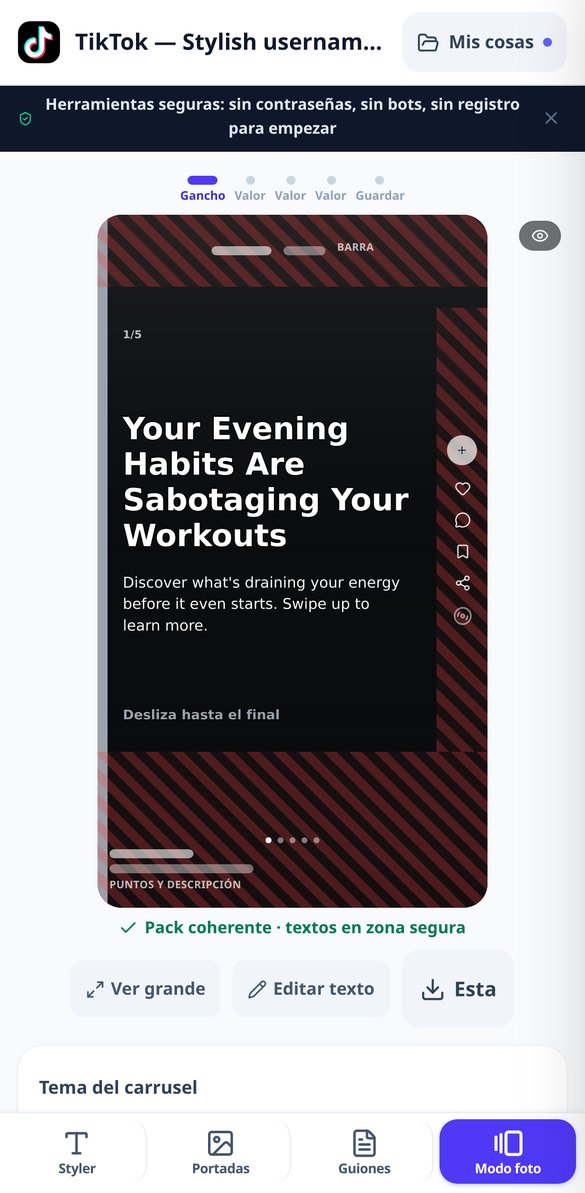
Carousel for TikTok in Photo Mode: 3 to 5 slides with text in safe area
Generate the complete Photo Mode pack for TikTok: 3 to 5 vertical slides of 1080x1920 with a hook, one idea per slide, and a save closure. Same body type size in all, one background, and text placed where the row of pagination dots does not cover it.
Try it freeFour tools and an interface simulator
Tout ce dont vous avez besoin pour transformer n'importe quelle image en vidéo avec effets.
Name and bio that TikTok accepts when saving
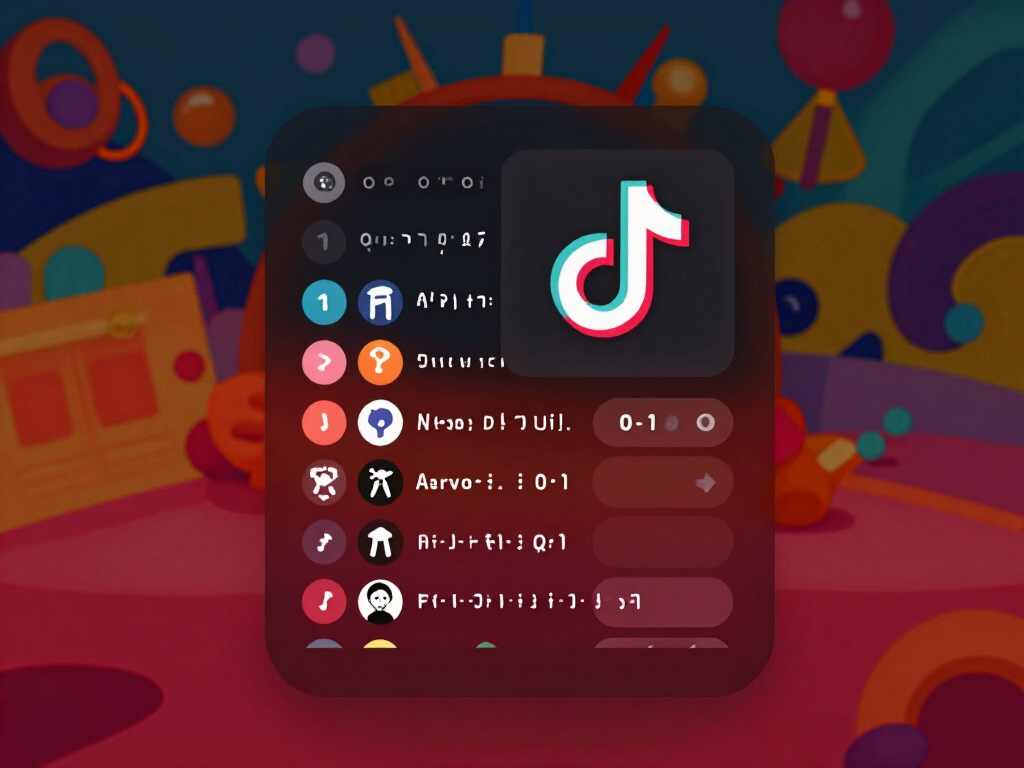
You type one word —your name or your niche— and it generates @username ideas, display name variants and a laid-out bio all at once. The 8 font families are built code point by code point, not by copying glyphs from another site, and the blocks that usually show up as squares are deliberately excluded; anything without an equivalent —accents, ñ, emojis— is left as is and the variant is marked “style + normal,” because we prefer your name correctly written to a gap. The @username passes a format validator (letters, numbers, period and underscore only, no consecutive separators or trailing period) and the counter counts real graphemes —a composite emoji is one, not five— against the 24, 30 and 80 character limits, and for the display name it warns when a style takes up more bytes than it appears to. It runs entirely in your browser, with no sign-up and without sending anything.

1080x1920 covers that don't get covered up
You type the headline, choose one of the 5 styles, and the server composes the full vertical cover with the text inside the safe zone, measuring the font size until it fits and breaking by words. AI provides the background, you upload it from a frame of your video —and then it costs no generation— or it comes from the style itself. On top of the result, TikTok's interface is drawn semi-transparent, enabled by default, with a press-and-hold gesture to view it clean; if the headline hits a button area, you're warned and it's corrected with one tap. The toggle between the 9:16 feed and the 3:4 profile grid shows what gets cropped on the wall, TikTok Shop mode reserves space for the product box, and each cover comes out with three different treatments of the headline over the same background, so comparing costs no extra generation. Contrast is not estimated: it is measured against the actual strip of background beneath the headline and reinforced with shadow, outline, gradient or block until the text is readable.
Hooks with a loop closing, timed scripts and Photo Mode slides
You give the topic, duration and tone, and you get 10 hooks spread across psychological archetypes, each with its closing line designed to link back to its first word and make the video loop. You choose the one you like and the script unfolds into blocks with time stamps, and in each block: what you say, what appears on screen and what is seen; the app distributes the timing, not the model, so there are no gaps or overlaps, and if the text is too tight for the seconds it has, you're warned by measuring words per second. Changing the hook rebuilds the script without using another generation, and to record you can copy just the voiceover, the full script or only the on-screen text. The Photo Mode slide pack comes out with the same visual style —a single background for the whole carousel— with a hook slide, content slides and a final “save this” slide, numbered so you can upload them in order.
From your browser to TikTok, in three steps
Inscrivez-vous
Créez votre compte gratuit en quelques secondes et entrez dans l'application.
Téléchargez votre photo et choisissez l'effet
Depuis le mobile ou l'ordinateur. Ajustez le format et la durée et voyez le coût exact avant de générer.
Téléchargez votre vidéo
Suivez la génération en temps réel et, une fois terminée, lisez, téléchargez ou partagez-la. Elle est enregistrée dans votre historique.
Frequently Asked Questions
Latest blog articles
Guides and news to get more out of it
Labeling AI-generated content on TikTok: what you need to declare in 2026 (and what not)
TikTok detects and labels AI on its own. What to declare in 2026 if you use AI in covers, carousels, or scripts, on a case-by-case basis.
SEO on TikTok 2026: how to get found in the search engine (and make those views count for payment)
What TikTok reads to index a video, how to choose the keyword before recording, and why search value determines your RPM.
Get your profile, cover and script ready before you record
Créez votre compte gratuit et essayez les effets avec vos propres photos.