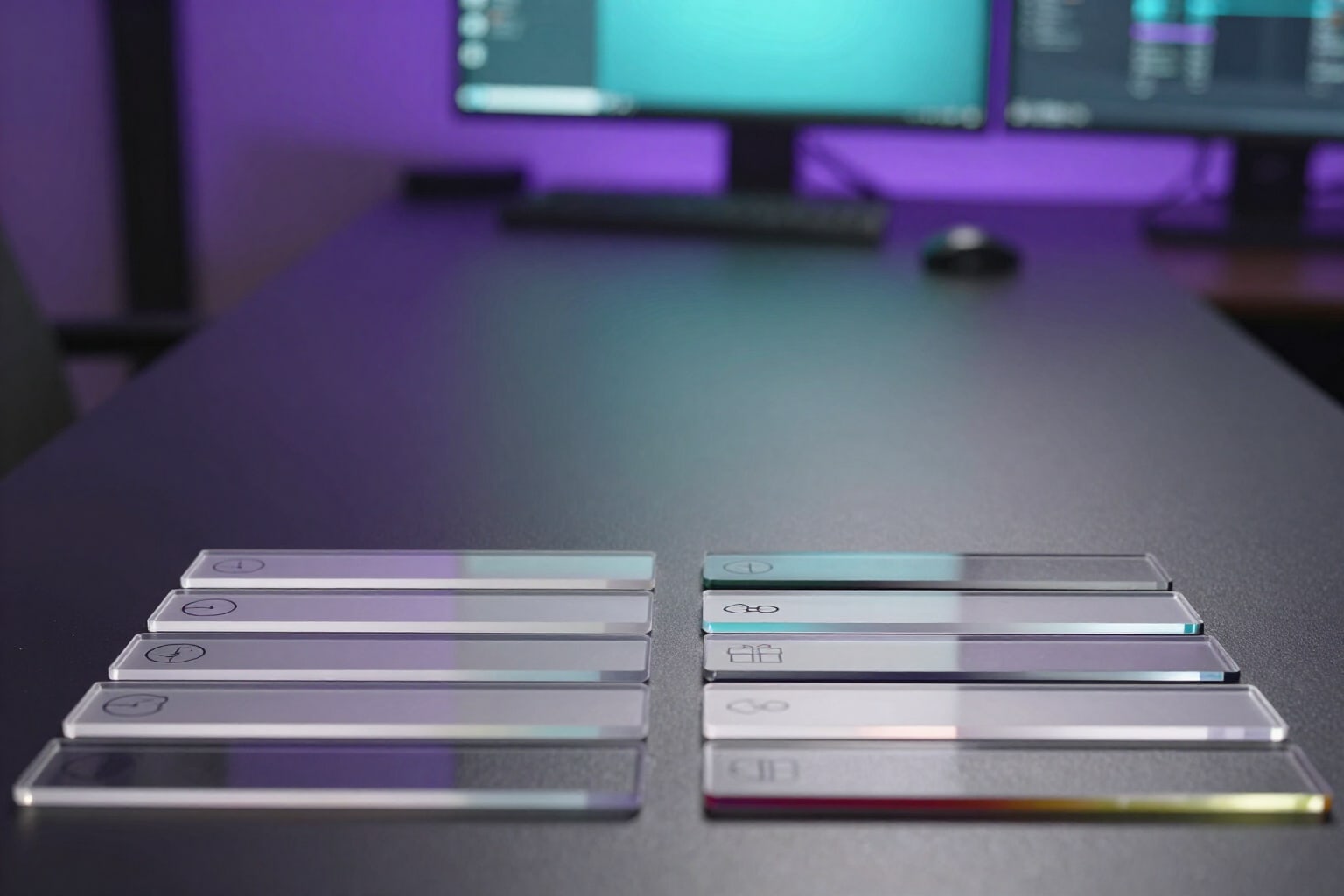
Twitch Panel Headers at an Exact 320 px
Your channel’s eight panel headers at 320 × 100, each with its pictogram and lettering in the channel’s language, plus the @2x version. They are drawn on the server: they appear instantly and don’t consume AI quota.
Panels are the only thing left of your channel when the stream goes offline. And the first thing seen on a panel isn’t the text: it’s the 320-pixel-wide strip that tops it. If each one comes from a different template, with different font thickness and cropping, your channel looks like a noticeboard. If all eight come from the same set, it looks like a brand.
You select which panels you want from the catalog of eight —About me, Schedule, Chat rules, Socials, Donations, Setup / PC, Commands, and Discord, with five already selected— and click «Generate My Panels». Twitch Kit de Canal composes each panel header without asking for anything else: a colour gradient of your palette’s base colour, an accent stripe on the bottom edge, a dark disc with that panel’s pictogram, and the lettering in capitals next to it. The same button then chains the text for each panel, which is an AI function; the headers are not.
Each header is first drawn at 640 × 200 and then reduced to 320 × 100 with lanczos resampling and slight sharpening, so that the edge of the pictogram and the lettering don’t appear soft. Before delivery, it is checked against the app’s spec sheet: if the PNG doesn’t measure an exact 320 × 100, the piece is not delivered. You get both files, with the size written in the name: header_rules_320.png for the Twitch form and [email protected] for high-density displays.
The lettering is in your channel’s language, not the app’s: if you stream in Spanish with an English interface, the header says REGLAS DEL CHAT. The font size auto-adjusts to the available width, and when a long title doesn’t fit legibly, the app switches to the short title and warns you on that panel’s card instead of leaving you with cramped lettering.
Each header can be varied with a touch —the gradient changes inclination and the history of the last four versions is saved— and below you see it at its real panel column width, not stretched. The 320 px version is downloaded piece by piece from its card, and the @2x version travels in the complete ZIP Twitch-Ready, in the panels folder. Then you paste it into Creator Dashboard, your channel, Edit Panels, Image.
Try Panel Headers at 320 × 100 right here
Use it free without an account. If you want to save your result, you can sign up afterwards.
Save / Sign upBenefits of Panel Headers at 320 × 100
Verified 320 × 100, not approximate
each piece undergoes a size verification before delivery, and if the PNG is not an exact 320 × 100, it won’t reach your download.
One pictogram per panel, drawn in vector
the clock for Schedule, the shield for Rules, the link for Socials, the terminal for Commands, the speech bubble for Discord. Each panel is recognized by its silhouette before reading a single letter.
The @2x version included
the same panel header image at 640 × 200 for high-density displays, with the size written in the file name and no need to redo anything.
The lettering in the channel’s language
the app can be in English and the panel header image can be in Spanish, Portuguese, or Japanese, because the stamped text follows the channel and not the interface.
Panel header images do not use AI quota
they are not requested from an image model, they are composed on the server. They are instant, you can redo them as many times as you want, and they are also free in guest mode.
Your palette, not a template
the colour gradient and accent stripe come from your brief’s colours, so all eight panel header images match each other and your banner and offline screen.
Warning when the title doesn’t fit
instead of shrinking the font until it’s unreadable, the app uses the short lettering and tells you on the panel card, so you can decide.
Variants without starting from scratch
one tap recomposes the panel header image with a different gradient inclination and saves the last four versions, in case you preferred the previous one.
Eight panels that look like they belong to the same channel, instantly
Tell us your channel's name, language, and colors, select the panels, and download the 320 × 100 panel headers with their @2x version. No Twitch account connection required, and with a visible guest quota.
In the features that use AI, responses are generated by artificial intelligence and are not a substitute for professional advice.