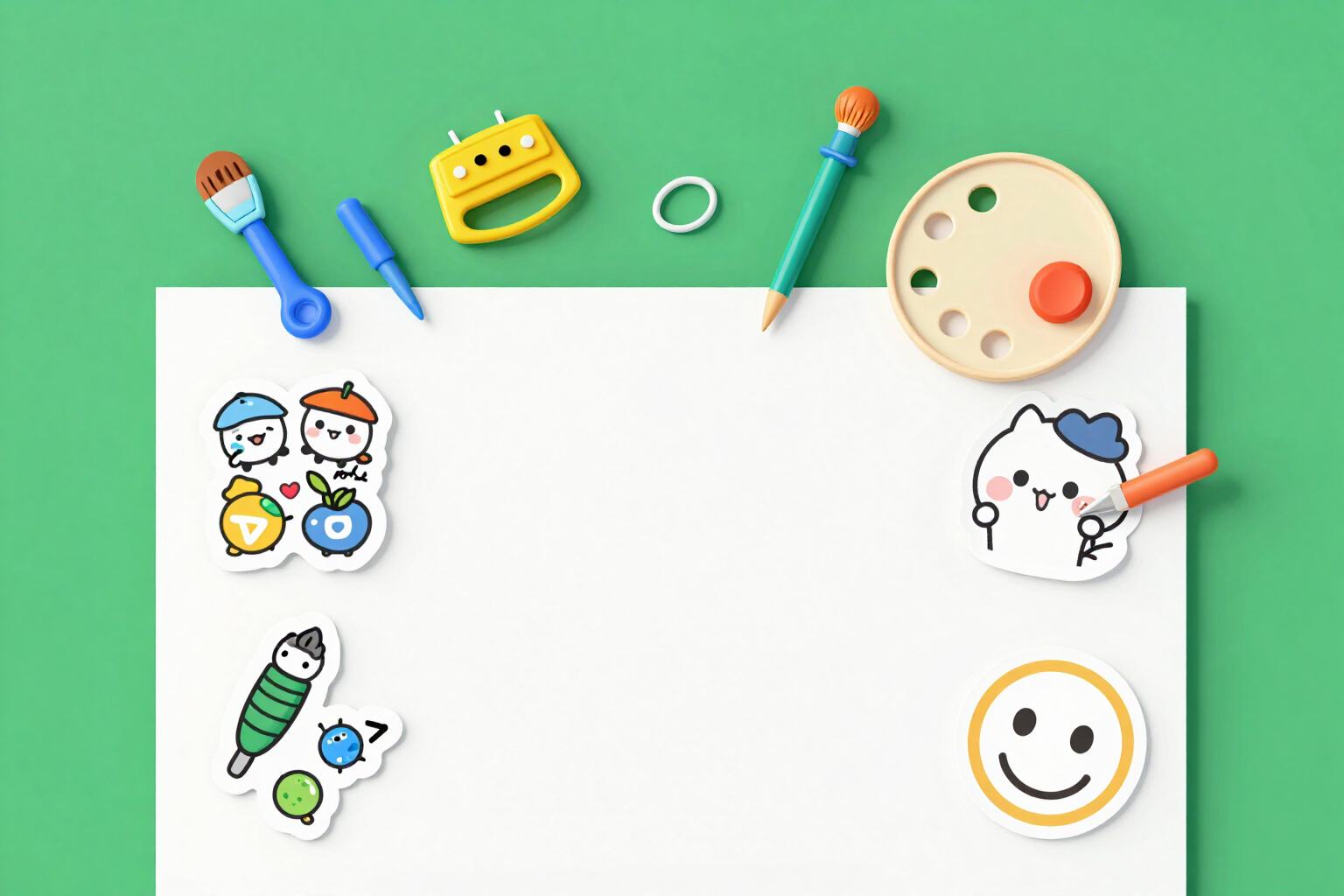
Draw WeChat Stickers with AI
You don't have the drawing: you have the idea. Describe it in a sentence, choose one of the five styles, and the AI draws the subject; the server crops it, measures it, and delivers it as a 240×240 GIF that WeChat accepts.
Most generators return a square image with a background and often with made-up text on top. That’s not a sticker: it’s an illustration that you still have to fix manually.
You write in a sentence what you want it to draw —‘cat waving with a hand’, ‘sample box with a bow’— and choose one of the five available styles: flat drawing, kawaii, sketched, paper cut, or emoji type. From there, the request is automatically constructed with three fixed conditions that you don’t have to write: a single centered subject with generous margins around it, a flat and uniform background, and an explicit prohibition of text, letters, numbers, fonts, logos, watermarks, interfaces, buttons, and frames. That’s why the drawings come out clean of invented text, which is the most common flaw of an AI-generated sticker.
The AI is never asked for a transparent background because image engines do it poorly: what is requested is a flat background, which is something it knows how to do. The server then crops it using sharp, measuring the actual alpha channel and, if there’s no transparency, removing the uniform background by color. If the engine returns a background that cannot be cropped —gradient, texture, loose objects stuck to the edge— it doesn’t leave you with a broken result: it retries once with the reinforced background instruction (pure white, no gradient or texture) and, only if it fails again, it clearly informs you and suggests you upload the already cropped image yourself.
The generated drawing goes through exactly the same process as an uploaded image of yours: it gets centered, a white outline is applied at the thickness you choose, and shadow if you want it, and is encoded into a 240×240 pixel GIF, adjusting the palette until it fits the weight budget. Then the server reads the already generated file again and shows you the audit with its color: dimensions, format, transparency, and weight. None of this is a promise: these are the numbers of the file you are going to download.
An important clarification: this is the only sticker pathway that has a cost, so ask for a free account. Uploading your own images, converting them, auditing them, changing the outline or shadow, and downloading them remains free and without registration. And once the drawing is generated, touching up the finish does not call the AI again or cost anything more.
Try Draw Stickers with AI right here
Use it free without an account. If you want to save your result, you can sign up afterwards.
Save / Sign upBenefits of Draw Stickers with AI
From a sentence to the finished sticker
you describe the subject and download a ready 240×240 GIF to ‘Add to my stickers’, not a square illustration that you later have to crop yourself.
Five styles designed for chat
thick line flat drawing, kawaii, ink sketched with wash, cut paper, and emoji type —the latter with very few shapes, so it reads well at a tiny size.
The AI does not write text
the instruction explicitly prohibits letters, numbers, words, fonts, logos, watermarks, and interface. You avoid the classic flaw of stickers generated with invented letters.
Cropping is not requested from the AI
a flat background is requested, which it knows how to do, and the server removes the background later by measuring the actual transparency and removing the uniform color.
An automatic retry when the background cannot be cropped
generation is repeated once with reinforced background instruction before giving up, and the notice explains what to do if it doesn't work again.
Centered subject with breathing room by design
the request demands a single subject with generous margins, which is what a 240×240 canvas needs to avoid being cropped at the edges.
The drawing is audited
as soon as it is done, it goes through the same checks as your own image —dimensions, format, transparency, and weight— read from the final GIF, not estimated.
Touch-ups are free
changing the outline thickness, removing the shadow, or switching the piece to gallery mode recomposes the file from the original without needing to call the AI again or charge for another generation.
Describe the sticker you can't draw
Create your free account, write the concept in one sentence, and choose a style. Cropping, dimensions, and auditing are included.
In the features that use AI, responses are generated by artificial intelligence and are not a substitute for professional advice.