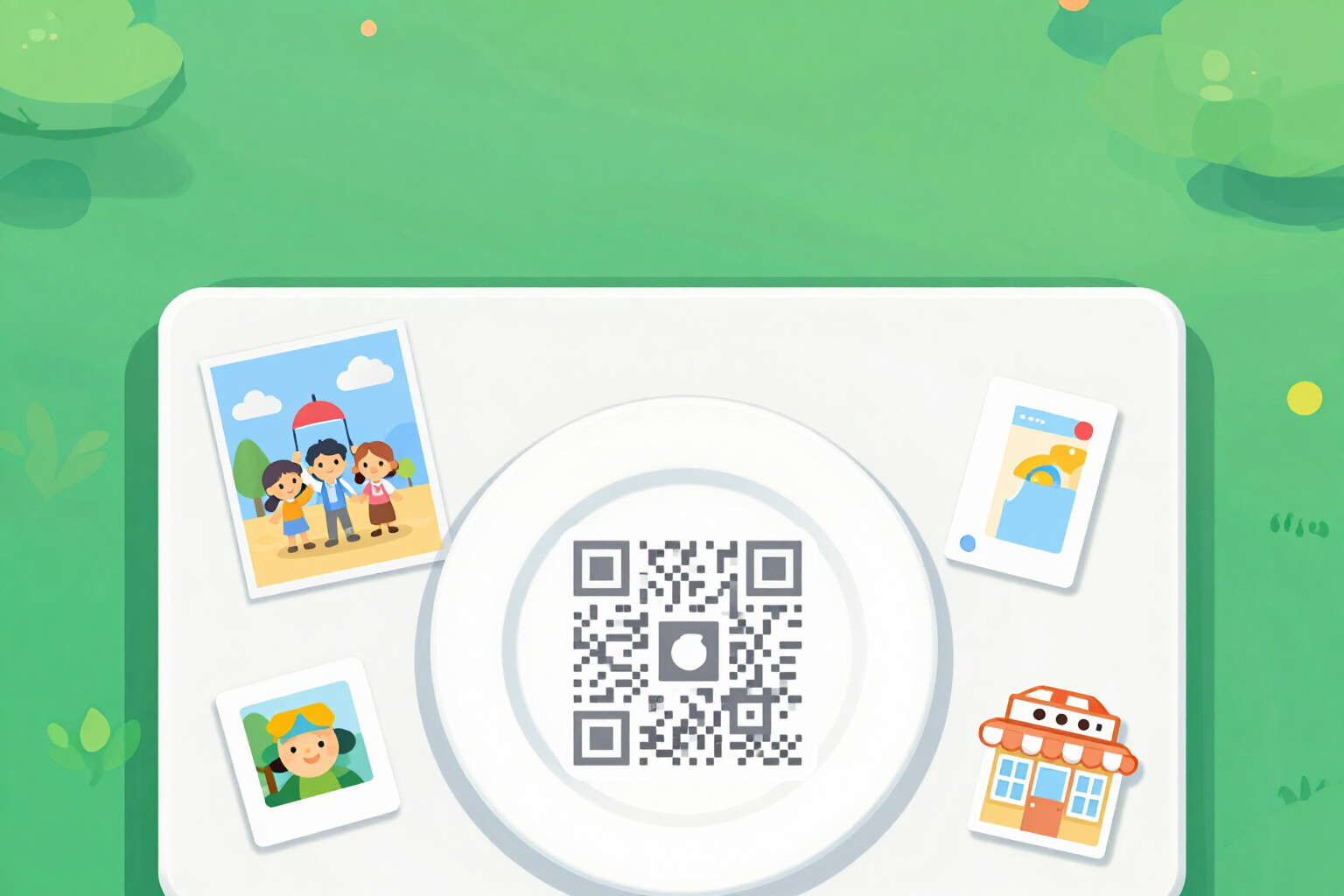
Poster and sticker with your WeChat QR
Upload your own WeChat code and download the assembled piece: A5 or A4 table poster, 50 or 80 mm sticker, vertical card for stories, or 150 mm shop window vinyl. The code is never printed smaller than it scans.
A WeChat QR stuck on a Word document does not scan: it comes out too small, lacks white margins, and often appears over a dark photo. This feature assembles the piece with the physical size calculated in reverse — first the minimum size for the code to be read, and then the text.
You upload the code: take a screenshot of your personal WeChat QR from the app and upload it here. No code is generated, your code is not decoded, and nothing from your account is saved — it only checks that the image is suitable for printing (minimum 300 × 300 px, almost square ratio, and real contrast) and normalizes it to PNG.
From there, you choose one of the four piece families, with nine formats in total: A5 (148 × 210 mm) or A4 (210 × 297 mm) table poster for the bar or counter; 50 or 80 mm sticker, square or round, for boxes, bags, and cards; vertical card of 1080 × 1920 px for sharing in stories and profiles; and 150 × 150 or 150 × 210 mm shop window vinyl, with a mirrored variant to stick inside the glass for clear reading from the street.
The size of the code is not decorative: each family has its minimum physical size, and the assembly never goes below that — 55 mm for a table poster, 32 mm for a sticker, 110 mm for a shop window vinyl. Below the QR, there is always a white plate with a silent area around it, so that the reader can find it even when the background is dark or textured. What adjusts to fit is the text, not the code.
You add your headline, your WeChat ID, and a short message, choose one of the four templates, four palettes, and three fonts, and download the piece. The printing formats also come in PDF at the exact physical size, at 300 dpi, with safe margin marks at 5 mm. The plain background is free and does not use AI; changing the template, color, or format reassembles the piece at no cost.
Try Poster and sticker with your QR right here
Use it free without an account. If you want to save your result, you can sign up afterwards.
Save / Sign upBenefits of Poster and sticker with your QR
You upload the QR, we don't generate it
this is not a code generator. You upload the screenshot of your own WeChat QR, and the app just places it at the correct size. It is not decoded, your account is not accessed, and nothing is published in your name.
Nine real formats with their measurements in millimeters
A5 and A4 for table signs, 50 and 80 mm square or round for stickers, 1080 × 1920 px for stories, and 150 × 150 or 150 × 210 mm for storefronts. It's not a generic canvas that you then have to find the size for.
The code never goes below its minimum scannable size
55 mm for table signs, 32 mm for stickers, and 110 mm for storefront vinyl. The layout starts from that minimum and shrinks the text if necessary, instead of shrinking the QR until it becomes unreadable.
White plate with a built-in silent area
the QR is placed on a white rectangle that is 20% larger than the code itself. This is why it scans even on dark backgrounds, on a photo, or on a texture, which is where hand-applied QR codes fail.
Mirrored variant for the storefront
the 150 mm vinyl can be generated inverted to be applied on the inside of the glass and still be readable from the street. This is the classic mistake of storefront prints, and here it is resolved with a checkbox.
PDF to the exact physical size for the eight printing formats
page at actual measurements in millimeters, image embedded at 300 dpi, and corner marks at 5 mm margin. You send it to the print shop without explaining anything, and it comes out at size, not rescaled.
An indicator tells you from how many centimeters the piece is scanned and compares it with the typical usage distance for that family
about 20 cm for a handheld sticker, 25 cm for a table sign, and 70 cm for a storefront. If it's too short, you'll see it before printing.
Free, no account and no AI cost
the default background is a solid gradient generated on the server, not with a model, so assembling and downloading the piece consumes nothing. Changing the template, palette, typography, or format reconfigures the file without paying again.
Your WeChat QR, printed at a scannable size
Upload your code capture, choose the format, and download the PDF or image. No installation and no account creation required.
In the features that use AI, responses are generated by artificial intelligence and are not a substitute for professional advice.