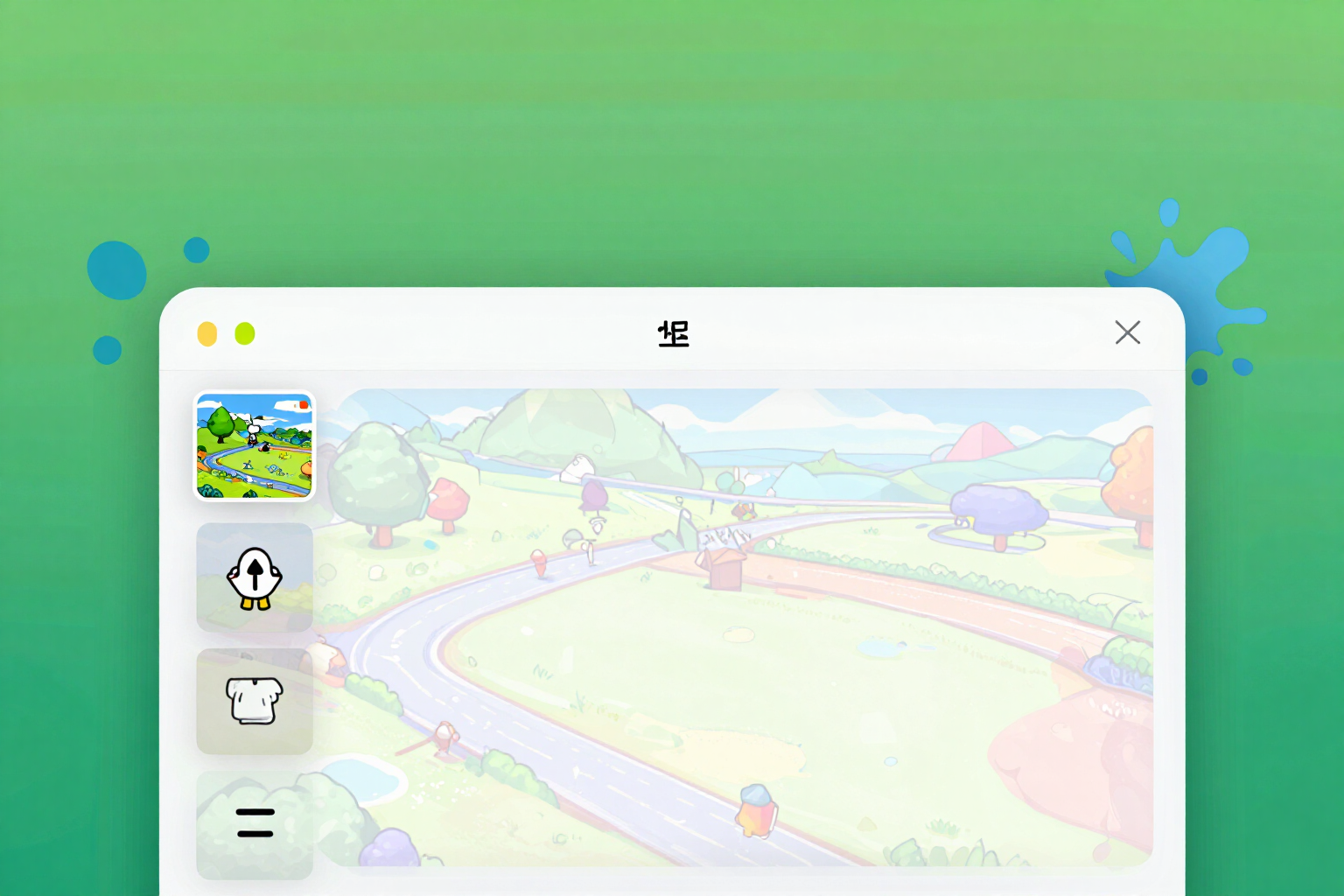
Remove the background color from the sticker without cutting the drawing
The cropping comes in from all four edges and only makes the background that touches the frame transparent: if that same color also appears within the drawing, it remains. And if the background is not a uniform color, we won't touch the image: we'll let you know.
The problem with automatic cropping was never the background. It was the whites of the eyes.
When you upload an image with a colored background and click ‘Remove the background color’, the server does not search for that color throughout the image. It enters from the four edges of the canvas and spreads pixel by pixel inward, stopping as soon as it finds something that does not resemble the background. Only what is CONNECTED to the edge becomes transparent. That’s why a white background disappears, but the whites of the eyes, teeth, or a white shirt within the drawing survive: it doesn’t touch the frame, so the cropping never reaches there.
You don’t choose the background color with an eyedropper. The outline of the canvas is sampled —up to sixty-four points per side— and the median of those samples is taken: this way, a loose pixel, JPEG noise, or a slightly darker corner does not skew the calculation. Around that color, a tolerance margin is used, enough to absorb compression and a slight gradient, but not so much that it starts eating into the subject.
And here’s the part that almost no automatic cropper does: if measuring the outline shows that more than a quarter of the samples strays too far from the reference color, the background is not uniform. In that case, the tool stops, returns your image intact, and tells you exactly that — to crop it yourself and re-upload it with a transparent background. We prefer a clear ‘I can’t’ to returning a sticker with half an arm erased.
The resulting edge does not remain jagged. Half a pixel of smoothing is applied to the transparency channel, which allows the white outline of the sticker to be drawn over a clean silhouette instead of a jagged edge. And the cropping is saved: the original image becomes the already clean one, so changing the thickness of the outline, the shadow, or the mode comes from there and does not crop anything again. All of this is pure calculation, no AI: it costs nothing and works without an account.
Try Automatic Color Background Removal right here
Use it free without an account. If you want to save your result, you can sign up afterwards.
Save / Sign upBenefits of Automatic Color Background Removal
Flood fill from the edge
only the background connected to the canvas frame disappears, not all pixels of that color.
The inside white remains
eyes, teeth, a white shirt, or a cloud within the drawing are not cut out even if the background is the same white.
No droppers or adjustments
the background color is calculated as the median of up to sixty-four samples per side of the contour, so a rare pixel doesn't throw it off.
Tolerance designed for real photos
absorbs JPEG noise and a smooth gradient without starting to bite into the subject.
If the background is not uniform, the image is untouched
the tool stops, returns the original as is, and tells you why, instead of ruining your sticker.
Half-pixel smoothed edge
the silhouette doesn't come out jagged, so the white contour of the sticker is drawn cleanly on top.
The crop persists
the source image becomes the already clean one, so changing the contour, shadow, or mode later won't re-crop or cost anything.
Zero cost and no account needed
it's server-side calculation, not an AI call, and it's also available in guest mode from the mobile browser.
Upload the image with its colored background and remove it in one click
No registration and no installation required: upload the image, click to remove the background, and keep the cropped subject, ready for the 240×240 GIF that WeChat accepts.
In the features that use AI, responses are generated by artificial intelligence and are not a substitute for professional advice.