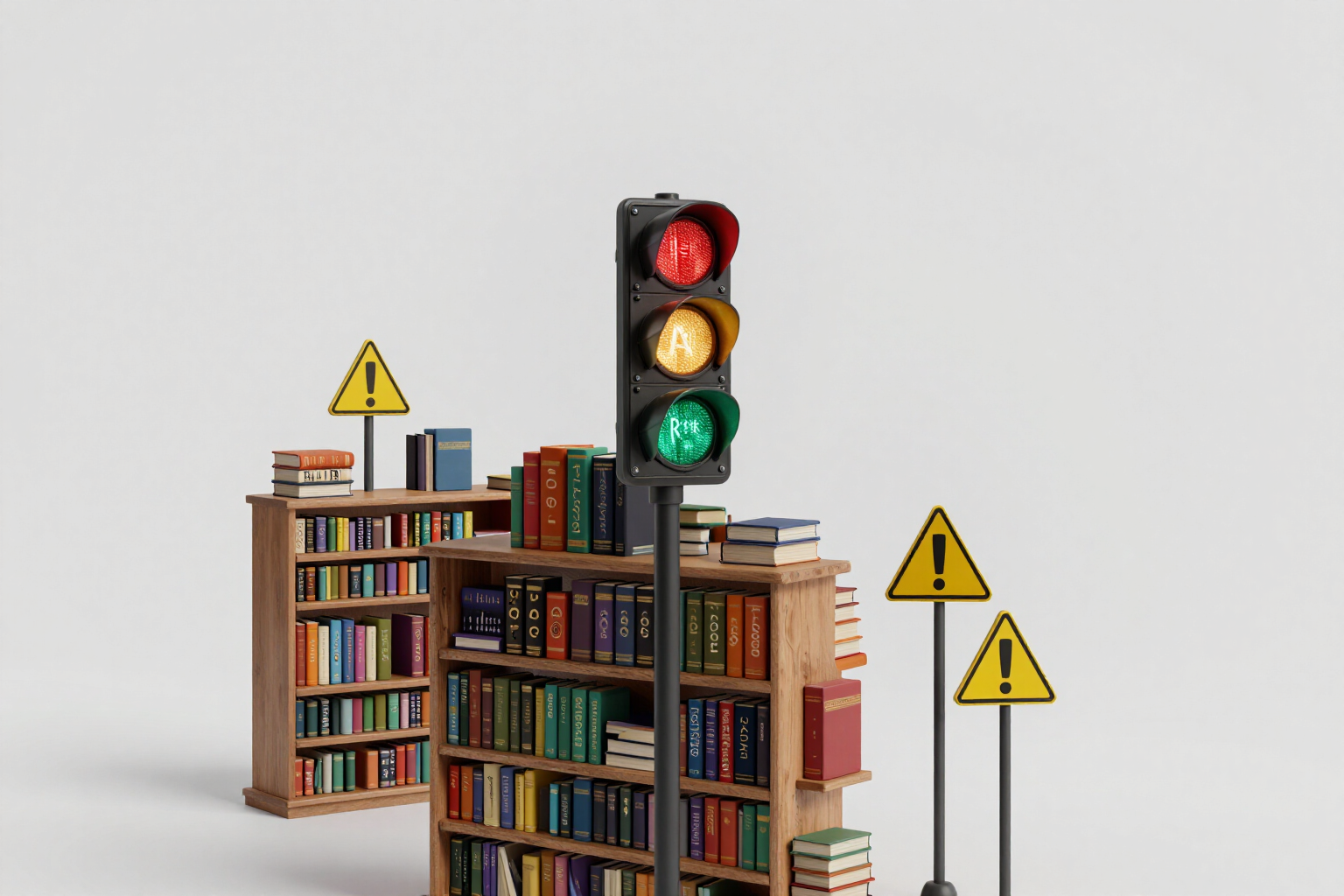
Special letters for your channel name, with search traffic light
18 copyable Unicode styles at a touch, sorted from least to most risky, and each with what no font website tells you: what happens to your channel in the YouTube search if you use those letters in the name.
Have you put your name in pretty letters and now your own subscribers can't find you when they type it in the search?
Copy and paste letter websites all do the same thing: they show you sixty styles in an endless list and leave you alone. What they don’t tell you is that those letters are not letters: they are Unicode mathematical symbols that look like the alphabet. For you and your followers, they read the same; for the YouTube search, they are something else, and anyone typing your channel's normal name won't find it. Voice search won't either.
This tool starts from there. You type your channel name and see it converted into 18 hand-curated styles — elegant italic, gothic, bold, small caps, monospaced, bubbles, full width, upside down, spaced, and others — but the list isn’t in a random order: it’s sorted from green to red. Each style comes with its risk label, with three levels and a language that is understandable without knowing what Unicode is: “Safe search” when the letters are still real letters and the channel is found the same; “Description only” when the style beautifies but performs better in the description or Community tab than in the channel name; and “Decorative only” when the discovery breaks. Tap the label and a concrete explanation opens, with your own example name inside.
The second problem with these letters is the empty square. There are beautiful styles that look perfect on your mobile and appear as a row of rectangles on someone else's phone, because that font doesn’t cover that block of Unicode. Here, it’s not a guess: the browser measures the glyph. Each character of the result is drawn against the stacks of real fonts from iPhone and Android and its width is compared to that of the replacement glyph; if they match, it means that font does not have that symbol and the card alerts you that on Android or iPhone it may appear as empty squares. And if a character from your text does not exist in a specific style, it stays as is and we tell you in the same card, instead of returning a half result without explanation.
The rest is designed not to hinder: a switch that hides risky styles and shows only those that don’t break the search; a character counter against the 100 limit of the channel name, with a notice of how many letters you see, how many YouTube counts, and how many count in systems that measure in bytes, which is where a name gets cut off unexpectedly; and copied in one touch, with a different confirmation when the style you just copied is decorative. Everything happens in your browser: no registration, no waiting, no cost.
Try Letters and fonts of the name right here
Use it free without an account. If you want to save your result, you can sign up afterwards.
Save / Sign upBenefits of Letters and fonts of the name
Discovery traffic light for each style
three levels — “Safe search”, “Description only” and “Decorative only” — that don’t talk about Unicode blocks but about the only thing that matters to you: whether your channel will still be found when typing its name. Tap the label and a complete explanation opens with your example text inside.
The list is ordered from green to red, and that order is the recommendation itself. You don't have to read 18 cards to decide
the top is the safe choice, and going down adds decoration and loses searchability. If you only want the safe options, the 'Only safe for searches' switch hides the decorative ones with a touch.
Measured, not assumed, warning of empty squares
the browser draws each character against real font stacks from iPhone and Android and compares its width to that of the replacement glyph. If it matches, that font does not have that symbol, and the card tells you, indicating which system fails.
Ventaja 4
18 hand-curated styles, not an inflated catalog. Other websites boast sixty; half look like rectangles on mobile. Here you have elegant italic, bold, italic bold, double stroke, Gothic, bold sans, monospaced, small caps, full width, bubbles, black bubbles, reversed, superscript, squares, strikethrough, underlined, and spaced.
Character counter with a traffic light against the 100 of the channel name, and the line that explains the trick
how many letters you see, how many YouTube counts, and how many the old systems that measure in bytes count. A stylized name takes up much more than it seems, and that's where it gets cut off.
Ventaja 6
When a character in your text does not exist in a specific style —a tilde, an accented vowel, a number— it remains as is, and the card warns you. No mixed results without explanation or characters disappearing along the way.
Copied with a touch on the card itself, with on-screen confirmation; and if the copied style is decorative, the warning reminds you at that moment
better for your description than for your name. The decision is still yours, but made knowing what happens.
Honesty about what is still unverified
the 18 styles are hand-curated and the level of risk is an editorial criterion. Verification range by range on the YouTube app on real devices is pending, and the tool displays it on screen instead of stamping an invented verification date.
See how your letters look before changing your name
The converter, the traffic light, the blank square warning, and the counter work fully without registration and without limits: everything happens in your browser. An account is only required to save favorites and for the rest of the channel kit.
In the features that use AI, responses are generated by artificial intelligence and are not a substitute for professional advice.