立即試用 Google 相簿:壓縮照片、移除位置資訊並修復 Takeout 日期,免註冊

You’ve kept a streak for months… so where is your study material?
A language app gives you lessons, but leaves nothing in your hands: not a vocabulary list you can review in Anki, not a grammar worksheet to do with a pencil, not a reading at your level about something you're interested in. Here you choose your study language (English or Spanish), your own language, level A1–C1 and topic, and in a minute you have a downloadable file. The vocabulary and grammar come from an in-house catalogue of 240 exercises and 350+ headwords: the AI only writes translations, example sentences and readings on top of that skeleton, and you review it before exporting.
查看工具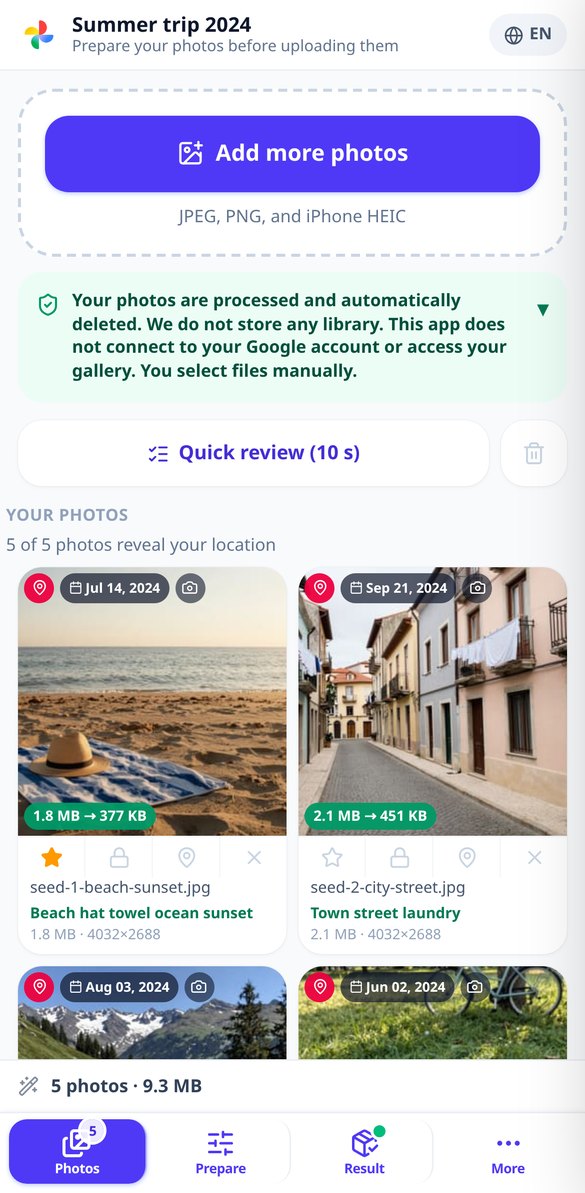
深入了解每項功能

線上 HEIC 轉 JPG:iPhone 照片不遺失日期
在瀏覽器中把 iPhone 的 HEIC 與 HEIF 轉成 JPG、WebP 或 AVIF:方向修正、EXIF 日期完整保留,需要時可移除 GPS。免安裝,免註冊。
免費試用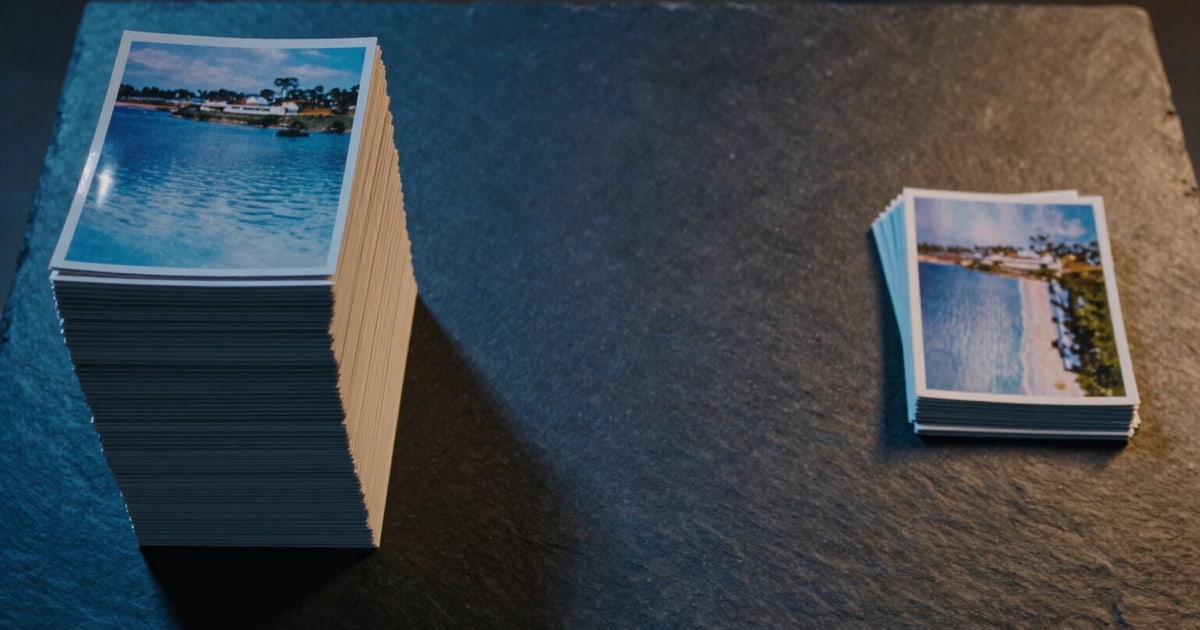
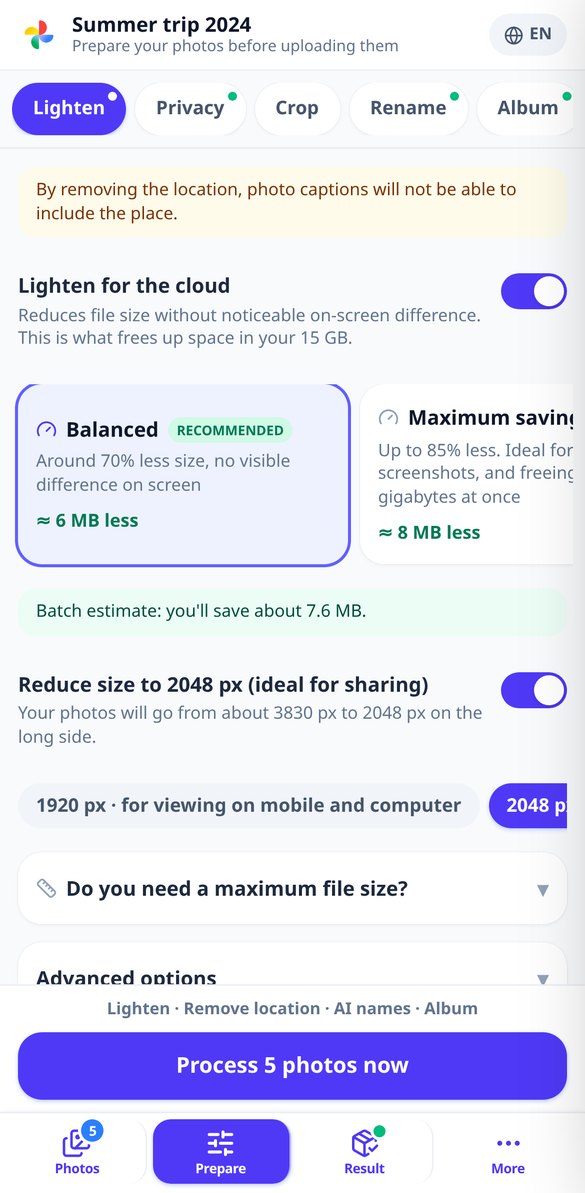
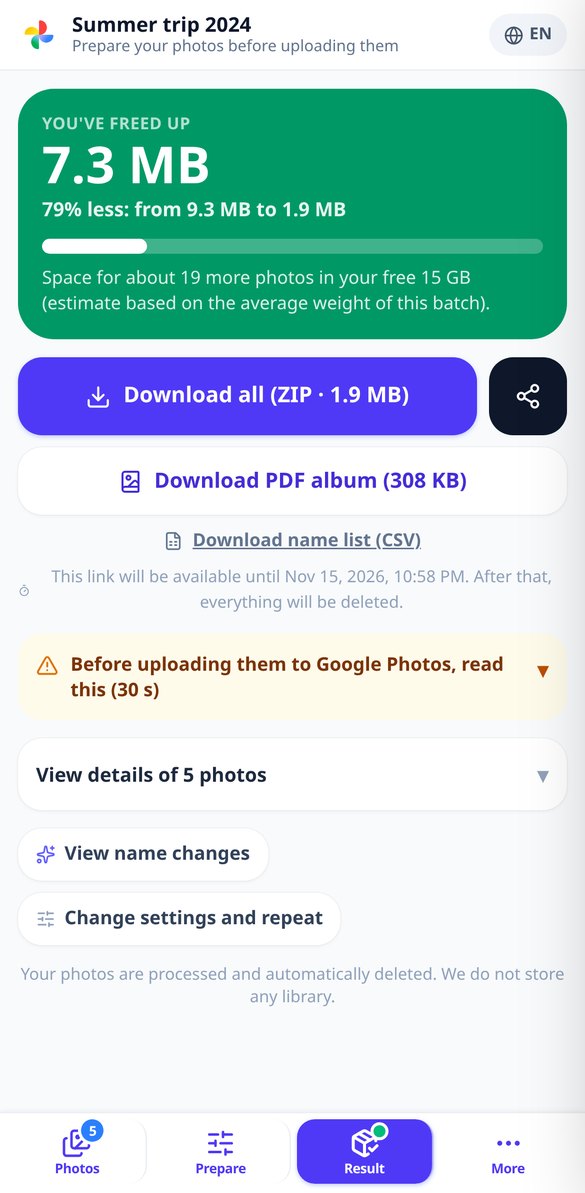
在Google Photos釋放多少空間:節省空間報告
壓縮你的批次,立即查看釋放的MB、百分比以及你的15 GB免費空間還能容納多少張照片。在瀏覽器中進行,無需註冊,不會存取你的Google帳戶。
免費試用
修復 Google Takeout 日期:讓照片顯示真實拍攝日期
你的 Google Takeout 照片顯示的是下載日期。上傳照片和它們的 .json 檔案,就能在檔案內還原真實拍攝日期,可選擇性加入位置資訊且不會重新壓縮。在瀏覽器中操作,無需註冊。
免費試用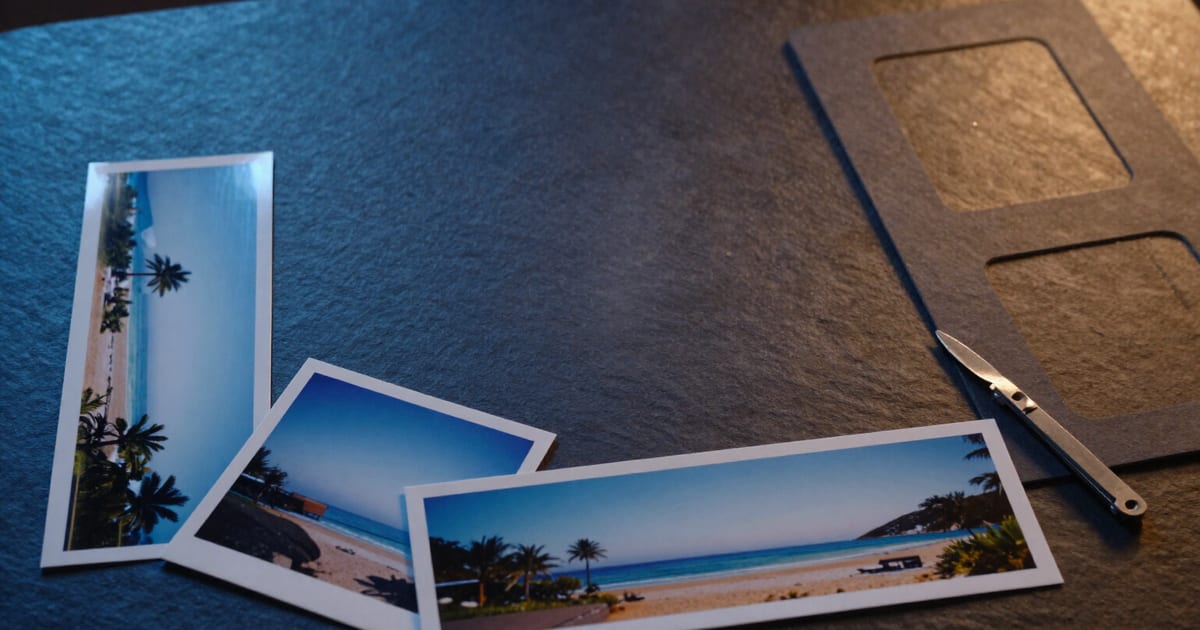
為社群媒體裁切照片:一步完成 9:16、1:1、4:5 和 16:9
一次將相同照片裁切為 Stories 格式、個人頭像、動態牆直式照片和封面照片,自動對焦重要內容並按目標格式提供 ZIP 檔。在瀏覽器中操作,無需註冊。
免費試用
裁切照片以 300 dpi 沖印 10×15、13×18、20×30 和 A4 尺寸
將照片裁切至實際紙張尺寸——10×15、13×18、20×30 或 A4——像素設定為 300 dpi,並有燈號指示哪些照片會模糊,讓你在訂購沖印前就能知道。在瀏覽器中操作,無需註冊。
免費試用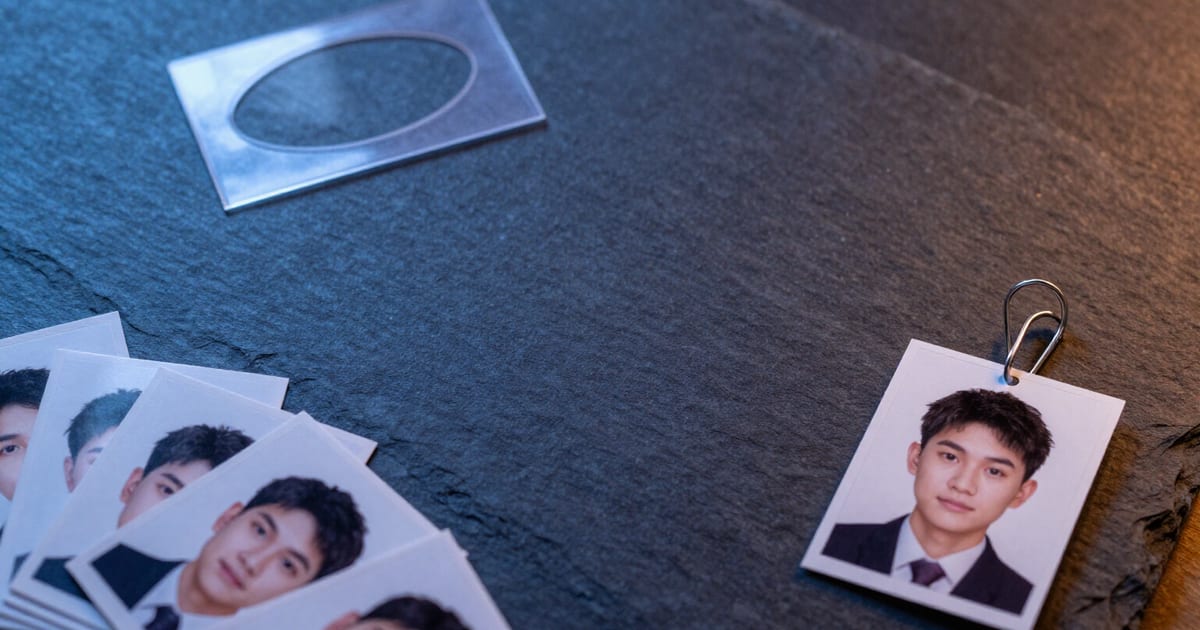
線上 35×45 毫米證件照:使用模板和參考線裁切
裁切您的照片為 35×45 毫米證件照尺寸(413 × 531 像素,300 DPI),搭配橢圓形遮罩以及頭頂和眼睛參考線。在瀏覽器中操作,無需註冊,無需安裝任何軟體。
免費試用
AI 智能批次重新命名照片,依其內容命名
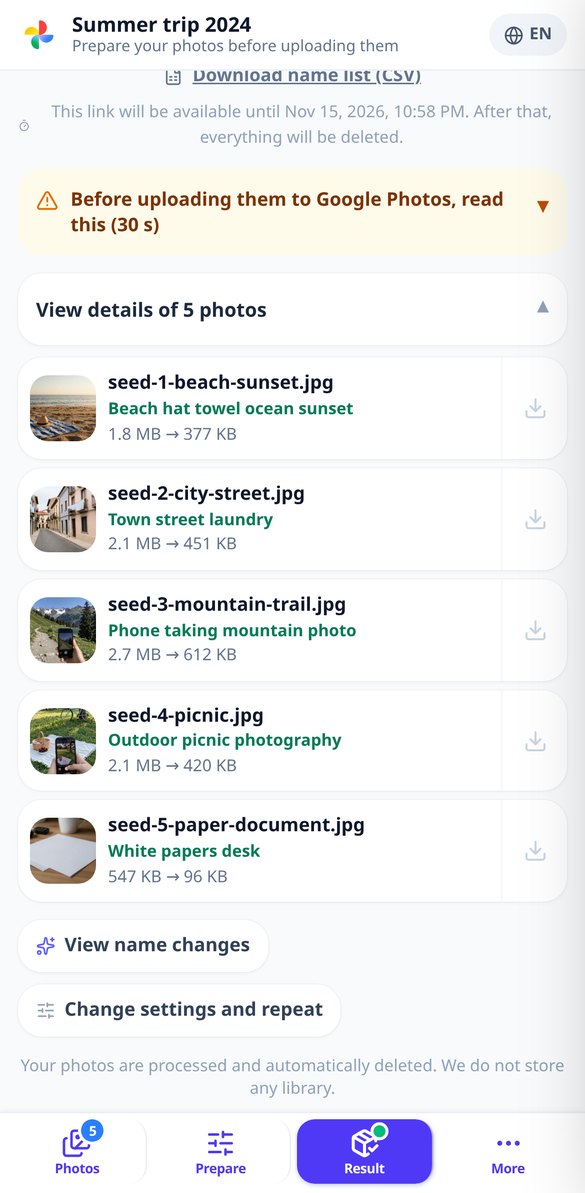
一次重新命名多張照片:AI 會描述每張照片,並建議名稱、替代文字和標籤。您可以選擇命名模式,手動編輯,並下載 CSV 格式的命名對應表。
免費試用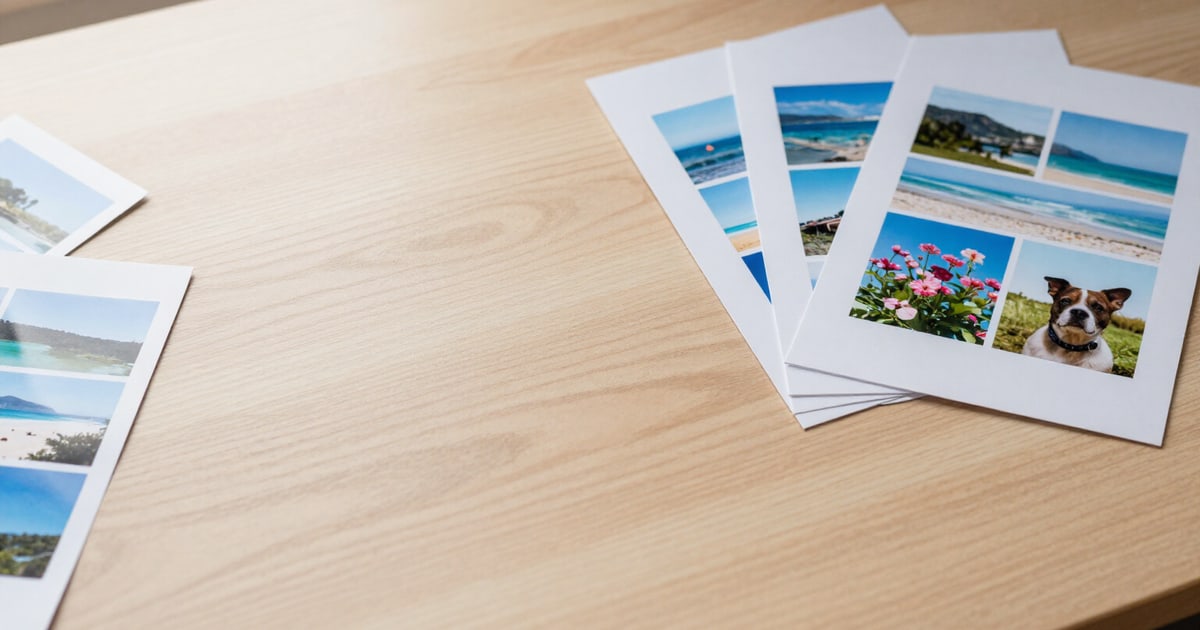
建立 PDF 相片集用於列印:每頁 1、2、4、6 或 9 張
將您的照片排版製作成 A4 或 Letter 尺寸的 PDF,每頁 1、2、4、6 或 9 張,包含標題和日期的封面、照片說明以及 300 dpi 的印刷品質。無浮水印,無需註冊。
免費試用同一批照片,五種工具
Everything you generate can be reviewed on screen before exporting, and it comes as a file you can use outside the app.
精簡批次,看看省了多少
三種以結果為導向的設定:平衡、最大節省與專業畫質,另可為每張照片設定檔案大小上限(500 KB、1、2 或 5 MB,或自行輸入),系統會調整畫質來達成,若仍不足則縮小尺寸,而不是破壞圖片。最後提供前後比較表,列出每張照片及整個批次的 MB 與百分比。如果某張照片已經優化過,而且您沒有要求裁切或大小上限,我們會原封不動回傳原始檔案,而不是較差的版本,並且告知您。

移除位置,保留日期
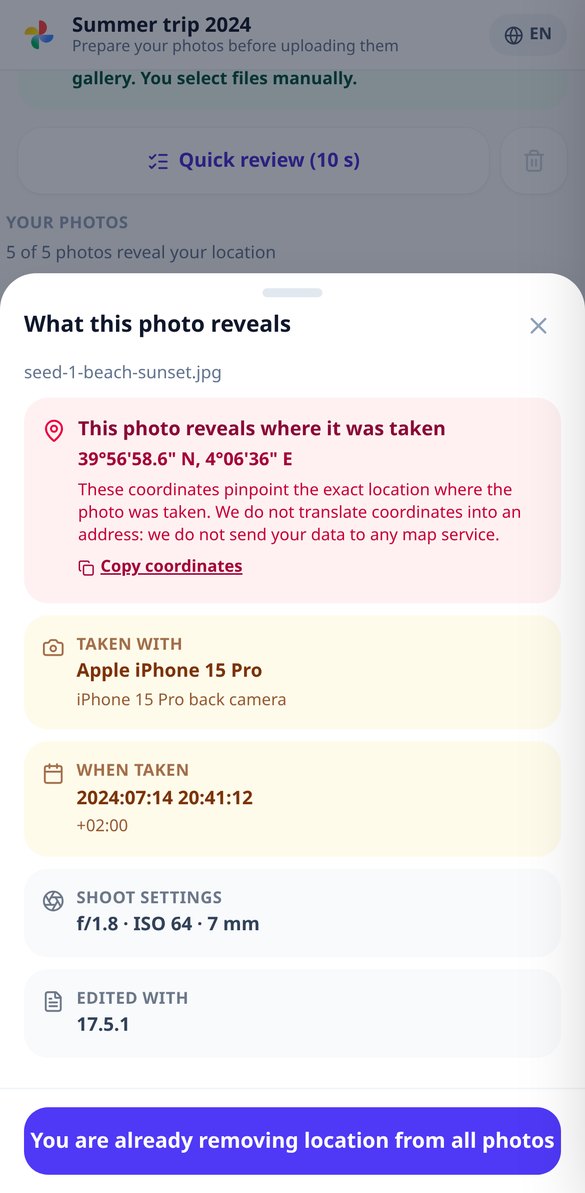
隱私卡片以白話告訴您每張照片洩漏了什麼,並依風險排序:座標、日期、手機型號。而且解決方法就在同一個畫面:只移除 GPS(保留日期,避免相簿順序大亂)、全部刪除,或完全不動。不需要重新壓縮時,只會處理檔頭而不動任何像素,並透過重新讀取輸出檔案來驗證清除結果。
名稱直接說明照片內容
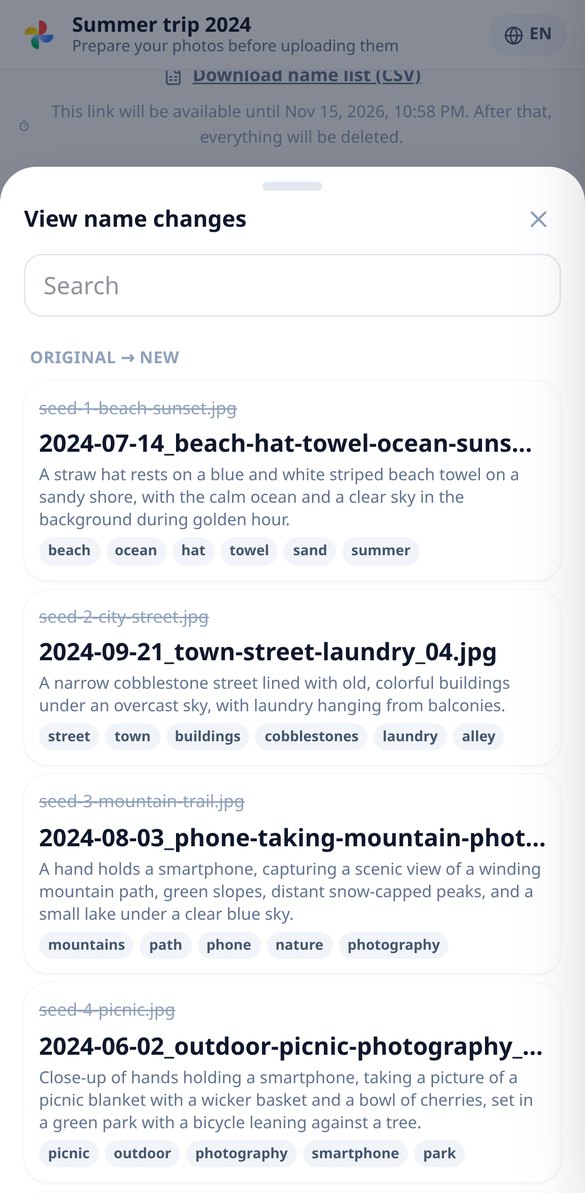
AI 會查看每張照片的縮圖,並以您的語言提出簡短的名稱、描述句與標籤:IMG_20240815_WA0023.jpg 會變成 2024-08-15_playa-atardecer-ninos_01.jpg。您可選擇命名格式,也可手動編輯任何名稱,ZIP 內附 CSV,對照新舊名稱。若 AI 失敗或額度用完,名稱會改用 EXIF 日期,批次繼續進行。
三個步驟,下載整理好的批次
Choose what you need
Deck, grammar worksheet or reading. Study language, your language, level A1–C1 and topic… or write your own word list and your own topic.
Review it on screen
It is generated instantly and you correct it card by card or exercise by exercise. Nothing is exported until you have approved it.
Download it and use it
CSV for Anki, PDF for printing, TXT or ZIP with the audio files. Everything is saved in “My Materials” so you can reopen, rename or delete it.
常見問題
照片更輕巧,也不再帶著您的位置
Create your free account and download your materials in CSV, PDF, TXT or ZIP. Independent tool, not affiliated with or endorsed by Duolingo, Inc.