Try Facebook — Marketplace listings, covers, and group rules with AI now, no sign-up needed
Facebook — Marketplace listings, covers, and group rules with AI · Your listing, your cover and your group rules, ready to paste
For those who use Facebook for something that makes money: selling on Marketplace, running a local business Page or administering a group. Here you make the listing, the cover and the rules, and you copy them, paste them or upload them. We don't connect your account: we don't ask for your password, we don't read your messages and we don't publish anything for you.
In the features that use AI, responses are generated by artificial intelligence and are not a substitute for professional advice.

Máš starost o své zdraví a nevíš, koho se zeptat?
V Chatu se zeptáte AI asistenta pro všeobecné lékařství kdykoli a své otázky vyřešíte za pár minut.
See the tools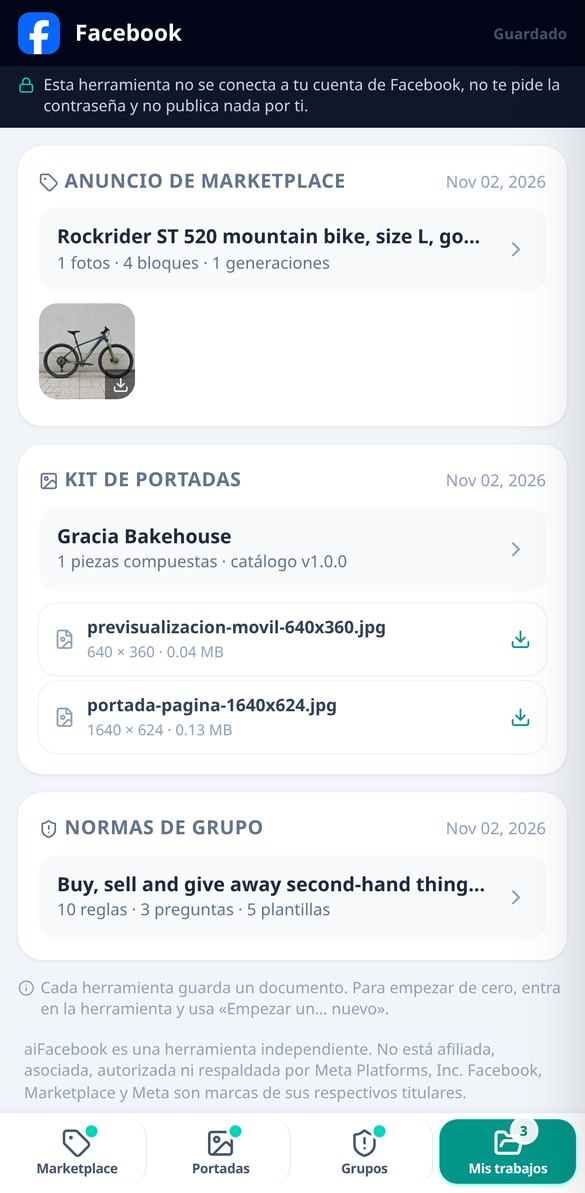
Discover every feature in detail

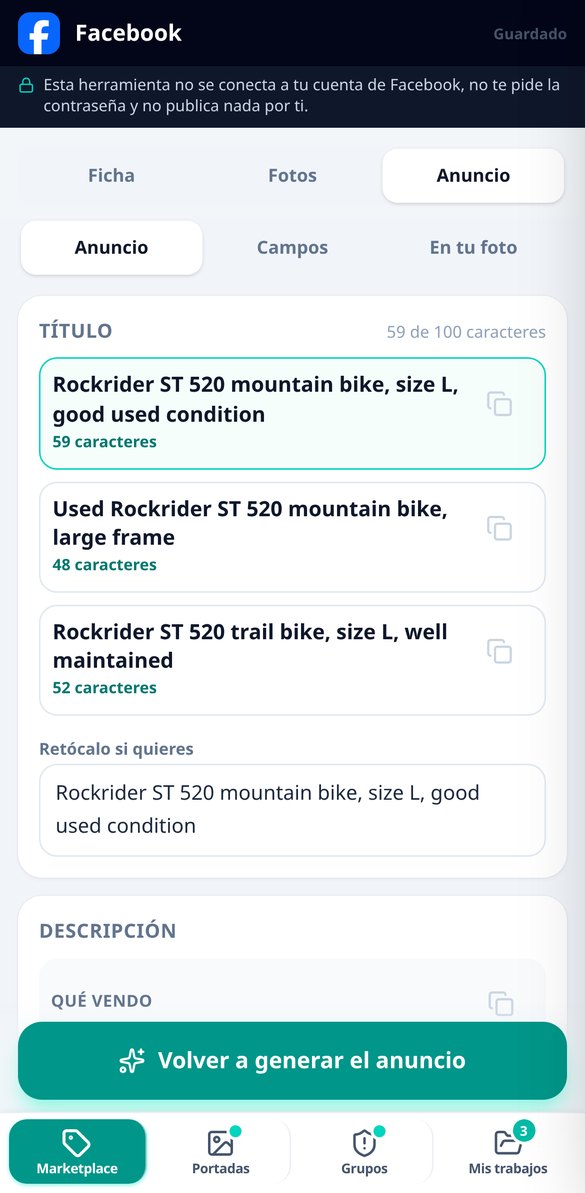
Title Generator for Facebook Marketplace: 3 Free Variants
Write the title of your Marketplace listing using the formula brand + model + attribute + condition. Three variants with a character counter, no emojis or clickbait words, and trimmed to 100 characters of the field. Free and without connecting your Facebook account.
Try it free
Description for Facebook Marketplace ads: 4 ready blocks
What to include in your Marketplace ad description: hook, actual condition, delivery and payment, and a closing that avoids the "Is it still available?" Four editable blocks with independent copy. Free and no Facebook account connection required.
Try it free
Avoid the 'is this still available?' on Marketplace: the closing line that works
The last part of your Facebook Marketplace listing asks for a date and time slot for pickup —or your postal code if selling by shipping— instead of a 'I'm interested'. Select your time slots with one touch and copy the closing line. Free and without connecting your account.
Try it free
Buyers' questions on Marketplace, already answered in your ad
Your Facebook Marketplace ad comes with the four to six typical questions for its category already answered with your details: charger, battery, invoice, measurements, whether it disassembles. What’s missing is marked in amber. Add them to the ad or save them as a cheat sheet for Messenger.
Try it free
Facebook Marketplace form fields by category: checklist with copy
What technical data Facebook Marketplace requires by category —make, model, frame size, year, kilometers, condition— in the order of the form, with the suggested value and a copy button for each field. Without connecting your account.
Try it free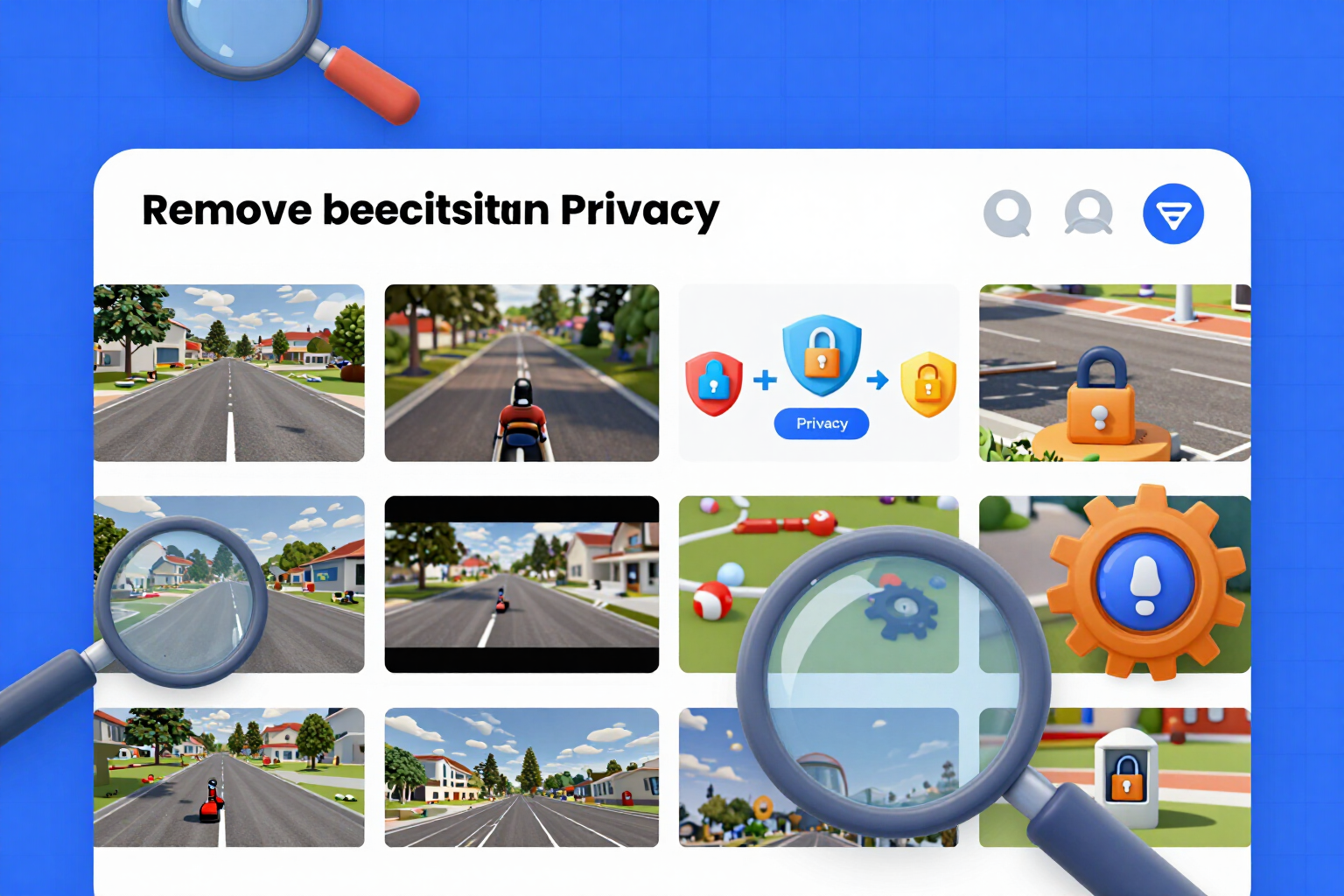
Remove location and EXIF data from your Marketplace photos
Photos from your mobile contain the GPS coordinates of where they were taken. Here they are regenerated without a single metadata entry, and the cleaning is verified by re-reading the delivered file. Free and no registration required.
Try it free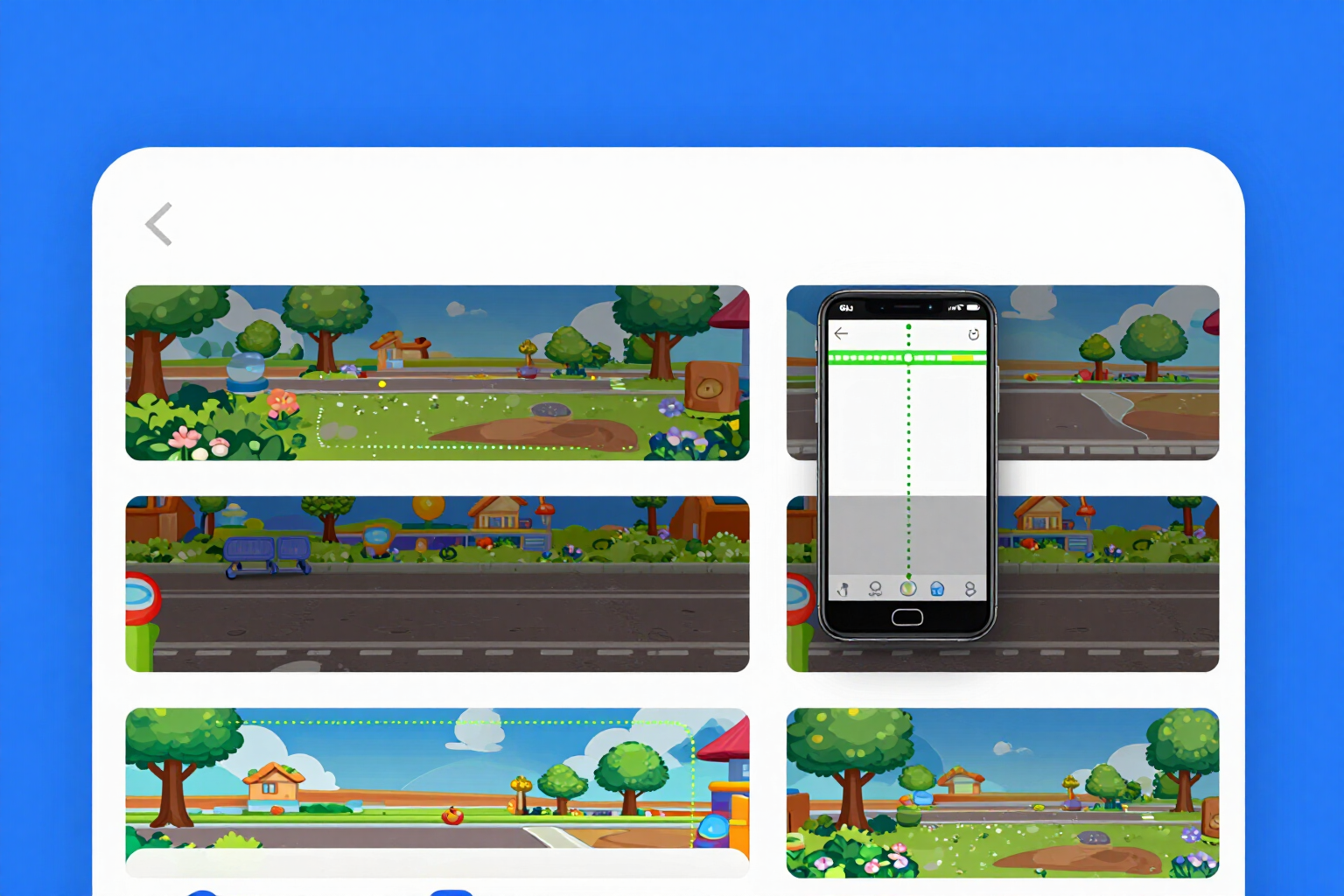
Safe zone of the Facebook cover: viewer of both crops
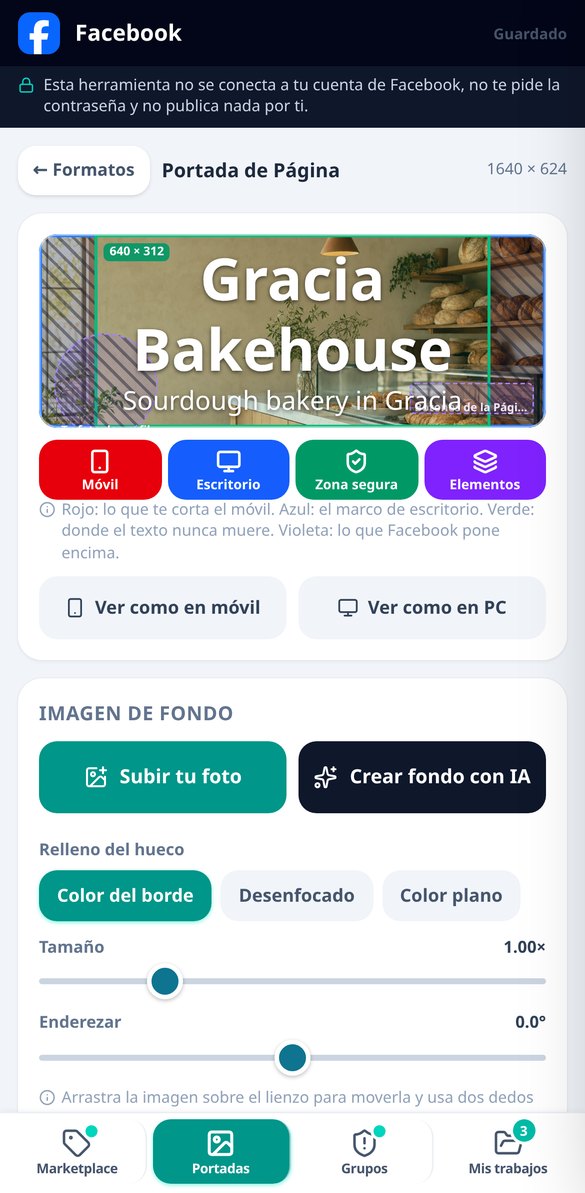
Upload your cover and see both Facebook crops (desktop and mobile) at once, with the common safe zone highlighted in green and dimensioned in pixels, plus the buttons and avatar that Facebook overlays. Free and no registration.
Try it free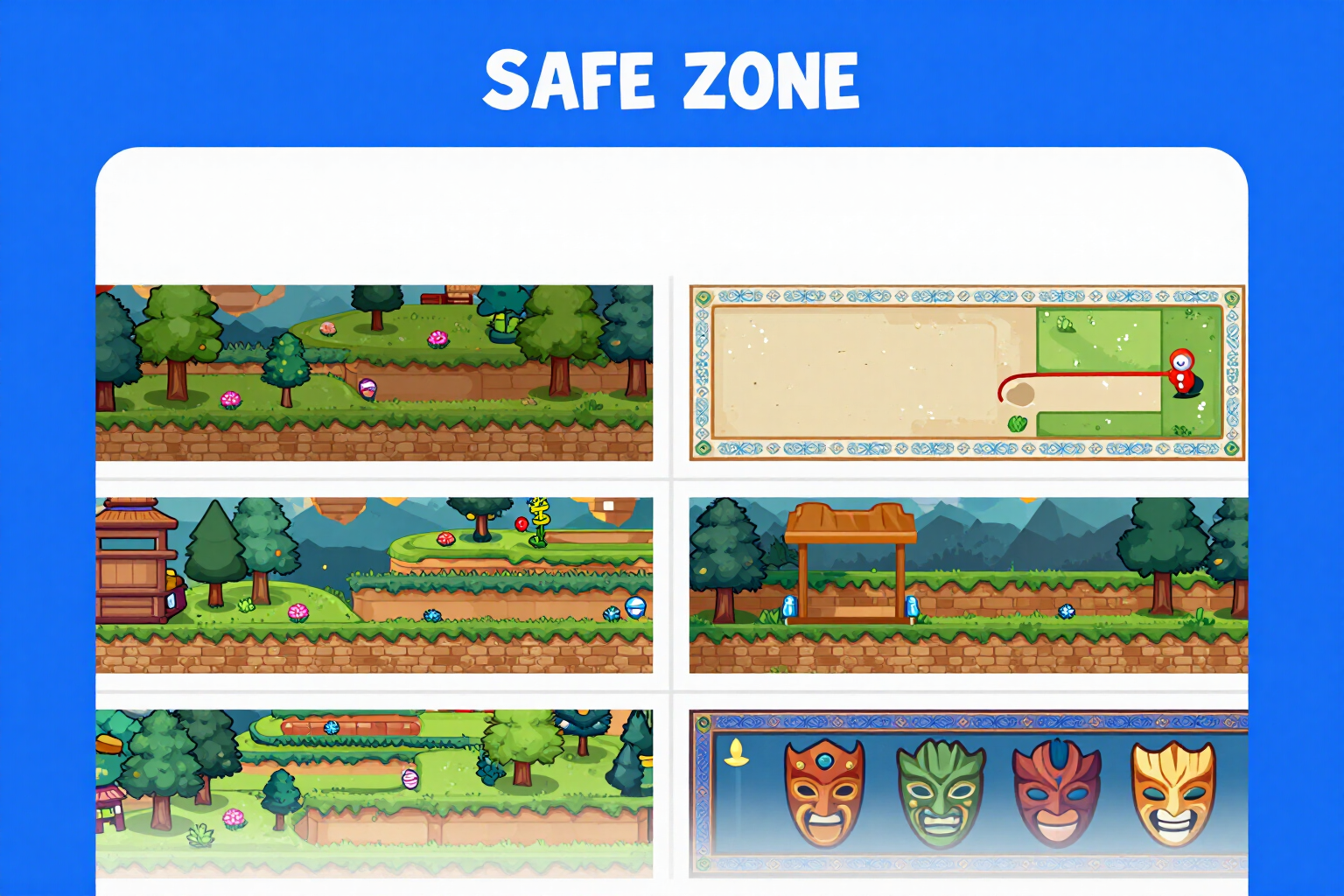
Facebook measurement template and safe zone for download (PNG)
Download the free template with the dimensions of the Facebook cover photo: the two crops for desktop and mobile, the safe zone marked in pixels, and the buttons and avatar that Facebook overlays. Transparent PNG for Photoshop or Canva, or with background for reference. Page, Group, Event, and profile picture.
Try it free
Rules for Facebook groups: 10 norms with their consequences
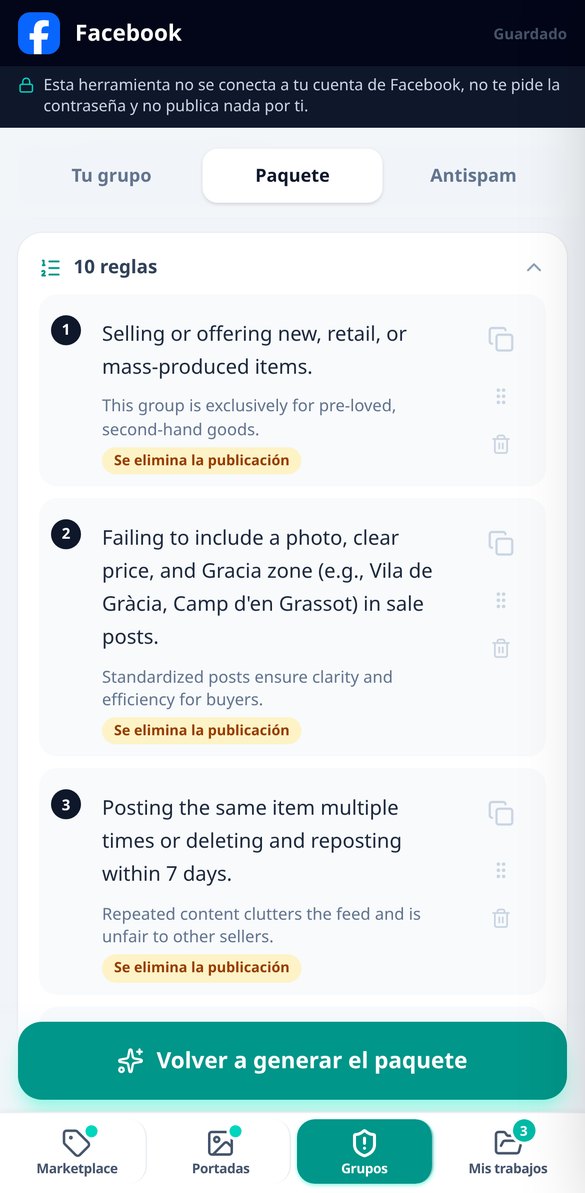
Generate the rules for your Facebook group: ten numbered rules with prohibited conduct, the reason, and the consequence—removing the post, muting for 24 hours or 7 days, or expelling—ordered by severity and ready to copy one by one. No account connection required.
Try it free
Antispam Dictionary for Admin Assist: 94 terms for your group
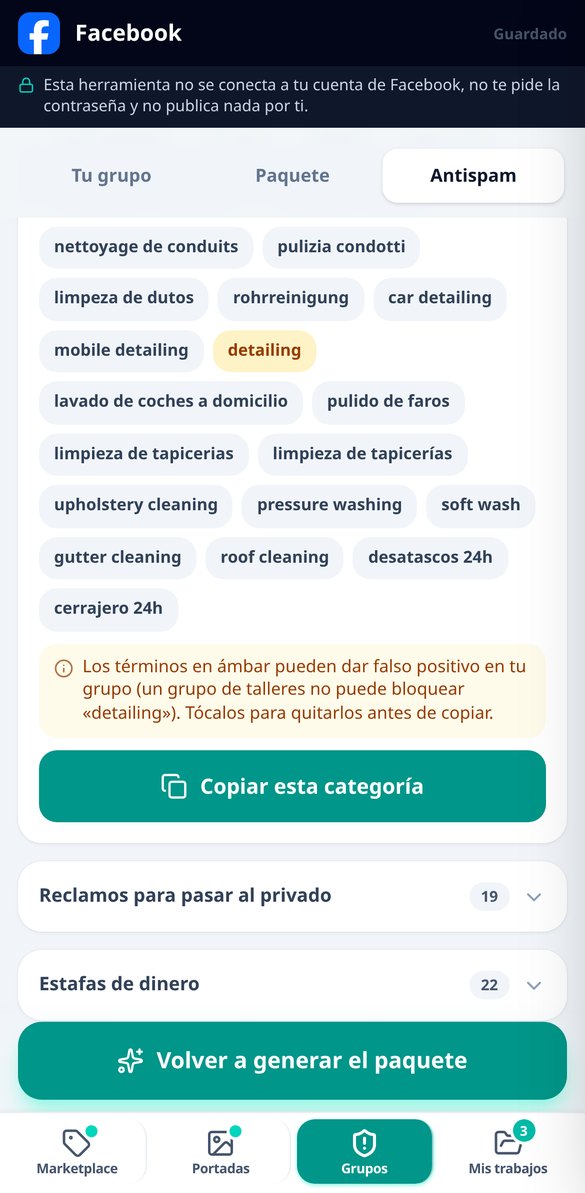
List of words to filter spam in Facebook's Admin Assist: 94 terms in various languages, across five categories, with false positives marked and broken into blocks to fit in the field. Includes three lines of where to paste.
Try it freeThree tools: sell, show your face and keep things in order
Poznej výhody používání Chatu pro lékařské konzultace.

Marketplace listing: the text that saves you twenty messages and clean photos
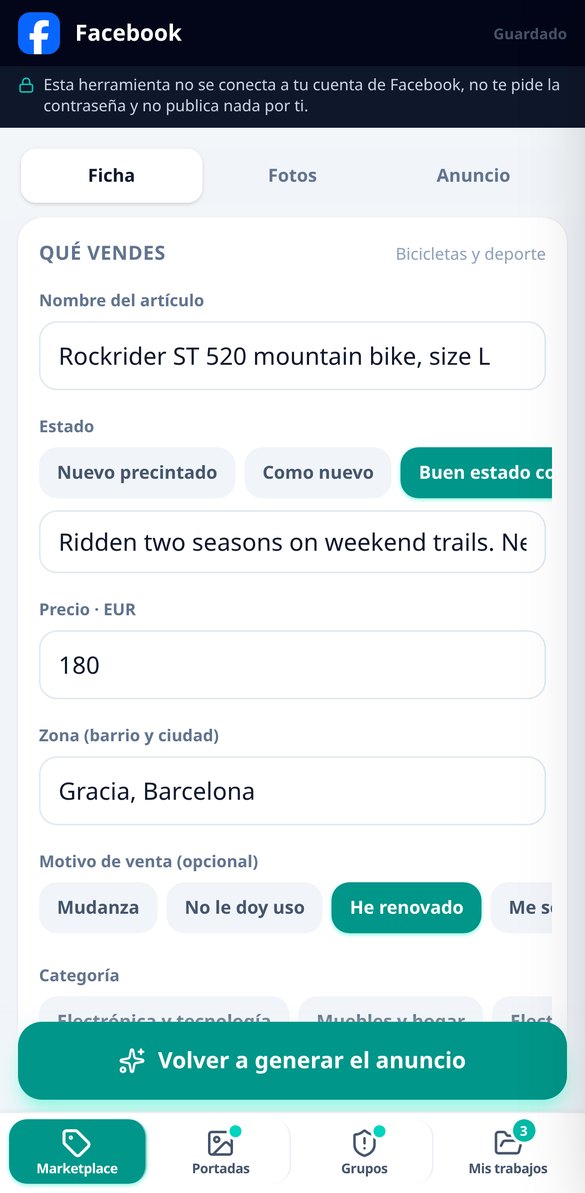
You fill in five fields — what you're selling, condition, price, area and reason — and you get three titles to choose from with the search formula and its character counter, the description in four blocks each with its own copy button, the FAQ for your category already answered and the list of Facebook form fields, the ones that feed the search filters and that, left empty, keep your listing out of searches. What it doesn't do is as important as what it does: it doesn't make up the market price because we don't have that data, and when it's missing a measurement or a year it leaves a visible placeholder for you to add it. The photos are separate and free: orientation applied, square crop with padding in the color of the edge itself, straightening, up to two badges and a spec sheet stamped by the server — never by the AI — and metadata erased and verified by re-reading the file.

Covers: both Facebook crops overlaid and the safe zone
Page cover, Group cover, Event poster and profile picture, each with its dimensions, its desktop crop and its mobile crop drawn at the same time over your image, with the common safe zone highlighted. The Group one marks as prohibited the bottom strip where the app writes the group name, and the profile picture shows you the circular mask and how your logo will look at the small feed size, which is the test that really decides whether it reads or not. The label is composed by the server with embedded typography, measures the luminance of the exact area where it falls to choose color and plate, and warns if the text doesn't fit instead of shrinking it until it's illegible. If you bring your own photo, all of this is free and unlimited; you can also download the template with the dimensions and guides to design in another program. With an account you unlock the AI-generated background — only the background, never the lettering — and the ZIP pack with all the pieces in their upload version.

Groups: ten rules you can actually enforce and the antispam filter
You say what your group is about, its size and what problems you have — service spam, sales, fights, fake profiles — and out comes the whole package: the description in two versions, ten numbered rules where each one carries an observable behavior, a one-line reason and a concrete, escalating consequence (post deleted, 24-hour mute, 7-day mute, removal), the admission filter with rule acceptance, an anti-bot trick question and the qualification one, with the answer you should accept and when to reject, the welcome message and five notice templates — first warning, second, post removed, mute and removal — with the gaps marked ([name], the rule broken, the link) so you can fill them in in seconds. And the antispam dictionary: the terms of the usual plagues in several languages, grouped by category and flagging the ones that can give a false positive in your group, ready to paste into Facebook's Admin Assist with the path showing where to paste it.
From your data to the clipboard in three steps
Zaregistruj se
Vytvoř si účet za pár minut a získej okamžité lékařské poradenství.
Chatujte s AI asistentem
Otevřete chat a zadejte své otázky AI asistentovi pro všeobecné lékařství.
Získej odpovědi
Získej personalizované lékařské poradenství a pečuj o své zdraví účinně.
Frequently Asked Questions
Latest blog articles
Guides and news to get more out of it

Facebook Group Rules in 2026: How to Write Them for Admin Assist and Management AI to Apply
Meta expanded Admin Assist on Oct 23, 2026. This is how to rewrite Facebook group rules in an executable format for AI application.

Why Facebook Marketplace Rejects or Holds Your Ads in 2026 (and How to Post to Pass Review)
Identity verification, test accounts, and false positives: why Marketplace holds your ads in 2026 and how to post to pass review.