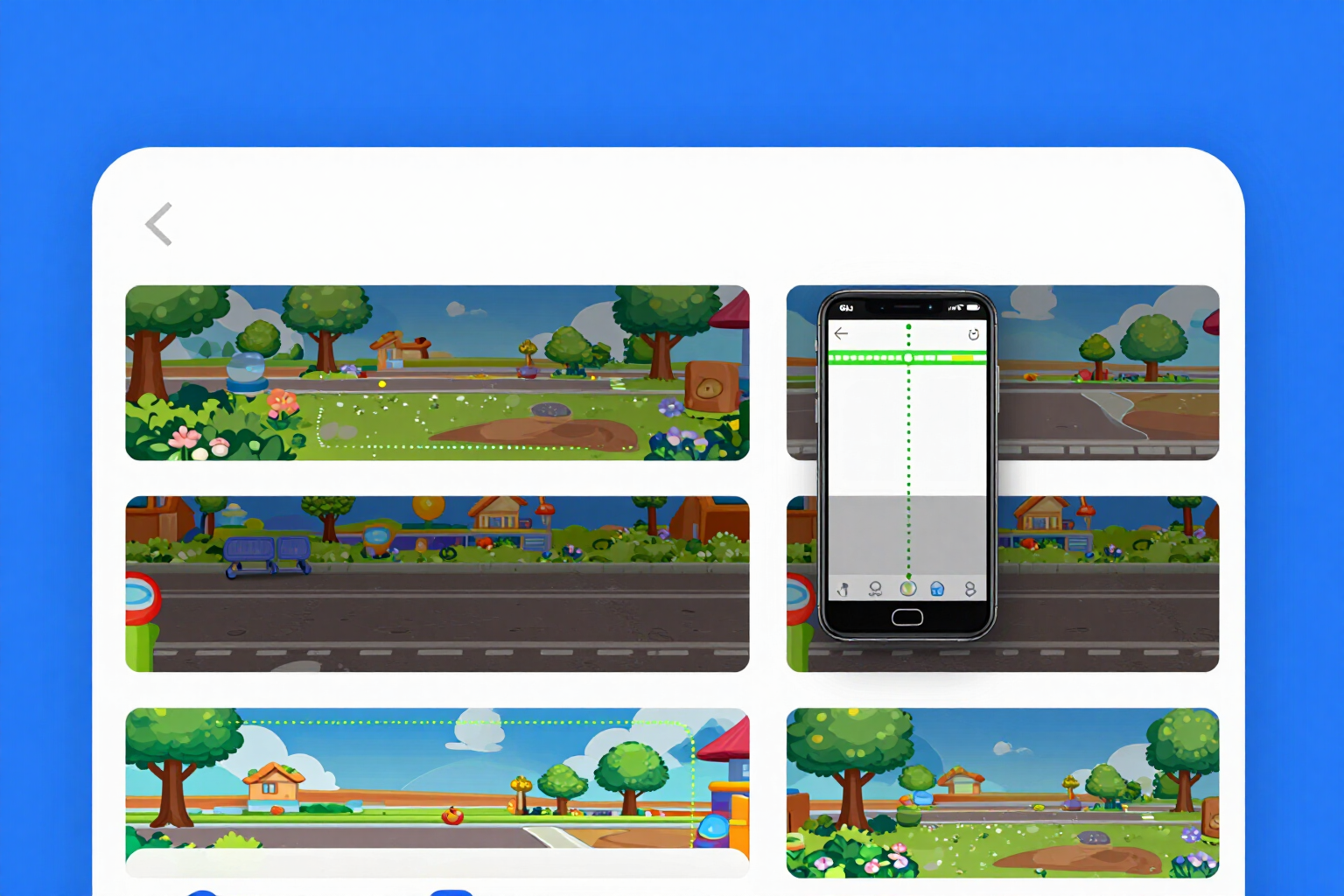
Interactive viewer for dual crop and safe zone
See the two crops that Facebook applies —desktop and mobile— at the same time over your own photo, with the common safe zone marked in green and dimensioned in pixels.
The problem with a Facebook cover photo isn't the size: it's that Facebook crops it in two different ways and you only see one.
You upload the cover photo you already have, and the viewer keeps it intact: it overlays the two frames that Facebook uses. The mobile crop is shown in dashed red and instead of cropping the image, it darkens the sides that the mobile cuts off, so you can still see what you're losing. The desktop crop is shown in blue. Where the two overlap, the safe zone is painted in green, with its exact measurement in pixels written inside: that's the only rectangle where your logo or text is readable in both places.
On top of that, there's a fourth layer in purple, showing what Facebook overlays without warning: the profile picture that covers the bottom left corner, the Page buttons, the gradient that Meta applies to the bottom, the date chip in events, and the rounded corners of the new container. All four layers start illuminated —the surprise of "look what the mobile cuts off" should happen without you having to discover anything— and you can turn them off one by one when you want to see the clean photo.
The viewer is truly interactive: you drag the photo and pinch to fit it until the important part falls within the green, with a button to fit into the safe zone in one go. If you place a headline and it doesn't fit, it tells you in words ("it goes outside the safe zone: it would be cut off on mobile") instead of shrinking it to an unreadable size. It works in all four formats: Page cover, Group cover —with the bottom strip where Facebook writes the group name marked as prohibited, not as "not recommended"—, Event cover, and Profile photo, with its circular mask and a preview of how it looks at a tiny size in the feed.
All of this is calculated by your browser using geometry, not AI. That's why it costs nothing, requires no registration, and has no limit on trials: you can move the same photo fifty times. And the measurements come from a versioned catalog with its date, which is displayed on screen marked as pending verification when it is, because Facebook changes these things without announcing them.
Try Safe zone of the cover photo right here
Use it free without an account. If you want to save your result, you can sign up afterwards.
Save / Sign upBenefits of Safe zone of the cover photo
Both crops at once, not one
desktop in blue and mobile in red overlaid on the same photo. You stop discovering the mobile cut after publishing.
Darkens instead of cropping
what the mobile cuts off is dimmed but still visible. You understand how much you lose and where to move the photo.
Green and dimensioned safe zone
the rectangle where the two crops overlap, with its size in pixels written inside. Your text never dies there.
Also what Facebook overlays
avatar, Page buttons, Meta gradient, date chip, and rounded corners, drawn in violet over your image.
Fit with your finger
drag and pinch until the important parts are in the green, or press "fit in safe zone." And if the headline doesn't fit, it alerts you instead of shrinking it.
Free, no registration, and unlimited
your browser draws it with geometry, not an AI. Try the same photo as many times as you want.
The four Facebook formats
Page cover, Group cover with its banned strip, Event cover, and Profile picture with a circular mask and feed-size preview.
Honest measurements with date
the catalog is versioned, and while it is not verified, it displays this on screen. Unstable positions are drawn as approximate.
Upload your cover and see what gets cropped
No need to connect your Facebook account, no registration, and no limit on trials. We don’t ask for your password and we don’t post anything for you.
In the features that use AI, responses are generated by artificial intelligence and are not a substitute for professional advice.