 CapCut
How to write the editing brief that an AI editor truly understands: shots, durations, and text entries
Team at AiToolsForAppsWritten with AI assistance14 min readIn summary
- Prompt editing is no longer a promise: EditPilot allows you to describe timeline changes in natural language on the CapCut desktop, and the ChatGPT plugin was announced at the CapCut World event in Los Angeles, dated October 27, 2026 in the official CapCut note.
- The bottleneck has shifted: it is no longer knowing where the button is, it is knowing what to ask. A vague prompt ("make it more dynamic") returns a generic edit because it contains no decisions, only adjectives.
- An executable brief is a list of shots with duration in seconds, a declared cut rhythm, the exact second each text enters and how long it stays, and where the b-roll goes and where the silence is.
- There are pieces that no agent guesses and it's best to have them resolved: the
.srtwith its timings down to the byte and the labels in PNG with alpha. CapCut imports subtitles only on desktop and web, not on mobile, according to its official help on importing subtitles. - The mobile versions of November 2026 (20.0.0, released on November 3, and 20.1.0, on November 11, according to APKMirror) consolidate the cycle: the editor moves fast, the brief is the only thing that depends on you.
For fifteen years, editing vertical video was a hands-on problem: knowing the shortcuts, dragging the clip well, remembering where the keyframe was. In 2026 that has reversed. When you tell an editor "cut this to 30 seconds and add labels", the machine does it in seconds; the problem is that it does it its way, and its way is the average of everything it has seen. For those who create or sell in CapCut, the aiCapCut tool from AiToolsForApps targets that gap: it lets you reach the editor with the editing brief, the SRT subtitles, and the labels already resolved, instead of waiting for the agent to improvise them. This article is about the new craft: writing the brief.
What changed exactly in CapCut between October and November 2026?
The instruction-giving mode changed. CapCut presented at its Los Angeles event —October 27, 2026, according to its own press room— a set of tools that respond to both requests in natural language and selections made directly on the preview window, plus a ChatGPT plugin that allows moving from the idea to a first cut and continuing to refine it through conversation.
The three blocks that matter for daily work:
| New Feature | What it does | Where | Declared status |
|---|---|---|---|
| EditPilot | Convert a written indication into real changes on the timeline (trimming, reordering, tightening the pace, changing the color of a specific object in a shot) | Desktop / PC | In deployment |
| Generative & Interactive Edit | Refine by selecting on the preview window, not on the track | Desktop and web | Announced at the event |
| ChatGPT Plugin (CapCut × Codex) | Assemble a first cut from chat and iterate it through conversation; uses CapCut's MCP to return an editable project with tracks and resources | ChatGPT | The integrator page describes it as operational with limits by account and region; announcement coverage like ivipid placed it in "coming months" without date or price |
There is a detail worth noting when reading headlines: the event date appears differently depending on the source (October 27 in the CapCut note, October 24 in part of the coverage). What does not vary is the demo that was shown: a 12-second sports reel assembled from chat with the instruction "turn these clips into a 12-second highlight", and then chained adjustments —duration of a shot, readability of subtitles, music beneath the narration, text on screen—.
In parallel, the mobile channel continued its normal pace: version 20.0.0 was released on November 3, 2026, and version 20.1.0 on November 11, the latter with bug fixes and improvements in trimming. That is: the editor iterates every week and a half. Your brief does not.
Why does "make it more dynamic" always return a generic edit?
Because it is not an instruction, it is an assessment. "Dynamic" does not contain any numbers: neither how many cuts per minute, nor the minimum duration of a shot, nor whether the pace goes up or down. Faced with a request without decisions, the model fills in with the median of its training, and the median of vertical videos is exactly what you have already seen a thousand times.
A prompt is executable when each sentence can be verified with a stopwatch. Compare:
| Vague Prompt | What the agent decides for you | Executable Version |
|---|---|---|
| "Make it more dynamic" | No. of cuts, shot duration, transitions | "18 cuts in 45 s; no shot below 1.2 s; no transitions, just a hard cut" |
| "Make nice subtitles" | Typography, size, position, how many lines | "2-line subtitles, max. 32 characters per line, placed above the bottom interface bar" |
| "Start strong" | What shot opens and how long it lasts | "Shot 01: detail, 1.8 s, the final gesture of the result; the context enters in shot 03" |
| "Add music" | Theme, volume, whether it overlaps the voice | "Instrumental music below the narration, enters at 0:00, lowers 6 dB when the voice speaks" |
| "Leave a closing title" | Text, entry second, duration | "Closing title enters at 0:41, lasts 3.5 s, occupies the central third" |
The practical rule: if your instruction cannot be contradicted by a fact, it is not an instruction. "More dynamic" cannot be disproved. "18 cuts in 45 seconds" can: they can be counted.
What elements should an executable editing brief include?
Six blocks, and all six with numbers. A brief is executable when another person —or an agent— could edit the piece without asking you anything and the result would last exactly as intended.
- Target duration and output format (vertical 1080×1920, horizontal 1920×1080). The total of the shots must match the target; if it doesn't match, it is scaled, not improvised.
- Numbered shot list. For each shot: type (detail, medium shot, b-roll, screen, talking head…), short label, description of what is seen, seconds of duration and their accumulated start and end.
- Declared cut rhythm: total cuts and cuts per minute. It is the only way for "dynamic" to mean something.
- On-screen texts with timecode: what each title says, at what second it enters, and how many seconds it remains. A text without duration is a text that the agent will leave on until the end.
- Hook and CTA as separate pieces from the rest. The hook is not "the beginning": it is a shot with its own function and duration. The CTA is also not "the last thing that fits".
- Where the b-roll goes and where the silence goes. Silence is an editing decision, not a gap: mark it with its entry second and duration, just like a shot.
A minimal shot template, at the level of detail that an editor can execute by prompt without inventing:
Shot 04
  type: b-roll
  label: hands on the keyboard
  duration: 2.4 s   (start 00:07.2 — end 00:09.6)
  description: overhead shot, hands typing, no face
  on-screen text: yes — enters at 00:07.6, lasts 2.0 s
  transition: hard cut
  audio: ambient, no narration
What should be resolved before opening the editor, because the AI cannot guess it?
Two things: the timing of subtitles and the titles as images. These are the two pieces where the error is not aesthetic but mechanical —a millisecond written incorrectly and the file won't load, a PNG without an alpha channel and the title covers the shot— and where a generative agent has nothing to invent because the correct answer is unique.
The .srt. CapCut accepts importing subtitles in .srt and .txt on desktop, only .srt in the web version, and does not allow importing subtitle files on mobile; it also requires UTF-8 encoding so that special characters do not break. This means that if your workflow is mobile, the file must be created correctly from the first attempt, because you will not be able to fix it there. And a valid .srt is strict: numbering from 1, comma as a millisecond separator, correct line breaks, and cues that never overlap.
The titles. A title written by an image model comes out with distorted letters: it is the classic error of asking a visual generator for text. The reliable way is the opposite —typographically composed text exported as PNG with real transparency—, and it is advisable to check the alpha channel in the binary, not to trust the file name.

| Piece | Who should produce it | Why |
|---|---|---|
| Subtitle timings | A deterministic segmenter, with character rules per line and reading speed | The correct result is one; creativity here is a defect |
| Titles and cover | Typographic composition exported to PNG with alpha | Image generators write letters poorly |
| Structure of shots and rhythm | You, in the brief | They are editorial decisions, not technical |
| Execution on the timeline | The editor by prompt | It is mechanical and repetitive work: just what it is meant for |
| Final correction and publication | You, in the editor | The plugin demo ends by opening the project in CapCut |
Where can texts enter without the network interface covering them?
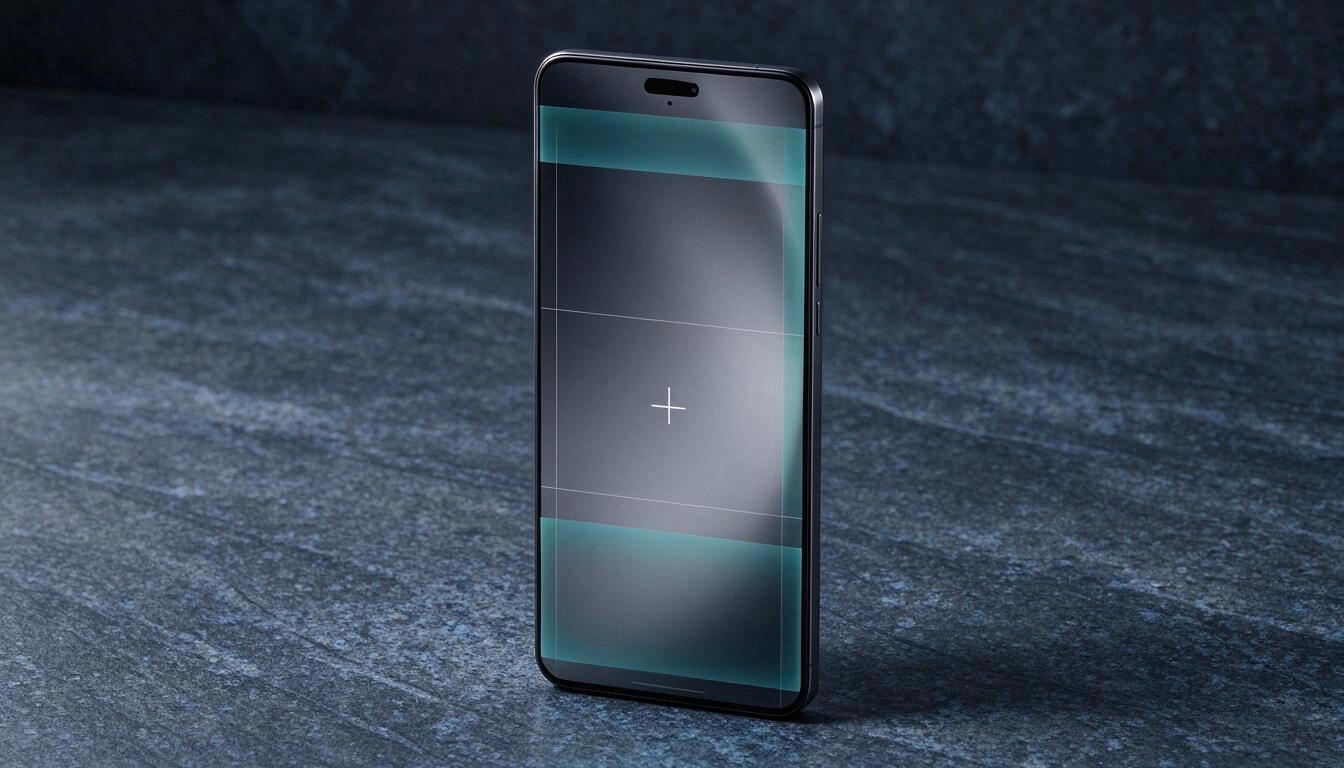
In the central strip. In vertical video, the usable canvas is not the full frame: the top is occupied by notices and controls, the bottom by the username, the footer, the music credit, and the action buttons, and the right side by the "likes," comments, and share column. A label placed there exists in your export and disappears on the viewer's mobile.
Two honest notices about this:
- The exact pixel measurements vary between networks and between app versions, and the bottom band also grows when the text footer is long. Treat them as a minimum that needs to be verified on the device, not as a constant.
- That’s why the brief should state in which area each text goes (upper third, central band, above the footer), not just what it says.
And a scale reference to understand why this is costly: YouTube Shorts surpassed 100 billion daily views in November 2025 and has around 4 billion monthly users, with a maximum duration of 3 minutes since September 2024, according to the YouTube Shorts page. A covered label is not a detail: it’s half of your message in a format where the viewer does not go back.
How does an idea turn into a brief, step by step?
With four passes, always in the same order: decide the duration, write the shots, put the text timecodes, and generate the files. The order matters because each step closes decisions that the next one needs.
- Set the total and the distribution. Decide the seconds of the piece and how many the hook takes, how many the development takes, and how many the closing takes. If the sum of shots doesn’t add up, scale all proportionally before proceeding.
- Write the shots as a list, not as a paragraph. Type, label, description, seconds. Numbered. At this point, you can already count the cuts and thus declare the rhythm.
- Put the texts on the clock. Each label with its entry second and its duration. Mark here also the silences and the b-roll segments.
- Resolve the files that cannot be improvised. Generate the
.srtfrom the script with your character and reading speed rules, export the labels in PNG with alpha, and check the destination measurements. Only then do you open the editor and request the execution.
It’s exactly the division of labor that aiCapCut proposes: the brief and the files are prepared outside —editing plan with shots, durations, and timed texts, subtitles in SRT, VTT, or TXT, and labels in PNG— and the editor does what it does best, which is execute on the timeline. aiCapCut does not render video nor generate CapCut projects: it produces the verified pieces that you then import. And it’s worth stating clearly, because it’s the boundary that distinguishes a useful tool from a promise: it is not a CapCut product nor is it affiliated with CapCut.
What is measured to know if the brief was good?
Four numbers, all verifiable about the finished edit. If the brief was executable, the result meets them without negotiation; if it doesn’t meet them, the brief had gaps that someone filled in for you.
| Brief Metric | How it is checked | Sign of a weak brief |
|---|---|---|
| Total duration | Stopwatch on the export | Deviation > 5 % from the target |
| Cuts per minute | Count cuts and divide | You hadn’t declared it |
| Texts on screen | Check entry and duration of each | A label that stays until the end |
| Subtitle readability | Characters per line and seconds per cue | Overlapping cues or lines of 60 characters |
A fifth, soft but useful: how many times you had to ask the agent the same thing again. Each retry is a decision that was missing in the brief.
Frequently Asked Questions
What is an editing brief?
It is the document that translates a video idea into executable instructions: a shot list with its duration, cut rhythm, what text appears at what second and how long it lasts, where the b-roll goes and where the silence is. It serves equally for a human editor and for a prompt editor.
How do I ask CapCut's AI to edit a video for me?
By describing specific changes to the timeline. EditPilot is designed for natural language requests like "turn this 12-minute tutorial into a 90-second cut" or "remove repeated points and tighten the rhythm." The more numbers the request contains —seconds, number of cuts, minimum shot duration— the less the model will have to decide for you.
Is the CapCut plugin for ChatGPT available yet?
It depends on the source and your account. CapCut's page dedicated to integration with ChatGPT describes it as operational, warning that access, generation limits, and resources depend on the account, region, and product terms; the coverage of the October 2026 announcement placed it in "upcoming months" with no confirmed date or price. It is advisable to check in the app itself before planning a workflow with it.
Can SRT subtitles be imported into CapCut from mobile?
No. According to CapCut's official help, importing subtitle files is available on desktop (.srt and .txt) and in the web version (.srt), but the mobile app does not allow importing .srt or .txt. For either method, the file must be in UTF-8.
Why do AI-generated captions come out with the letters wrong?
Because image models draw letters as shapes, not as text: they do not have a typographic engine behind them. The solution is not to insist on the prompt, but to take the text from the generator and compose it typographically, exporting it in PNG with a transparent background to overlay it in the editor.
How many cuts per minute should a vertical video have?
There is no universal figure, and anyone who gives you one without context is guessing. What is important for the brief is that you declare it: a slow tutorial and a sports highlight do not share rhythm, and as long as you do not specify the number, the model will.
Doesn’t a very detailed brief kill creativity?
On the contrary: the detailed brief protects the creative decisions you have already made. What the agent fills in when the brief is silent is not creativity, it is the average of their training. Writing that the hook lasts 1.8 seconds and opens on a detail is precisely what prevents the model from returning the same edit as everyone else.
The brief is now the job
Prompt-based editing has not eliminated the craft, it has relocated it: from hands to prior decision. Whoever arrives at the editor with a timed shot list, the texts already on the clock, a valid .srt byte and the captions in PNG with alpha gets what they asked for; whoever arrives with "make it more dynamic" gets the same as everyone else. If you want to have those pieces sorted before opening the editor, aiCapCut, from AiToolsForApps, is built for that and nothing else: generate the editing plan, SRT subtitles, and PNG captions and have them verified, no registration required to start. aiCapCut is not a product of CapCut nor is it affiliated with CapCut.
Prepare the brief before opening the editor: generate your editing plan with shots and durations, your subtitles in SRT, and your titles in PNG with aiCapCut, no registration required.
Prepare the brief before opening the editor: generate your editing plan with shots and durations, your subtitles in SRT, and your titles in PNG with aiCapCut, no registration required.Keep reading
View all articles →
Subtitles that are truly readable vertically: characters per line, CPS, and minimum duration per cue

Broken Geode in Geometry Dash 2.2091: which mods are not working and how to keep creating

DLS 27 in December 2026: what is confirmed, what is not, and what happens to your club, your squad and your kits when you update
