Geometry Dash
Broken Geode in Geometry Dash 2.2091: which mods are not working and how to keep creating
Team at AiToolsForAppsWritten with AI assistance12 min readIn summary
- Geode is still broken in Geometry Dash 2.2091. The latest stable version is v5.11.2 (released on October 15, 2026) and it only works on 2.2081; as of November 14, 2026, there is no stable release that supports 2.2091 (official Geode releases).
- The v6.0.0-alpha.1 (November 1, 2026) does start in 2.2091, but it is labeled as alpha for developers, with the explicit warning that things are going to break (Geode SDK).
- The official index is frozen on the previous version: on November 5, 2026, out of 985 mods, 775 targeted 2.2081 and none had a stable release for 2.2091 (mod inventory by version).
- The big ones are falling: Globed, Jukebox, QOLMod, BetterInfo, and Custom Keybinds still declare 2.2081 as their target.
- You have three real options —uninstall Geode, start in safe mode, or stay on 2.2081— and none of them will give you the mods and the new editor at the same time. While you wait, the visual identity work and level planning can be done entirely outside of the game client.

If you opened Geometry Dash this week and your mods menu had disappeared, it’s not your installation: it’s the usual cycle, but this time it’s long. 2.209 came out on October 15, 2026, and the patch 2.2091 a few days later, and Geode —the mod loader that supports almost a thousand modifications— has been without a compatible stable version since then. This article puts numbers to what is broken, what is not, and what you can still do today. And we write it from AiToolsForApps, where we maintain Geometry Dash, a web tool for icons, thumbnails, and level layouts for Geometry Dash that doesn’t touch the game client: precisely the kind of work that doesn’t stop when the mod loader goes down.
Is Geode broken in Geometry Dash 2.2091?
Yes. Geode’s own website states it bluntly: after the release of 2.2091, "Geode is currently broken" and the team asks for patience. The stable version v5.11.2 does not work on the latest version of the game: it only works on 2.2081 (Geode installation page, consulted on November 14, 2026).
There is a path with support for 2.2091, but it’s not for you if you just want to play: the v6.0.0-alpha.1, released on November 1, 2026, is marked as prerelease and aimed at mod developers. Verified on the GitHub API on November 14, 2026, the releases from the repository are nightly (prerelease, Nov 13, 2026), v6.0.0-alpha.1 (prerelease, Nov 1, 2026), and as the last stable, v5.11.2 (Oct 15, 2026).
| Geode Version | Date | Status | GD supported | Recommended for playing? |
|---|---|---|---|---|
| v5.11.2 | Oct 15, 2026 | Stable | 2.2081 | Yes, but only if you stay on 2.2081 |
| v6.0.0-alpha.1 | Nov 1, 2026 | Prerelease (alpha) | 2.2091 | No: for developers only |
| nightly | Nov 13, 2026 | Prerelease (continuous build) | In development | No |
Source: releases from the geode-sdk/geode repository and geode-sdk.org/install, consulted on November 14, 2026.
Which mods don’t work: 775 out of 985 still target 2.2081
The official mod index is, in practice, one version behind. In a count dated November 5, 2026, the index contained 985 mods: 775 declared targeting GD 2.2081, 153 were still on the even older 2.2074, and none had a stable release for 2.2091. About 781 also required the Geode 5.x branch (mod inventory by version).
It is important to understand this well: the loader support and the support of each mod are two distinct decisions. Even if the stable v6 were to come out tomorrow, each author has to recompile and republish their mod. The loader is the door; the mods are the guests, and they arrive at their own pace.
Among the popular mods checked on that November 5, these were the declared targets:
| Mod | Version in the index | GD target | What it is used for |
|---|---|---|---|
| Globed | 2.2.2 | 2.2081 | Real-time multiplayer |
| Jukebox | 3.8.0 | 2.2081 | Music management and NONGs |
| BetterInfo | 4.4.11 | 2.2081 | Advanced level data and search |
| QOLMod | 2.8.6 | 2.2081 | Quality of life improvements |
| Custom Keybinds | 2.2.2 | 2.2081 | Custom keyboard shortcuts |
Source: mod inventory by version of Geode, official index data verified on November 5, 2026.
If your builder routine depended on QOLMod and BetterInfo, or your community relied on Globed, that is exactly what is down. What is not broken is the game: Geometry Dash 2.2091 works perfectly without mods, including the editor.
Why does every Geometry Dash update break the mods?
Because Geode is not an official plugin system, but a layer that hooks into the innards of the game executable. When RobTop recompiles Geometry Dash, the internal addresses and function signatures shift, and all the hooks point to nothing. The official explanation from the team is that each GD update breaks Geode for low-level technical reasons and that fixing it requires "at least a few days of manual work" (Geode SDK).
There is a second factor worth stating out loud: Geode is maintained by a small group of university students as a hobby, according to their own installation page. There is no SLA, no date. The answer to their FAQ about "when will it be ready?" has been "hopefully in the next few days", which as a guide to the Geode update cycle reminds us, is not a release date you can plan around.
Trade rule of thumb: if your workflow depends on mods, don’t update Geometry Dash on patch day. Wait for the mod index to shift.
Your three real options right now (and what each costs)
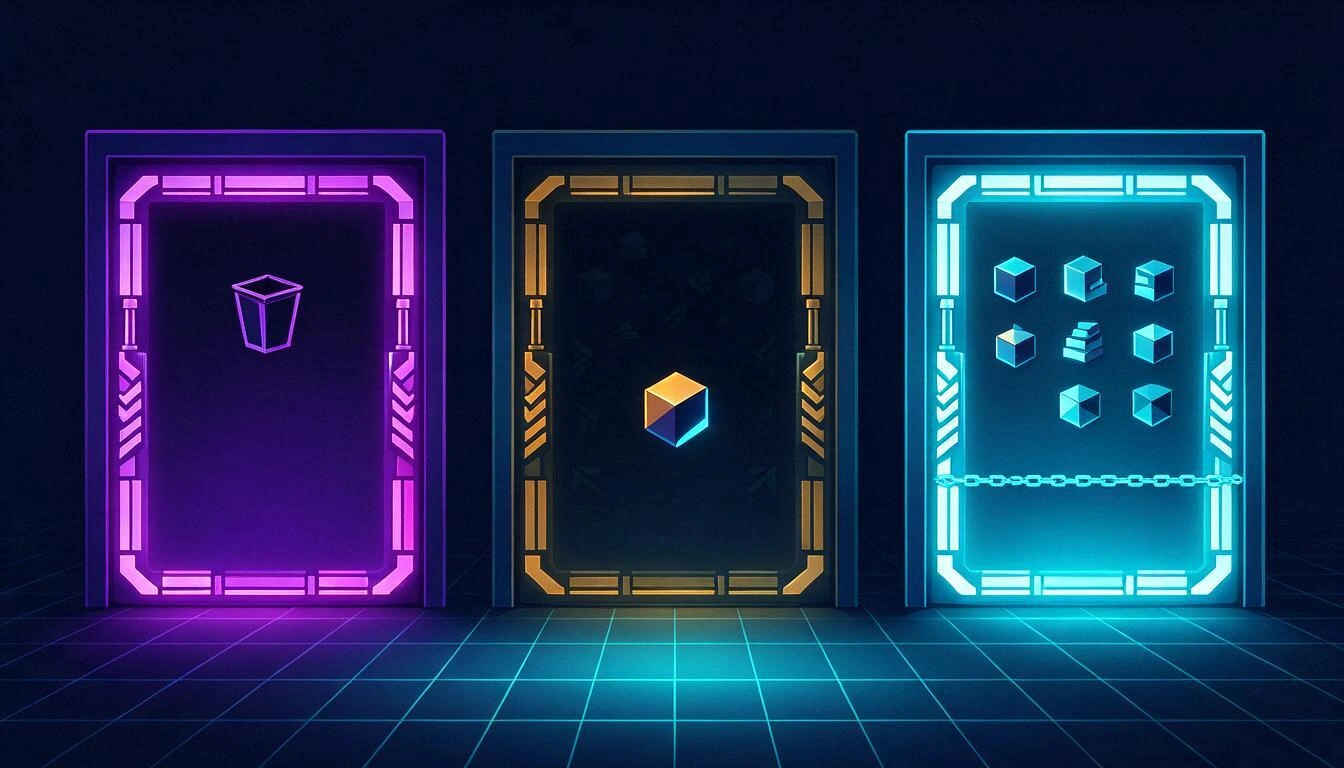
There are three paths and none are free. You can uninstall Geode and play clean on 2.2091, boot in safe mode to preserve the installation with mods disabled, or stay on 2.2081 with your mods intact but without anything that 2.209 brought. The alpha route does not count as an option for a normal player.
| Option | What you do | What you keep | What you lose |
|---|---|---|---|
| Wait in safe mode | You leave Geode installed and boot with mods not loaded | The installation, the configuration, and the new editor from 2.209 | All mods, until the stable version comes out |
| Uninstall Geode | You remove the loader and play clean 2.2091 | Total stability and the new editor; your saved games are separate and untouched | The mods and the loader's configuration folder |
| Stay on 2.2081 | You don’t update (or reinstall the previous version) | The 775 mods from the index, Globed, Jukebox, QOLMod… | Everything new from 2.209: editor, platformer saving, native keybinds |
| Alpha v6 (not recommended) | You install the prerelease from Nov 1, 2026 | Load support in 2.2091 | Reliability: it's for developers and they warn it will break |
Source: geode-sdk.org/install and update cycle guide and rollback plan, consulted on November 13-14, 2026.
How to enter safe mode
Safe mode boots Geode without loading any mods, allowing you to open its menu and disable the culprit if something crashes. According to the official Geode FAQ:
- Windows and macOS: hold down the Shift key before launching the game and don’t release it until it has finished loading.
- Android: hold down the Launch button in the Geode app.
And if the game crashes even then, the official recommendation is straightforward: uninstall Geode until compatibility returns (installation page).
What exactly do you miss if you stay on 2.2081
Staying behind to keep the mods comes with a specific cost, and it’s significant: 2.209 was primarily an editor update. RobTop announced on October 15, 2026 a package that includes platformer saving, customizable keybinds, tracking and death markers, sounds and packs in the editor, level import and export, autosave and automatic backups, start positions selector, and Group ID names (RobTop Games announcement; patch notes on SteamDB).
| New feature in 2.209 | Why it matters to a creator |
|---|---|
| Import and export levels | Move a project between devices or pass it to a collaborator without hassle |
| Sounds and packs in the editor | Wider SFX library and reusable collections |
| Autosave and backup | Stop losing hours of decoration due to unexpected crashes |
| Start positions selector | Test specific sections without fighting with objects |
| Group ID names | Complex levels readable months later |
| Platformer saving and native keybinds | Long sessions and controls without relying on a mod |
In other words: many of the things people installed mods for are now in the base game. The price, by the way, did not change with the update: it remains at 4.99 USD on Steam and 3.99 USD on mobile, according to the summary of 2.209 and 2.2091 by Gamecodely.
How to Keep Creating While Geode is Fixed
The part of your work that doesn’t live inside the .exe is not blocked. If you are a builder or content creator, what you’ve lost is the mod loader; you haven’t lost your visual identity, your video thumbnail, or your level structure planning. And those three fronts can be worked on today in the browser, without installing anything and without touching the game client — which, moreover, eliminates the risk of leaving a half-patched installation.
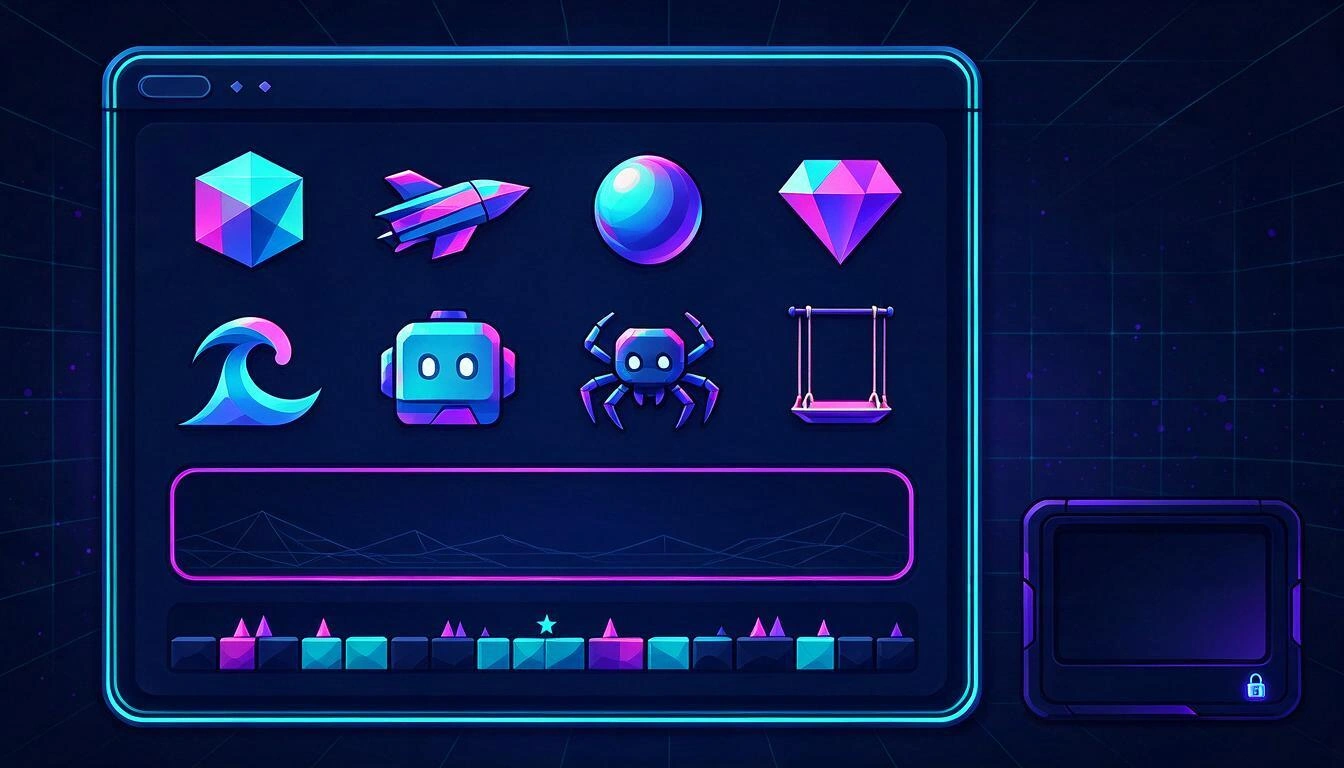
Three tasks you can get ahead on these weeks without a single mod installed:
- Finalize your visual identity. A coherent icon kit —the same concept and the same palette applied to the cube, the ship, the ball, the UFO, the wave, the robot, the spider, and the swing— is what is seen on your profile and on your channel, and it doesn’t depend on any loader.
- Prepare thumbnails and channel material. The content you publish about your levels is produced outside of the game; the halt in the mod ecosystem does not affect it.
- Decide on the level plan before opening the editor. Structure, segments, and decoration thought out on paper (or on a template) translate much faster when you finally return to your complete setup.
For the first two, at AiToolsForApps we maintain Geometry Dash, a web tool that generates original art in the visual language of the game: you choose the base shape, primary and secondary color, the glow, and a free theme, and you get a 1024×1024 PNG with real transparency, ready for Discord, YouTube, or Twitch avatar. With one more action, the same theme and palette are applied to the eight shapes of the kit, downloadable in bulk. The nuance is important: it’s identity art, it’s not injected into the game — we do not extract or redistribute assets from RobTop, nor is there anything to install that could break with the next patch. You can see it on the page of icons, thumbnails, and level plans for Geometry Dash.
How to Know When You Can Reinstall Your Mods
Wait for two signals, not one. The first is that in the Geode releases a version without the prerelease tag appears declaring support for 2.2091 —and that the installation page stops warning that Geode is broken—. The second is that your specific mods have been updated in the index.
Checklist before going back to modding:
- Official Geode Releases: the latest stable release (not
alpha, notnightly) supports 2.2091. - The page for each mod you use shows a new version with 2.2091 as the target.
- Make a copy of your save folder before installing anything.
- Start once in safe mode after installing, and activate the mods one by one if something fails.
Frequently Asked Questions
Why don’t my mods work in Geometry Dash 2.2091?
Because the Geode loader still doesn’t have a stable version for 2.2091. The stable v5.11.2 only works on 2.2081, and as of November 14, 2026, there is no later stable release (geode-sdk.org/install).
When will Geode be released for 2.2091?
No date has been announced. The v6.0.0-alpha.1 has existed since November 1, 2026, for developers, but the official response about the stable version has been "hopefully in the coming days", without commitment (Geode SDK).
Can I use the Geode v6 alpha if I just want to play with mods?
It is not recommended. It is labeled as prerelease for mod developers and their own notices say that things will break; moreover, as of November 5, 2026, no mod in the index had a stable release for 2.2091 (mod inventory by version).
Does Globed work on 2.2091?
No. As of November 5, 2026, Globed 2.2.2 was still targeting GD 2.2081 in the official index, just like Jukebox 3.8.0, BetterInfo 4.4.11, and QOLMod 2.8.6.
How do I enter safe mode in Geode?
On Windows and macOS, by holding down the Shift key before launching the game and until it finishes loading. On Android, by holding down the Launch button of the Geode app (Geode FAQ).
Do I lose my levels or progress if I uninstall Geode?
No. The saved games of Geometry Dash are separate from the loader, so you can remove Geode and reinstall it later; what goes away is the configuration of the loader itself and its mods (Geode update cycle rollback plan guide).
Is it worth staying on 2.2081 to keep the mods?
It depends on whether you decorate or just play. If your routine depends on QOLMod, BetterInfo, or Globed, yes; if you build levels, the editor of 2.209 (import/export, autosave, sounds and packs, start positions selector) is a leap hard to give up.
Is there a way to keep creating without mods or installations?
Yes, for everything that doesn’t live inside the executable: icons, channel identity, thumbnails, and level planning can be worked on in the browser and are not affected by the state of Geode.
Conclusion: the charger pause doesn't have to be your pause
The Geometry Dash mod ecosystem will return —it always does—, but while the numbers say that 775 of the 985 mods in the index remain stuck on 2.2081, it makes sense to consciously choose between safe mode, uninstalling, or falling behind, and to use the time on work that doesn't depend on the game's client. At AiToolsForApps we have built Geometry Dash precisely for that half of the trade: generating your icon kit with real transparency, your thumbnails, and your level designs without installing anything that a patch might break. If you are going to wait for the stable v6, at least wait with the finished visual identity: start with the icons, thumbnails, and level designs for Geometry Dash.
While Geode is down, close your visual identity: generate your complete Geometry Dash icon kit in PNG with true transparency, your thumbnails, and your level layouts directly from the browser, no installation required. Try it for free at AiToolsForApps.
While Geode is down, close your visual identity: generate your complete Geometry Dash icon kit in PNG with true transparency, your thumbnails, and your level layouts directly from the browser, no installation required. Try it for free at AiToolsForApps.Keep reading
View all articles →
Geometry Dash 2.209: all the news about the editor and practice mode (and how to take advantage of them)

DLS 27 in December 2026: what is confirmed, what is not, and what happens to your club, your squad and your kits when you update

Rewarded ads in Gardenscapes and Homescapes: when watching the video saves you money