Geometry Dash
 2.209: all the news about the editor and practice mode (and how to take advantage of them)
Team at AiToolsForAppsWritten with AI assistance14 min readIn summary
- Geometry Dash 2.209 was released on October 15, 2026 on Steam, iOS, and Android, almost nine months after 2.208 (January 19, 2026), according to the patch notes 2.209 recorded on SteamDB.
- For the player stuck on a demon, the decisive factor is death tracking with death markers: visible marks at the exact point where you die, turning practice into data rather than intuition.
- For the builder, the package is editor-focused: editor sounds and sound packs, level import/export, auto-save and auto-backup, names for group IDs, and a start positions switch.
- The customizable keybinds are now part of the base game, in the options menu: remapping no longer requires mods. And the platformer mode gains progress saving and its own controls.
- The patch 2.2091 (October 16-19, 2026) reverted the input to the behavior of 2.208, renamed live markers to Live Practice Markers, and fixed stuck buttons and windows in the editor.
For nine months, the Geometry Dash community assumed that the next update would be 2.21, the big one. What arrived on October 15, 2026, was something else: a quality of life update that, without adding a single official level, touches on the two activities where people really spend hours — grinding a demon and building in the editor. This overview is about that, what changes in practice; if you also focus on the visual aspect of all this, at AiToolsForApps we maintain Geometry Dash, an AI tool for generating icons, thumbnails, and level layouts for Geometry Dash that fits with the workflow we describe below.

What exactly does the 2.209 update for Geometry Dash include?
2.209 is a sub-update of 2.2 focused on fine gameplay, accessibility, and creation tools. RobTop announced it as ready on Steam, iOS, and Android on October 15, 2026, with a list of new features led by platformer saving, customizable keybinds, death tracking, and death markers, editor sounds, and level import/export, according to the announcement from RobTop Games on X. There is no new official content: it is about craftsmanship.
| New Feature | Affects | Resolves |
|---|---|---|
| Death tracking + death markers | Player | Know exactly which section you die in, and how many times |
| Customizable keybinds | Player | Remap controls without mods or external programs |
| Progress saving in platformer | Player | Long platformer levels without having to redo them from scratch |
| Own platformer controls | Player | Control scheme separate from classic mode |
| Editor sounds and sound packs | Builder | Custom sound design within the level |
| Level import/export | Builder | Move a level between devices or pass it to another |
| Auto-save and auto-backup | Builder | Stop losing hours of editing due to an unexpected shutdown |
| Names for group IDs | Builder | Organize large projects without memorizing numbers |
| Start positions switch | Builder | Jump between test points in the level instantly |
| Replays in Daily, Weekly, and Event | Both | Replay daily levels for rewards |
| Emotes, notifications, news tab | Both | Social and community layer within the game |
The social and interface improvements (friend and follow management, messaging with emotes, rearranged settings menu, improved SFX search) complete the package, summarized in the breakdown of update 2.209 published by ToGame.
When did 2.209 come out and what did patch 2.2091 fix?
2.209 arrived on October 15, 2026, and just a day later, 2.2091 began to roll out, a patch fix: Steam on October 16, Android on October 18, and iOS on October 19, according to the 2.2091 update page on the Geometry Dash wiki. This is an important detail if you have been reading guides for weeks: much of what was written in the first week describes the behavior prior to the patch.
| Version | Date | Platforms | Type |
|---|---|---|---|
| 2.208 | January 19, 2026 | Steam | Update (Click Between/On Steps, leaderboards, gauntlets) |
| 2.2081 | January 21, 2026 | Steam | Hotfix |
| 2.209 | October 15, 2026 | Steam, iOS, Android | Quality of life and editor update |
| 2.2091 | October 16-19, 2026 | Steam, Android, iOS | Patch fix |
What 2.2091 fixed, in order of impact for serious players:
- Input reverted to the behavior of 2.208, including spider teleports with double click. It was the most repeated complaint in the first days.
- Wave trail fixed when sliding out of a block.
- Live Markers renamed to Live Practice Markers, and limited to practice mode and local levels.
- Editor control buttons that were sticking (scale, transformation) and floating windows stuck off-screen.
- Load Save of the platformer no longer resets persistent timers.
- Half-step buttons return to the Legacy movement menu, there is a new Swap Move Menu option, keybind for Object Options, Enter to search, and a fix for the backup server.
If you updated in the first two days and felt that the game "felt weird", it wasn't suggestion: the input did not match 2.208 and was fixed in 2.2091.
Death tracking turns grinding a demon into a problem with coordinates
Before 2.209, knowing where your run fails was an exercise in memory: "the middle part" or "the final wave". With death tracking enabled, each death leaves a marker at the exact point in the level, and after twenty attempts, the level reads like a heat map: a cluster of markers at the triple spike, a solitary one at the jump you always miss, a scattering in a transition you hadn't even identified as a problem.
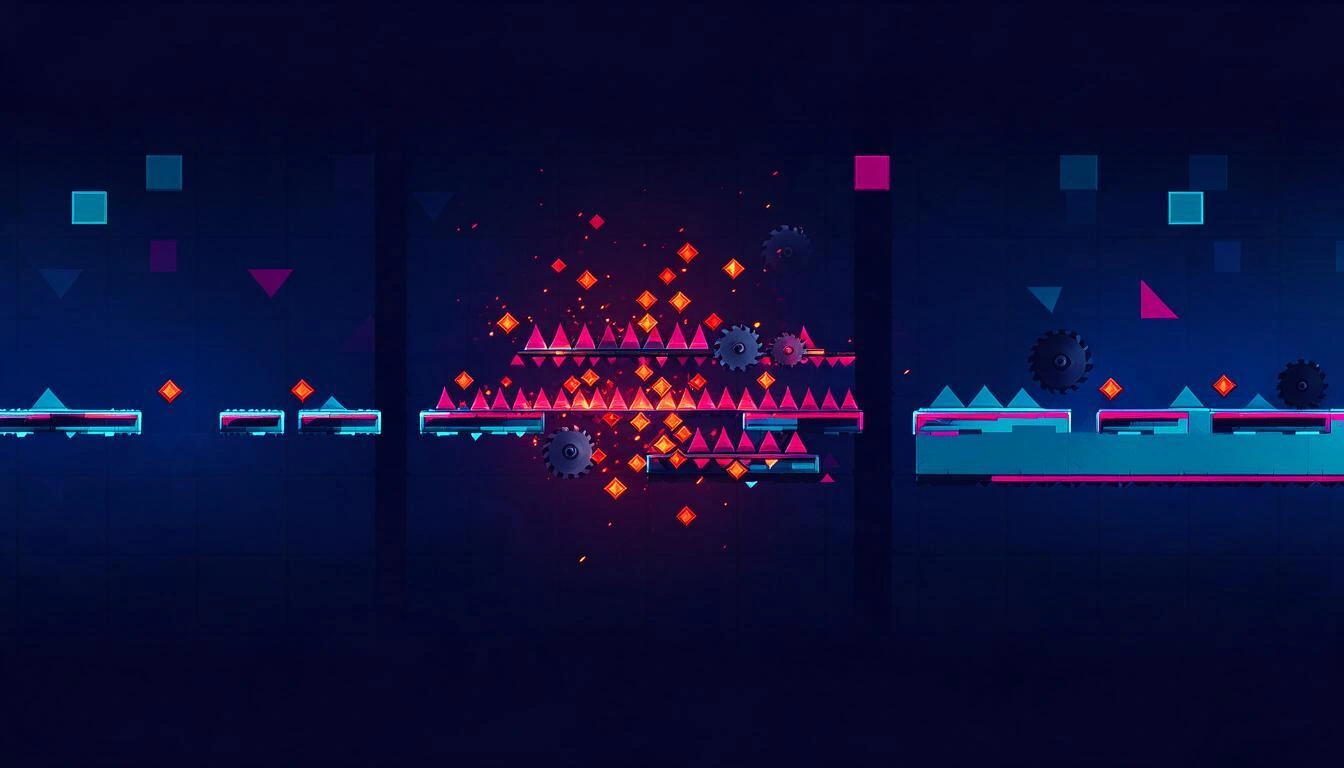
The less discussed part is the social aspect: according to the update 2.209 sheet on the Geometry Dash wiki, death markers are public and show how many people have died at that point and for how many people that point is their best run from scratch. This changes the diagnosis: you no longer compare your progress with your memory, you compare it with that of everyone else who has attempted the same level.
Two practical consequences:
- A cluster where no one else dies is your problem, either technical or keybind, not the level's. It gets fixed by practicing that segment.
- A cluster where everyone dies is the real wall of the level, and it’s advisable to treat it as a separate objective, with its own practice session.
As summarized in the keybinds and death markers analysis from the 2.209 wiki, the data from the markers is more valuable precisely where your intuition is worth less: the segments you thought were resolved.
How to plan the practice of a demon with the markers, step by step
The method that has consolidated in the community combines markers, start positions, and the new switch in the editor. The idea is to stop doing complete runs "to see what happens" and tackle one segment at a time with purpose.
- Make 15-20 normal attempts without touching anything and let the markers accumulate. Without a volume of deaths, there is no pattern to read.
- Locate the main cluster and note its percentage. That is your objective for the session, not 100%.
- Place a start position just before and repeat only that segment. The classic recommendation from progression guides is to repeat it until you nail it several times in a row, not just once.
- Chain backwards: when the segment comes out clean, move the start position a bit earlier to practice the entry, which is where half of the good attempts are lost.
- Return to complete runs and check if the cluster has moved. If it has moved, you have learned; if it’s still there, the problem is control, not memory — and that’s where the next section comes in.
- Compare your markers with the public ones before giving a segment up as impossible: if you are the only one dying there, it's technical.
As for classic practice, the advice still holds: place a checkpoint after each difficult part, repeat until it comes out three times in a row, and only then remove checkpoints and extend the section, just as described in the beginner's guides to demon levels.
Customizable keybinds kill an entire category of mods
2.209 incorporates control remapping in the game's options menu, without third-party tools. It’s a small change in appearance and huge in practice, because native settings survive updates: they do not break every time RobTop releases a new version, which is exactly what happens to a mod.

The two audiences that benefit the most, according to the breakdown of custom keybinds from the 2.209 wiki:
- Comfort: mirrored layouts, keys near WASD, habits brought from other games.
- Accessibility: schemes that fit adapted controllers and one-handed play.
And there’s a second control block that is almost overlooked: the platformer mode now has its own controls, separate from classic mode, as well as specific configuration options. Combined with progress saving, it makes a long platformer level stop being a marathon in one sitting: before, a long level meant long restarts; now the session can be paused and resumed by checkpoints, as explained in the 2.209 new features guide.
What the builder gains: unique sound, portability, and no more lost work
On the editor's side, 2.209 addresses three historical frustrations at once: the level can now carry its own sound design (editor sounds and sound packs, with an improved SFX search), the project can be exported and imported to move it between desktop and mobile or pass it to a collaborator, and the auto-save with auto-backup prevents an unexpected shutdown from taking away an afternoon's work.

| Builder frustration | Before 2.209 | With 2.209 |
|---|---|---|
| Sound design | Limited to the music track and hard-to-access triggers | More accessible sound objects and triggers, with sound packs |
| Collaboration and multi-device | Indirect and unreliable solutions | Level import/export |
| Loss of work | Manual saving, real risk | Auto-save and auto-backup |
| Large projects | Memorizing group ID numbers | Named group IDs |
| Testing a specific segment | Placing and relocating start positions | Start positions switch |
The fact that explains why this matters so much: the editor is the reason the game stays alive. In January 2026, without an update or marketing campaign, Geometry Dash broke its historical record on Steam with 103,840 simultaneous players — compared to 88,346 at the end of 2023, during the launch of 2.2 — driven by a viral wave on TikTok and YouTube around what people were building with the editor: from horror games to RPGs within the client itself, according to the Respawn report on the viral resurgence of the game from January 12, 2026. SteamDB later recorded a peak of around 109,000 simultaneous players in its news about Geometry Dash's peak.
And the scale of the user-created catalog: on October 5, 2026, level ID 150,000,000 was surpassed, meaning over 150 million levels uploaded to the server throughout the game's history, although most have been deleted at the author's request, due to moderation, or automatically, according to the official wiki user level documentation. The same source recalls the minimums for publishing: 10 seconds of duration and 2,000 objects.
Geode remains broken in 2.209 and 2.2091: what it means if you play with mods
If you rely on mods, 2.209 comes at a cost. Geode, the most used mod loader, stopped working after the update, and as of November 3, 2026, its official pages still indicate that 2.2091 breaks compatibility, with no confirmed date for a stable version to restore it, according to the Geode compatibility guide with the update.
The status by versions:
- Geode v5.11.2 (stable): mainly targets 2.2081 and includes partial fixes for crashes for 2.209; it is not a solution for 2.2091.
- Geode v6.0.0-alpha.1 (November 1, 2026): pre-development release, experimental; claims to include 2.209x support but is not recommended as a fix for playing.
- Nightlies: development builds, also not recommended for normal use.
That this happens is not a surprise: in the open issue on the Geode repository on October 17, 2026, the collaborators themselves explain that each new version of Geometry Dash breaks the loader and that this behavior is expected. The practical recommendation while there is no stable version: reinstall the latest official installer and, if it doesn't start, uninstall Geode and play in vanilla. There is also a Safe Mode (hold Shift on Windows and macOS, or long press on the Android launcher) that loads the game without mods, but it is a diagnostic tool, not a fix.
The underlying reading is interesting: with native keybinds, official death markers, and autosave in the editor, the base game has just absorbed three of the most common uses of mods. For part of the community, 2.209 reduces the dependency on Geode instead of aggravating it.
And 2.21? What was leaked in the game's own files
2.209 does not close the wait for the big update. Among the files distributed with 2.209, textures pointing to "The Map", a feature planned for 2.21, were mistakenly included, with themes ranging from snowy to volcanic areas, according to the Dashword analysis of the 2.209 release. No date has been announced for 2.21.
Meanwhile, the game maintains its one-time payment model: $4.99 on Steam and $3.99 on the App Store and Google Play, according to the price review and status of 2.209 and 2.2091 by GameCodely. And it remains above 100 million installations on the Geometry Dash listing on Google Play.
Frequently Asked Questions about Geometry Dash 2.209
When did the 2.209 update of Geometry Dash come out?
On October 15, 2026, on Steam, iOS, and Android, according to the patch notes recorded on SteamDB and RobTop's announcement. The hotfix patch 2.2091 arrived between October 16 and 19, 2026, depending on the platform.
What are death markers and what are they for?
They are markers that the game leaves at the exact point of the level where you die. Accumulated over several attempts, they indicate which specific segment you are losing runs on, so you can practice that segment instead of repeating the entire level blindly.
Can other players see the death markers?
Yes. According to the Geometry Dash wiki, death markers are public and show how many people have died at that point and how many people that point is their best progress from zero. Live markers, on the other hand, were limited to practice mode and local levels since 2.2091.
Can you change the controls in Geometry Dash without mods?
Yes, since 2.209. Key remapping is native and can be configured in the game's options menu, without external tools. Additionally, the platformer mode has its own control scheme, separate from the classic mode.
Is progress saved in platformer levels?
Yes. 2.209 added progress saving in platformer through checkpoints, so it is no longer necessary to complete a long level in one sitting. The patch 2.2091 also fixed an issue where loading the game would reset persistent timers.
Does Geode work with 2.209?
Not stably. As of November 3, 2026, the official Geode pages still indicated incompatibility with 2.2091; the stable version v5.11.2 targets 2.2081 and v6.0.0-alpha.1 is experimental. It is recommended to wait for a stable version that explicitly mentions 2.2091.
Does 2.209 bring new official levels?
No. It is a quality of life update, control, and editor, plus a social layer (replays of Daily, Weekly, and Event, emotes, notifications, and news tab). Major content is expected in 2.21, with no announced date.
What does 2.209 change for level builders?
Custom sound in the level with editor sounds and sound packs, import/export of the project to move it between devices or share it, auto-save with auto-backup, names for the group IDs, and a start positions switch, as well as a revamped editor interface.
The resolved editor, the pending visual identity
2.209 leaves the craft much better attended than a month ago: the player already knows where they die and with which keys they want to play, and the builder no longer loses work, can sound their level, and move it from one device to another. What the update does not touch is what is around the level: the icon with which you are recognized, the coherent kit for the eight vehicles, and the thumbnail with which your level competes for a click among 150 million.
That part is covered by Geometry Dash, the AI tool from AiToolsForApps for game creators: it generates original icon art in the game's visual language —square PNG with real transparency, ready for Discord, YouTube, or Twitch avatar—, applies that same concept to the eight shapes so that your icon kit is coherent, and also covers thumbnails and level design plans. It does not inject anything into the game or redistribute RobTop's assets: it is visual identity, generated from scratch. If you have just reorganized your practice with the death markers, the next logical step is for your profile and your levels to look equally polished: start with the Geometry Dash icon, thumbnail, and level design generator.
Try Geometry Dash from AiToolsForApps and create your icon with a transparent background, the complete kit for all eight vehicles, and the thumbnail for your level in just a few taps.
Try Geometry Dash from AiToolsForApps and create your icon with a transparent background, the complete kit for all eight vehicles, and the thumbnail for your level in just a few taps.Keep reading
View all articles →
Broken Geode in Geometry Dash 2.2091: which mods are not working and how to keep creating

DLS 27 in December 2026: what is confirmed, what is not, and what happens to your club, your squad and your kits when you update

Rewarded ads in Gardenscapes and Homescapes: when watching the video saves you money