Try Discord — Server audit, channel and role blueprint, rules and visual identity with AI now, no sign-up needed
Discord — Server audit, channel and role blueprint, rules and visual identity with AI · Your Discord server, fully planned before you create the first channel
For anyone opening or rescuing a Discord server and ending up in front of a blank canvas. Paste your invite link: the app reads your server's real public data, scores it from 0 to 100, and tells you what it's missing. Then it delivers the complete server—categories, channels, roles, permissions, rules, Onboarding, icon, banner, and emojis—with a step-by-step checklist to replicate it by hand. No account, no bots, and no permissions on your server.
In the features that use AI, responses are generated by artificial intelligence and are not a substitute for professional advice.

您上傳的封面在電腦上看起來完美,在手機上卻被截斷,個人檔案相片還遮住了重點嗎?
這是因為封面在手機與桌機上的裁切方式不同,而且個人檔案相片在兩者上遮住的角落也不一樣:真正可見的區域是一條狹窄的橫帶,卻沒有人告訴您它在哪裡。本 App 會畫出它,並在兩種裁切中模擬給您看,圓形相片位於真實位置,而且是在產生任何內容「之前」。其餘功能也一樣:標題與「關於」以真實字素對照上限計算,並在真正截斷的位置標出「查看更多」分隔線;輪播會以真正的 PDF 輸出,那正是平台顯示的格式;貼文則提供兩個備用的開頭吸引句,因為展開前唯一能讀到的就是這部分。每張圖像上的標題都由伺服器撰寫,絕不是圖像模型,因此不會出現字母變形的封面。
See the tools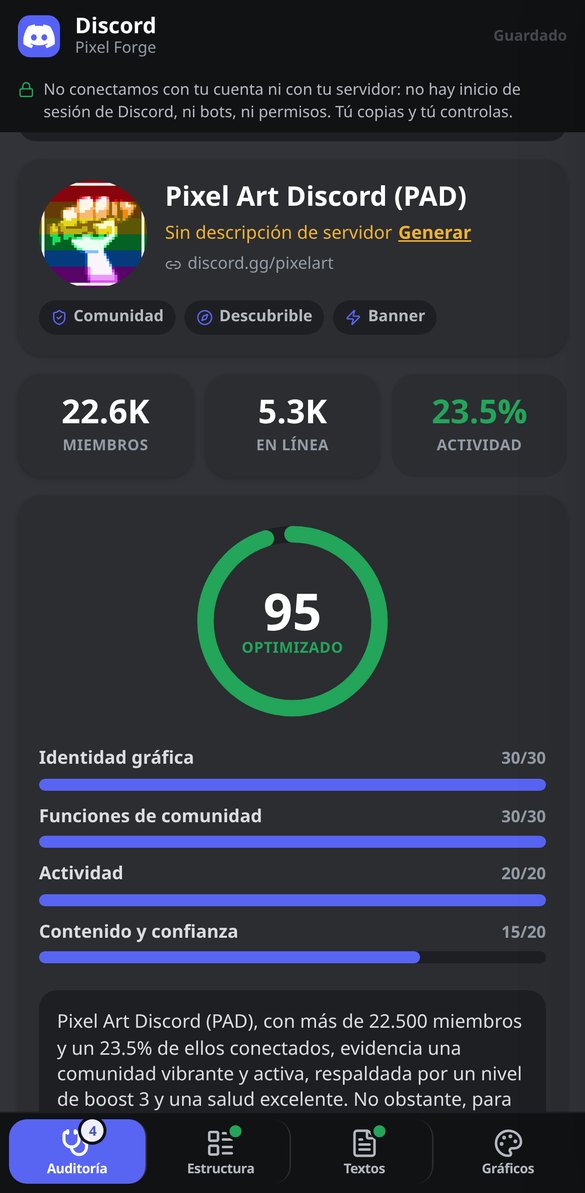
Discover every feature in detail
Audit a Discord server by its invitation link (free, no bot)
Paste a discord.gg and check the real public data of the server: name, icon, description, members, currently connected, active features, and boost level. No account or bot required.
Try it free
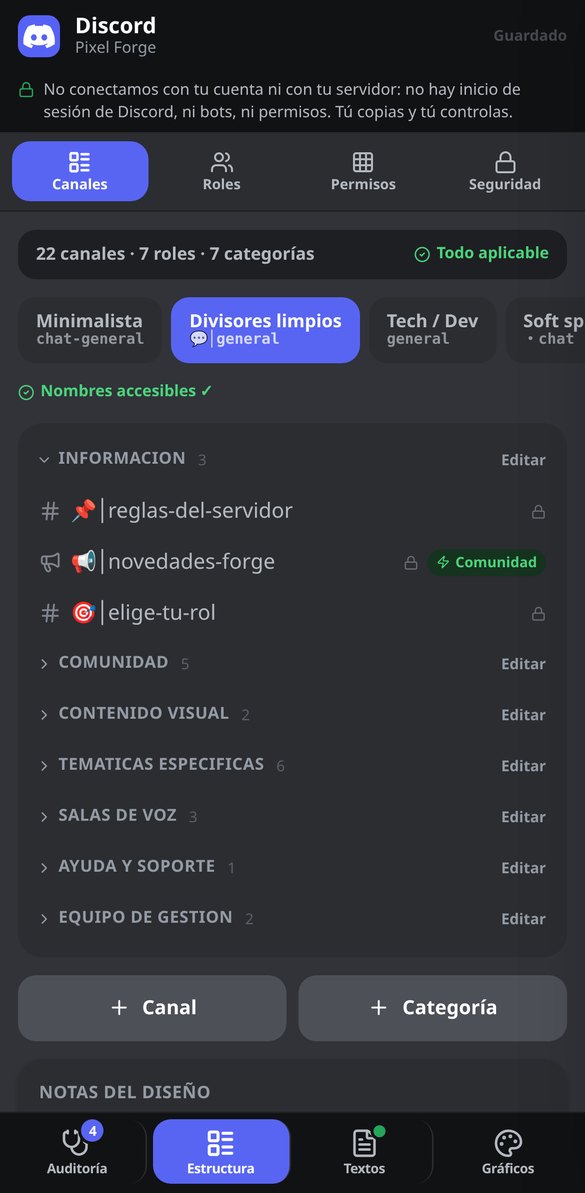
Channels and categories template for Discord: complete structure for free
Generate the complete structure of your Discord server: 4-7 ordered categories and text, announcement, voice, forum, and stage channels with name, emoji, description, and slow mode. Editable and no bot required.
Try it free
Discord Permissions by Category: Roles Matrix and Locking of @everyone
Generate the role × category permissions table for your Discord server and the secure configuration of @everyone, with the consequence of each switch explained and the copyable list. Free, no bot or token.
Try it free
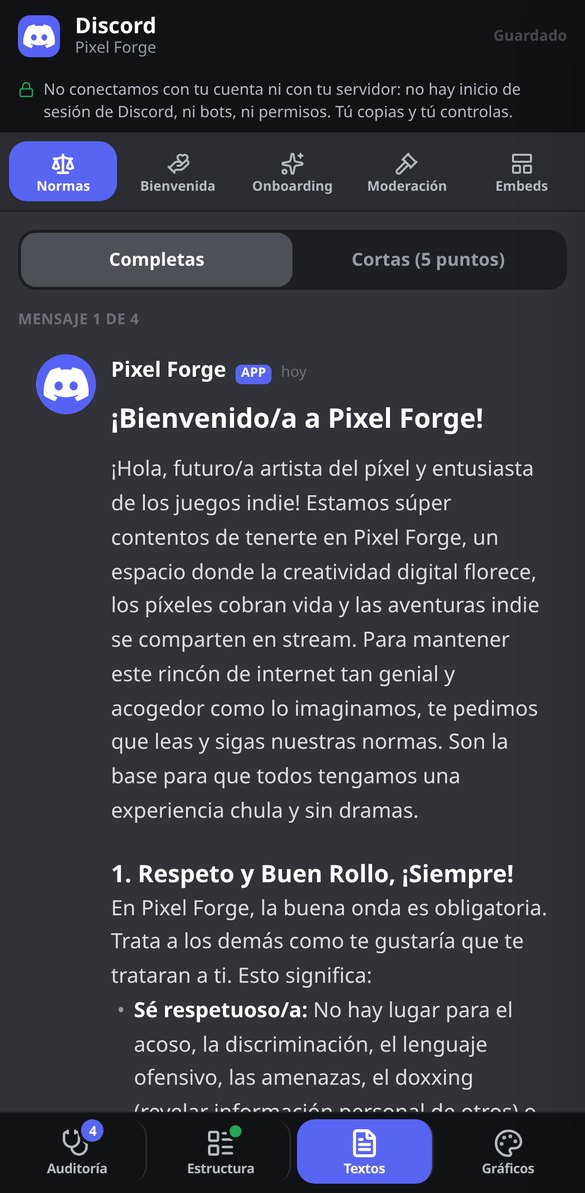
Discord server rules: markdown template ready to paste
Generate the complete rules for your Discord server in markdown, with mandatory clauses, chunked into messages of 2,000 characters and with copy block by block. Includes a short version of 5 points. Free, no bot.
Try it free
Discord Onboarding: questions, roles, and channels ready to copy
Design Discord's native Onboarding: 3-5 questions with the role they grant and the channels they open, default channels, Server Guide, and the roles to create beforehand. Copy question by question. Free, no bot.
Try it free
Discord Embed Builder: Live Preview and JSON for Webhook
Create Discord embeds with live preview, validation of real limits (25 fields, 6,000 characters), and JSON ready for webhook, bot, or Discohook. Free and no bot required.
Try it free
Icon, banner, and invite splash background for Discord with AI
Generate the 512×512 icon, 960×540 banner, and 1920×1080 invite splash background for your Discord server with the same concept and color palette, previewed at actual size.
Try it free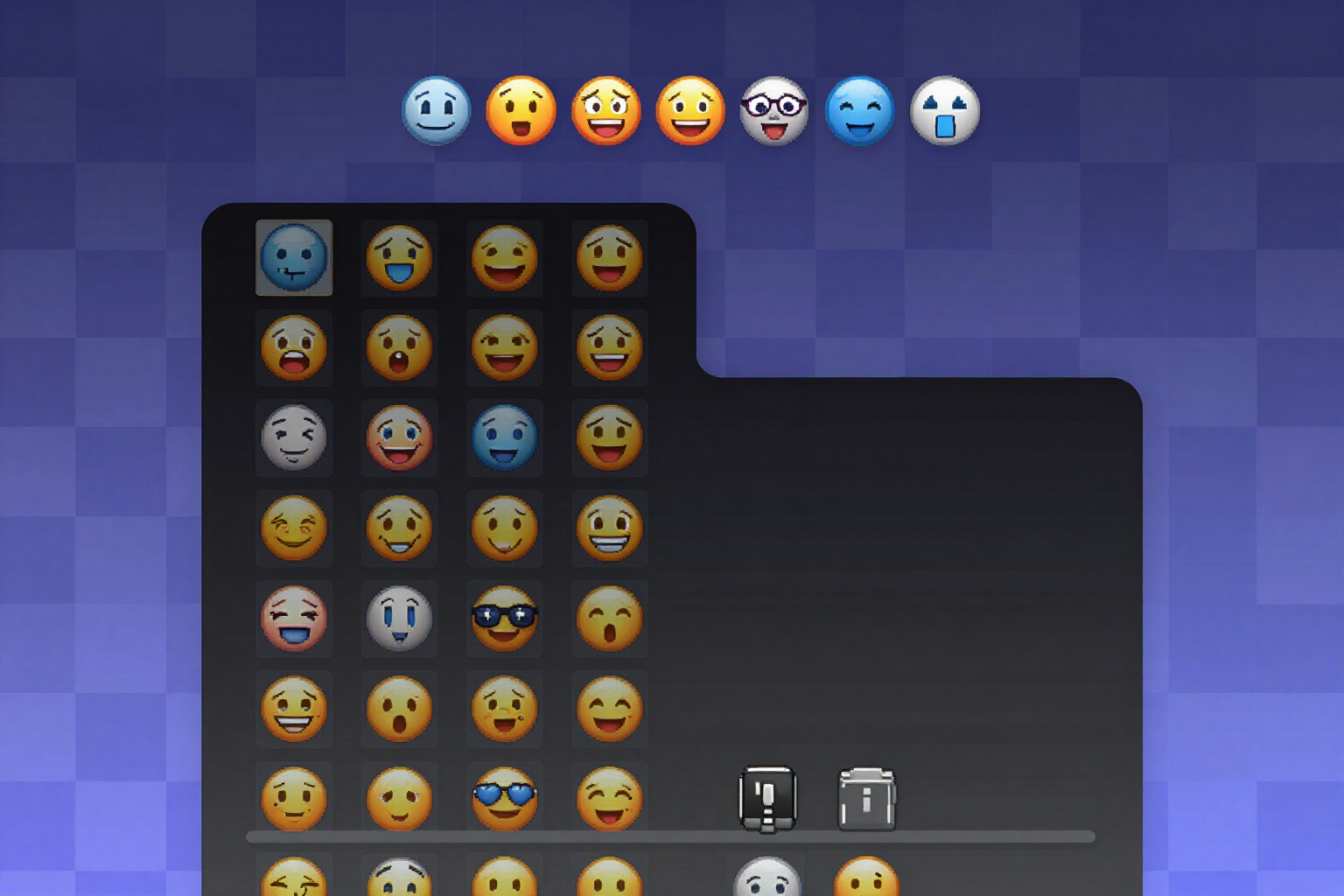
Custom emojis for Discord with transparent background (PNG 128×128)
Generate a pack of 8 to 12 emojis for your Discord server in PNG 128×128 with real transparency, checked against light, dark, and checkerboard backgrounds, and with the file already named after the emoji.
Try it freeA server you can actually apply, not just a pretty template
每件圖像作品的文字由伺服器排版,對比度則是在完成的畫布上測量。確定性的部分(模擬、計數、驗證、重新排版)都是即時的、不消耗 AI,而且大部分無須帳號。
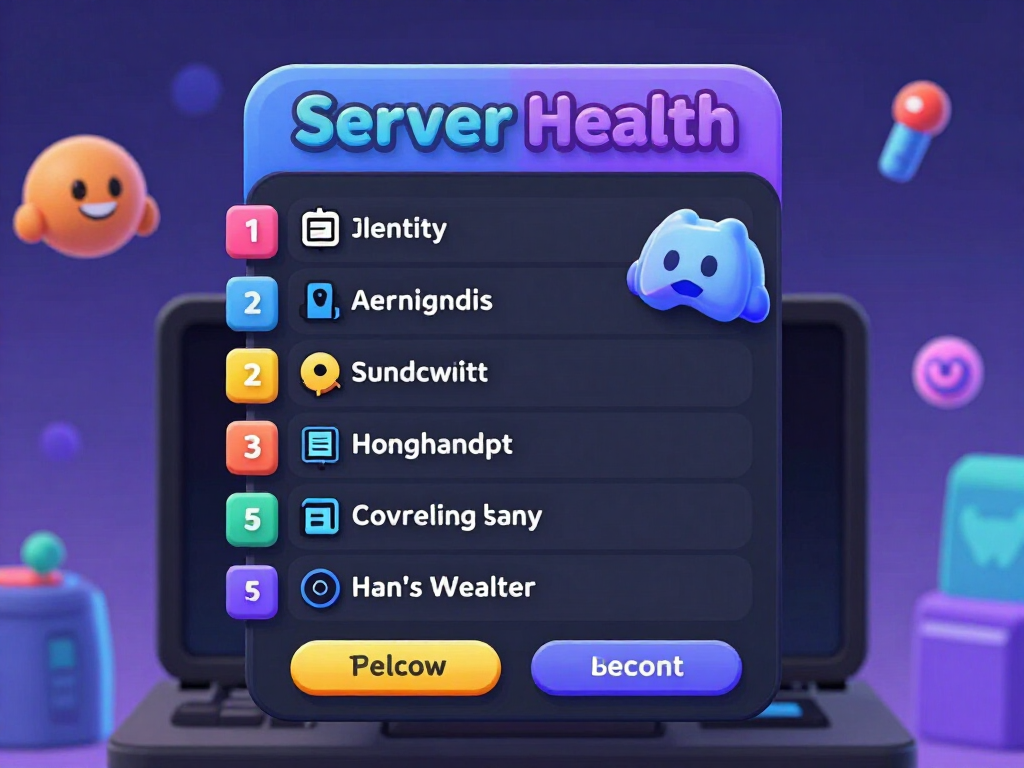
Server audit via your invite link
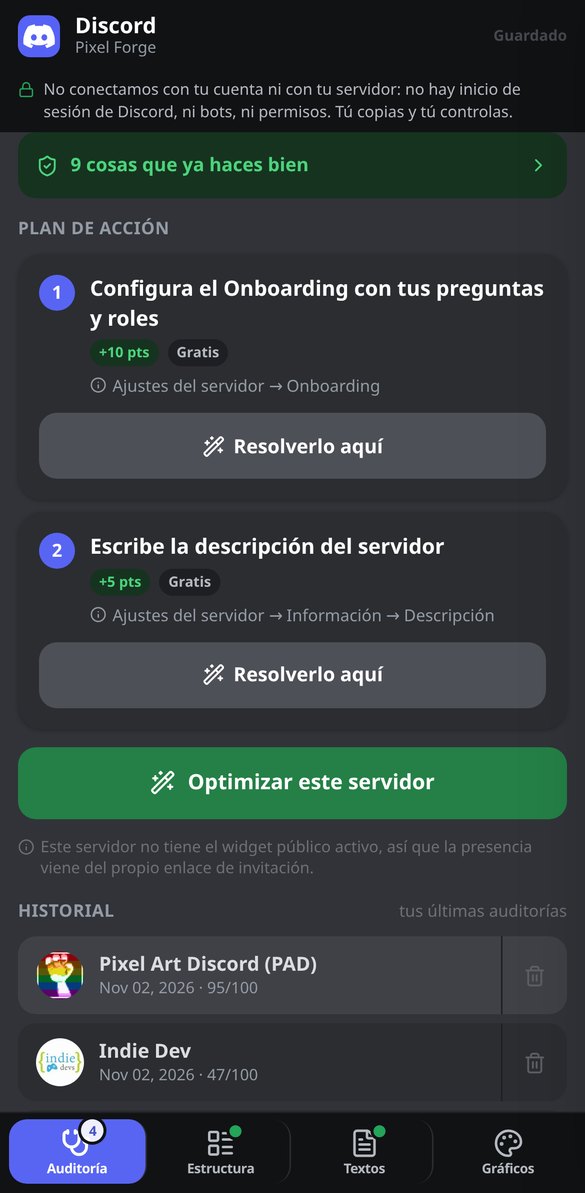
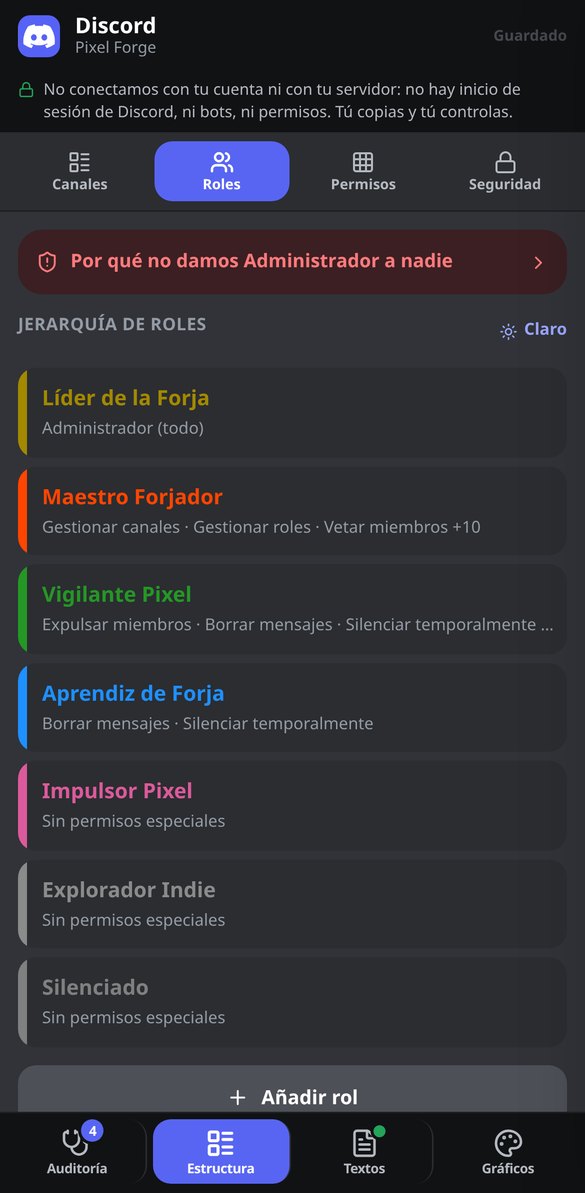
Paste discord.gg/yourserver and the app queries Discord's public API without credentials: name, icon, description, vanity URL, enabled features, boost level, total members, and current online count with its activity ratio as a percentage. From that it calculates a Health Score from 0 to 100 divided into four blocks—visual identity, community features, activity, and content and trust—with three reading bands (At Risk, Acceptable, Optimized), a point-by-point checklist, and a plan of up to 7 actions ordered from free and highest-impact to what requires boosts. What the public API doesn't let it see—the internal structure of channels and roles—is marked as 'not verifiable from outside' instead of being made up. All of this, without signing up.
The complete blueprint: channels, roles, and permissions that don't leak
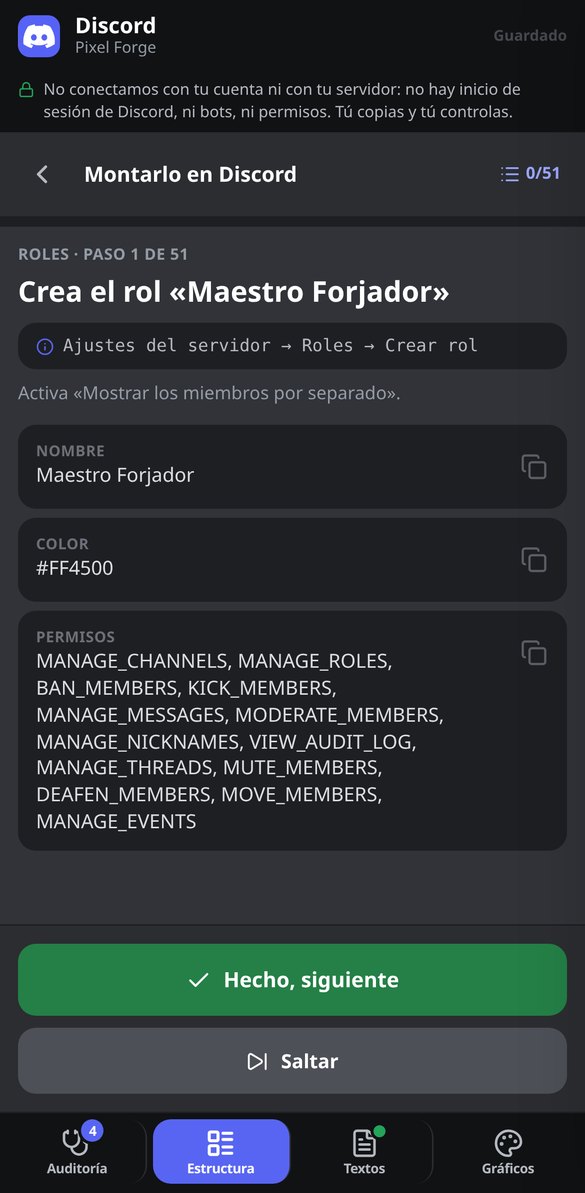
Four steps—purpose, name and tone, channel naming style, and moderation level—and you have the entire tree: categories with their text, voice, announcement, forum, and stage channels, each with its topic and slowmode quantized to the 14 values Discord actually accepts; roles in hierarchy with a copyable hex color; and the permission matrix managed by category, which is exactly what prevents the private channel that ends up visible to everyone because of a forgotten overwrite. No role comes out with ADMINISTRATOR except the Owner: the validator removes it and explains the risk it prevents. Choose from 9 server archetypes, 4 tones, 3 moderation levels, and 4 naming styles that are rewritten live across the whole tree. And names go through a whitelist, so they don't come out with decorative Unicode fonts that break search and screen readers.
Rules, Onboarding, and embeds ready to copy and paste
The #rules rules written in Discord markdown and split into 2,000-character blocks, in a full version and a short 5-point version, including the anti-scam clause about direct messages. The fixed and automatic welcome messages, both server descriptions trimmed to the 120 and 300 characters Discord allows, and 7 moderation templates with their sanctions scale and logging format. And the entire native Onboarding—default channels, questions with their roles, and the server guide tasks—with an 8-check checklist that tells you whether Discord will let you save it before you try, and that applies the fix when something fails. Plus an embed builder with 6 presets, validated limits, and export to JSON or directly to Discohook.
From a blank slate to a fully set-up server
直接進入試用,無須註冊
在瀏覽器中開啟。計數器、公式、驗證工具、封面雙重模擬,以及由伺服器合成的背景,都能以訪客身分使用,無須建立帳號。
產生之前,先看看作品
在封面中,您會看到兩種裁切,並疊上安全區域與個人檔案相片;在標題與「關於」中,則是計數器與「查看更多」的分隔線。在這裡修正,就是在花費額度之前。
下載並手動貼上
封面 PNG 與輪播 PDF 都可以下載(在手機上可透過原生分享選單分享)。文字則可複製。App 不會進入您的帳號,也不會替您發布。
Frequently Asked Questions
Latest blog articles
Guides and news to get more out of it
Your Discord server is now appearing on Google: what changes on November 16, 2026, and how to prepare yours
Starting November 16, 2026, every Discoverable Discord server will have a public webpage, and in December, its messages will go to Google. What gets exposed and how to opt-out.

Your Discord server is now showing up on Google: what changes on November 16, 2026, and how to prepare yours
Starting November 16, 2026, every Discoverable Discord server will have a public webpage and in December its messages will go to Google: what to check and how to stand out.