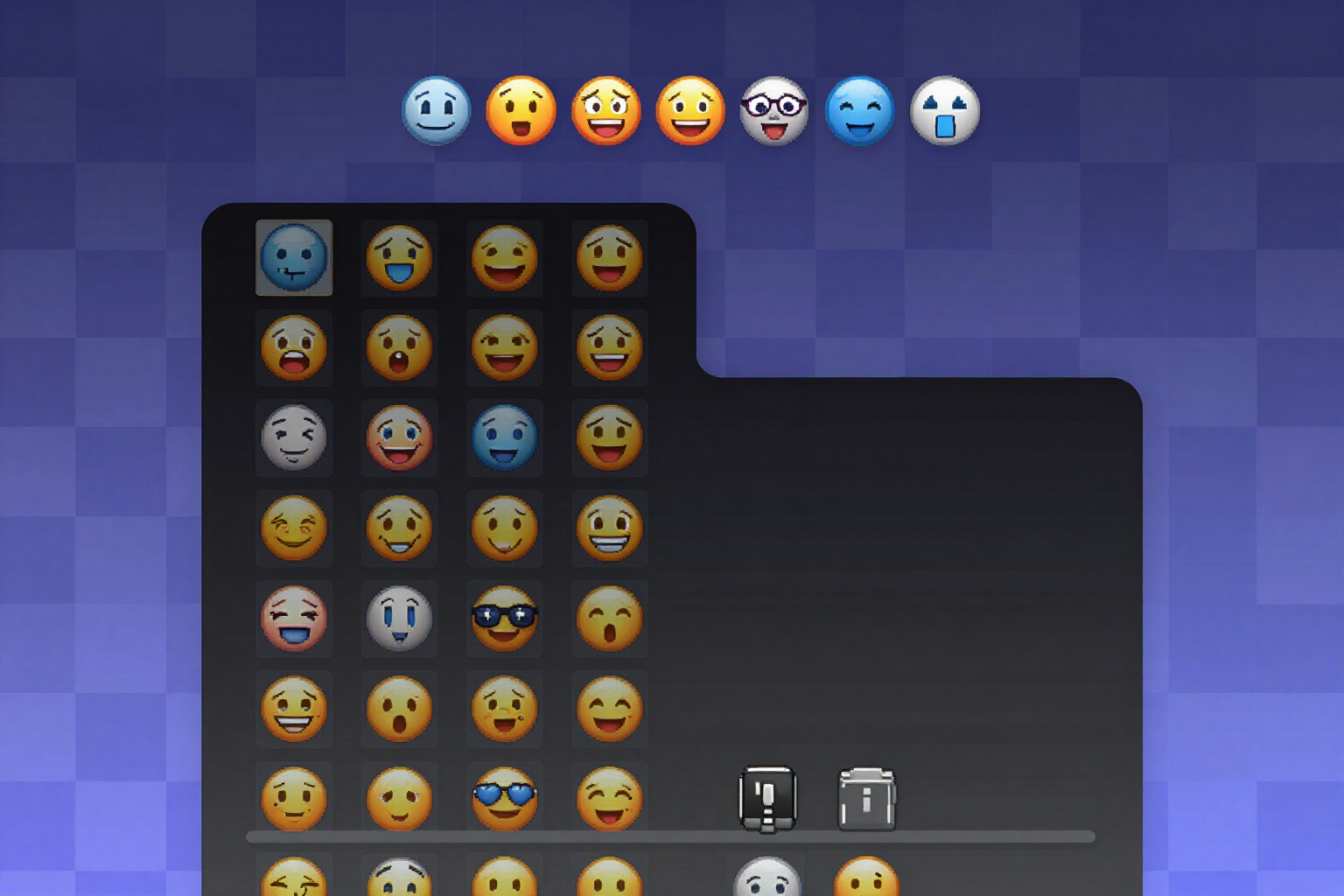
Custom emoji pack for Discord with transparent background
From 8 to 12 emojis with intent, in PNG 128×128 with real alpha checked against light, dark, and checkerboard backgrounds, and the file already named after the emoji.
The problem with server emojis is almost never the idea: it's that the PNG arrives with a white square behind it, which at 22 pixels is indistinguishable, and when uploaded to Discord, it retains the file name it came with.
First, you decide WHAT emojis you want and then they are generated. The tool proposes a pack of up to 12 with a written intent for each: daily use reactions (hype, gg, rip, wow), moderation and staff marks (banhammer, mod_shield, verified), and niche-specific pieces for your server (gaming, creator, crypto, studio, clan…). You can remove what you don't need with a click, add your own by writing the name, and only then does it consume a generation. Below the pack, you see how many emojis your Server Boost level supports (50, 100, 150, or 250) and how many you are going to add.
Each emoji comes in PNG format of 128×128 pixels with real transparency: the server crops the ink, centers it with its margin, rescales it to 128, and re-reads the generated file to check that the transparency is clean. If it isn't, the emoji is marked with an amber dot and you are told to regenerate it, instead of letting you discover the cropping when you already have it uploaded.
The grid is viewed over the three important backgrounds: dark like Discord's dark theme, white like the light theme, and checkerboard to catch any halo. And when you open an emoji, you see it at real chat size (22 pixels, within an example message line), at 16, and at 128, which is the only honest way to know if it reads.
The upload name is editable and validated with Discord's rules (lowercase, numbers, and underscores; no spaces or hyphens). The file downloads with exactly that name, because Discord takes the emoji name from the file name. You can regenerate one without touching the others, delete the ones you don't like, download them one by one, or download the complete ZIP with a README explaining where to upload them, the limit of your boost level, and the list of emojis with their intent.
Try Pack of emojis with transparent background right here
Use it free without an account. If you want to save your result, you can sign up afterwards.
Save / Sign upBenefits of Pack of emojis with transparent background
You choose before spending
the pack is proposed as a list of names with their intent and you trim it; the generation triggers when the set is already what you want.
Verified alpha in the file, not promised
the server re-reads the generated PNG and marks with an amber warning the emoji whose transparency is not clean.
128×128 exact and under 256 KB, which is what Discord accepts when uploading an emoji
cropping, centering, and compression are done automatically.
The three backgrounds of truth
grid over dark, over white, and over checkered, to see the halo before uploading anything.
View at 22 pixels in a real chat line
a nice emoji at 128 that looks like a blob at message size is useless, and here you see it from the very first moment.
The file is already named after the emoji
Discord uses the file name, so the validated slug travels in the name and you upload the entire pack at once.
Warning about your boost level limit
50, 100, 150, or 250 emojis depending on the level, and how many you are adding with this pack.
Individually regenerated and ZIP with instructions
you change the one you don't like without redoing the rest and take the pack with its upload README.
Your emoji pack, with real alpha
Choose the emojis, see how they look at 22 pixels over three backgrounds, and download the ZIP ready to upload. No bots and no sharing your Discord token.
In the features that use AI, responses are generated by artificial intelligence and are not a substitute for professional advice.