 Garena Free Fire
Why every Free Fire update throws off your sensitivity (and how to redo it without copying numbers from YouTube)
Team at AiToolsForAppsWritten with AI assistance15 min readIn summary
- The sensitivity scale of Free Fire has not changed since Garena raised the cap to 200 in the patch notes of April 16, 2024: what changes after each patch is not the number, it is what that number produces on screen.
- What Garena does touch every two or three months is accuracy, range, movement speed, and recoil on a per-weapon basis. In the OB55 notes (09/10/2026) new weapons appear whose recoil "pulls the aim upwards" while shooting, and submachine guns with Accuracy −10 % while standing.
- Your mobile weighs as much as the patch: resolution, screen density, size of the shoot button, and touch latency. According to DXOMARK, system optimization is as decisive as touch sampling rate, so two mobiles with the same technical specifications do not respond the same.
- Copying a table from a video fails because that table was calibrated on another mobile, with another HUD and with a different number of fingers. The method that works is calibrating by symptom: shots go over the head → lower the aim; the aim stays on the chest → raise it.
- Change one value at a time and test it in Training Ground with the same weapon and the same distance. One change per round, two minutes per round.
If you have been playing Free Fire in LATAM for a while, you know the scene: the patch arrives, you enter the first match, and suddenly the drag headshots that you had been nailing for months go over the helmet. It is not suggestion and almost never is it that Garena has "reset" your sensitivity. It is that the patch has changed the behavior of the weapons and the camera around numbers that remain the same. In AiGarena FF, the AI tool suite for Free Fire from AiToolsForApps, we have a sensitivity sheet by brand, range, and play style designed precisely to provide a reasonable starting point for mid-range mobiles; but before touching a single slider, it is advisable to understand what moves and what does not.
Why does sensitivity feel different if the numbers remain the same?
Because sensitivity is a multiplier, not a result. It defines how much the camera turns for every millimeter you drag your finger, but the point where the bullet ends up also depends on the recoil of the weapon, dispersion, the speed at which you move while shooting, and the zoom of the sight. When a patch adjusts any of those four things, the same 170 of general sensitivity leaves the aim in a different place.
The clearest example is recoil. If a weapon starts to raise the reticle while you hold the trigger, your learned correction —that micro-drag down you do without thinking— becomes excessive. You haven't lost accuracy: you have inherited a compensation that no longer corresponds.
The same happens with accuracy. A +10 % accuracy on a rifle concentrates the shot group, so shots that previously "forgave" a short drag now punish the mistake; and a −10 % on submachine guns does the opposite. Garena's official notes publish those percentages weapon by weapon, but they do not tell you how to translate them to your slider, because that depends on your mobile.
What has Garena really touched in the last patches
Between January and September 2026, Garena has released three versions (OB52, OB53, and OB55, plus OB54 in June) and none have changed the sensitivity cap. What they have changed are the recoil mechanics of new weapons, the behavior of aim assist, the control settings, and the balance of accuracy and range. Here is the comparison photo:
| Version | Date | What affects your aim | Source |
|---|---|---|---|
| Sensitivity cap at 200 | 04/16/2024 | "Increased the sensitivity cap to 200": the scale changes to 0–200 and the old values become misaligned proportionally | Official notes |
| OB52 | Notes 01/09/2026 · release 01/14/2026 | Akimbo button merged into the fire mode switch; aim assist added to the healing pistol; MAC10 Accuracy +15 %; SVD Accuracy +20 %; VSS Penetration +10 % and Accuracy +5 %; Groza Range +8 % | OB52 notes |
| OB53 | 04/08/2026 | Underwater rework of Bermuda and weapon adjustments (SKS Rate +6 %, Range +15 %) | Free Fire Mania |
| OB54 | Notes 06/23/2026 | The aim assist prioritizes the standing enemy when overlapping with a downed one; "Fixed" option in the movement wheel; damage numbers scaled according to impact | OB54 notes |
| OB55 | Notes 09/10/2026 · release 09/16/2026 | New recoil on M7, Skorp, and RPK: "pulls the aim up" when firing; the reticle of the Hawk rises with rapid fire; SCAR Accuracy +10 %, M4A1 +7 %, XM8 −8 %; machine guns Accuracy −10 % standing; SMG Range −15 % to −30 % and firing speed +15 % to +40 %; snipers speed −8 % to −15 % | OB55 notes |
| OB56 | Expected in December 2026 | No official list of adjustments: as of 10/29/2026, Garena had not confirmed date or content | BlueStacks |
Two practical readings from the table. The first: the cycle is two to three months, according to the version history of Free Fire Mania, so recalibrating is a quarterly routine, not an emergency. The second: changes concentrate on specific weapons, so the first question you should ask yourself after a patch is whether your main weapon is on the list.
The recoil that raises the aim: what OB55 introduced
OB55 introduced weapons with recoil that pushes the reticle upward consistently while firing, and a sniper rifle (Hawk) whose reticle also rises if you chain rapid shots. This makes vertical compensation part of the weapon, not of your sensitivity.
The consequence is counterintuitive: if you raise the overall sensitivity to "correct faster" that rise, what you achieve is to overshoot it and end up shooting the ground between bursts. With upward-recoiling weapons, what is adjusted is not so much the multiplier but the rhythm: shorter bursts, finger that lowers continuously and not in jerks.
The notes of OB55 also shift the movement speed while shooting: +15 % to +40 % in submachine guns and −8 % to −15 % in snipers. If your style is rusher and you shoot while moving, your aim travels more screen per second than before with the same sensitivity; this is where many players notice that "everything has become slippery" without knowing why.
Resolution, DPI, and button size: the part that no video knows
Your effective sensitivity is the result of combining the game value with the physical geometry of your screen. The same drag of one centimeter covers a different percentage of screen on a 6.1" mobile than on a 6.8", and the pixel density changes how many aim pixels move for each step of the slider. That’s why a copied table performs differently even if you paste it character by character.
And fragmentation is real. According to Statcounter, in October 2026, the most used mobile resolution in South America was 414x896 with 8.92 %, followed by 384x832 (7.96 %), 390x844 (4.35 %), 360x800 (4.3 %), 412x915 (4.17 %), and 393x873 (3.37 %). None reach 9 %: there is no "average mobile of LATAM", there are dozens of combinations.
On top of that is touch latency. DXOMARK measures touch response time with a robot and a high-speed camera, and their conclusion is that "processing time and overall system optimization are extremely critical" for real response, above sampling frequency on paper. Translated: two mobiles with the same specification sheet may require different sensitivities.
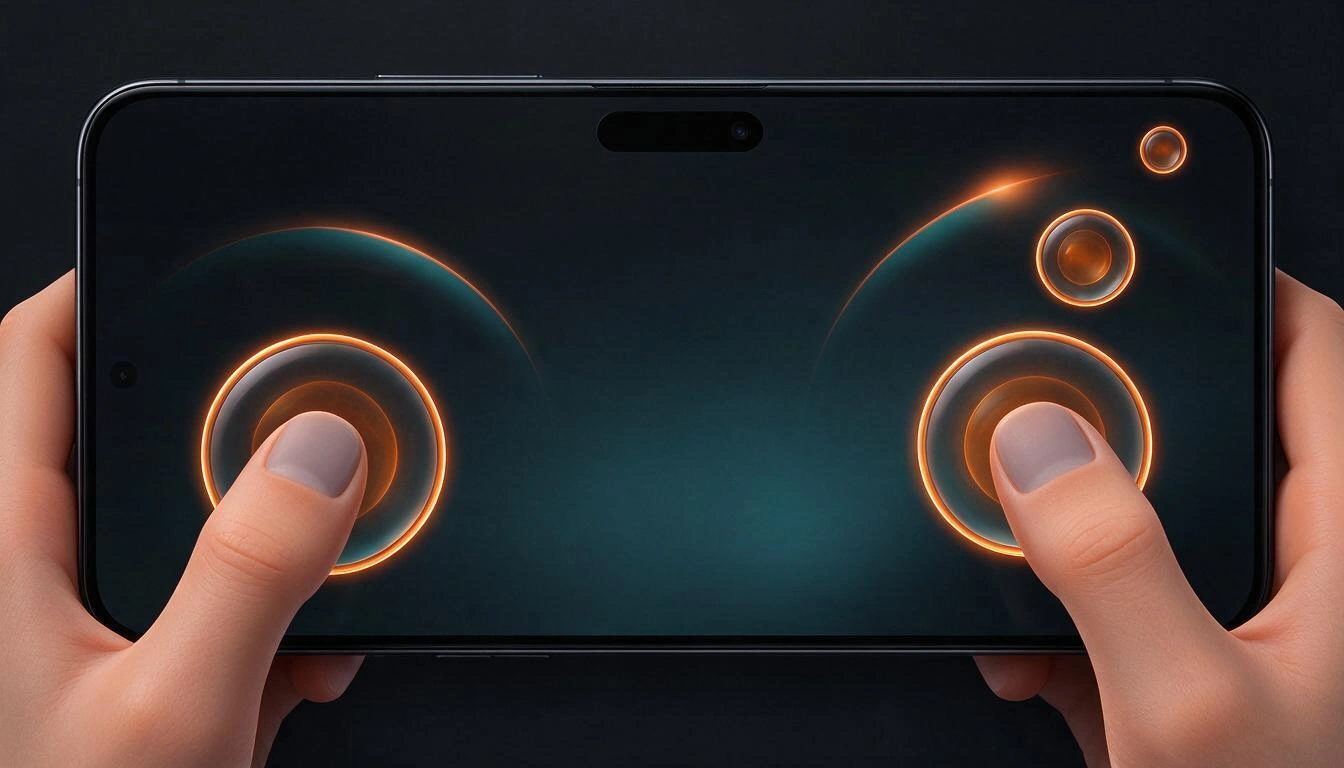
The third factor you control and almost no one checks: the size and position of the fire button. A large button gives you margin for error but forces you to support more surface area of the thumb, which shortens the useful drag distance. A small button frees up screen space for dragging, but increases the cost of a misplaced touch. Changing the HUD and not recalibrating is another way that sensitivity "changes" without touching the sensitivity.
Calibration by symptom: the method that can be repeated
Instead of looking for "the good numbers", start from a specific and observable error and correct the value that governs that error. It’s the same reasoning any gunsmith uses: you don’t change the entire sight, you correct the deviation you see on the target. Free Fire separates sensitivity into six independent controls, and each symptom points to one.
| Symptom you see in-game | What is happening | Value to adjust |
|---|---|---|
| Shots go over the head when dragging | You are overshooting: the drag moves more camera than you need | Lower the sensitivity of the sight you are using (red dot or 2X) in small steps |
| The sight stays on the chest and does not reach the head | You lack movement in the gesture: your finger runs out before the angle | Raise the sensitivity of that sight or reduce the length of the gesture by moving the shoot button |
| You nail the first shot and lose the rest of the burst | Upward recoil of the weapon, not sensitivity | Shorten the burst and correct continuously; check if your weapon is in the patch notes |
| When turning to look for the enemy you overshoot | General sensitivity too high for your screen | Lower the general sensitivity and leave the sights as they were |
| With 4X or AWM you tremble and do not stabilize | Long sight sensitivity too high | Lower 4X and sniper sight separately; they are independent values |
| While moving the camera "skids" | Movement speed when shooting changed by the patch | Adjust free camera and general, and try shooting while standing still to isolate the variable |
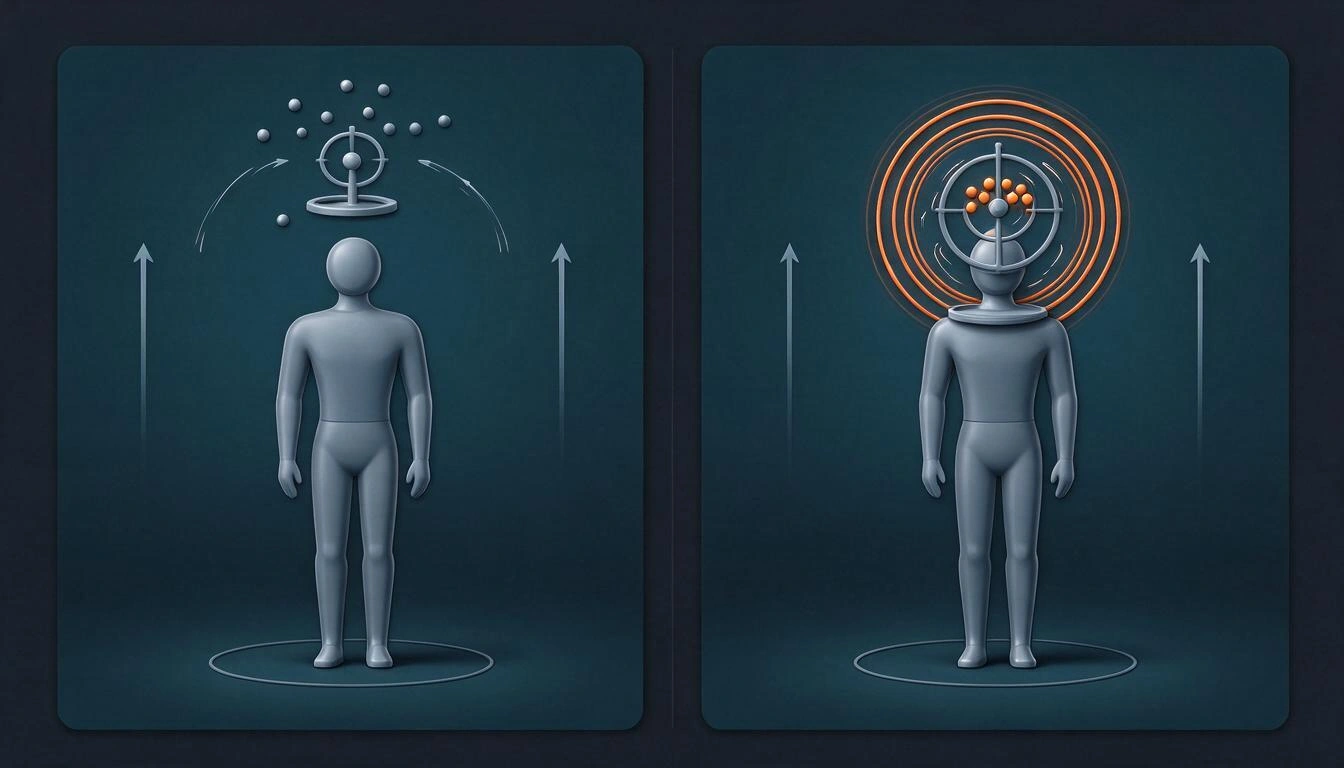
The golden rule: one value per round. If you change general and 2X at the same time and improve, you won’t know which of the two fixed it, and in the next patch you will start from scratch again.
How to test it in 15 minutes without ruining your streak
Set up a short and always identical routine in Training Ground: same weapon, same distance, same target, 20 shots. The metric is not "I feel better", it’s how many headshots you make out of 20 and where your misses go.
- Fix the context. Before touching sensitivity, keep the HUD, the size of the shoot button, and the graphic settings still. If you change two systems at once, the test measures nothing.
- Baseline. 20 shots with your current values. Note the result and, above all, the direction of the misses (up, down, left, right).
- One change. Move a single value and do it in small steps. If the jump is big, you will be measuring the shock, not the improvement.
- Repeat the round. Same 20 shots. If it doesn’t improve, go back; if it improves, consolidate and move to the next symptom.
- Validate in Clash Squad. The training ground has no pressure or real movement. Two or three short matches confirm if the value holds up.
- Note the date and version. If you write down "OB55, 16/09/2026" next to your values, the day the patch throws you off, you will know where you started from.
Why the youtuber's table doesn't work for you (and what you can copy from it)
It doesn’t work for you because the numbers depend on variables that the video doesn’t account for: your resolution, your screen density, your touch latency, your HUD, the size of your hands, and how many fingers you use. What you can copy from a good creator is the method and the proportions, not the figures.
Proportions hold up better when switching between devices: that sensitivity decreases as zoom increases (general > red dot > 2X > 4X > sniper sight) is a stable relationship because it responds to the physics of zoom and not to your screen. If a table gives you 4X higher than red dot, it’s probably designed for another style or simply wrong.
And there’s a calendar detail that almost no one mentions: many tables "updated 2026" were recorded before OB55 and do not account for weapons with upward recoil or the reduction of accuracy for standing machine guns. A table without a patch version next to it is a table without a visible expiration date.
A good starting point is not the one that gives the most headshots on the creator's mobile, but the one that makes you lose the least time until you find yours.
How many players are recalibrating at the same time as you
Many more than it seems: Garena reported 671.7 million quarterly active users and 68.6 million paying users in its digital entertainment division in the third quarter of 2026 of Sea Limited, published on November 10, 2026, with revenues of 890 million dollars. Each patch brings a huge part of that base to make adjustments the same weekend.
That explains the phenomenon of viral tables: there is a massive and simultaneous demand for "the good numbers," and the fastest way to meet it is to publish a list. The problem is not the intention; it is that a single list cannot cover the variety of hardware in Brazil, Mexico, Colombia, Argentina, Chile, or Peru.
This is where a tool fits in: instead of a universal number, a starting point that at least takes your equipment into account. The sensitivity sheet of AiGarena FF asks for brand (Samsung, Xiaomi, Motorola, Apple, realme, Infinix, or "Other"), range (low, mid, or high), play style (rusher, balanced, or sniper), and number of fingers (2, 3, or 4), and returns the six values used by the game: general, red dot, 2X scope, 4X scope, sniper scope (AWM), and free camera. It is built on nine base presets by range per style with adjustments by brand and number of fingers, and when a combination is not covered, it marks it as adapted instead of inventing precision. These are indicative values and a starting point: fine calibration by symptom is done by you, using the method above.
Frequently Asked Questions
Does Garena change my sensitivity when I update Free Fire?
There is no evidence that recent updates overwrite your values. What changes are the recoil, accuracy, range, and movement speed of specific weapons, in addition to the behavior of aim assist and controls: this makes the same numbers feel different. The scale remains 0–200 since the notes from April 16, 2024.
What is the best sensitivity for Free Fire in 2026?
There is no single best sensitivity because it depends on your resolution, your screen, your HUD, and how many fingers you use. What does exist is a good starting point by type of mobile and style, and a symptom correction method to fine-tune it in a few batches of 20 shots.
How often do I need to recalibrate sensitivity?
With a new version every two or three months according to the update history, it is reasonable to review the values when entering a patch, and only if your main weapon appears in the notes. If the patch does not touch your weapons or controls, you probably do not need to move anything.
My shots go over the enemy's head: should I raise or lower the sensitivity?
You lower it, and you lower it in the scope you are using, not in the general one. Overshooting means that the drag moves more camera than you need; reduce in small steps and repeat the same batch of 20 shots until the misses stop concentrating above.
Does the mobile DPI change Free Fire's sensitivity?
The density and resolution of the screen determine how much camera you cover for every millimeter of finger, so it does affect the effective sensitivity even if the game's number does not change. That is why a calibrated table on another mobile performs differently on yours, and that is why it is advisable to recalibrate when changing phones.
Does the size of the shoot button affect aiming?
Yes, quite a bit. A large button covers more screen and shortens the useful drag distance; a small one frees up surface but penalizes imprecise touches. If you change the HUD, treat that change like a patch: redo the baseline before adjusting sensitivities.
Is it worth raising the sensitivity to the maximum to turn faster?
Almost never in mid-range. A very high general sensitivity makes you overshoot when looking for enemies and causes shaky tracking with long scopes. A moderate general sensitivity with a good drag gesture is more profitable than an extreme value that you cannot control.
What changed in OB55 that affects aiming?
According to the official OB55 notes, new weapons (M7, Skorp, RPK) arrived whose recoil drags the aim upwards while shooting, the reticle of the Hawk rises with rapid fire, several accuracies moved (SCAR +10%, M4A1 +7%, XM8 −8%), machine guns lost 10% accuracy while standing, and submachine guns gained between 15% and 40% movement speed while shooting.
Conclusion: calibrate by symptom, not by table
Sensitivity is not a number that you hit once; it is an adjustment that coexists with a game that moves every two or three months. If you understand that the patch changes the weapon and not your slider, you stop chasing tables and start correcting what you really see failing: a symptom, a value, a batch of 20 shots.
For the starting point —the only piece that makes sense to delegate— you can use the sensitivity calculator by brand, range, style, and number of fingers from AiGarena FF, the AI tool suite for Free Fire creators and players from AiToolsForApps, which also includes nicknames and profile signatures, thumbnails, guild logos, and diamond package comparators. Remember that the values returned are indicative: the final adjustment, the one that turns "almost" into booyah, is made by your thumb.
Get your starting point in 30 seconds: choose brand, range, play style, and number of fingers in the sensitivity tab of AiGarena FF and start calibrating by symptom. No registration and free, with nicks, thumbnails, guild logos, and diamond comparator in the same app.
Get your starting point in 30 seconds: choose brand, range, play style, and number of fingers in the sensitivity tab of AiGarena FF and start calibrating by symptom. No registration and free, with nicks, thumbnails, guild logos, and diamond comparator in the same app.Keep reading
View all articles →
Free Fire OB56 Update: Date, Advance Server, and What We Really Know

Broken Geode in Geometry Dash 2.2091: which mods are not working and how to keep creating

DLS 27 in December 2026: what is confirmed, what is not, and what happens to your club, your squad and your kits when you update
