Try Gardenscapes and Homescapes now, no sign-up needed
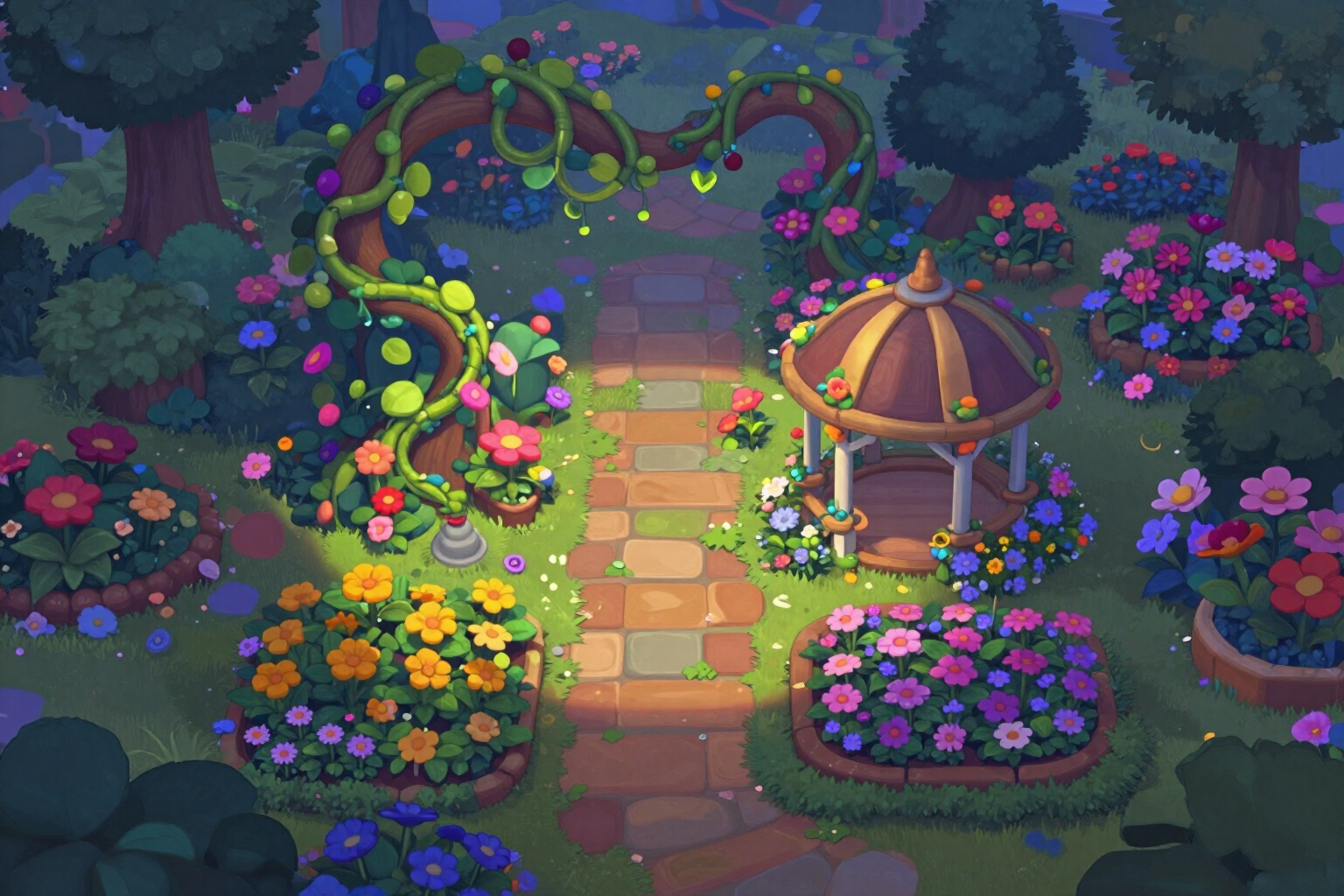
Gardenscapes and Homescapes · How much you have left, how long it takes, and how much it costs
For Gardenscapes and Homescapes players who have an area half done and don't know whether they're two afternoons or two weeks away: tell us the stars your tasks require, the stars a level gives you, and the levels you complete per day, and we'll give you back the stars you're missing, the equivalent levels, the estimated date, and what you've spent so far, with the cost per star and per renovation task. Four free tools, no registration, and no limit: they're calculated on your phone.

How many stars do you really need to finish the area you have half done?
The game shows you what you're missing, but it doesn't translate it into levels, days, or money. Here you do those three calculations with your own numbers: the stars your pending tasks require, the levels that means based on the stars a level gives you, and the estimated date at your own pace; and on the other side, your monthly and yearly spending, with the cost per level passed, per star, and per renovation task. We don't sell coins, we don't promise to beat levels, and we don't make up prices: you enter the numbers, which you have on screen, and every result includes its formula so you can redo it by hand.
See the tools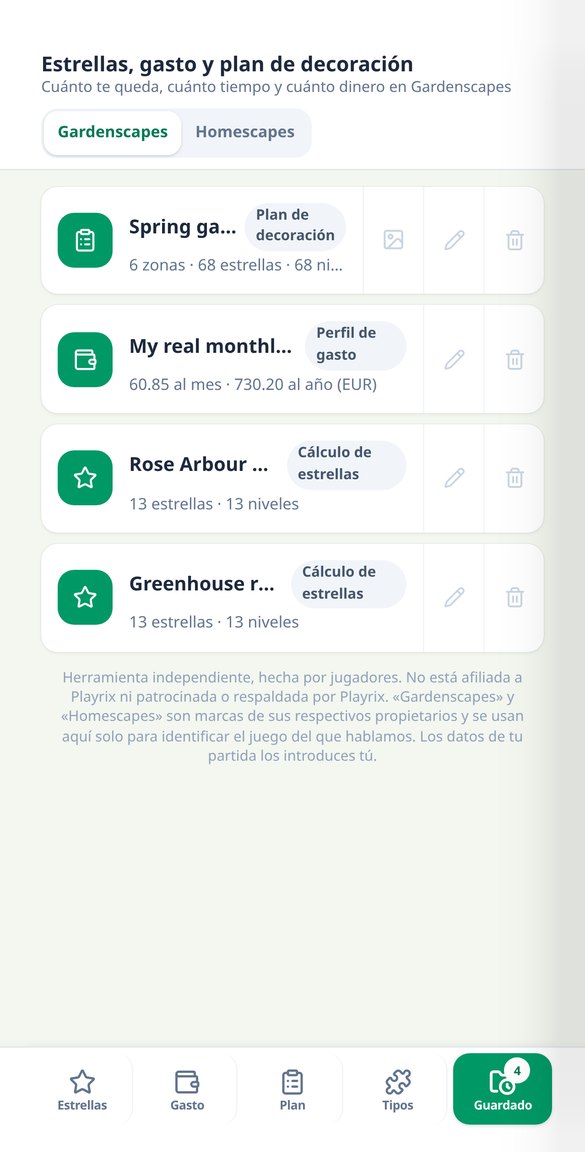
Discover every feature in detail
How many stars do I need in Gardenscapes: levels and date
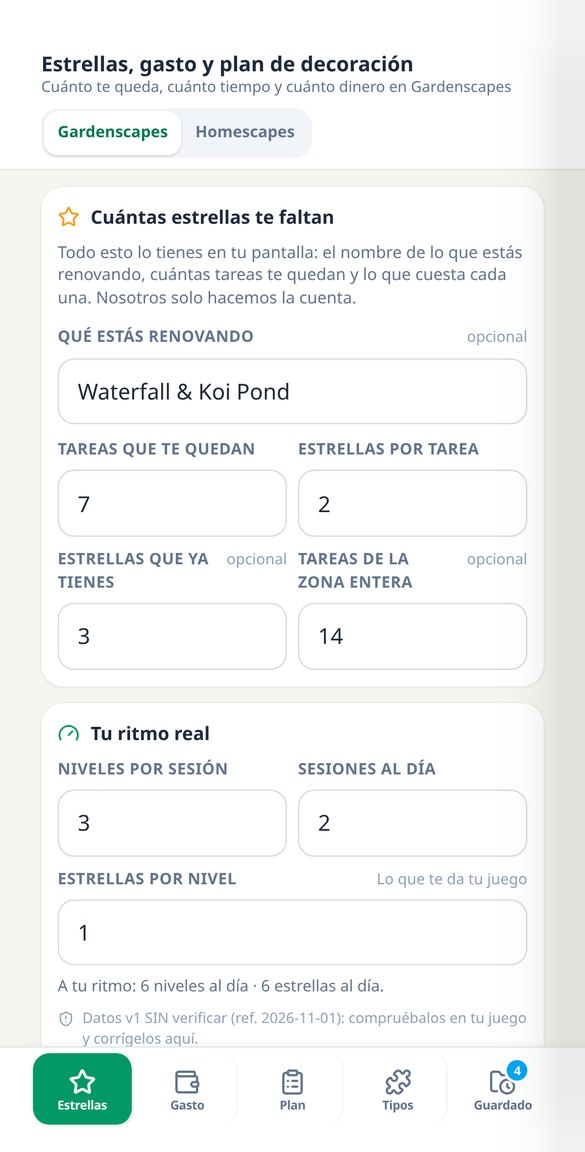
Calculate the stars you need to finish the zone, how many levels they equate to, and what day you finish at your pace. Free, no registration, and with the formula.
Try it free
How much I spend in Gardenscapes and Homescapes | Cost per star
Add up what you buy each month (coins, continue, lives, boosters, offers) and calculate your monthly and yearly spending, the cost per level, per star, and per task. Free.
Try it free
Gardenscapes and Homescapes Lives Timer | Play for free
Calculate how long it takes for your lives to recharge, how many you get for free each day, and get the 5 rules to avoid impulse buying. Free and no registration.
Try it free
Which area to renovate first in Gardenscapes and Homescapes | Plan
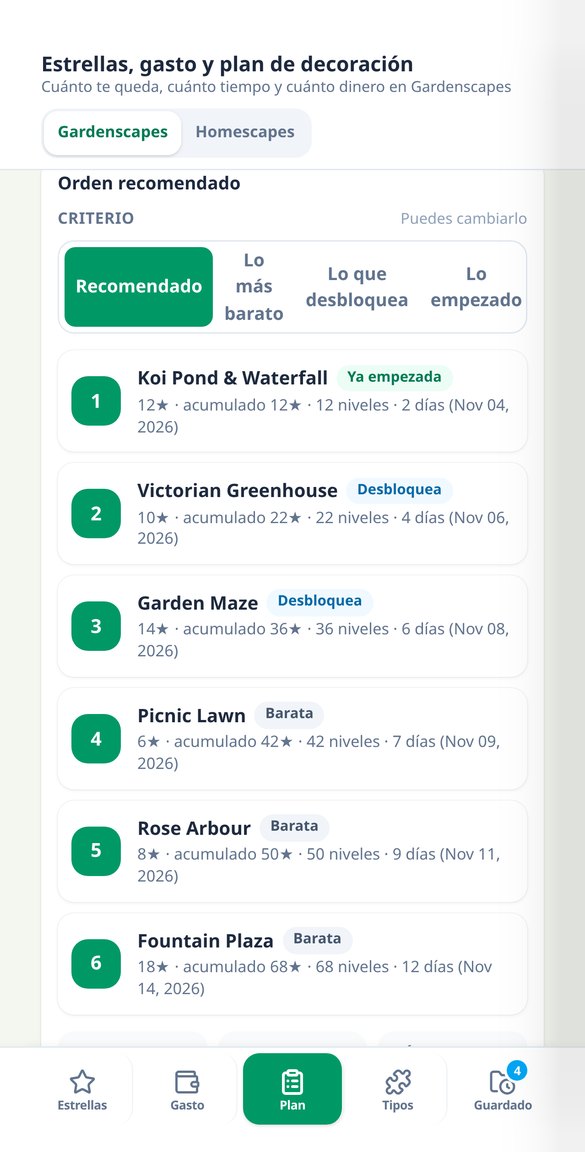
Sort the areas you have left and see the cost in in-game stars for each step, the total, the levels, and the date at your pace. Four criteria and PNG shareable image card. Free.
Try it free
Types of levels and obstacles in Gardenscapes and Homescapes | What to do
Choose what the level requires and what obstacles you have on the board, and see what to build first, which booster not to spend, and what to save. 8 objectives and 8 obstacles. Free.
Try it freeWhat you have left, what you spend, and where to go next
Three calculators plus a strategy lookup by type, with 8 goals, 8 obstacles, and 4 boosters. Everything runs in your browser and is deterministic: two identical lookups give the same result. No artificial intelligence and no connection to your game account.

Stars, levels, and date at your own pace
Enter the tasks you have left with their star cost, the stars a level gives you, and the levels you complete per day: you get the missing stars, the equivalent levels, and the estimated date, for the task in progress and for the entire area.

Your real spending, with the cost per star
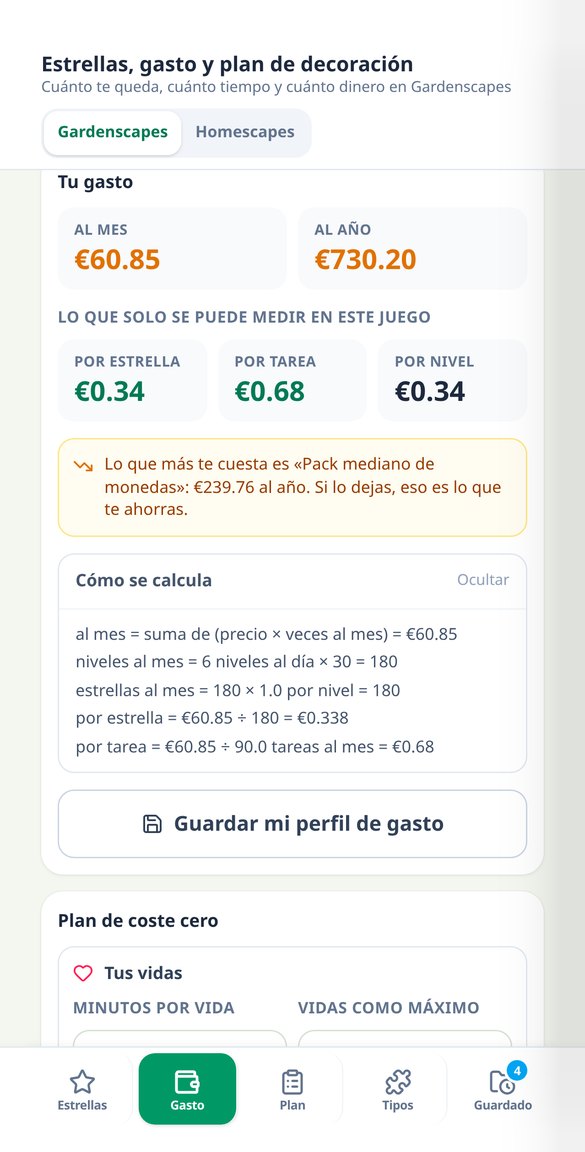
Record what you buy and how often across 7 purchase types, with 6 markets and 4 currencies, and you'll see your monthly and yearly spending, the cost per level passed, per star, and per renovation task, and which purchase costs you the most per year. Includes the lives bank calculation and 5 zero-cost rules.
Renovation order and downloadable card
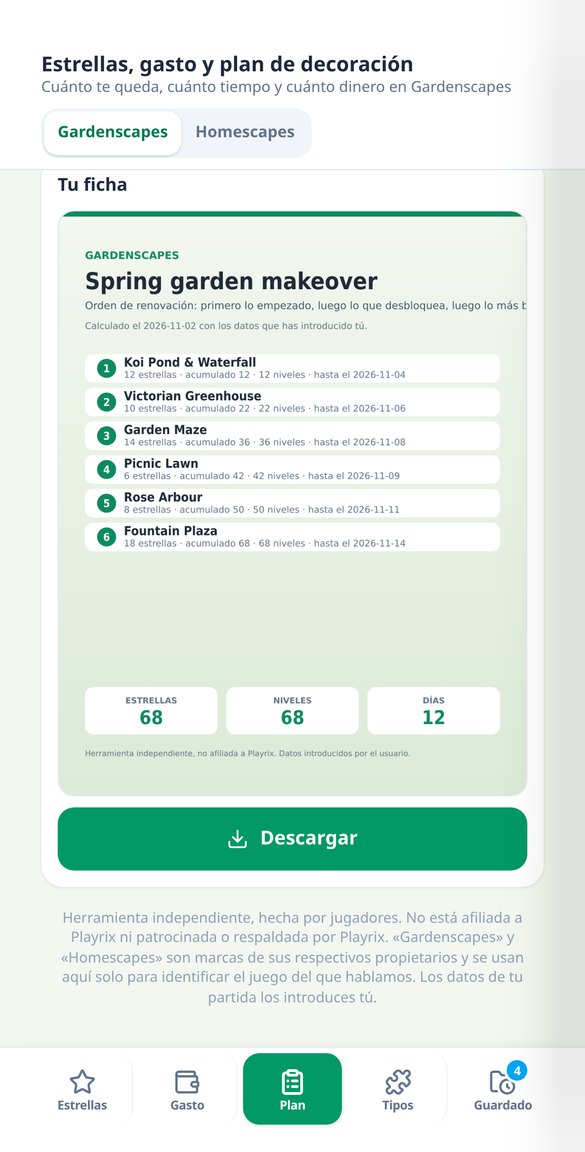
List your pending areas with their star cost and choose one of the 4 ordering criteria: recommended, cheapest, what it unlocks, or what you've already started. Each step comes with its reason, its cumulative total, and its date, and you can take it with you in a 1080×1350 PNG card with up to 10 steps.
Your calculations in three steps
Choose your game
Gardenscapes or Homescapes, with the selector in the header: the vocabulary and catalogs adjust to the one you're playing.
Type in your numbers
The stars your tasks require, the stars a level gives you, the levels you complete per day, and what you buy. It's saved as a draft so you don't have to re-enter it tomorrow.
See the result and its formula
Missing stars, levels, date, cost per star, and renovation order, each calculation with its expandable "How it's calculated" block and the real numbers. You can download the plan's PNG card once per visit without registering.
Who is it for?
Built for these profiles
Frequently Asked Questions
Latest blog articles
Guides and news to get more out of it

Rewarded ads in Gardenscapes and Homescapes: when watching the video saves you money
Playrix tests rewarded ads in Gardenscapes and Homescapes: what each video gives, why it doesn't show up for you, and when watching it saves you coins.
Season Passes in Gardenscapes and Homescapes: How to Know if They’re Worth It at Your Own Pace
How The Home Pass and the Garden Pass work, how many levels you need before they expire, and how to calculate your cost per star.
Your half-done area, with a date and a price
Type in your numbers and see how many levels and days you have left. Calculating doesn't require an account; an account is only for saving it.