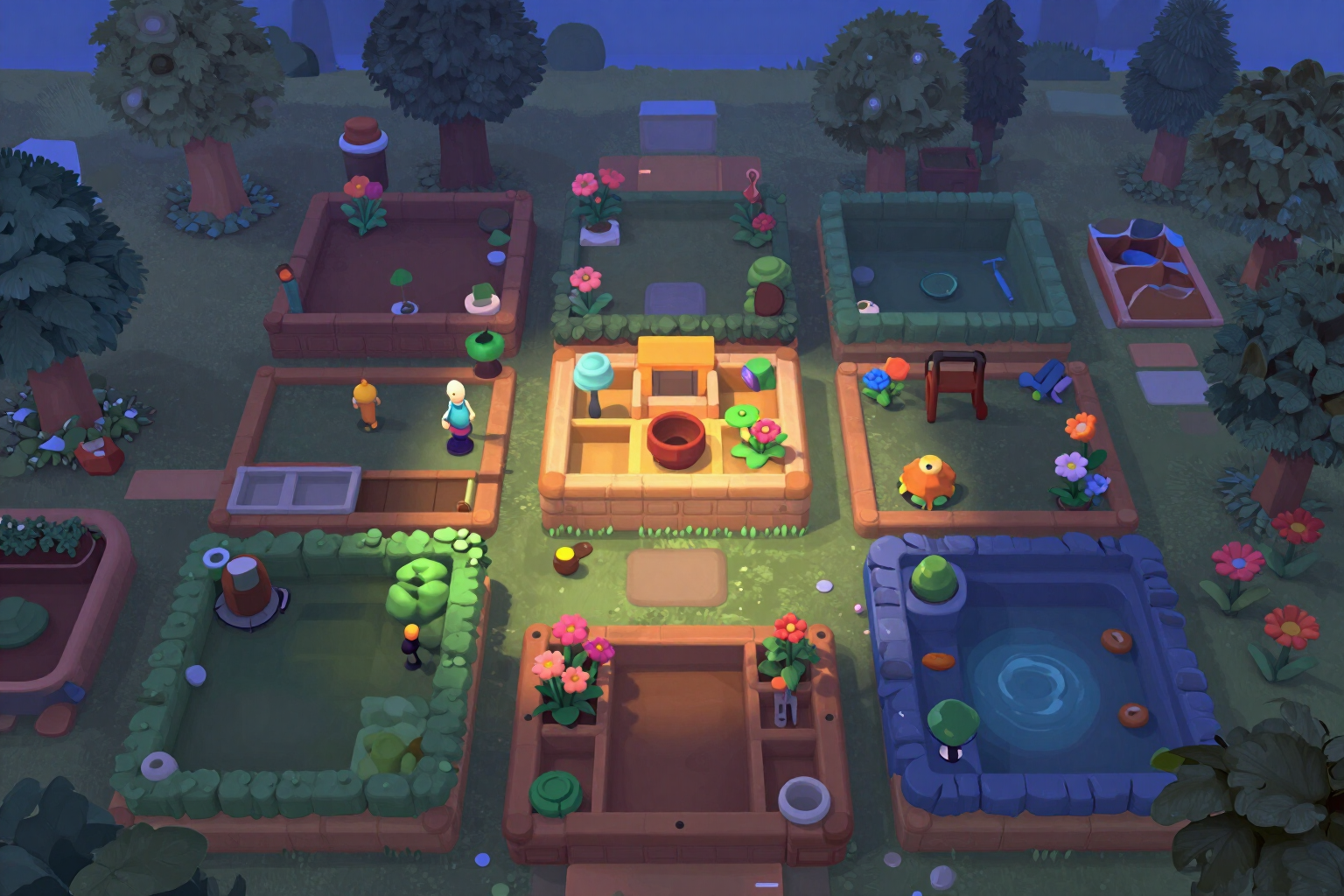
Which garden area to renovate first in Gardenscapes and Homescapes
List the areas you have left and we provide the order, the cost in stars for each step, the total, the equivalent levels, and the date at your pace. The criteria are visible and you can change them whenever you want.
Having four areas half done is worse than having one: each task you start takes you further from finishing something.
The planner doesn’t guess anything. You list each garden area or house room you have left with two pieces of data on your screen: how many tasks are left and how many stars each task costs. You mark whether you have already started it and if it unlocks other areas. With that, it orders the list and returns, step by step, the star cost of that area, the total up to that point, the equivalent levels, and the estimated date if you have filled in your pace.
The order is not a black box. There are four criteria and you choose: ‘Recommended’ (first what you have started, then what unlocks other areas, then the cheapest), ‘Cheapest’ (from least to most stars), ‘What unlocks’ and ‘What is started’. Each step has its reason label —already started, unlocks or cheap— so you can see why it is where it is, and changing the criteria reorders the list instantly.
Below you have the total: stars, levels, and days, with the date by which you would finish the entire list. And the dropdown ‘How it’s calculated’ shows the five lines of the formula with your numbers inside, including the description of the active criterion, so you can redo it manually if you don’t believe it.
When the order fits you, the app composes a PNG card of 1080×1350 with the first ten steps, their totals, and the calculation date, to save it on your phone or share it. It works in both games: you switch profiles in the header and the app refers to ‘areas’ in Gardenscapes and ‘rooms’ in Homescapes.
Try Renovation order right here
Use it free without an account. If you want to save your result, you can sign up afterwards.
Save / Sign upBenefits of Renovation order
It tells you where to start, not just what’s missing
the game shows you the price of each task separately; here you see the entire list ordered, with the total growing step by step.
The criteria are explicit and you change them
four different orders and each step with its reason visible. No recommendations without explanation.
Accumulated, levels, and date at each step
not just how many stars the garden area costs, but how many levels you have left to play and on what day you would reach that point with your actual pace.
You leave nothing unfinished
the recommended criteria prioritize what you have already started and then what unlocks other garden areas, which is the order that wastes the least time.
The formula in view
five lines with your own numbers —cost per garden area, accumulated, levels, days, and the description of the criteria— to check it with a calculator.
Downloadable PNG card
1080×1350 with up to ten steps and the date of the calculation. You can download one per visit without registering.
Free, no registration, and no limit
the plan is calculated in your browser. An account is only needed to save it and return tomorrow, rename it, or delete it.
The two games in the same tool
choose Gardenscapes or Homescapes in the header and the app uses the vocabulary of each. We do not connect to your game account or sell coins.
Organize your garden areas in two minutes
No registration required and no usage limits. You note the areas, choose the criteria, and take the shareable image card: the data stays as a draft on your mobile.