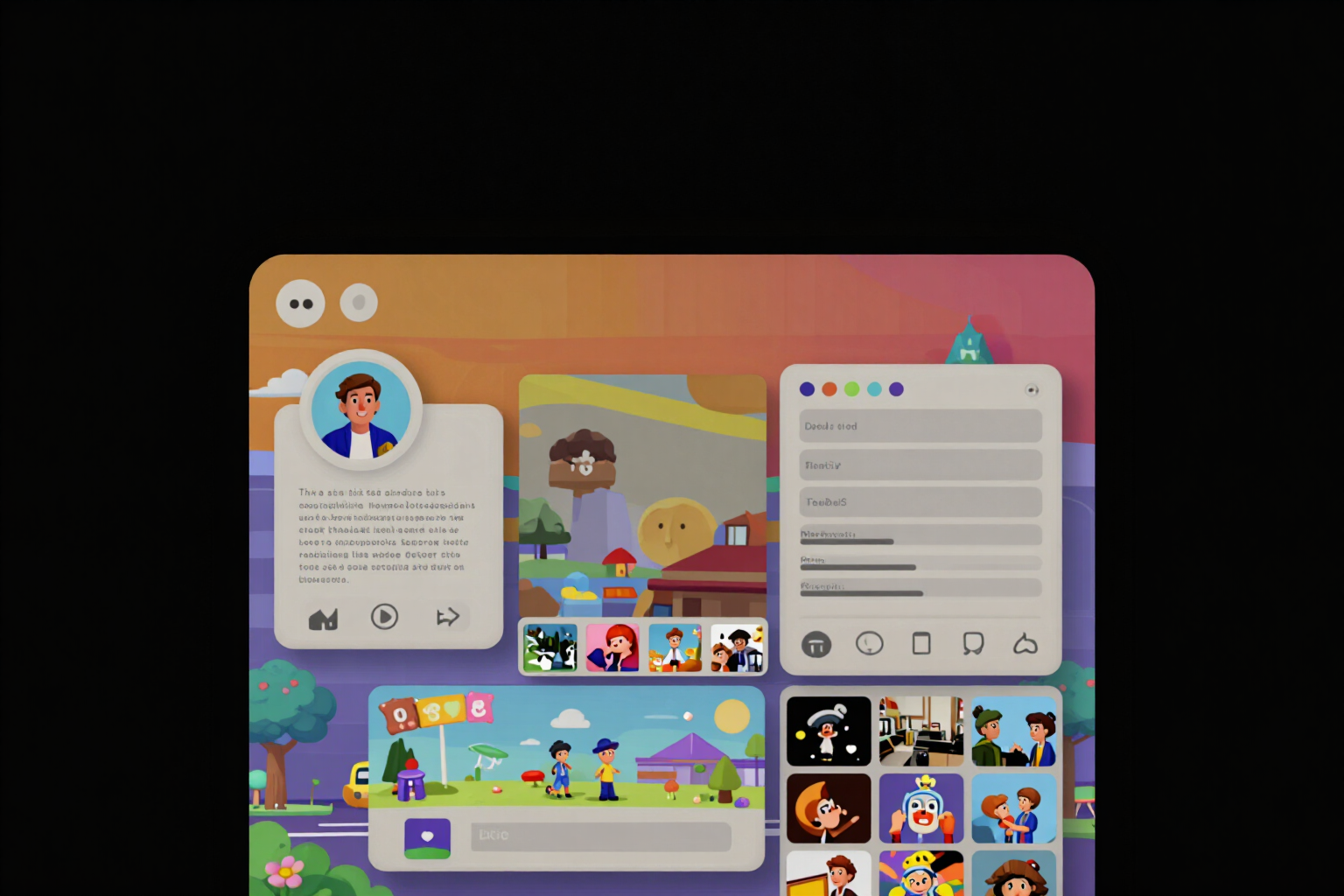
Simulate your complete Instagram profile and reorder the tiles by dragging them
The app assembles the header, the bio with its cut, the row of Instagram Highlights, and the profile grid as they will appear. Hold down a tile, drag it over another, and the upload order recalculates automatically.
The problem was never designing each tile separately: it was not knowing how they fit together until after you had published them.
The app has four tools that work separately —photo grid, highlight covers, bio, and carousel— and each one gives you some files. The simulator combines them on a single screen: the complete profile, in full screen, with your own material inside. The header shows the actual number of tiles you have, the bio as you wrote it, the row of highlight bubbles, and the profile grid with three columns, always showing at least nine boxes.
The bio is drawn with the cut included. Instagram shows the first four lines and hides the rest behind a ‘…more’: in the simulator, those lower lines appear dimmed, with a dotted line and the label ‘…more (this is where it cuts)’ marking the exact boundary. This way, you can see at a glance whether your important phrase or call to action stays within or goes outside. The highlights are displayed as circular bubbles applying the real round crop on the vertical cover, which is exactly where you discover that an icon goes out of the circle or is off-centered.
The grid is manipulable. Hold down a tile for one third of a second, it vibrates on the mobile, drag it over another, and when you release, the two swap places. The small number in each corner is not the box of the drawing: it is the upload order, and it recalculates on the server with the same formula of the grid divisor (total minus position). The ZIP you had prepared becomes invalid, so the next download will come out with the new numbering in the name of each file. There is an undo button that returns the last swap, step by step, and a simple tap without dragging opens the tile in full screen.
The empty areas are not gaps: they are invitations. A box without a tile leads to the grid divisor, an empty bubble to the cover generator, and a blank bio to the editor; below, a card summarizes the four tools you have yet to try. You can view the profile in 1:1 or 4:5 to compare how it looks in each proportion. And none of this touches your account: the app does not connect to Instagram or any Meta API and never asks for your password, so followers and following appear as a script.
Try Complete Profile Simulator right here
Use it free without an account. If you want to save your result, you can sign up afterwards.
Save / Sign upBenefits of Complete Profile Simulator
The four tools on a single screen
photo grid, highlights, bio, and carousel stop being loose files in the downloads folder. The simulator assembles the entire profile with your material inside, so you can decide before publishing and not after.
The bio with the cut drawn
Instagram shows 4 lines and hides the rest behind ‘…more’. The simulator dims what is left below and marks the exact line of the cut, so you can check if your call to action survives. The app supports up to 8 lines and 150 characters.
Swap tiles with your finger
press and hold a tile for a third of a second, drag it over another, and they will switch places when you release. No menus, no forms, and no numbers to type.
The upload order recalculates automatically
the digit in each corner indicates the order in which it should be uploaded, not its position in the layout. When swapping two tiles, the server recalculates it, and the previous ZIP is invalidated, so the download comes with the new numbering in the file names.
True undo
a button reverts the last swap, and you can keep going back step by step. Try six combinations and go back without having to redo the grid from the original image.
Highlights with their real circular crop
the bubbles apply the circle on the vertical cover of 1080x1920, which is where you can see if an icon gets cut off, and below appears its label as it will be read on the profile.
1
1 and 4:5 with a touch: the format switcher redraws the shape of all the tiles so you can compare how the profile looks in each ratio before choosing which grid you want to keep.
No account, no AI, and no password
the simulator works as a guest, doesn't use any AI, and even reads the local draft of the bio before saving it. There is no connection to Instagram or any Meta API: that's why followers appear as a script.
Build the profile, drag the tiles, and then publish
Free, no registration, and no AI costs. Instagram is the tool from AiToolsForApps that prepares photo grids, highlight covers, bios, and carousels ready to upload, and the simulator shows you how they fit together before publishing: https://aitoolsforapps.com/instagram-highlight-covers-bio-fonts-grid-carousel-219
In the features that use AI, responses are generated by artificial intelligence and are not a substitute for professional advice.