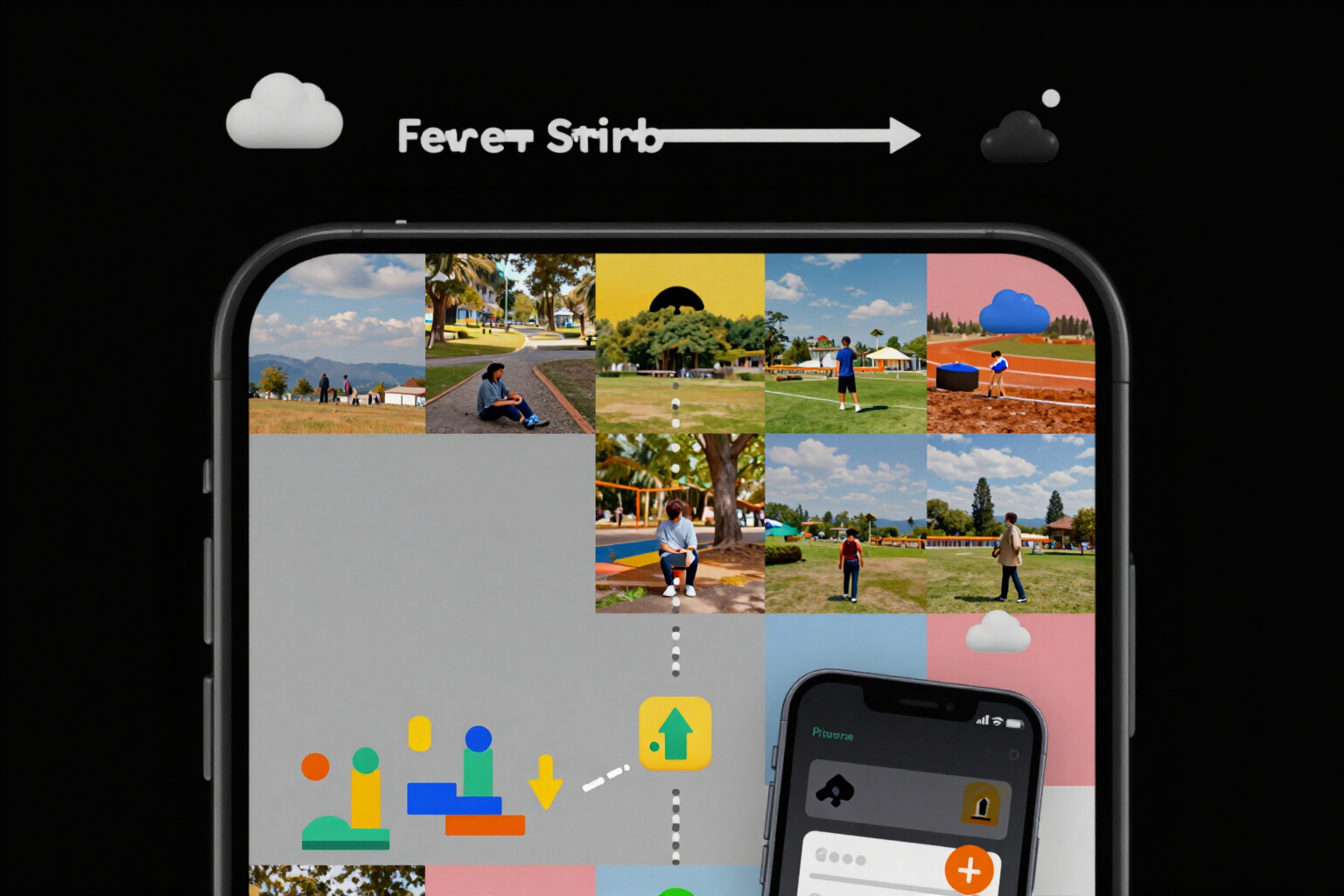
Divide your photo into a 3x3 mosaic and upload it in the correct order
The app cuts your image into 3, 6, 9, or 12 pieces and numbers each one by the order in which it should be uploaded: number 1 is the bottom right corner.
The mosaic doesn't break when cutting the image: it breaks when uploading it.
Instagram places each new post in the top left and pushes the previous ones to the right and down. That's why a mosaic needs to be uploaded in reverse: the last piece of the design is the first one to upload. If you do it from left to right, the mosaic will be mirrored and cannot be rearranged without deleting posts.
On Instagram, you select your image from the gallery, and the app cuts it into a matrix of 3 columns by 1, 2, 3, or 4 rows —3, 6, 9, or 12 pieces— at 1080x1080 if you want a square profile or 1080x1350 if you want it vertical 4:5. The cropping is done by the server on your original image; there is no AI call throughout the process.
Each piece comes with two data points: the upload order and its position in the grid. The order is calculated as 'total minus position', so in a 3x3, the piece in the bottom right is 1 and the one in the top left is 9. That number travels in front of the filename (01_f3c3.png, 02_f3c2.png…), so when you open the mobile gallery, they are already in the order for publishing: you don’t have to remember anything or look at a diagram in another tab.
Before downloading, you see the grid assembled as it will appear on your profile, with an animated diagram of the piece's path and the striped areas that Instagram might crop if it shows the profile in square again —it's not advisable to place faces or your logo there—. You can mark each piece as uploaded to keep track halfway, rearrange them by dragging in the profile simulator (the order recalculates automatically), and download in ZIP, one by one, or share them directly to Instagram from your mobile.
Try 3x3 Mosaic Splitter right here
Use it free without an account. If you want to save your result, you can sign up afterwards.
Save / Sign upBenefits of 3x3 Mosaic Splitter
Numbered by order, not by position
the number you read is not 'the box 1 of the design', it is 'upload it first'. In a 3x3, 1 is the bottom right one and 9 is the top left one, which is the only order in which the mosaic looks as you designed it.
The order is in the file name
each piece is named 01_f3c3.png, 02_f3c2.png… The turn in front, the row and column behind. When you open the camera roll, they are already sorted, and you don't need to have the app open to upload them.
Three, six, nine, or twelve pieces, in your format
3 columns by 1, 2, 3, or 4 rows, at 1080x1080 (1:1) or 1080x1350 (4:5). You can change the matrix or format, and it will be cropped again on the same image without re-uploading it.
It alerts you to what Instagram might crop
the striped bands on the grid mark the risk area if the profile is viewed in square, and a warning appears if your image is smaller than the target size and the pieces will lose sharpness.
Choose how your image fits
'crop to center' fills each piece and may leave something out; 'fit with margins' doesn't cut anything and fills the sides with the dominant color of your own image.
You mark each piece when you upload it
a tap marks it as published, and the app keeps track ('you have uploaded 4 of 9'). If you're interrupted halfway, you know exactly where to continue.
Copies with the stamped number, separate and optional
if you request them, they go in a 'guide' folder inside the ZIP just to orient you in the camera roll. The pieces you upload never have numbers on them.
Zero AI cost and no password required
the mosaic splitter is free and works without registration (up to 4 mosaics as a guest). The app does not connect to Instagram or any Meta API, does not access your account, and there is no screen asking for your password.
Upload your image and download the numbered pieces
No registration, no installation, and no AI costs: you choose the grid, the format, and download. Instagram is the tool from AiToolsForApps that prepares covers for highlights, bio, mosaic, and carousel ready to upload, and it's at https://aitoolsforapps.com/instagram-highlight-covers-bio-fonts-grid-carousel-219
In the features that use AI, responses are generated by artificial intelligence and are not a substitute for professional advice.