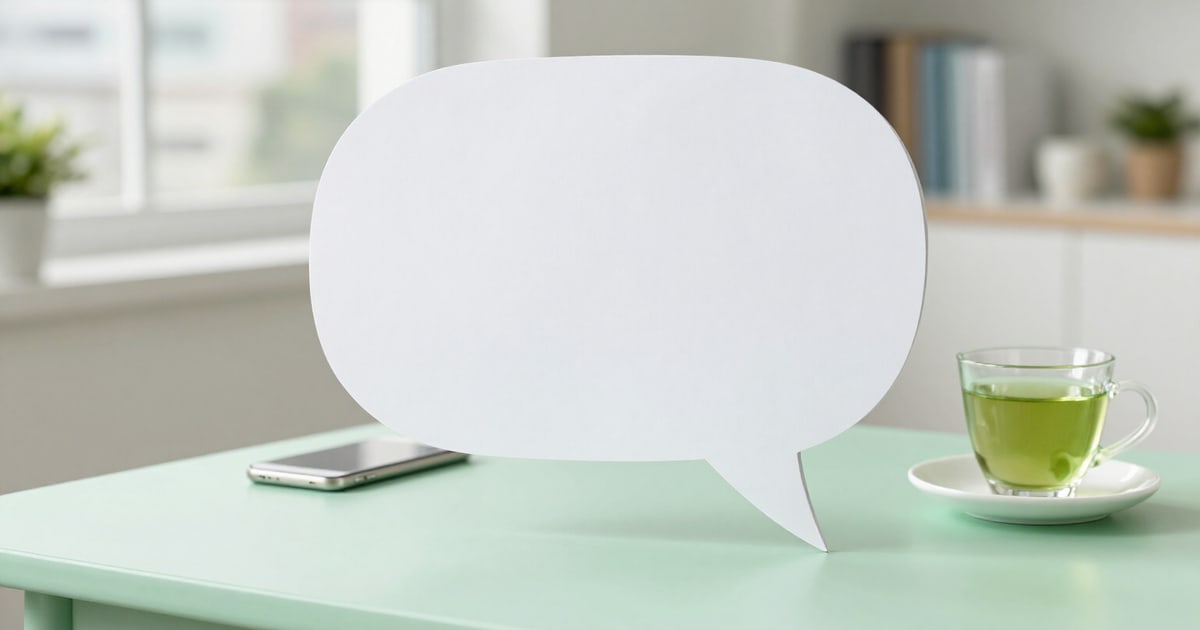
Create LINE Message Stickers with an empty speech balloon ready for the buyer’s message
You choose one of the four speech balloon shapes, and the server draws it with a perforated interior and your character underneath: 8, 16, or 24 pieces in which the buyer of the pack writes their own message of up to 100 characters.
A Message Sticker is not sold for its drawing: it’s sold because the buyer writes inside it. And if the interior of the speech balloon is not truly transparent, the message will be obscured by the fill or covered by the character.
You go to the text stickers tab, switch to «Long Message», describe your character in one sentence, and choose the speech balloon shape. Before drawing anything, the app converts your sentence into a canonical character profile —species, facial features, color palette with color codes, costume, and proportions— and reinjects that profile into each piece, so that all 8, 16, or 24 pieces are the same subject and not eight similar drawings.
The part that truly distinguishes a Message Sticker is done by the server, not the AI. The AI is explicitly asked not to draw speech balloons, text, letters, or numbers: only the character. The speech balloon is then traced by the engine in accordance with sharp, taking the shape from the catalog —rounded, cloud, starburst, or rectangular—, its white fill, dark outline, and tail, always in the same relative position within the fixed 370x320 canvas used by this type of pack.
The cut-out where the message goes is not left to chance: it is perforated. At the end of the pipeline, the interior of the speech balloon is cut out with a subtraction operation on the alpha channel, without corner radius, exactly in the area that the report later verifies. The transparency of the cut-out is a guarantee from the engine and not a hope based on the prompt. And overlap is measured before painting the speech balloon, on the bare art: what is reported to you is how much of YOUR character obstructs the message area, not the fill of the speech balloon itself.
While assembling the pack, you write sample text of up to 100 characters, with its counter, and a button changes it to a sample Japanese phrase with a tap, which is the market where this product is sold. That text is never burned into the PNG: you see it overlaid in the LINE chat simulator to judge if it fits and is readable, and in the file you deliver, the cut-out is empty. Changing the shape after the pack has been drawn recomposes the pieces from their raw PNG and does not consume an AI generation, so you can try all four shapes and keep the one that best fits your character.
Try Message Stickers with speech balloon right here
Use it free without an account. If you want to save your result, you can sign up afterwards.
Save / Sign upBenefits of Message Stickers with speech balloon
The speech balloon is drawn by the server, not the AI
it is traced with sharp from a catalog of four shapes —rounded, cloud, starburst, and rectangular— with white fill, dark outline, and tail, always in the same position. No pack comes out with a crooked, closed, or freehand-drawn speech balloon border.
The interior is perforated, not painted white
the message cut-out is cut from the alpha channel at the end of the pipeline, without corner radius, and exactly in the area that the report validates. It is transparency measured in the final binary, not a promise from the prompt.
Trying all four shapes is free
changing the shape recomposes the pieces from their raw PNG and doesn’t consume AI generations. The outline, outline color, shadow, cover, ZIP order, and sample text are also free.
You are told how much your character obstructs
the overlap with the message area is measured on the art before drawing the speech balloon, so the percentage you read is for your drawing, not for the fill. If a piece covers too much of the cut-out, you regenerate it in compact mode without touching the rest of the pack.
Ventaja 5
Sample text with a 100-character counter and a button to instantly test it in Japanese, with a real phrase, because the Creators Market sells mainly in Japan. The counter warns in amber when you approach the limit.
The sample doesn’t contaminate the product
the test text is overlaid in the LINE chat simulator, with various backgrounds, and is never written inside the PNG. In Message Stickers, text burn-in is disabled by default, so there’s no way to leave a burned-in phrase over the cut-out.
It comes out as a product, not as an image folder
8, 16, or 24 numbered pieces, main.png 240x240, tab.png 96x74, the store listing in metadata-listing.txt, the upload guide, and the LINE Pass report on the re-read file —weight, dimensions, even sides, and margin—, with the ZIP blocked if something fails.
You start without an account
you assemble the pack as a guest, choose a speech balloon, see the simulator, and read the report; the signup wall is in a single place, the ZIP download, and only after the pack has been generated and validated.
Choose the speech balloon and see the complete pack with the hole already empty
You can set it up right now as a guest, without creating an account. It's AiToolsForApps's tool for LINE Creators Market creators: draw your character, trace the speech balloon with sharp, and leave the interior transparent for the message of whoever buys your pack.
In the features that use AI, responses are generated by artificial intelligence and are not a substitute for professional advice.