Try LINE — Create Sticker and Emoji Packs for the Creators Market now, no sign-up needed

LINE — Create Sticker and Emoji Packs for the Creators Market · Sticker packs that LINE won't reject over a pixel
Describe your character and receive the entire set ready to upload: 8, 16, 24, 32, or 40 pieces of the same subject, fitted into 370×320 with both sides even, their margin, and less than 1 MB each, plus main.png, tab.png, and the store listing. You start without an account and only register to download.
In the features that use AI, responses are generated by artificial intelligence and are not a substitute for professional advice.
Have you filled up your free 15 GB, and are your photos packed with location data, unreadable names, and wrong dates?
They're the same four problems as always, and none of them gets fixed inside Google Photos: the storage shared with Drive and Gmail runs out, every photo carries inside where and with which phone it was taken, names like IMG_20240713_184522 make searching impossible, and what you download with Google Takeout shows up dated the day of the download. This mini app comes before and after: you upload a batch and apply five chained tools to it in the technically correct order — slim down, privacy, crop, rename, and PDF album — and download a ZIP with the savings report. The server does everything with sharp: every file is read and measured again before delivery, and if any trace remains after removing GPS, the photo is marked as failed instead of being passed off as good. There's no OAuth, no Google Photos API, and no access to your gallery: we can't read or touch your account even if we wanted to. And nothing is kept — originals and downloads expire after two hours, or sooner if you press “delete my files now”.
See the tools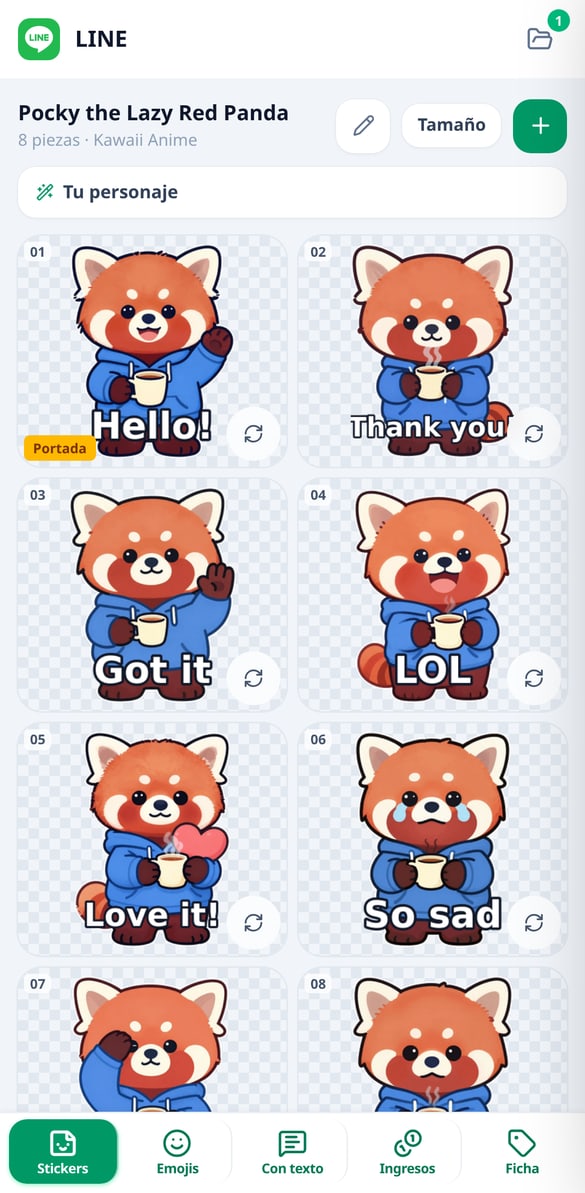
Discover every feature in detail
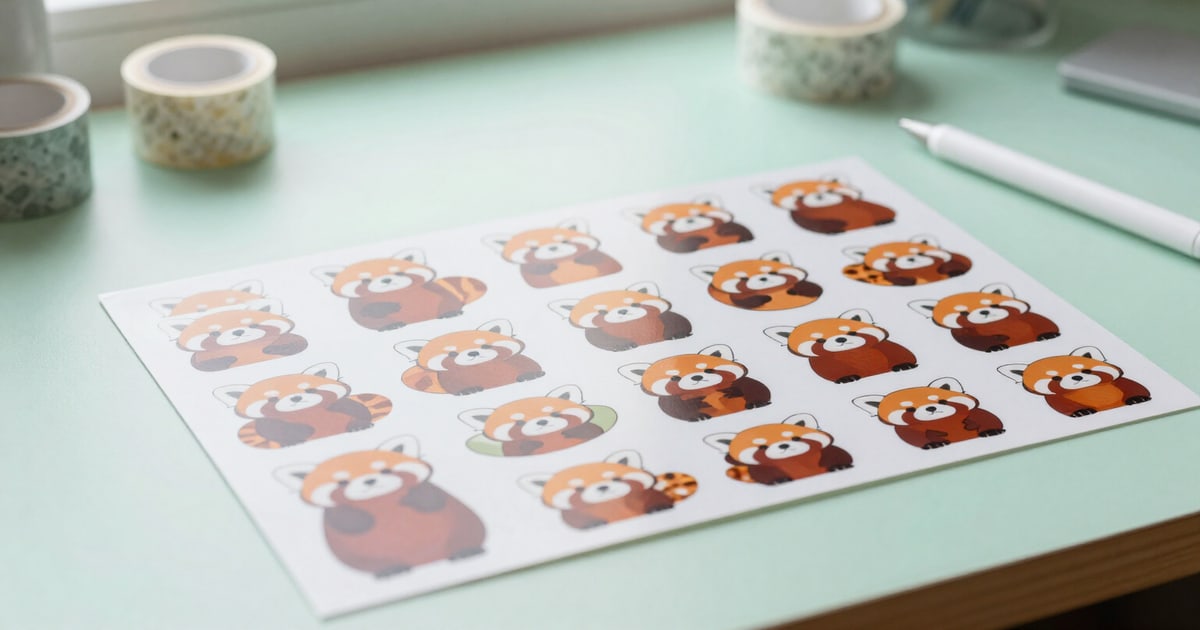
Create a LINE sticker pack with the same character
Describe your character in one sentence and generate 8 to 40 LINE stickers with the same subject, already compliant: 370x320, even sides, and less than 1 MB. No registration.
Try it free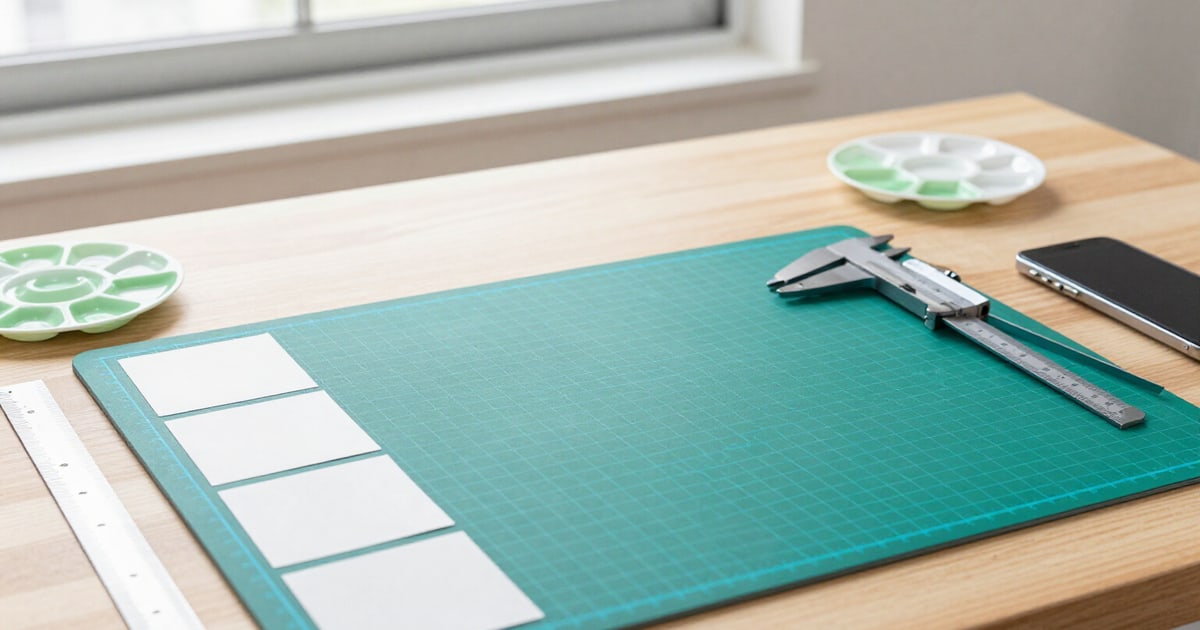
LINE Stickers 370x320: Size, Even Side Lengths, and Under 1 MB
Your stickers are already generated with the size LINE requires: 370x320, both sides even, verified transparent margin, and under 1 MB. Without touching a pixel.
Try it free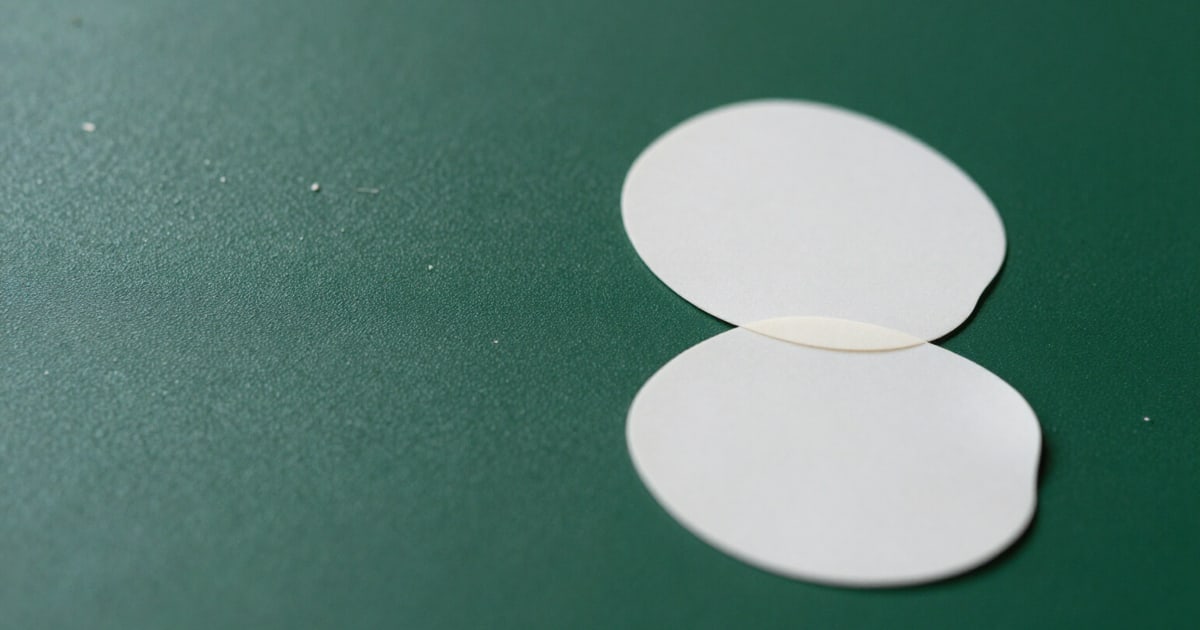
Remove white fringe and stray pixels from LINE stickers
Erase the semi-transparent fringe from the edges and the stray specks that cause LINE to reject a pack. Alpha channel cleanup measured piece by piece, without losing details.
Try it free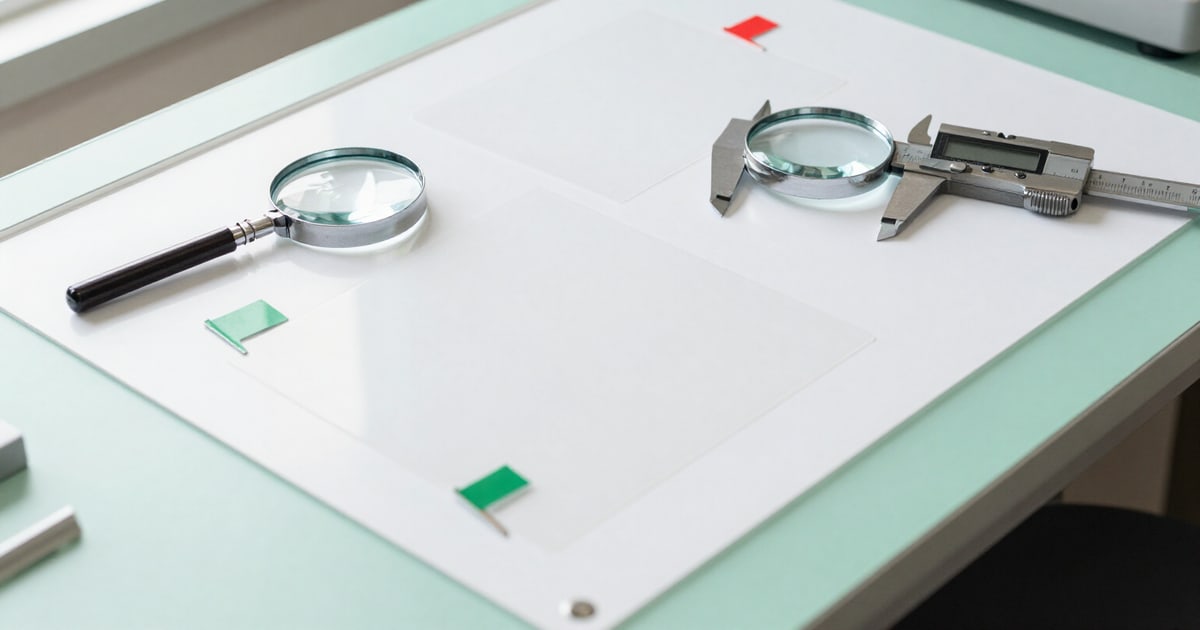
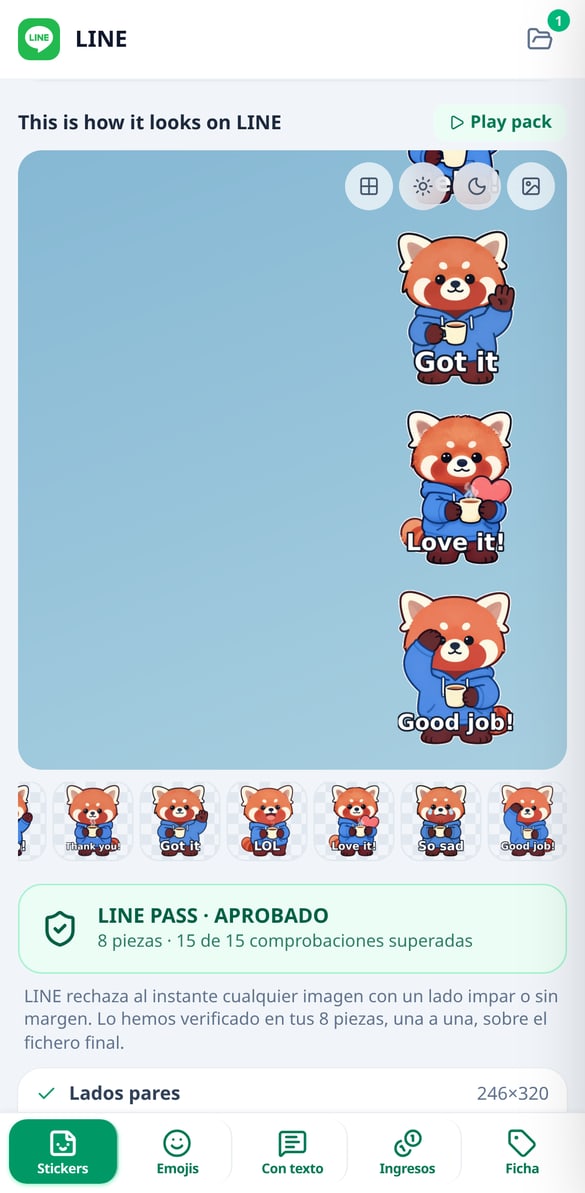
Validate LINE stickers before uploading them: LINE Pass report
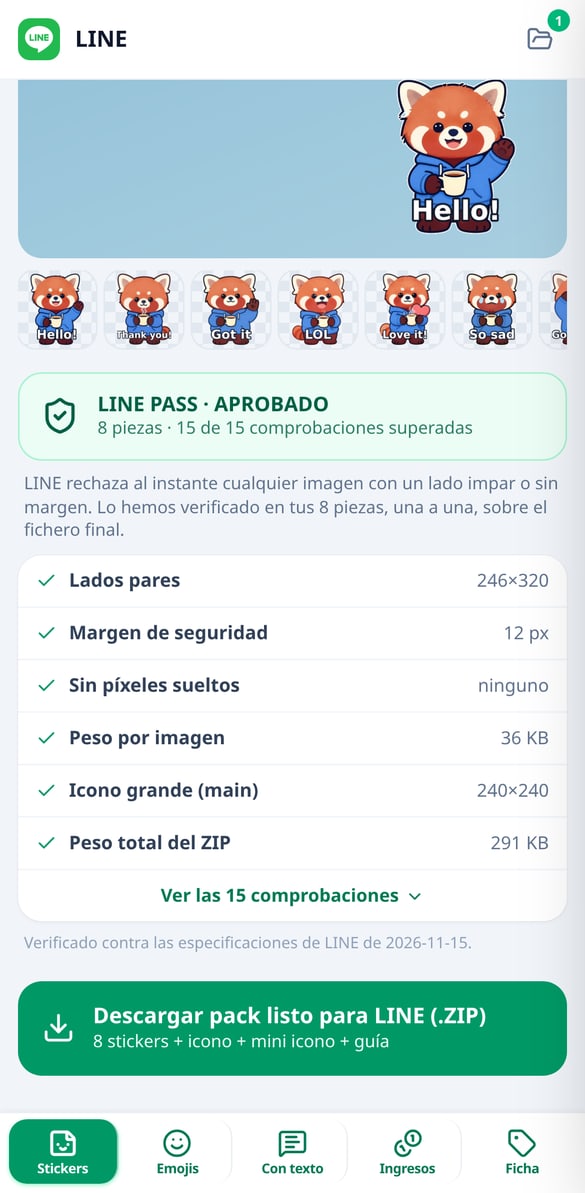
The LINE Pass report audits the final file of each sticker —size, even sides, margin, stray specks, weight, and ZIP— and blocks the download if anything fails to comply.
Try it free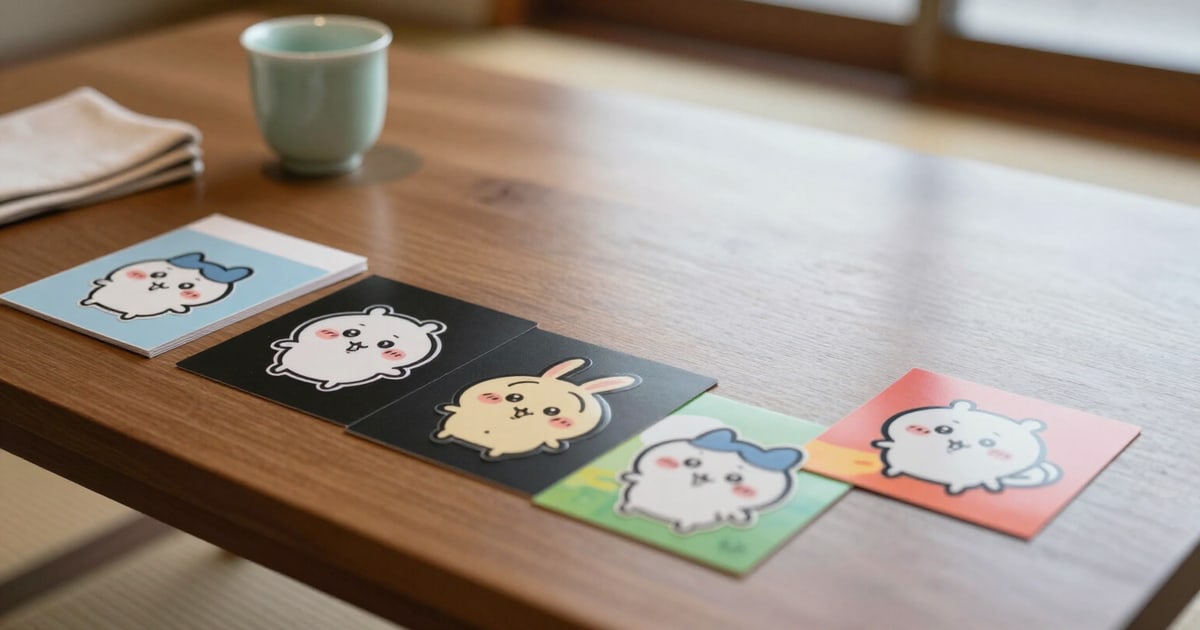
LINE Chat Simulator: See How Your Stickers Look Before Uploading
Preview your stickers in a replica of the LINE chat with classic, light, dark, and photo backgrounds. Dark mode instantly reveals any white halo.
Try it free
Create 180x180 LINE Emojis with AI
Generate LINE emoji sets of 8 to 40 emojis with the same character, at exact 180x180 dimensions: margin, even dimensions, clean alpha, tab.png, and validated ZIP. No registration required.
Try it free
Create LINE stickers with custom names
Create LINE Custom Stickers with the name's empty slot truly punched out: you place it at the top, bottom, or to the side, and the app measures if your character invades it.
Try it free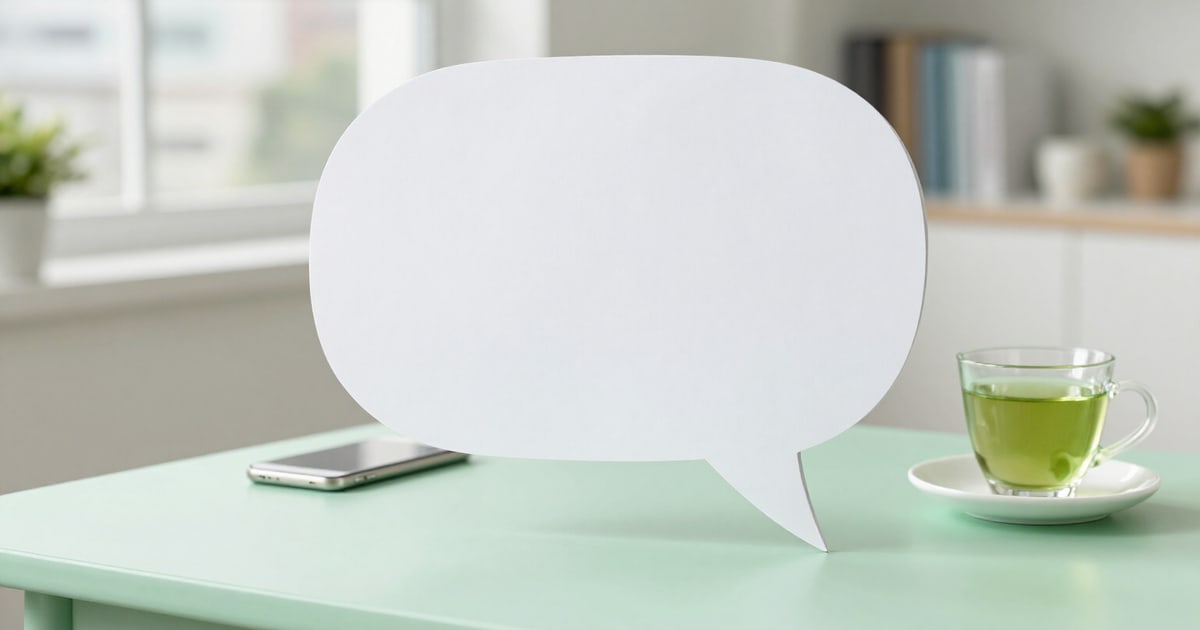
Create LINE Message Stickers with empty speech balloon
Generate LINE Message Stickers with the speech balloon drawn by the server and the transparent interior for the 100-character message. No registration required.
Try it free
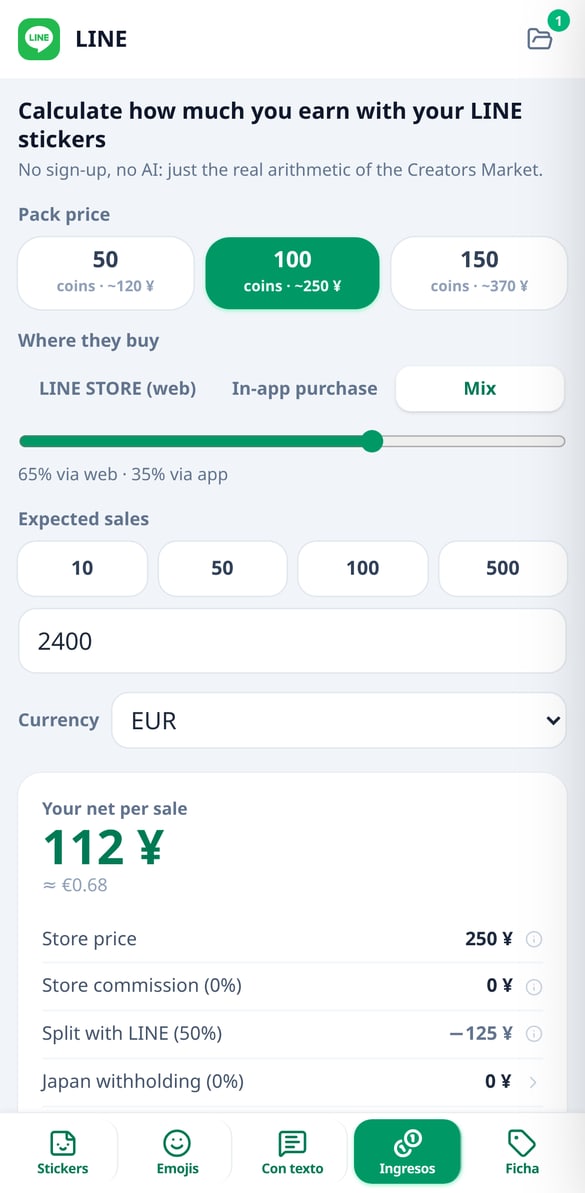
How much you earn with LINE stickers: earnings calculator
Calculate your net per sale on LINE Creators Market: pack price minus store commission, minus 50% for LINE and minus 20.42% for Japan. Free and no registration.
Try it free
Japan's 20.42% Withholding Tax on LINE: How to Reduce It
Japan withholds 20.42% from non-resident LINE creators. Calculate your tax rate with the double taxation treaty, the money saved, and the three steps.
Try it free
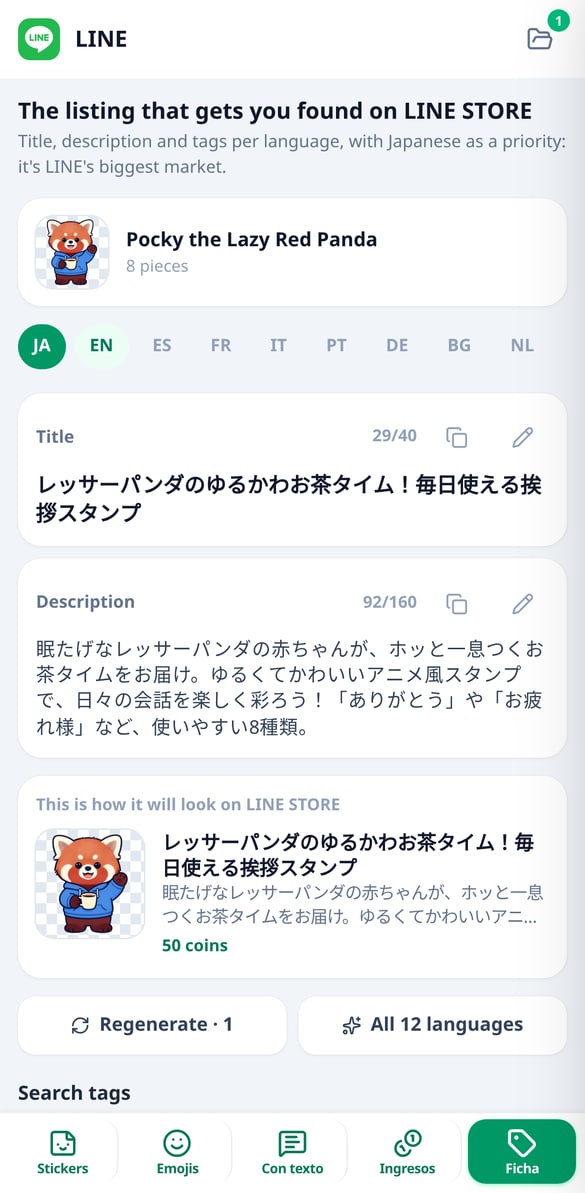
LINE STORE Listing: Title and Description in Japanese
Write the title (40 characters), the description (160), and up to 3 search tags for your LINE sticker pack, native in each language, with Japanese first.
View featureFive tabs: from character to ZIP, and from ZIP to money
Slim down, privacy, crop, AI rename, and PDF album combine in a single pass, and the server decides the processing order so the result is correct. Designed for mobile and one-handed use: it works without an account, with a free batch of 10 photos.
One character, forty recognizable pieces
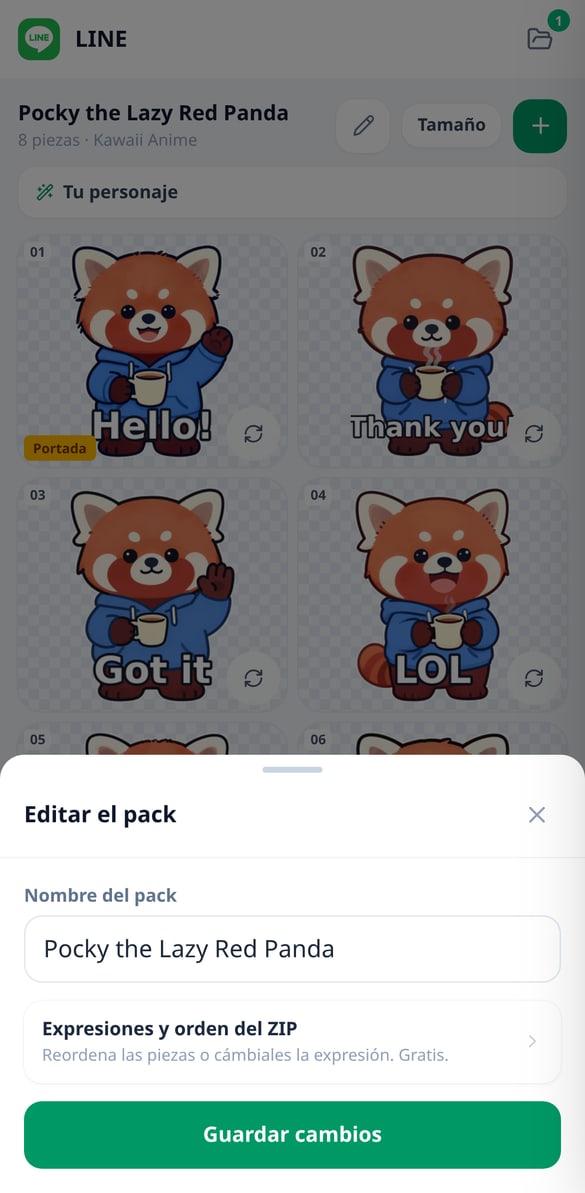
You describe the character once, and the app builds its canonical profile —species, traits, specific color palette, fixed clothing, and what's forbidden— and reinjects it into each piece of the set: this is what prevents you from getting twenty-four different characters. You choose the size (8, 16, 24, 32, or 40), one of the five styles —Kawaii Anime, Chibi, Flat Cartoon, Pixel Art, and Watercolour— and the scenes, which are already suggested from a catalog of 40 that are genuinely used in Japanese chats, such as otsukaresama, arigato, or ganbatte. The same tools are used for 180×180 emoji sets, for Custom Stickers with the buyer's name gap in three placements, and for Message Stickers with four speech bubble shapes.
LINE Pass: every check, on the final file
Before letting you download anything, the app reopens each PNG that will go into the ZIP and measures it: alpha channel format, max 370x320, both sides even, margin verified by reading the alpha channel itself, zero loose pixels, less than 1 MB, set cardinality, gap-free numbering, main.png at 240x240, tab.png at 96x74, ZIP size and text gap free of artwork. The catalog has seventeen checks, and those corresponding to your pack type are applied —fifteen for a sticker pack—: twelve can block the download and five are quality warnings that don't block it, because they are advice, not a requirement. And what no checklist judges, you judge in the LINE chat simulator, with its four backgrounds —classic green, light, dark, and photo—, which is where a white halo reveals itself.
How much you really earn, Japanese withholding tax included
The calculator is pure, free, and unlimited arithmetic, and it breaks down the sale in a cascade: tier price (50, 100, or 150 coins), app store commission, the 50% split with LINE, and the Japanese withholding tax of 20.42%. It compares selling through LINE STORE versus in-app purchase, tells you how many sales you need to exceed the payout threshold of ¥1,000, and, by choosing your country of residence, if the double taxation treaty lowers that withholding tax to 10% or 0% and which form needs to be submitted. Next to it lives the store listing optimizer: title up to 40 characters, description of 160, and three tags from a catalog of 24, in all twelve languages with Japanese first, because it's the market.
Three steps to the ZIP
Upload your photos
It opens in your browser, with nothing to install and no sign-up. Choose photos from your gallery or drag them in: JPEG, PNG, and iPhone HEIC files are accepted, and they convert automatically so they display anywhere.
Choose what to do with them
The tools come with sensible defaults: slim down and remove location. If you want, add crops for social media or for printing in centimeters, AI names, or a PDF album. Before processing, you see a summary of what's going to happen.
Download and upload to Google Photos
While it processes, you see the status of each photo. When it finishes, you download the ZIP with the savings report — and the names CSV if you renamed — plus the PDF separately; on your phone you can share it directly. And we explain in three steps how to upload them again without Google duplicating your library.
Frequently Asked Questions
Your next pack, without the afternoon of cropping
Try it without an account with a batch of 10 photos. Signing up increases the batch size and the AI renaming quota, and saves your settings for next time.