 Messenger
The 24-Hour Rule of Messenger in 2026: What Your Business Can Respond to and What It Can't
Team at AiToolsForAppsWritten with AI assistance15 min readIn summary
- The standard 24-hour window remains intact and is the only free avenue: since a person messages you, your business has 24 hours to respond to them with whatever they want, including promotional content, according to the Messenger platform policy.
- On February 10, 2026, Meta shut down Recurring Notifications in the Messenger API worldwide except in the European Union, United Kingdom, Australia, Japan, and South Korea (Social Media Today, February 8, 2026).
- The Message Tags
CONFIRMED_EVENT_UPDATE,ACCOUNT_UPDATE, andPOST_PURCHASE_UPDATEreturn error 100 since April 27, 2026; the only one that survives isHUMAN_AGENT, according to the official Messenger Platform changelog (notice published on March 27, 2026). - Paid Marketing Messages are not the solution for a Spanish business: Meta only enables providers in 20 markets and none are from the EU, according to the FAQ of the Marketing Message API.
- Since April 2026,
messenger.comis no longer used for chatting: support is done fromfacebook.com/messages, the mobile app, and Meta Business Suite (announcement reported by Social Media Today, February 18, 2026).
If you have a neighborhood store, a dental clinic, a workshop, or a hair salon and you handle chat, 2026 has been the year when Facebook Messenger has become much narrower: fewer avenues to initiate contact, fewer shortcuts, and a single rule that governs almost everything. This article is a review of the actual state of those rules, with the date and source of each change; at the end, you will see how aiMessenger fits in, the tool from AiToolsForApps to prepare the m.me link, the QR code, and automated Messenger responses, which is precisely the work that remains on the free side of the rule.
What exactly is the Messenger 24-hour rule?
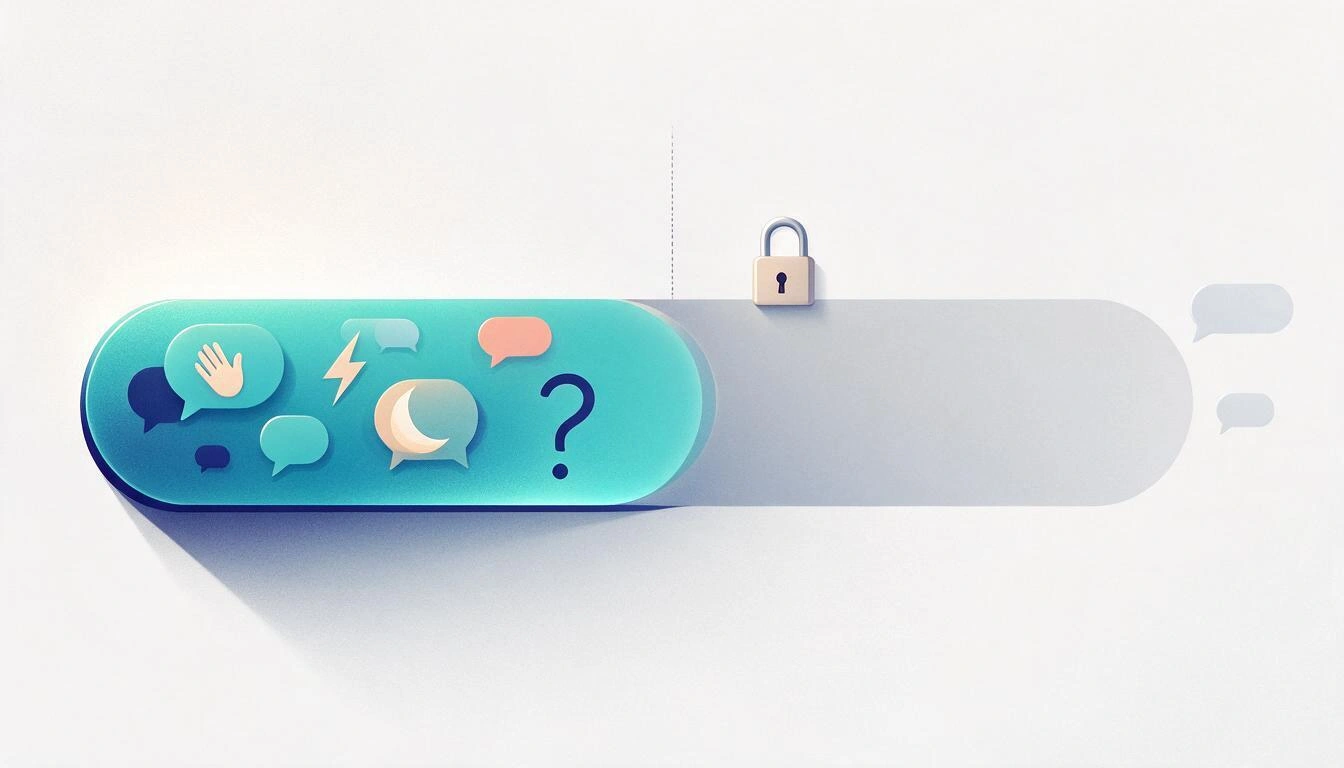
The 24-hour rule is Meta's standard messaging window: when a person interacts with your page, a 24-hour period opens during which you can respond freely, including promotional content. After those 24 hours, the conversation closes for the business initiative: you can no longer initiate contact except through the limited avenues that Meta leaves open. The Messenger platform policy states it this way: "Messages sent within the standard messaging window may contain promotional content".
The important thing is to understand what opens and what resets that window, because it is not just "that they message you".
| Person's Action | Window that opens | Note |
|---|---|---|
| Sends you a message | 24 hours | Each new message resets the counter |
| Clicks a button in your chat | 24 hours | Counts as interaction |
| Reacts to one of your messages | 24 hours | Also resets |
| Writes after clicking a Click-to-Messenger ad | 7 days | Explicit exception of the policy |
| Comments on a post or a Reel | 7 days, one message only | It's the private reply: a private response and that's it |
A case is opened with HUMAN_AGENT | 7 additional days | Only for real human support, not for promotion |
Source for the first four rows and the human agent tag: Messenger platform policy (consulted in November 2026).
What can a business send for free within the 24-hour window?
Within 24 hours, what you have for free are the native automations of the Meta Business Suite inbox: greeting, instant reply, out-of-office message, frequently asked questions, keywords, and saved replies. You don't need an API, a provider, or an advertising budget: they are set up from the inbox itself and trigger automatically when someone writes.
This is the real toolbox, with its limits:
| Tool | When it triggers | Practical limit |
|---|---|---|
| Greeting | Before the first message, on the welcome screen of the chat | Short text, configured in the page profile |
| Ice breakers | In the empty chat, as buttons | Up to 4 questions, 80 characters each (Meta documentation) |
| Instant reply | Upon the first message from a new contact | Around 500 characters in native automations (SleekFlow) |
| Out-of-office message | During the hours and days you mark as closed | Requires setting time zone and slots |
| Frequently asked questions | As quick options within the chat | Up to 5 predefined questions with their answer |
| Custom keywords | When the message contains a specific word | Only from the desktop version of Meta Business Suite |
| Persistent menu | Always visible in the chat | Titles of 30 characters; a maximum of 5 entries is recommended |
| Saved replies | Triggered by a team member when responding | Manual, but counts within the window |
Two small print notices. The first: the Messenger Profile API, which writes greeting, start button, ice breakers, and persistent menu, allows 10 calls every 10 minutes per page, so it's not a panel to touch every moment. The second: none of this allows you to write the first. They are replies, not campaigns.
What changed on February 10, 2026, with the Recurring Notifications?
On February 10, 2026, Meta disabled the Recurring Notifications in the Messenger API, the feature that allowed a page to send recurring promotional messages to those who had subscribed. The shutdown was global with five exceptions: the European Union, the United Kingdom, Australia, Japan, and South Korea. Meta itself stated: "Marketing messages (also known as recurring notifications) lets businesses send promotional content to opted-in users via Messenger. This feature on Messenger API will go away on 10 February 2026", as reported by Social Media Today on February 8, 2026.
It wasn't a cut from one day to the next. On September 1, 2025, Meta had already stopped accepting new integrations, and before the shutdown, it tightened the frequency: from one message per subscriber every 24 hours to one every 48. That timeline is detailed in the analysis of the 24-hour rule for Messenger and Instagram published in 2026.
The consequence for the rest of the world is what the industry headline announces: re-engagement outside the window becomes paid. The consequence for Spain is the opposite, and it's the part that almost no one tells well. We'll return to it in two sections.
Why did the Message Tags stop working and what replaces them?
The Message Tags were the labels that allowed writing outside the 24 hours for non-promotional reasons: confirming an event, notifying a change of account, informing about a purchase. Since April 27, 2026, any request to the API that includes CONFIRMED_EVENT_UPDATE, ACCOUNT_UPDATE, or POST_PURCHASE_UPDATE returns error 100. This was announced in the official Messenger Platform changelog on March 27, 2026, with the instruction to migrate to Utility Templates or the Marketing Message API.
Be careful with the dates circulating: many chatbot platforms removed the tags before Meta. Manychat, for example, removed them from its product on February 9, 2026 and recommended its clients to pause those flows until they had utility templates. That's why some businesses noticed the cut in February and others in April: it depends on where you send from.
| Label | Status in November 2026 | Replacement |
|---|---|---|
CONFIRMED_EVENT_UPDATE | Removed (error 100 since Apr 27, 2026) | Utility template: appointment or event reminder |
ACCOUNT_UPDATE | Removed (error 100 since Apr 27, 2026) | Utility template: account alert |
POST_PURCHASE_UPDATE | Removed (error 100 since Apr 27, 2026) | Utility template: order or shipping confirmation |
HUMAN_AGENT | Still active | None: it is the way for human support in 7 days |
Utility templates are the official migration path and have been gaining features during 2026: on March 6, the changelog included named parameters (like {{customer_name}} instead of {{1}}) and image support. Their availability, however, is not universal: Manychat opened them to its accounts on March 13, 2026 describing them as a beta with gradual deployment worldwide, and in the thread about the removal of tags, it was pointed out that they were not available in Europe at that time. If you work from Spain, treat them as "maybe yes, maybe not yet" and check with your provider before setting up a flow on top.
If your business is in Spain, what is your real situation?
A Spanish business is in a strange spot: it retains what the rest of the world lost and has no access to what the rest of the world has bought. Recurring Notifications are still alive in the European Union because the EU is one of the five exceptions to the blackout of February; in return, paid Marketing Messages are not available to you, neither as a sender nor as a recipient.
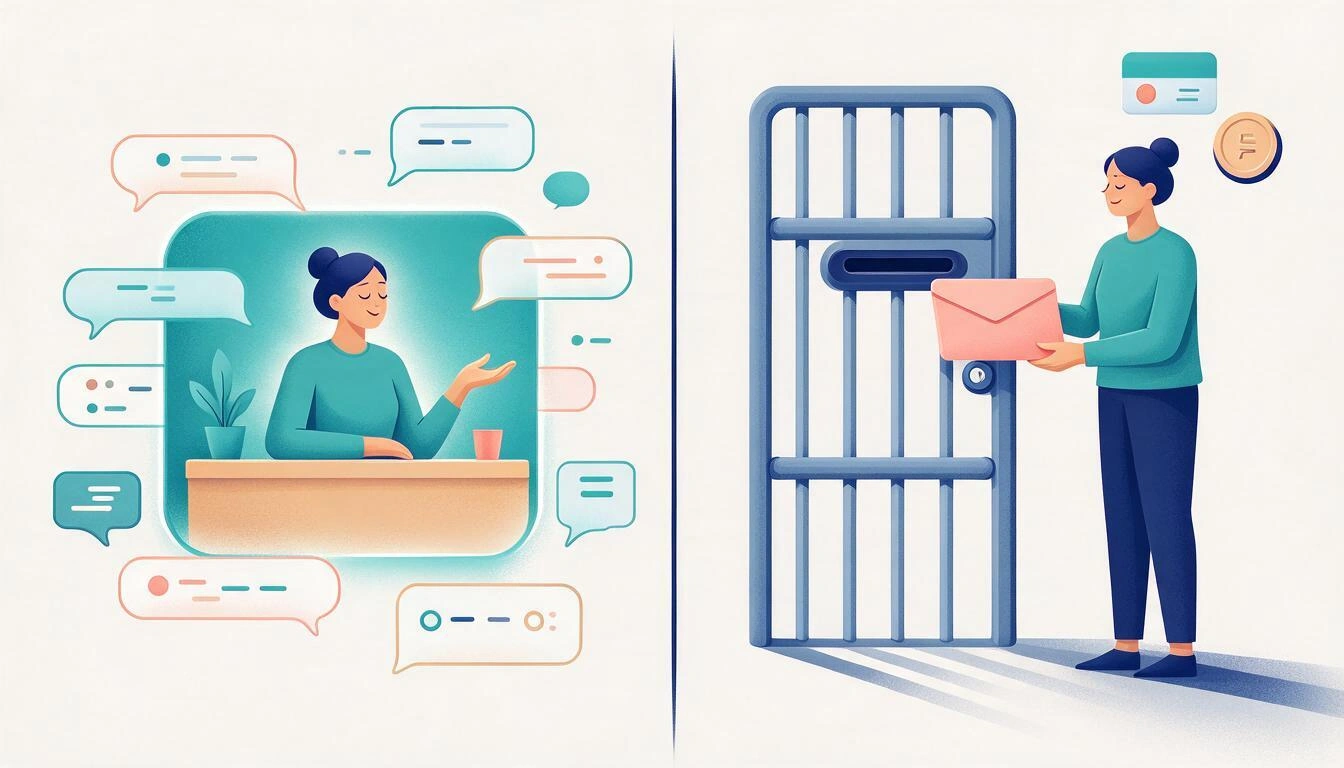
The numbers for that paid channel, according to the official FAQ of the Marketing Message API for Messenger: it is a paid solution, Meta bills the business directly and the expense appears on the same bill as the ads; you are only charged for messages delivered to the device; a page can send a maximum of one marketing message per unique user per day; and explicit opt-in is required (Click to Messenger ad, CRM list upload, or consent template in chat). Technology providers can only serve businesses from 20 markets —Australia, Brazil, Chile, Colombia, Hong Kong, India, Indonesia, Israel, Malaysia, Mexico, New Zealand, Peru, Philippines, Saudi Arabia, Singapore, Taiwan, Thailand, United Arab Emirates, United States, and Vietnam— and Spain is not on the list.
| Business in Spain (EU) | Business in the U.S., Mexico, Brazil… | |
|---|---|---|
| 24-hour window | Yes, the same for all | Yes, the same for all |
| Recurring Notifications | Still available (EU exception) | Turned off on February 10, 2026 |
| Paid Marketing Messages | Not available | Available via provider, billed with ads |
| Classic Message Tags | Removed (error 100) | Removed (error 100) |
| Utility Templates | Beta with gradual rollout; check with your provider | Beta with gradual rollout |
HUMAN_AGENT (7 days) | Yes | Yes |
Translated to practice: for a hair salon, a workshop, or a clinic in Spain, the channel remains free, but it is reactive. What decides whether Messenger brings you customers is not the campaign you send, but the quality of what you reply in the first minutes of that 24-hour window. And what decides how many people enter the window is where the conversation can start: your m.me link, the QR code in the storefront or on the receipt, the page button, and Click-to-Messenger ads.
What happened to messenger.com in April 2026 and how does it affect customer service?
Since April 2026, messenger.com has stopped functioning as a chat site: anyone who enters is redirected to facebook.com/messages. Meta announced it on February 18, 2026, with this text: "Starting April 2026, messenger.com will no longer be available for messaging. The Messenger desktop app is also no longer available. You can use facebook.com/messages to continue messaging on web", according to Social Media Today's coverage. Several media outlets pinpointed the specific shutdown to April 16, including People Matters.
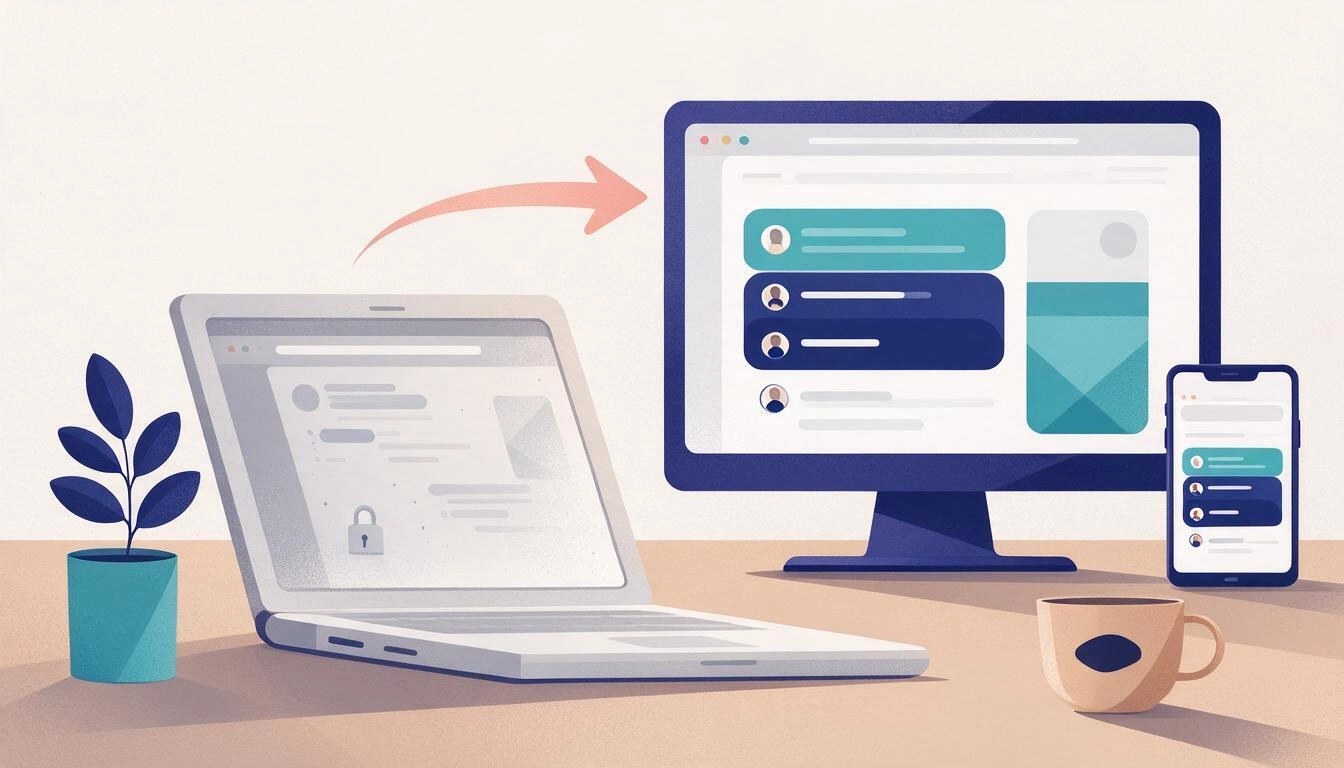
For a small business, this has three very concrete effects:
- The workaround of the open tab is over. If your reception or counter had
messenger.comfixed in the browser to view messages, that flow no longer exists. - Attention is centralized.
facebook.com/messages, the Messenger mobile app, and the Meta Business Suite inbox are the three sites where work is done now, and Business Suite is the only one that brings together Messenger, Instagram, and comments in a single queue. - Automations gain importance. If the team stops looking at a tab, the greeting, instant reply, and away message go from being a detail to being what sustains the 24-hour window while no one is looking.
What errors within Messenger lead to penalties?
The errors that are penalized are initiative errors: writing to someone who hasn't written to you, using service channels to sell, and repeating messages outside the window. Meta usually does not shut down the page abruptly: it first warns the Page Support Inbox and allows time for correction, and if you do not correct limits your ability to send messages, which for a business that relies on chat is almost the same as closing.
| Error | What the rule says | Typical consequence |
|---|---|---|
| Writing first to someone who has never contacted you | Outside of any window | Restriction on page messaging |
| Using a utility template or a tag to promote | Service channels "must not be used for promotional content, including but not limited to subscription offers, deals, coupons, discounts" | Restriction on the ability to send messages |
| Continuing to send with removed tags | Error 100 since April 27, 2026 | The message simply does not go out; flow broken in silence |
| Multiple private responses to the same comment | The policy allows only one message per comment, within 7 days | Risk of restriction |
| Ignoring Meta's warning | "If you don't respond or make the appropriate changes within 7 days, your bot's ability to send messages may be limited" | Effective limitation of sending |
| Treating Messenger like a mailing list | Conflicts with the 24-hour window | Blocks, user reports, and loss of reach |
The quoted citations and the 7-day deadline for correction come from the Messenger platform policy.
A note on the figures you might see out there: open rates of 70% or 80% for Messenger messages circulate. The Facebook Messenger marketing guide from InstantDM itself recommends treating those old figures "as direction, not a guarantee" and measuring what really matters to you: how many conversations are started, how long it takes to give the first response, and how many end up as customers. With the 24-hour window as law, the speed of the first response is the channel's metric.
How to get your Messenger ready to work within the window?
Preparation boils down to two fronts: multiplying entry points (so that the window opens more times) and having written in advance what to respond (so that nothing is wasted). Neither of these depends on advertising budget, and both can be done in an afternoon.
- Put your
m.melink where people are already looking: Instagram bio, email signature, Google listing, counter sign. - Print a QR that leads to that link and place it in the window, on the receipt, or on the card for the next appointment.
- Write the starting questions (up to four, 80 characters each) with the real doubts you receive: price, hours, how to book, where you are.
- Draft the instant reply and the out-of-office message with useful information, not with a "thank you for writing to us": what happens now, when you will respond, and what can be resolved in the meantime.
- Fill in the frequently asked questions (up to five) and the saved responses from the team.
- Review which of your flows depended on removed tags and switch them to what is available in your country.
That is exactly the work for which aiMessenger is designed, the miniapp from AiToolsForApps that prepares the m.me link, the QR code, and the automatic responses for a business in Messenger without requiring you to register to start.
Frequently Asked Questions about the 24-Hour Messenger Rule
Can I send offers via Messenger within 24 hours?
Yes. Meta's policy explicitly states that messages sent within the standard window can contain promotional content. The restriction is not about the content, it's about when you send it: within 24 hours of the person's last interaction.
Do the 24 hours reset every time the customer writes?
Yes. Each new message from the person, each click on a button in your chat, and each reaction to one of your messages resets the timer. If the conversation remains active, the window renews itself.
What happens if I respond after 25 hours?
The message fails to send or gets blocked, unless you use a valid out-of-window channel: the HUMAN_AGENT tag (7 days, for real human support only) or, where available, a utility template. Insisting through unauthorized channels may result in a sending restriction on your page.
Do Recurring Notifications still work in Spain?
Yes. The blackout on February 10, 2026, excluded the European Union, the United Kingdom, Australia, Japan, and South Korea, so a Spanish business retains that channel. What is not available is the paid Marketing Messages channel.
How much do Messenger Marketing Messages cost?
Meta does not publish a flat rate: it charges per message delivered to the device, bills the business directly, and the expense appears on the same invoice as the ads. In any case, providers can only operate in 20 markets, and Spain is not among them.
Why did my Message Tags stop working before April?
Because many chatbot platforms removed them before Meta did. Manychat, for example, removed them on February 9, 2026, while Meta's API started returning error 100 on April 27, 2026.
Where do I handle messages now that messenger.com no longer works?
At facebook.com/messages, in the Messenger mobile app, or in the Meta Business Suite inbox. The latter is the only one that combines Messenger, Instagram, and comments into a single queue and retains the automations.
Do I need a chatbot to comply with the 24-hour rule?
No. The native automations of Meta Business Suite —greeting, instant reply, away message, frequently asked questions, keywords, and saved replies— cover the case for a small business without touching the API or hiring a provider.
What to do with all this
2026 has left small businesses with a cleaner and narrower channel: a 24-hour window, a few free automations, one surviving tag, and, in Spain, the comfort of retaining recurring notifications in exchange for not being able to purchase re-engagement. With that board, what makes the difference is no longer the campaign: it's how many doors you have for someone to start the conversation and what they find written when they do.
That is the part you can get ready today. aiMessenger, from AiToolsForApps, is the tool to set up the m.me link, the QR, and the automated responses for Messenger for your business and take advantage of the entire window from the first message.
Prepare your m.me link, your QR code, and your automated responses with aiMessenger and take advantage of the full 24-hour window from the first message.
Prepare your m.me link, your QR code, and your automated responses with aiMessenger and take advantage of the full 24-hour window from the first message.Keep reading
View all articles →
The 24-Hour Messenger Rule in 2026: What Your Business Can Respond to and What It Can't

Broken Geode in Geometry Dash 2.2091: which mods are not working and how to keep creating

DLS 27 in December 2026: what is confirmed, what is not, and what happens to your club, your squad and your kits when you update
