Try Mobile Legends: Bang Bang — Stylish Nicknames, Squad Identity and Thumbnails now, no sign-up needed
Mobile Legends: Bang Bang — Stylish Nicknames, Squad Identity and Thumbnails · Nicknames, squad identity, and thumbnails for MLBB
For the player who wants a nickname that fits the client's limits, and for the squad leader and creator who need an emblem, recruitment post, and covers. All from your phone, without asking for your player ID or account.
In the features that use AI, responses are generated by artificial intelligence and are not a substitute for professional advice.
Do you upload a banner that looks perfect on desktop and shows up cut off on mobile, with the profile photo covering what matters?
It happens because the banner isn't cropped the same way on mobile as on desktop, and on top of that the profile photo covers a different corner in each one: the area that's really visible is a narrow strip that nobody tells you where to find. This app draws it and shows it simulated in both crops, with the photo circle in its real position, BEFORE you generate anything. And the same goes for the rest: the headline and the "About" section are counted in real graphemes against their limit, with the "see more" line marked where it actually cuts; the carousel comes out as a real PDF, which is the format the platform displays; and the post comes with two alternative hooks for the only thing people read before expanding. The labels on each image are written by the server, never by the image model, so you don't get a banner with mangled letters.
See the tools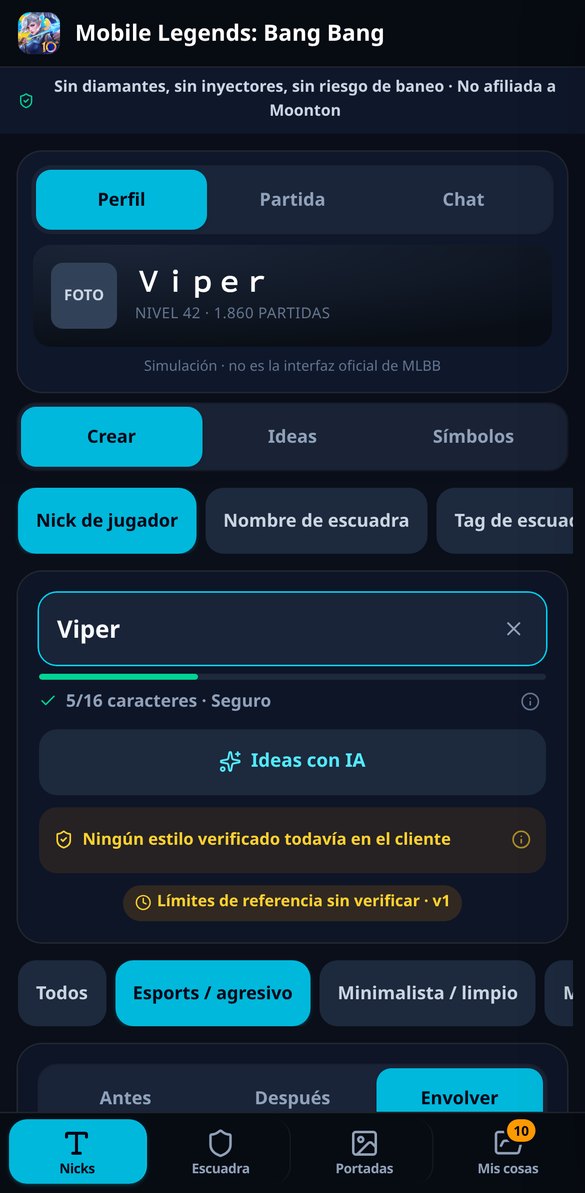
Discover every feature in detail
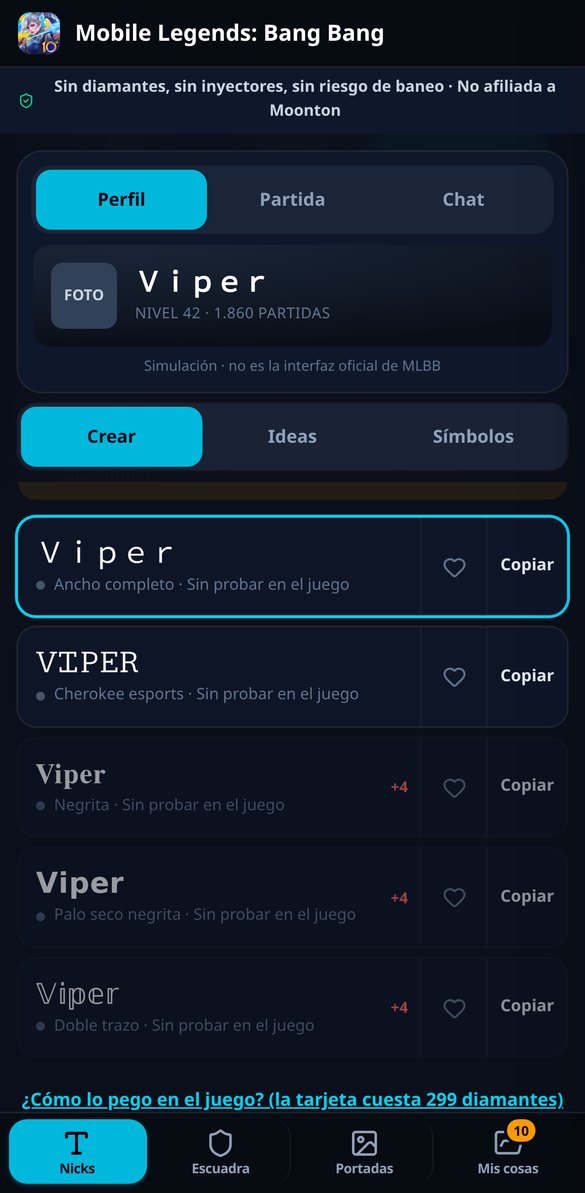
Fancy letters for your MLBB nick: 15 styles and one-touch copy
Type your nick and get 15 Unicode styles for Mobile Legends: small caps, gothic, cherokee, double-struck, and more. Free, no registration, and mobile-friendly.
Try it free
MLBB Nick Character Limit: Does Your Name Fit?
Measure your Mobile Legends nick before spending the rename card: characters, bytes, and internal weight all at once, with a live traffic light and for free.
Try it free
MLBB Squad Name: Rare Letters and Wrapping Frames for Your Squad
Style your Mobile Legends squad name in 15 Unicode alphabets with frames 【】and꧁༺༻꧂, measuring the limit of 15 characters. Free and no registration.
Try it free
Symbols for MLBB nick: table with search and one-click copy
Table of 38 symbols for your Mobile Legends nick in 7 categories, with name search, one-click copy, and the actual weight of each glyph. Free.
Try it free
Invisible Space MLBB: copy the nama kosong and blank nick
One-tap copy of the invisible space accepted by MLBB (nama kosong): a gap, wide gap, or completely blank name. Free and no registration required.
Try it free
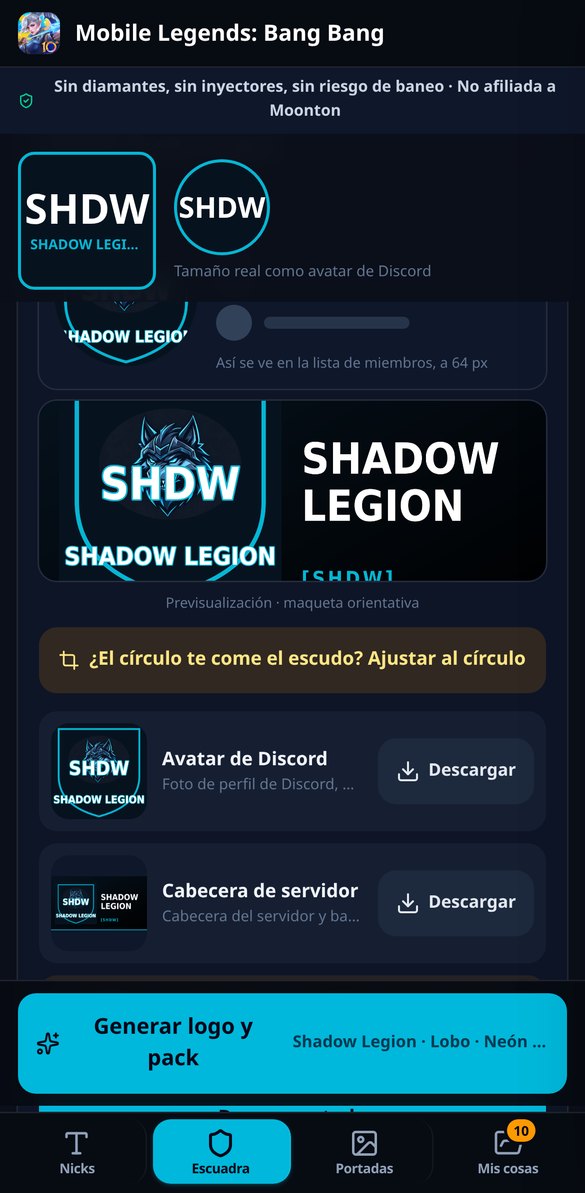
Mobile Legends Squad Logo with AI: Avatar and Header
Create your MLBB squad emblem with AI: 7 mascots, 4 palettes, and 5 frames, Discord avatar 1024x1024 and header 1920x1080, and the name comes out correctly.
Try it free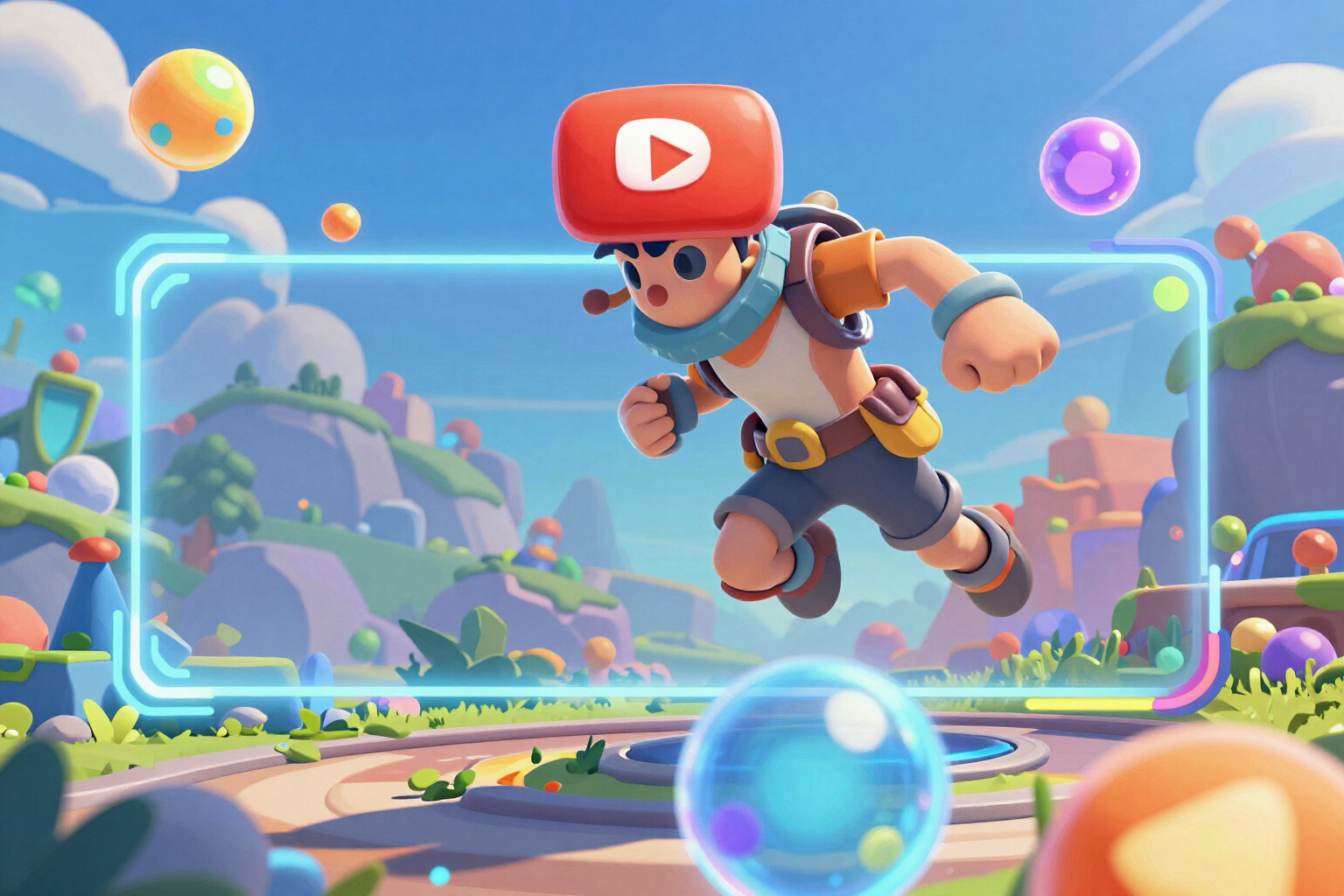
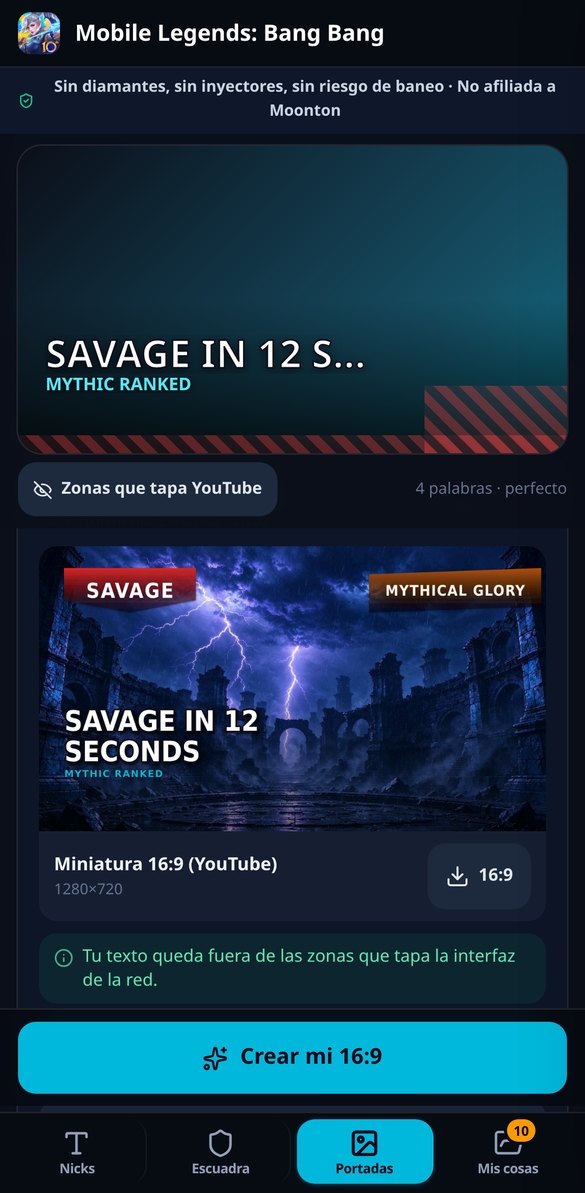
YouTube Thumbnail for Mobile Legends at 1280x720
Create the 16:9 thumbnail for your Mobile Legends video: 1280x720, with the headline outside the counter and progress bar, and changing it later is free.
Try it free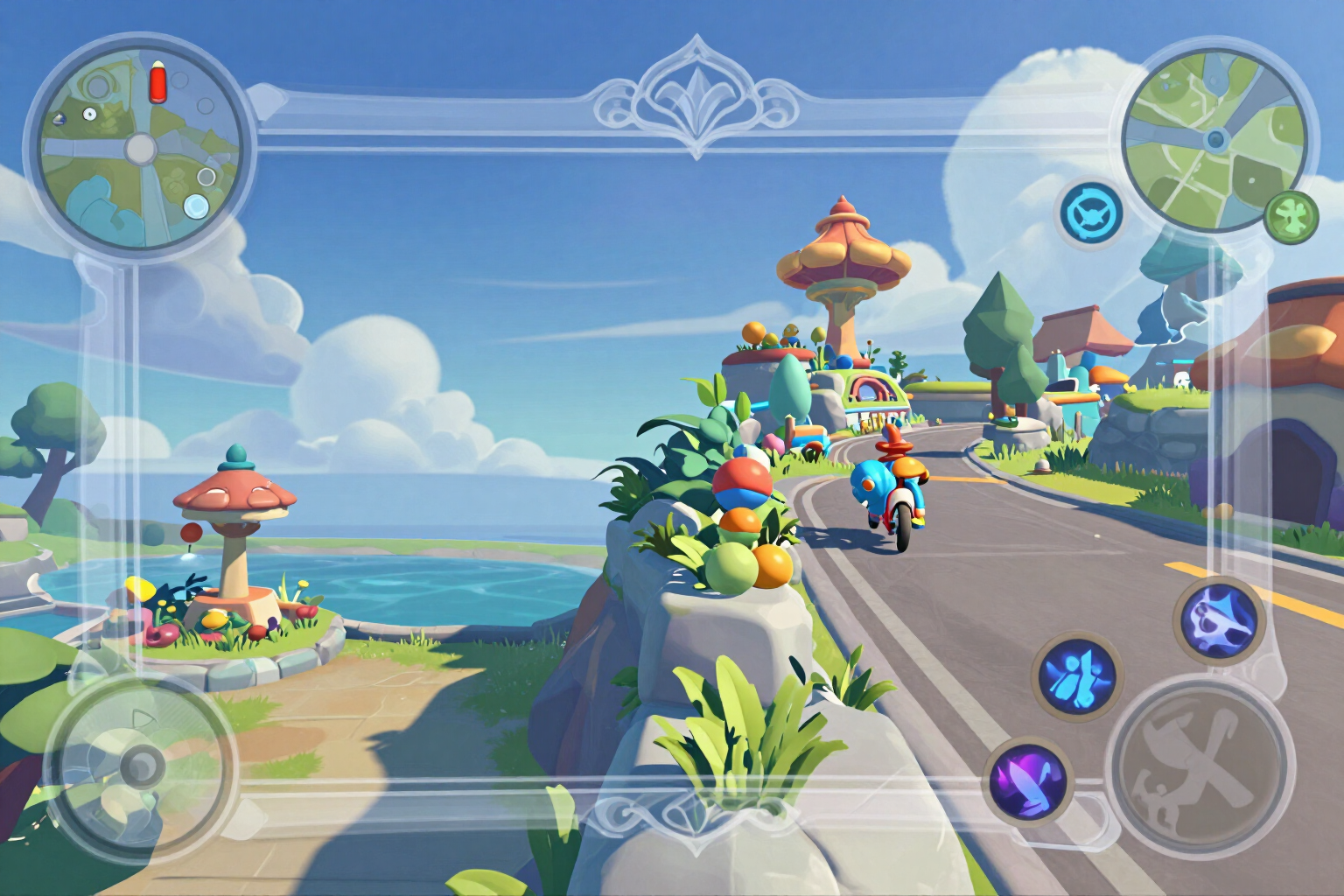
MLBB Live Stream Overlay: Vertical and Horizontal Transparent PNG
Create your Mobile Legends live stream overlay: PNG frame with a truly transparent center, vertical for TikTok Live and horizontal for YouTube. Free.
Try it freeThree tools, from nickname to thumbnail
The text on every visual asset is composed by the server, and contrast is measured on the finished canvas. The deterministic part — simulating, counting, validating, recomposing and laying out — is instant, doesn't use AI, and much of it works without an account.
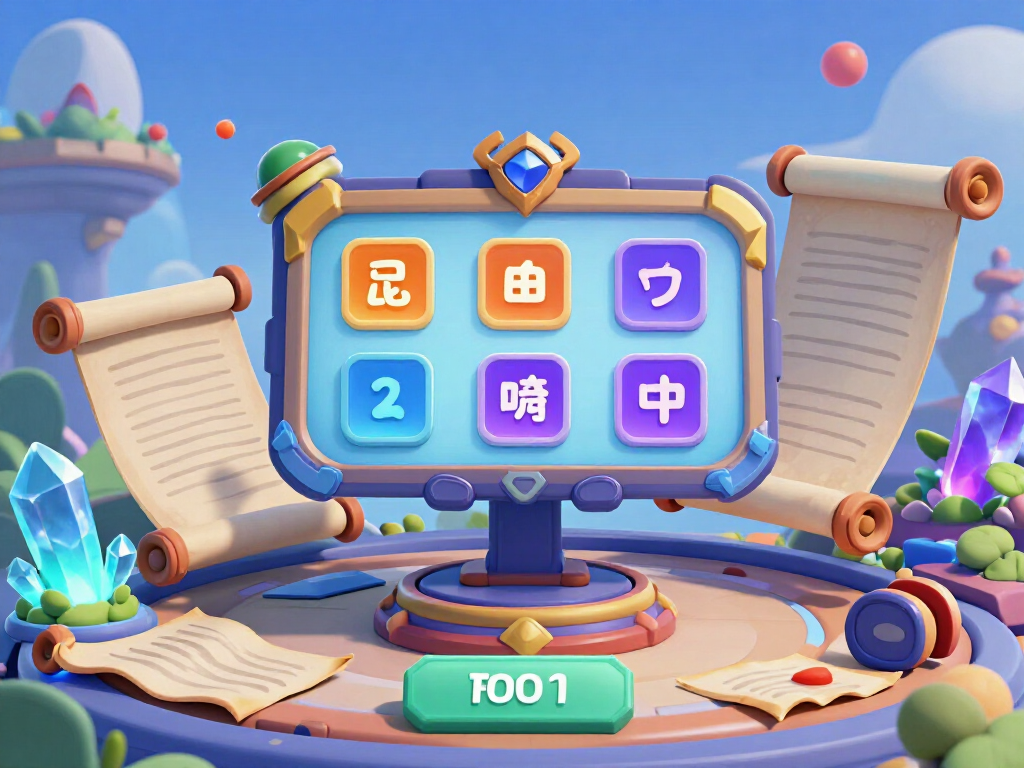
15 letter styles, 38 decorations, and a counter that truly measures
Four field modes with their own rules —nickname (16 characters), squad name (15), tag in four slots, and invisible space (nama kosong, 3 presets)— plus 15 Unicode styles and 38 decorations across prefixes, suffixes, and wrapping frames, each one declaring how many characters it eats. 5 aesthetic filters, symbol search, and a gallery of 70 already validated names, for when you don't have any word in mind. The counter measures real characters, bytes, and internal weight at once and enforces the most restrictive, and the preview renders the name on the profile, in the match list at real size, and in chat. Honesty first: Moonton does not publish which glyphs its client accepts, so no style is marked as verified, every non-ASCII glyph is counted at worst case, and the traffic light stays amber instead of promising a green we cannot guarantee.
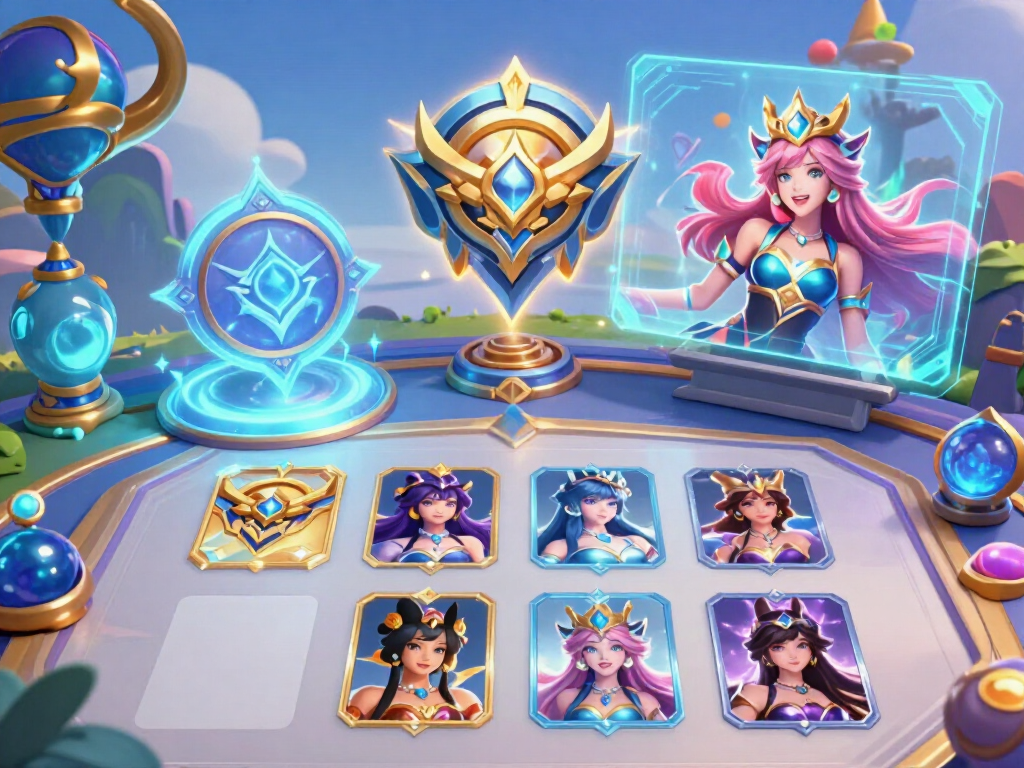
Squad pack: emblem, Discord header, and recruitment post
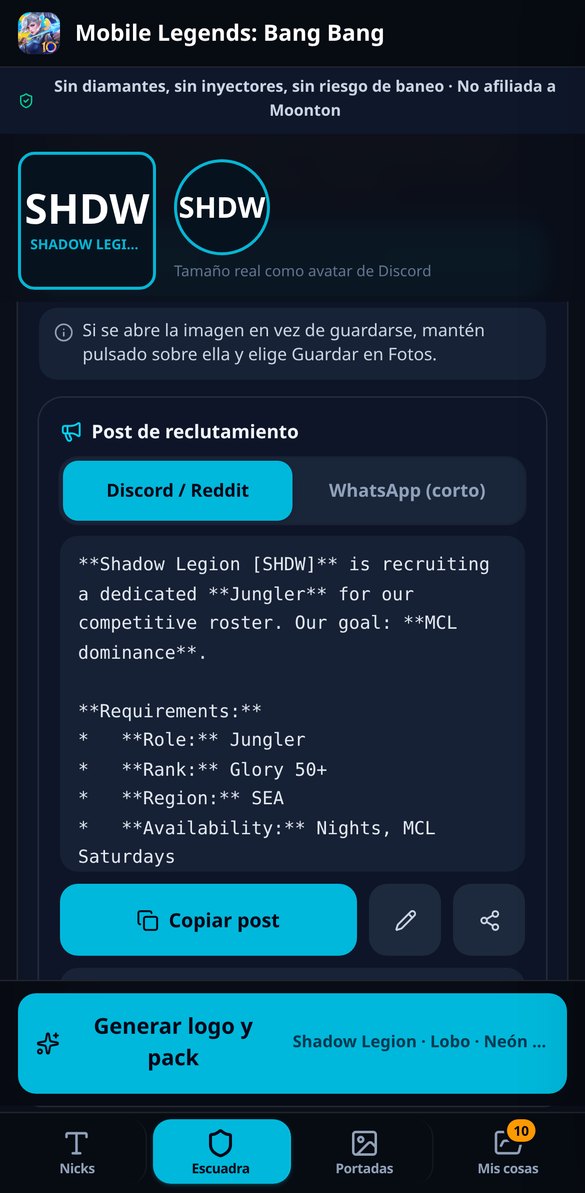
You choose a mascot (7), palette (4), and frame (5), and the emblem is generated ONLY once: the 1024×1024 avatar and the 1920×1080 header come from that same artwork, plus a transparent PNG when the cutout comes out clean and the file confirms it. The name and tag are not written by AI; they are stamped on the server with real typography; and changing the frame, palette, name, tag, or requesting “fit to circle” does not cost you another generation. With 10 fields —open role among 6, rank among 5, region, time slot, goal, requirements, and contact— you also get the recruitment post in two versions: the long one formatted for Discord and Reddit, and the 300-character short one for WhatsApp and the in-game chat. And it is clearly stated on the delivery screen: the emblem is for Discord, social media, and tournaments, because the game does not allow uploading your own.
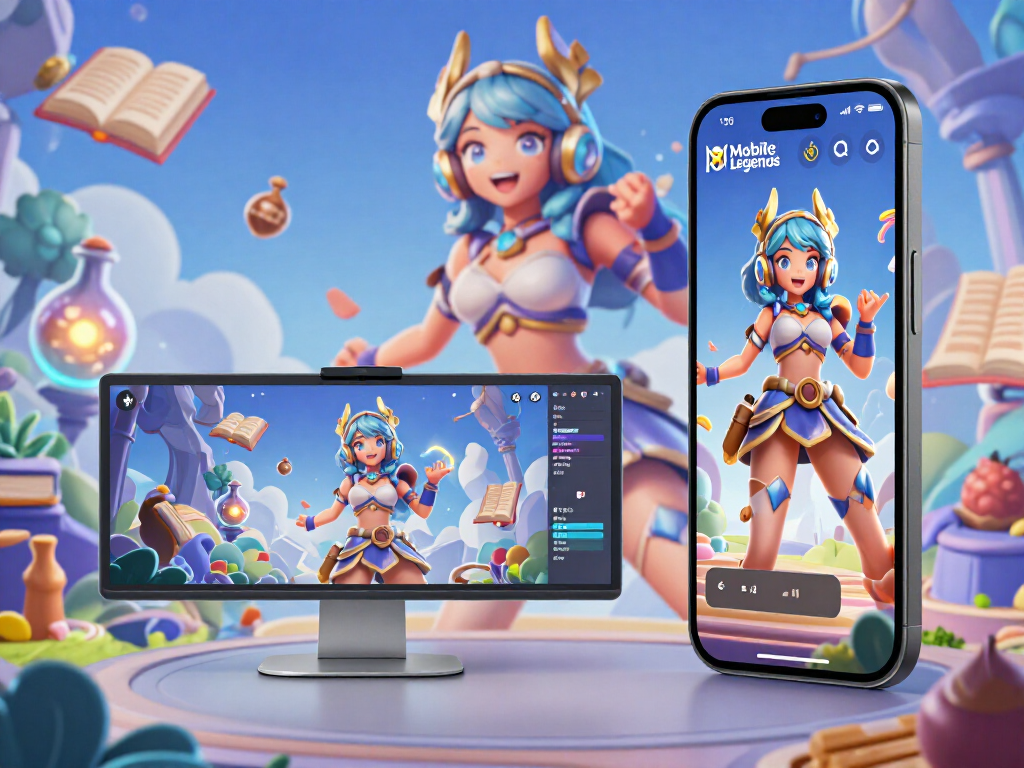
Creator pack: 1280×720 thumbnail, 1080×1920 cover, and live overlay
The headline and up to two of the 6 competitive badges are composed by the server with real typography, never by the image model, and they are placed outside the areas covered by the interface: the YouTube counter in horizontal, and the button column, description, and TikTok search in vertical, which you can see drawn in the preview. You can upload your own match screenshot —and then there is no image generation at all: enhancement is applied, the strip with your name or ID is blurred if you want, and if you recorded in horizontal for a vertical cover, it is composed with a blurred background from your own screenshot instead of distorting it— or choose one of the 6 generated ambient scenes. There are 2 live overlays, vertical and horizontal, with a truly transparent center and the frame interrupted where the minimap, abilities, and scoreboard are: if the file does not confirm alpha, the piece is not delivered.
From keyboard to game in three steps
Jump in and try it without signing up
It opens in your browser. The counter, the formulas, the validator, the dual banner simulation and the server-composed backgrounds all work as a guest, with no account.
See the asset before you generate it
On the banner you see both crops with the safe area and the profile photo on top; in the headline and "About", the counter and the "see more" line. That's where you fix things, before you spend.
Download and paste manually
The banner PNG and the carousel PDF download (and on mobile they're shared with the native share sheet). The text gets copied. The app doesn't go into your account or publish for you.
Frequently Asked Questions
Latest blog articles
Guides and news to get more out of it
How to Form a Mobile Legends Squad to Compete in 2027: The Five Regions, Requirements, and Recruitment
The five regions of the MCT, the M8 slots in Bangkok and Istanbul, the roster by roles, and how to recruit for your Mobile Legends squad.
How to Form a Mobile Legends Team to Compete in 2027: The Five Regions, Requirements, and Recruitment
The M8 ends on January 23, 2027, and the MLBB Championship Tour opens five regions. A guide to forming and recruiting your Mobile Legends team.
Prepare your nickname and squad before opening the game
Simulate both crops, count the characters for real and download the asset. No sign-up to get started.