Symbol Table for Mobile Legends: Bang Bang Nick
38 symbols in 7 categories, search by name («crown», «star», «kanji») and one-touch copy. With the character weight of each and without marking anything as safe that no one has tested.
Searching for «symbols for MLBB nick» almost always ends in the same trap: an endless list without order, without names, and without indicating what each thing occupies. You grab one, the game rejects it or shows it as an empty box, and you've already spent your name change card.
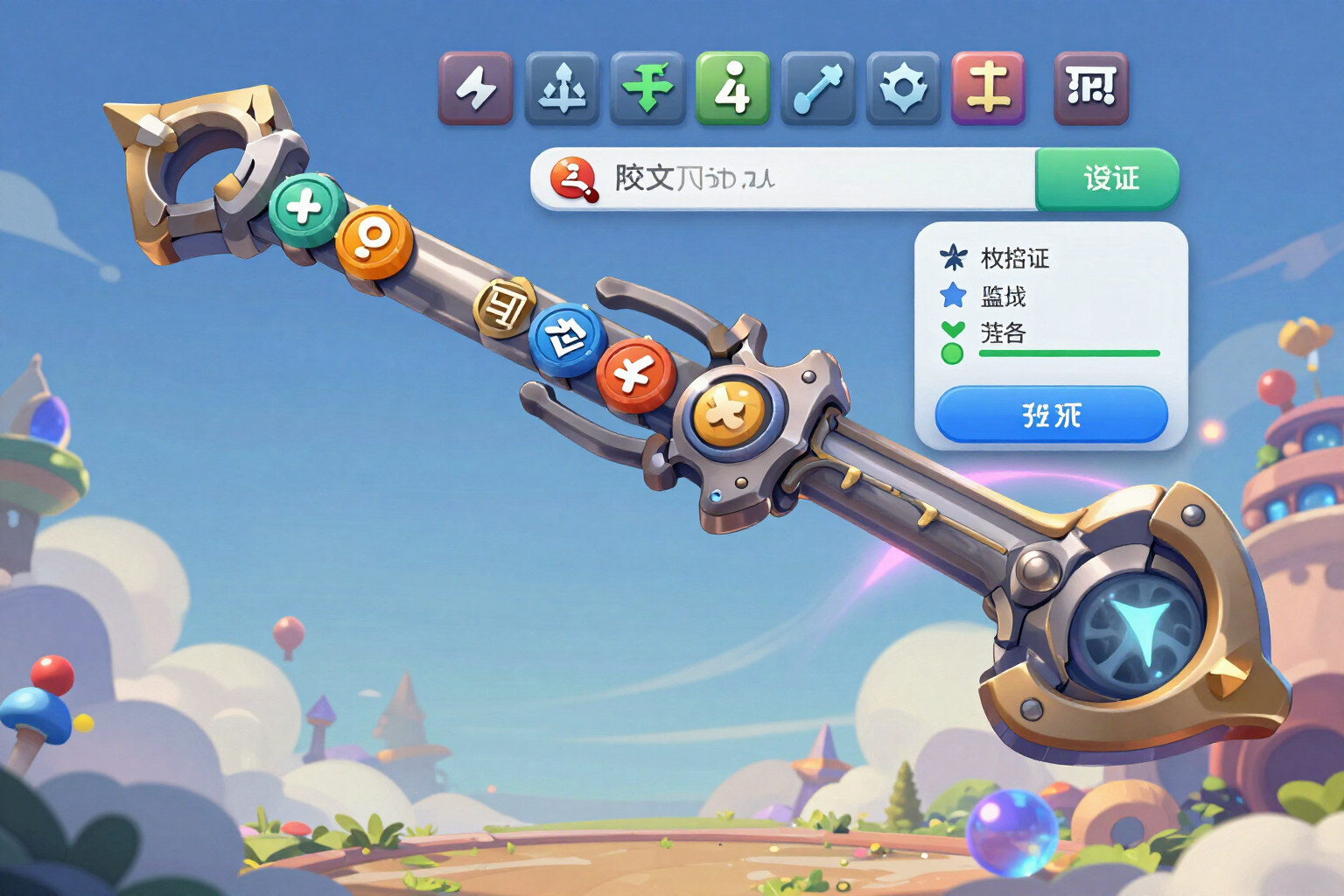
This screen is a reference catalog, not a wall of characters. The 38 symbols are divided into 7 categories with their own headers —squad brackets, real frames, clan kanji, crowns, stars, aesthetic, and separators— in a touch grid of five columns designed for the thumb. You tap one and it copies: the phone vibrates and a notification says «symbol copied», with no menus or intermediate steps.
At the top, there’s a search bar that understands how people really search. No one types «U+265B»: you type «crown», «star», «kanji», «flower», «dot», or «separator», and the grid filters as you type. Each symbol carries its names in the app's language, so the search works the same in Spanish as in other active languages.
Two of the seven categories are not loose symbols but enclosing frames: you choose 【】 or ꧁༺༻꧂ and you have both opening and closing at once. The other five (29 symbols) fit in a four-slot squad tag, one per side. And the weight is not guessed: the app counter measures real characters, bytes, and internal weight at once, always sending the most restrictive, so you see how much nick you have left before pasting anything.
What distinguishes us is the whitelist, which consists of not lying to you. Moonton does not publish which glyphs its client accepts, so in this app everything starts as «untested in the game client» and only the service configuration, with verification date, can promote it to verified. Today there are none promoted: that's why the screen does not show you an empty «verified» filter, but an amber warning that literally tells you these symbols may show up as an empty box. For the same reason, any glyph that is not ASCII is counted as the worst-case weight and the traffic light remains amber instead of promising you a green that we cannot guarantee.
Try Symbols and Glyph Whitelist right here
Use it free without an account. If you want to save your result, you can sign up afterwards.
Save / Sign upBenefits of Symbols and Glyph Whitelist
7 categories instead of a wall
squad brackets, real frames, clan kanji, crowns, stars, aesthetic, and separators, each with its own header, to find the style you're looking for without infinite scrolling.
Search by name, not by code
type 'crown', 'star', 'kanji', 'flower', or 'separator' and the grid filters as you type. The names are translated into the active languages of the app.
One-touch copy with confirmation
tap the symbol, the phone vibrates, and a copy notification appears. If your browser blocks the clipboard, it will inform you and explain how to copy it manually.
29 symbols that fit in a 4-slot tag and 9 surrounding frames
the app distinguishes what fits in the squad tag from what only makes sense around the full nick.
Weight, before pasting it
the counter measures actual characters, bytes, and internal weight simultaneously and sends the most restrictive one, based on the limit of the field you are filling (nick, squad name, or tag).
Honest whitelist
nothing is presented as safe if no one has tested it. Everything starts as 'untested' and only the service configuration, with its verification date, promotes it to verified. Today, none are verified, and the screen tells you so in amber.
Worst-case by default
when there is no empirical data on the weight of a glyph, the highest cost is assumed and the traffic light remains amber. We prefer to warn you of more than to let you go over.
No registration and no ID
works as a guest in the mobile browser. We do not ask for your player ID, game email, or password, and your account is not touched: we only prepare text for you to copy.
Find your symbol and copy it now, for free
It opens in the browser, no account needed and no downloads. Next to it, you have the complete nick styler.
In the features that use AI, responses are generated by artificial intelligence and are not a substitute for professional advice.