 Snapchat
 Geofilters for Weddings and Events in 2026: Why They Are No Longer Purchased and How to Create Yours Now
Team at AiToolsForAppsWritten with AI assistance16 min readIn summary
- Snapchat has withdrawn the On-Demand Geofilters program: Snap's own help states that "On-Demand Geofilters will no longer be supported starting on February 10, 2023", and ads stopped being delivered on March 31, 2023, with prorated refunds (Snapchat Support, consulted on Nov 13, 2026).
- Furthermore: Snap claims today that "it is no longer possible to create a custom filter for special events such as weddings and birthday parties", and refers to Lens Studio (official Snapchat help).
- What replaces the geofilter is a custom Lens published with Lens Studio (free) that is distributed via Snapcode or Lens Link: no geofence, no GPS, and no location fee.
- The file rules remain the same: PNG with transparency, 1080 × 2340 px and less than 300 KB, no
#,@, URLs, phones, emails, Snapcodes, or brands that are not yours (Custom Creative Tools Submission Guidelines, consulted on Nov 13, 2026). - The bottleneck is no longer payment: it is distribution. If the Snapcode is not on the table, at the entrance, and at the photo booth, there is no filter.
If you arrived here looking for "how to buy a Snapchat geofilter for my wedding", the short answer as of November 2026 is that it is not purchased: it is designed and published. This article covers what exactly changed, with dates and official documentation, what file rules are still in effect, and how an event filter is distributed today. For the mechanical part —composing the PNG with the center free, reducing it to under 300 KB without breaking the transparency, and producing the signage with the Snapcode— we use aiSnapChat, AiToolsForApps's AI tool for Snapchat filters, fonts, and signage, but the criteria that follows works just as well with Photoshop.
Did Snapchat really withdraw paid geofilters?
Yes. The On-Demand Geofilters program —which allowed drawing a geofence over a venue and paying for a few hours— stopped being supported on February 10, 2023, and previously purchased geofilters stopped being delivered on March 31, 2023, with prorated refunds. This is stated in Snapchat's help in the article on buying filters for businesses, consulted on November 13, 2026.
The contrast with the launch is striking. In the press release dated February 22, 2016, Snap introduced On-Demand Geofilters with prices "starting at $5", geofences of "one hour or up to thirty days", and initial availability in the United States, United Kingdom, and Canada. That is the product that dozens of wedding guides continue to describe, none of which have been updated in three years.
| Milestone | Date | What happened |
|---|---|---|
| Launch of On-Demand Geofilters | Feb 22, 2016 | Custom geofence starting at $5, from 1 hour to 30 days |
| End of support | Feb 10, 2023 | Snap stops supporting On-Demand Geofilters |
| End of delivery + refunds | Mar 31, 2023 | Purchased geofilters stop being served; prorated refund |
| Current situation | Nov 13, 2026 | No custom event filter; Snap refers to Lens Studio |
Sources: Snap Newsroom and Snapchat help.
Can I buy a geofilter with a geofence for my wedding today?
No. And it's not just that the paid geofence program has disappeared: Snapchat's own help literally states that "it is no longer possible to create a custom filter for special events like weddings and birthday parties" and adds that, instead, "you can create a Lens with Lens Studio to celebrate those special moments" (Snapchat, "How do I add a Filter to a Snap?", consulted on Nov 13, 2026).
There is one more signal, verifiable in a second: create.snapchat.com, the address that nearly all tutorials repeat as "the site where you upload your geofilter", is no longer a creation tool. As of November 13, 2026, it redirects (302) to a help article for businesses about filter ads. There is no wedding form at the end of that link.
The same has happened on the vendor side. BuyCustomGeofilters, one of the classic portals in the niche, states it in its own FAQ: "BuyCustomGeofilters.com no longer offers custom Snapchat Geofilters for purchase". When it was operational, it charged $49.95 for the standard package and $119.95 for the cartoon package, plus the Snapchat fee (between $5 and $20 for 24 hours of suburban coverage) (BuyCustomGeofilters FAQ, consulted on Nov 13, 2026).
If a website offers you today "Snapchat geofilter with geofence for your wedding, starting at €25", it is selling you a product that Snap turned off in 2023. Ask how geolocation is activated before paying.
What replaces the event geofilter in 2026
The replacement is a custom Lens created with Lens Studio and distributed via Snapcode or Lens Link. Lens Studio is free —its version 5.24.1 was released on October 7, 2026, for Windows 11 and macOS 12 or higher (Snap AR)— and each Lens you create "generates its own Snapcode that anyone can unlock" (official Snapcodes documentation).
The model change is what needs to be understood, as it rearranges all the work:
| On-Demand Geofilter (until 2023) | Custom Lens + Snapcode (2026) | |
|---|---|---|
| Platform cost | From 5 USD per geofence and time slot | 0 € |
| Activation | Automatic: being inside the geofence | Manual: scan the Snapcode or open the Lens Link |
| Expiration | Contracted time window | No window; the Lens stays live |
| Review | Filter review before publishing | Validation, automatic testing, and content review (Snap) |
| Critical work | Draw the polygon well on the map | The guest finds and scans the code |
| Visibility | Only inside the venue | Public, or hidden from search with "do not promote" |
That "do not promote" matters at a wedding: Snap allows marking the Lens so that it is not promoted in Lens Explorer or appears in searches, keeping the Snapcode and link for whoever you choose (Lens Studio support). It is the closest thing to the privacy that the geofence provided.
And the market still deserves the effort: Snap closed the third quarter of 2026 with 495 million daily users and 977 million monthly, and revenues of 1.720 billion dollars, a 14% increase from a year earlier (prepared remarks from Snap Inc., 8-K to the SEC). In Spain, the INE recorded 175,364 marriages in 2024, a 1.7% increase from 2023 (INE, Marriage Statistics): there are plenty of events.
2D image filter and AR Lens are not the same
A filter is a fixed 2D image —a PNG with transparency— that overlays the Snap without reacting to anything. A Lens is an augmented reality effect that can track the face, body, or environment. The confusion is costly because the file rules, the publishing flow, and even the review are different.
- 2D Filter: a single PNG, 1080 × 2340 px, less than 300 KB, free center. It does not move, does not detect faces, does not require 3D.
- AR Lens: Lens Studio project. It can be as simple as that same PNG placed as a full-screen 2D layer —and then it behaves like the old geofilter— or as complex as a facial effect with particles.
The sensible route for a wedding is the first within the second: you design the PNG as if it were a classic geofilter and use it as an image layer of a Lens. This way, you inherit the style of a lifetime and, at the same time, the only publishing channel that Snap keeps open. Snap also recommends keeping the project size low: "less than 8 MB is better" (Lenses submission guide).
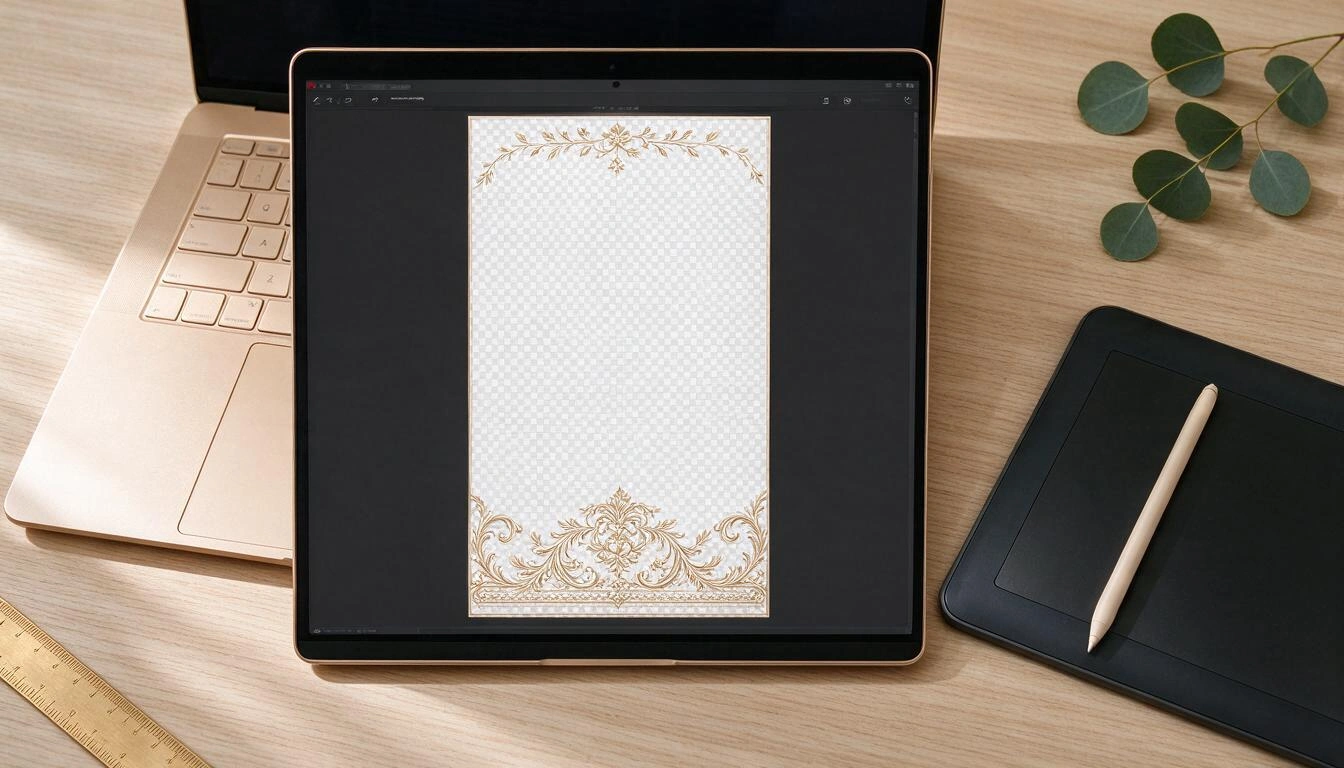
What file rules still apply (and with what date)
The file specifications have not changed with the withdrawal of the paid program: Snap still requires 1080 × 2340 px, PNG with transparent background and less than 300 KB, with a maximum of "two lines of unstyled text". It is in the Custom Creative Tools Submission Guidelines from Snapchat, consulted on November 13, 2026.
| Rule | Value | Status |
|---|---|---|
| Canvas dimensions | 1080 × 2340 px | Official (Snap, Nov 2026) |
| Format | PNG with transparent background | Official |
| Maximum weight | Less than 300 KB | Official |
| Text | Maximum 2 lines unstyled | Official |
| Screen coverage | "Do not cover too much of the screen" | Official, but without a figure |
| Respect zone top/bottom | ~310 px | Industry convention, not current official figure |
| Recommended coverage | ~25% of the screen | Industry convention, not current official figure |
An honest warning: the 310 px buffer and the 25% coverage that you will see repeated in almost all guides do not appear today as a number in the official documentation, which limits itself to asking that you do not cover too much. They are useful conventions —and we apply them as a default value— but do not cite them as if they were Snap's standard.
The rule that is indeed inviolable, and the one that ruins the most designs, is the free center. The guest will be in the middle of the frame: if your decorative band crosses their face, they will not use the filter a second time. Bottom band, thin frame, or top banner; the center, transparent.
Which texts get your review rejected
Snap rejects assets that contain trade names, trademarks, logos, or registered marks that are not yours, as well as Snapchat brands, phone numbers, emails, URLs, Snapcodes, logos of other social networks, social media usernames, and personal information (Custom Creative Tools Submission Guidelines, accessed on Nov 13, 2026).
Translated into what people actually write on a wedding filter:
- The wedding hashtag:
#SofiaYMateo2026is exactly what everyone wants to put and the first thing that jumps out. The FAQ from BuyCustomGeofilters already listed it among the classic rejections, along with first and last names together, URLs, and handles. - The groom's or company's @: social media username, prohibited.
- The wedding registry website: URL, prohibited.
- The reservation phone number in a local business filter: prohibited.
- The hotel or club logo if it is not yours: prohibited.
- A Snapcode within the filter itself: prohibited (and it is a common mistake when recycling the poster as a design).
What is allowed: first names, a date, the name of the venue if it is yours, and embellishments. Little text and well composed.
At aiSnapChat this is not advice, it is a verification that runs before letting you download: the sanitizer blocks #, @, http, www, domains, and phones both on the client and on the server —and the server is the one that decides—, and the Snap-Audit checks seven things about the final PNG, of which five are blocking: dimensions, weight, format, actual transparency of the center, and text cleanliness.
How it is done today, from start to finish
There are four steps and none go through a shopping cart. The real work is split between designing the PNG and, above all, printing the Snapcode.
- Design the PNG: 1080 × 2340, transparent, free center, two lines of text maximum, no
#or@or URL. Compress to less than 300 KB without losing the alpha channel (reducing palette works; switching to JPEG does not: there is no transparency). - Set up the Lens in Lens Studio: new project, the PNG as a full-screen image layer, and submit. It goes through validation, automatic testing on iOS and Android, and content review; the status goes from "In Review" to "Live" (Snap).
- Get the Snapcode and the Lens Link from "My Lenses". Lens Links "allow you to share your Lens without giving a Snapcode", and if the person opening it does not have Snapchat, they land on a webpage with the Snapcode (Snapcode documentation).
- Print and place. This is where the wedding is won or lost.
Two warnings from Snap's own documentation: test the Snapcode before sending it to print ("always test your Snapcode on packaging before it goes into mass production") and do not sell merchandise with printed Snapcodes —stickers, t-shirts—, which is expressly prohibited.
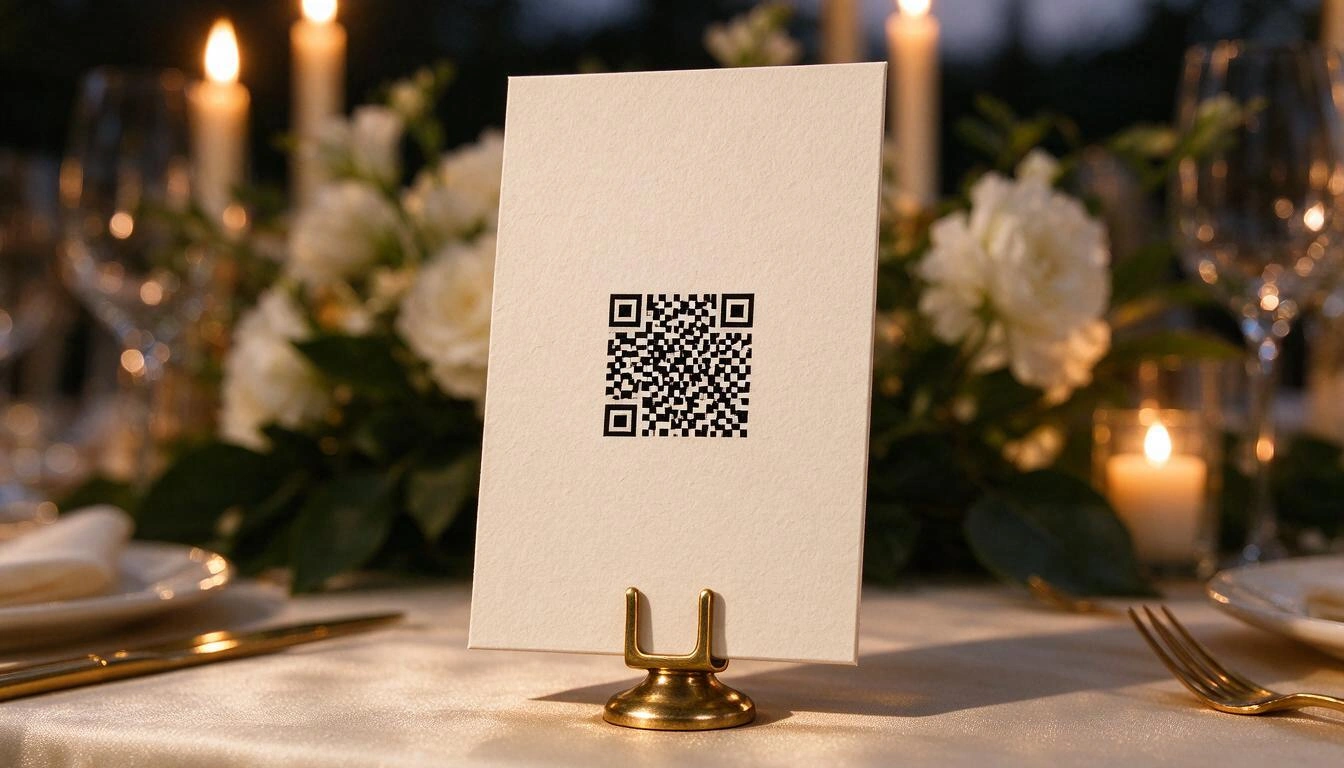
The difficult part is no longer the filter: it’s getting the guests to use it
With geofencing, the filter appeared automatically: the guest opened the camera and it was there. Without geofencing, each use requires a deliberate scan, so the physical distribution stops being decoration and becomes half the project. A perfect Snapcode in a PDF that no one prints does not generate a single Snap.
What works, in order of effectiveness observed in this type of setups:
- A sign on an easel at the entrance, at eye level, with the Snapcode large. It is the only point where 100% of the guests pass.
- A card on each table, on a stand, not lying down: people scan what is vertical.
- Sticker at the bar and on the photocall, the two places where the phone is already in hand.
- Story card in the WhatsApp group the morning of the event, with the Lens Link: the only channel that does not depend on someone looking at a wall.
Watch out for two printing details that ruin scans: contrast and size. A golden Snapcode on ivory looks beautiful and no phone can read it. Black on white, with a clean margin around, and at 300 ppi.
For this part, the Snapcode tab of aiSnapChat does not generate or decode Snapcodes —that is done only by Snap, and any tool that promises you otherwise is lying—: what it does is validate the Snapcode that you downloaded from Lens Studio (format, minimum size, contrast of the central cut) and place it in the signage. From there, nine formats ready for printing come out: A5 and A4 posters, square and round stickers of 50 and 80 mm, 150 mm vinyls, and a story card of 1080 × 1920 px, with PDF at 300 ppi for the eight that go to paper.
How much does a wedding filter cost in 2026 compared to 2022
The platform cost has gone to zero and the design and printing cost remains. If in 2022 a wedding filter cost between 55 and 140 dollars for design and geofencing fee, today the mandatory expense is the printing.
| Item | 2022 (On-Demand Geofilter) | 2026 (Own Lens) |
|---|---|---|
| Snapchat Fee | 5–20 USD for 24 suburban hours | 0 € |
| Custom Design | 49.95–119.95 USD | 0 € if you do it yourself |
| Publication | Included in the purchase | Free with Lens Studio |
| Signage and Snapcode | Optional | Essential |
Figures from 2022 according to the FAQ from BuyCustomGeofilters; the free use of Lens Studio, according to Snap AR. Both consulted on November 13, 2026.
Five mistakes that ruin an event filter
The pattern of rejections and filters "that nobody used" is quite repetitive. Here are the five that are most commonly seen.
- Paying a seller for a geofence. It has not existed since 2023. If they charge you for it, they are charging you for nothing.
- Designing with the center occupied. The guest will stand in the middle. Always.
- Saving in JPEG to go under 300 KB. You lose transparency and the filter covers the entire photo.
- Including the hashtag. It is the number one cause of rejection and the hardest to accept emotionally.
- Not printing anything. Without a geofence, the filter without a sign simply does not exist.
Frequently Asked Questions
Can you still buy Snapchat geofilters in 2026?
Not with the old geofence and time slot model. Snap stopped supporting On-Demand Geofilters on February 10, 2023, and stopped delivering them on March 31, 2023, with prorated refunds (Snapchat Help). The remaining filter products are advertising-based and managed from the business side.
How do I make a Snapchat filter for my wedding for free?
You design a transparent PNG of 1080 × 2340 px and under 300 KB with the center free, mount it as an image layer in a Lens from Lens Studio —which is free— and publish it. Then share the Snapcode and Lens Link among the guests. There is no platform fee.
How long does Snapchat take to approve a Lens?
Snap does not publish a guaranteed timeframe. The submission goes through metadata validation, automatic testing on iOS and Android, and content review, and the status goes from "In Review" to "Live", "Offline", "Invalid" or "Rejected" (official documentation). Submit it with a margin of several days, not the night before.
Can I put my wedding hashtag on the filter?
No. Snap's guidelines prohibit URLs, emails, phone numbers, Snapcodes, social media usernames, and foreign brands, and hashtags are the classic reason for rejection in this niche. Put the first names and the date: they work better visually anyway.
Will everyone see my wedding Lens?
You can mark it as "do not promote" so that it is not promoted in Lens Explorer nor appears in searches, keeping the Snapcode and link active for those you give it to (Lens Studio Support). It is not strict privacy, but it prevents a stranger from finding it through search.
What is the difference between a filter and a Snapchat Lens?
The filter is a fixed 2D image overlaid on the Snap; the Lens is an augmented reality effect that can react to the face or the environment. For a wedding, the usual is a Lens that contains a single 2D PNG: it looks like the traditional geofilter, but it is published through the channel that Snap keeps open.
Do I need to know design to do it?
Not for the PNG, if you use a tool that already applies the correct canvas, leaves the center transparent, and checks the weight. For the Lens, you do need to open Lens Studio once: it is a desktop program for Windows 11 or macOS 12 or higher (Snap AR).
Can I sell stickers with my Lens Snapcode?
No. Snap's documentation expressly prohibits selling merchandise —stickers, clothing— that carries Snapcodes (Snapcode guide). Giving them away at your own event is another matter.
The wedding filter is no longer bought: it is designed and distributed
The summary of 2026 is simple. The part that was paid —the geofence— has disappeared, and the part that requires work remains: a PNG that meets 1080 × 2340 px, under 300 KB and center free, text that passes review without # or @, a published Lens, and a Snapcode printed where the guests already have their phones in hand. Anyone still selling "geofilters with geofence" is charging for a product that Snap turned off on February 10, 2023.
If you want to skip the mechanical part, aiSnapChat —the AI suite from AiToolsForApps for Snapchat— covers exactly that segment: you fill in the event details once, choose from 18 templates by type of celebration and three distributions (bottom band, frame, or top banner), and the tool composes the PNG, checks the seven rules of the Snap-Audit, compresses it without touching the transparency, and gives you the nine signage formats with your Snapcode already placed, in a ZIP with the upload instructions. You can try it without registering from the filters, fonts, and signs for Snapchat page and claim your work later if you decide to create an account.
Design your wedding or event filter with aiSnapChat: event details, template, verified PNG, and signage with your Snapcode ready to print. No registration needed to start.
Design your wedding or event filter with aiSnapChat: event details, template, verified PNG, and signage with your Snapcode ready to print. No registration needed to start.Keep reading
View all articles →
Snapchat Geofilters for Weddings and Events in 2026: Why They Are No Longer Purchased and How to Create Your Own Now

Broken Geode in Geometry Dash 2.2091: which mods are not working and how to keep creating

DLS 27 in December 2026: what is confirmed, what is not, and what happens to your club, your squad and your kits when you update
