 Snapchat
 Geofilters for Weddings and Events in 2026: Why They Are No Longer Purchased and How to Create Your Own Now
Team at AiToolsForAppsWritten with AI assistance16 min readIn summary
- Snapchat's On-Demand Geofilters program has been closed since 2023. Snap announced that support ended on February 10, 2023, and that previously purchased geofilters stopped being served on March 31, 2023, with prorated refunds (official Snapchat support, accessed Nov 12, 2026).
- If a website promises you today "geofilter with geofence by the hour starting at $5", it is selling a product that no longer exists. BuyCustomGeofilters.com, a long-standing industry reference, states in its FAQ that it no longer sells custom geofilters (BuyCustomGeofilters FAQ, accessed Nov 12, 2026).
- What replaces it for a wedding or private event: your own design + a printed Snapcode. No GPS, no time slot, and no geolocation fee: guests unlock the effect by scanning a code or tapping a link (Lens Studio documentation on Snapcodes).
- The file rules remain the same and are strict: 1080 × 2340 px, less than 300 KB, PNG with transparent background, and maximum two lines of unstyled text, according to the Snap Custom Creative Tools Submission Guidelines (accessed Nov 12, 2026).
- Prohibited within the image: phone numbers, emails, URLs, Snapcodes, social media usernames, platform logos, personal data, and third-party trademarks or logos without authorization (same official source).
For seven years, setting up a wedding geofilter was a straightforward process with a list price: you designed a band with the couple's names, drew a geofence over the restaurant map, chose from six in the evening to two in the morning, and paid. That process no longer exists. In 2026, the path is different —and, for the event organizer, significantly cheaper— but it requires understanding three things that almost no internet guide has updated: what exactly was closed, what file rules are still in effect, and how to get guests to use the filter without a GPS pushing them. This article reviews it with Snap’s sources in front; and if what you are looking for is to create the file without fighting with Photoshop, aiSnapChat —the AiToolsForApps suite for creating Snapchat filters, fonts, and posters— does just that part.
Can Snapchat geofilters still be purchased for a wedding in 2026?
No. The On-Demand Geofilters program —which allowed purchasing a geofence by the hour starting at about $5— was no longer supported as of February 10, 2023, and the geofilters already contracted stopped being served on March 31, 2023. Snap states this in its own help center: "On-Demand Geofilters will no longer be supported starting on February 10, 2023. Any on-demand geofilter ads will stop delivering on March 31, 2023", and adds that it processed prorated refunds to advertisers and users who had already paid (Snapchat Support, accessed Nov 12, 2026).
The source of the confusion is easy to trace. The launch announcement is still published, intact, in Snap's press room: "Pricing starts at $5, and depends on a few factors including… the size of your geofence and the time period", dated February 22, 2016 (Snap Newsroom). This text has been copied by hundreds of wedding blogs for a decade. No one has deleted it, but the product it describes has been off for more than three years.
If a 2026 guide quotes you "from $5 per geofence" without a date, it is not outdated: it is quoting a press release from 2016.
The most revealing thing is what has happened with intermediaries. BuyCustomGeofilters.com was for years the go-to provider for weddings —standard package for $49.95, caricatures for $119.95, $9.95 for urgency— and today opens its own FAQ with an unequivocal notice: it no longer offers custom Snapchat geofilters for sale (BuyCustomGeofilters FAQ, accessed Nov 12, 2026). When the seller closes the window, the discussion about whether the program is still alive ends.
What was closed and what remains: the real map for 2026
What has disappeared is the self-service purchase of a geofence by the hour for a private event. What remains are two free options —the Community Geofilter and the Lens published from Lens Studio— and a paid option that is advertising, not a wedding extra: the sponsored Filter and Lens formats within the ads manager.
| Option | Status in Nov 2026 | Cost | GPS Geofence? | Does it work for a private wedding? |
|---|---|---|---|---|
| On-Demand Geofilter (hourly purchase) | Removed since Feb 10, 2023 | — | — | Does not exist |
| Community Geofilter (free submission) | Active | Free | Yes, but Snap places and adjusts it | No: it is intended for cities, universities, monuments, and public places |
| Lens published with Lens Studio + Snapcode | Active | Free | No. It unlocks by code or link | Yes |
| Sponsored Filter or Lens (Ads Manager) | Active | Advertising budget | Location targeting | Technically yes, but it is buying advertising |
Two nuances that almost no one explains well. The first: the geofence has not been extinguished, it has become inaccessible to individuals. The Community Geofilter Terms from Snap —effective from January 10, 2017 and still in force— explicitly state that Snap may adjust the geofence at its sole discretion and does not guarantee delivery due to GPS and wifi variability (Snap Inc. Community Geofilter Terms). It was never fine control, and now it is directly not your control.
The second: in that same document you grant Snap a license "exclusive, perpetual, unrestricted… irrevocable, royalty-free, worldwide" over the design you submit, and Snap is not obligated to pay you anything. For a city shield, perfect. For the visual identity of a brand or a local business, it is a decision that is best made by reading.
Filter is not Lens: the distinction that saves you half an afternoon
A Filter is a flat 2D image that overlays the already taken Snap; a Lens is an augmented reality effect that reacts to the face, body, or environment in real time. Snap separates it in its own help: Filters are "design overlays that you add on top of your Snaps" and the page clarifies that "Filters are different from Lenses" (Snapchat Support, consulted on Nov 12, 2026).
Why it matters for your wedding:
- The 2D filter is what almost everyone really wants. A band with "Sofía & Mateo · October 24" at the bottom of the photo. It’s a PNG. It is designed in an afternoon and does not require programming.
- The AR lens is the format Snap is pushing today. When it removed the On-Demand Geofilters, its help center recommended the sponsored Lenses because "now provide more functionality for brands to engage with Snapchatters through the camera" (same official source).
- The Snapcode is the distribution piece of the Lenses. Each Lens created in Lens Studio generates its own Snapcode and its own link, and both can be found in the "My Lenses" section (Lens Studio · Snapcodes).
In other words: the design of a wedding lives in the world of the 2D filter; the distribution without GPS lives in the world of the Snapcode. What is done today is crossing the two.
The filing rules that remain in effect (and with what date)
These are the specifications that Snap publishes as of today in its Custom Creative Tools Submission Guidelines, consulted on November 12, 2026: 1080 × 2340 px, under 300 KB, PNG with transparent background and no more than two lines of unstyled text. They have not changed with the withdrawal of the paid program: the file that Snap requested in 2022 is the same one requested in 2026.
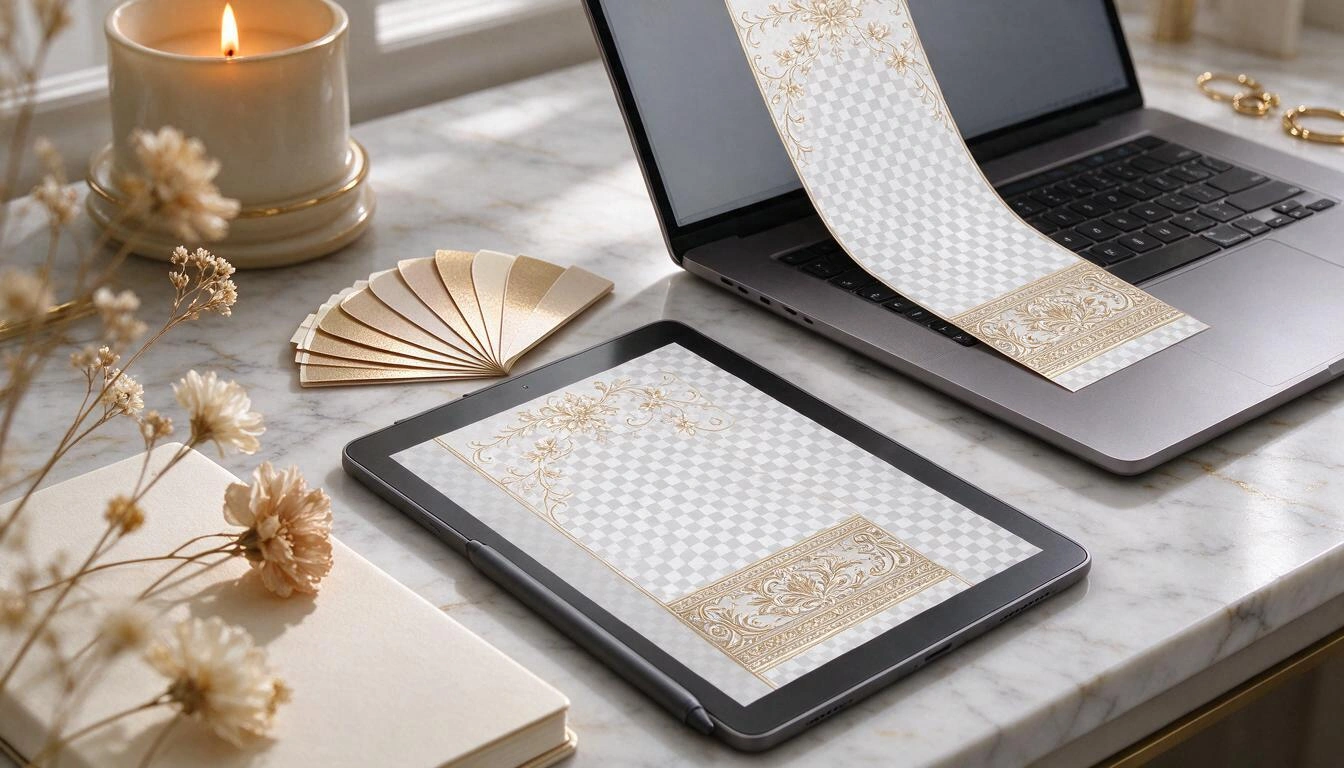
| Requirement | Value | Source |
|---|---|---|
| Dimensions | 1080 × 2340 px (vertical) | Custom Creative Tools Submission Guidelines, Nov 12, 2026 |
| File size | Less than 300 KB | Same source |
| Format | .PNG with transparent background | Same source |
| Text | Maximum 2 lines, unstyled | Same source |
| Central area | Must remain clear for the face and scene | Design criterion (see notice below) |
| Top and bottom margin | 310 px free of text and mandatory logos | Creative recommendation disseminated by advertising partners, not present on the official page we have verified |
| Minimum transparency | ~50 % of the canvas | Idem |
| Screen coverage | Use only the upper and/or lower 25 % | Idem |
Honesty notice regarding this table: the first four rows are literally on Snap's page. The last four —310 px margin, 50 % transparency, 25 % coverage— are consistently repeated in partner and agency documentation, but do not appear on the official guidelines page that we were able to verify on November 12, 2026. Treat them as solid design best practices, not as a citable standard. And that distinction is exactly why it is advisable to measure the file instead of relying on a downloaded template.
The real bottleneck in all this is the weight. A 1080 × 2340 PNG with alpha channel, a golden gradient, and a couple of floral decorations easily goes to 600-900 KB. Dropping below 300 KB without losing transparency forces you to step down the palette —256, 192, 128, 96, 64 colors— and check the result at each step. It’s mechanical work, and this is where most handmade designs fail.
What is prohibited within the filter
Snap explicitly prohibits including in the design phone numbers, emails, URLs, Snapcodes, download instructions, social media platform logos, social media usernames, and personal information, as well as trade names, trademarks, or third-party logos without authorization (Custom Creative Tools Submission Guidelines, consulted on Nov 12, 2026).
There are two specific traps that take down wedding and local business submissions:
- The Snapcode does not go inside the filter. It is on the list of prohibitions. The Snapcode goes on the paper sign, on the table stand, or on the bathroom sticker; never baked into the PNG. It’s a common mistake precisely because the Snapcode is the piece that replaces the geofence.
- No "@" or hashtags. The at sign with the couple's username and the wedding hashtag are the natural reflection of anyone designing this, and both fall squarely into "social media usernames" and platform instructions. If you want people to find you, the place for the handle is the sign, not the filter.
Additionally, there is a specific prohibition from Snap about itself: you cannot suggest association or endorsement from Snap nor imitate its brands —"Snap", "Snapchat", "Spectacles", "Bitmoji", the ghost logo, or the application interface— nor use those words in your creative presentation or your author name (Lens Studio Submission Guidelines).
How to get guests to use the filter today, without GPS
The geofence did the discovery work for you: the guest swiped and the filter appeared. Without it, discovery is physical: a Snapcode printed at the points where people pass, plus a one-sentence instruction. Snap's documentation for creators describes the recommended mechanics: overlay the Snapcode on a sample of the effect and accompany it with the Lens link (Sharing Your Lens).
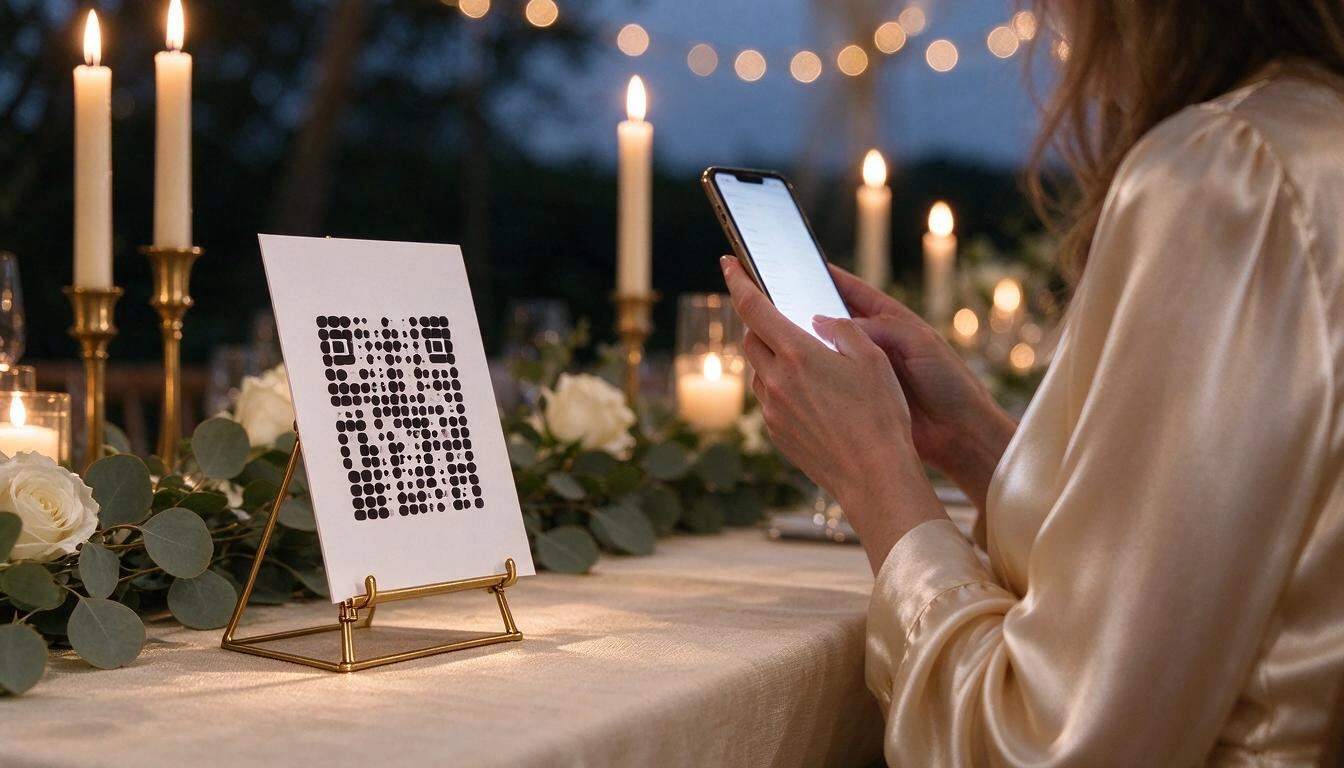
What works in practice, ordered by real usefulness:
- Stands on tables, not a single sign at the entrance. The entrance sign is seen once, with hands occupied and in line. The table stand is in front of the guest for two hours during dinner.
- Stickers on bathroom mirrors. This is the moment of the event with the highest likelihood of someone pulling out their phone and looking at the camera. A circle of 50 or 80 mm is enough.
- Vinyl on the glass entrance for businesses. For a café or a hair salon, the display window is the equivalent of the geofence: it passes exactly in front of the audience you want.
- A vertical card for the story. 1080 × 1920 px sent by the WhatsApp group the day before, so that guests arrive with the effect already unlocked.
- A phrase, not a paragraph. "Scan and go with our filter" works; three numbered steps on the stand do not.
And one calculation to make before ordering printing: with an audience of 495 million daily users and 977 million monthly reported by Snap in the results of the third quarter of 2026, published on November 4, 2026 (Snap Inc. press release), the probability that most of your young guests have the app installed is high. What you no longer have is GPS doing the work for them: the sign is the new geofence.
Why Snap has pushed everything towards Lenses
Because Lenses are their creator business and geofilters never were. Since 2023, Snap has concentrated product, money, and tools in the Lens Studio ecosystem, and the path of 2D filters for private events has been left without maintenance due to a pure lack of strategy behind it.
The signals from the last few months are hard to read any other way:
- Lens Studio AI and no-code creation. Snap introduced at Lens Fest 2025 a batch of AI-assisted creation tools, with Blocks and Lens Studio AI to create without programming.
- AI Clips, March 2026. A Lens format that turns the user's photo into a five-second video, announced on March 24, 2026, where the creator designs the effect and the user just taps it (TechCrunch).
- Easy Lens. Snap's platform that, in its own words, "lets anyone build, remix, and publish Lenses on Snapchat — no coding or design experience required", and distributes what is created through Snapcodes and direct links (Easy Lens FAQ, accessed on Nov 12, 2026).
- Money for Lens creators. The Lens+ Payouts program distributes revenue among creators approved by the interaction of paying subscribers.
Translated to the practice of someone organizing a wedding: no one at Snap is going to reopen the geofence window for hours. The custom design plus the Snapcode is not a temporary fix; it’s the way this is done now.
Checklist to set yours up this week
Seven steps, without paying a geolocation fee and without intermediaries.
- Decide the text before the design. Two lines maximum: names and date. No
#, no@, no phone number, no URL. - Choose the distribution. Bottom band for weddings and galas, full frame for parties, top banner for businesses. The center, always free.
- Design at 1080 × 2340 px on a transparent canvas, with decorations confined to the edges.
- Compress below 300 KB while preserving the alpha channel, reducing the palette stepwise and checking the actual weight.
- Check the contrast of the sign on a light background and on a dark background: a wedding is photographed during the day in the garden and at night on the dance floor.
- Publish the effect and collect its Snapcode and link from "My Lenses" in Lens Studio.
- Print the signage before the event: A5 or A4 table stands, 50 and 80 mm stickers, window vinyl, and a vertical card of 1080 × 1920 px for the story.
Of the seven steps, the four technical ones —canvas, transparency, weight, and contrast— are the ones that fail when done by hand, and the ones a tool can measure instead of estimate. In aiSnapChat that is automated: the design comes from a single event document (type of celebration, names, date, place, and palette) with templates by event type, and a Snap-Audit of seven checks —five of them blocking: dimensions, weight, format, transparent center, and clean text of prohibited characters— does not approve the filter until it complies. It then generates the signage in nine formats with PDF at 300 ppi for printing, and if you already have your Snapcode, it uploads and validates it (it does not generate or decode it: that is only done by Snapchat).
Frequently Asked Questions
Has Snapchat completely removed geofilters?
No. It has removed the purchase of On-Demand Geofilters, which stopped being supported on February 10, 2023, and served on March 31, 2023. The free Community Geofilter still exists, but it is intended for cities, universities, monuments, and public places, and it is Snap that places and adjusts the geofence.
How much does a Snapchat filter for a wedding cost in 2026?
The file and publication as a Community Lens have no platform cost: what you spend is design time and, if you want, printing of the signage. What you can no longer do is pay Snap for an eight-hour geofence for the restaurant: that product has been discontinued since 2023.
Can I still pay a company to make me the geofilter?
You can pay someone for the design, but be wary of anyone selling you the geofence. BuyCustomGeofilters.com itself, one of the historic sellers in the niche, warns in its FAQ that it no longer offers custom Snapchat geofilters for sale (consulted on November 12, 2026).
What dimensions should a Snapchat filter have?
1080 × 2340 pixels, vertical, in PNG with a transparent background and weighing less than 300 KB, with a maximum of two lines of unstyled text, according to the official submission guidelines from Snap consulted on November 12, 2026.
Why is my filter rejected if it only has the wedding hashtag?
Because hashtags, social media usernames, URLs, phone numbers, emails, and Snapcodes themselves are on the list of prohibited content within the design. The hashtag and the handle go on the printed sign, not within the image of the filter.
Is a filter the same as a Snapchat lens?
No. The filter is a flat 2D image that overlays the already taken Snap; the lens is an augmented reality effect that reacts to the face or environment in real-time. Snap explicitly separates them in its help center. For a wedding, what is almost always desired is the 2D filter, distributed via the Snapcode of a lens.
How do people find out about my filter if there is no geofence?
By scanning a printed Snapcode or tapping the link of the effect. Each effect published in Lens Studio generates its own Snapcode and its own link from "My Lenses". In practice, display stands on tables and stickers in bathroom mirrors work better than a single sign at the entrance.
How many users does Snapchat have right now?
Snap reported 495 million daily active users and 977 million monthly active users in its third-quarter results for 2026, published on November 4, 2026. This is the most recent data available as of November 12, 2026.
What remains to be done
The summary of 2026 is short: the paid geofence is gone, the rules of the file remain, and discovery has shifted from GPS to paper. Anyone organizing a wedding today does not have to ask for permission or pay a fee to anyone for their guests to use their filter; they have to create a PNG that meets four strict conditions and place a code where people look. The first part is measurable and boring, which is why it is the one that causes the most submissions to be rejected.
This is where aiSnapChat fits in, the tool from AiToolsForApps to design Snapchat filters, fonts, and posters: a unique event document that feeds the filter design, variants for comparison, an audit that blocks what Snapchat would reject, and signage ready for printing with its dated specification sheet. It can be tested without creating an account and claim the work done afterward.
Design your wedding or event filter with aiSnapChat: 1080 x 2340 px, under 300 KB, and with the center free, verified by Snap-Audit before you submit it. No account creation needed to get started.
Design your wedding or event filter with aiSnapChat: 1080 x 2340 px, under 300 KB, and with the center free, verified by Snap-Audit before you submit it. No account creation needed to get started.Keep reading
View all articles →
Snapchat Geofilters for Weddings and Events in 2026: Why They Are No Longer Purchased and How to Create Yours Now

Broken Geode in Geometry Dash 2.2091: which mods are not working and how to keep creating

DLS 27 in December 2026: what is confirmed, what is not, and what happens to your club, your squad and your kits when you update
