 Spotify
 Wrapped 2026: prepare your playlist covers before the peak in December
Team at AiToolsForAppsWritten with AI assistance17 min readIn summary
- The artist deadline for Wrapped 2026 closed on Friday, November 13, 2026, at 9:00 PM ET (thank you videos, live streams, and profile data), according to Hypebot; Spotify had already extended it from November 6 and warned that there would be no further extension.
- The release of Wrapped 2026 is expected around Wednesday, December 2, 2026, with no official announcement, extrapolating the pattern from 2023 (November 29), 2024 (December 4), and 2025 (December 3), compiled by Sweety High.
- Wrapped 2025 moved over 200 million users in 24 hours and was shared over 500 million times on the first day (+19% and +41% compared to 2024), according to TechCrunch. It is the annual peak of visits to profiles and playlists.
- The cover must be square and in JPEG: the Spotify Web API only accepts JPEG in base64 with a maximum payload of 256 KB. The HEIC that the iPhone shoots by default is not JPEG.
- Algorithmic and generated playlists do not allow custom covers: you can only customize those you have created, as indicated by Spotify support.
If you curate playlists on Spotify, the next two weeks are your showcase of the year. This guide reviews what to check in the appearance of your profile before the December peak: the actual format that the platform accepts, the thumbnail test that reveals unreadable titles, the aesthetic consistency between covers, and the playlists that you cannot touch. In the end, you will see where aiSpotify fits in, the tool from AiToolsForApps to create covers, names, and descriptions for Spotify playlists, which generates those covers and checks their actual dimensions before you upload them.
When does Spotify Wrapped 2026 come out and why does it matter for your playlists?
Spotify has not announced the official date, but the pattern of the last three years points to Wednesday, December 2, 2026: Wrapped arrived on November 29, 2023, December 4, 2024, and December 3, 2025, always on Wednesdays, according to the date review by Sweety High. It matters because it is the only week of the year when millions of people log in to check other people's profiles: their own, their friends', and the one who curated their music.
The size of the peak is documented. Wrapped 2025 was released on December 3, and in the first 24 hours, over 200 million users viewed at least one card, 19% more than in 2024 —an edition that took 62 hours to reach that figure— and it was shared over 500 million times, 41% more, according to TechCrunch (December 4, 2025).
And the pond is getting bigger every year: Spotify closed the third quarter of 2026 with 788 million monthly active users (+11% year-on-year) and 306 million Premium subscribers, according to its Q3 2026 results published on October 22, 2026.
| Milestone | Date | Data | Source |
|---|---|---|---|
| Artist deadline | Nov 13, 2026, 9:00 PM ET | Last extension, no further extension | Hypebot |
| Expected release of Wrapped 2026 | ~Dec 2, 2026 | Estimation by pattern, no official announcement | Sweety High |
| Wrapped 2025: users in 24 h | Dec 3-4, 2025 | +200 million (+19% YoY) | TechCrunch |
| Wrapped 2025: times shared day 1 | Dec 3-4, 2025 | +500 million (+41% YoY) | TechCrunch |
| User base | Q3 2026 | 788 M MAU · 306 M Premium | Spotify Newsroom |
The artist deadline has passed: the curator aspect of the profile
On November 13, 2026, at 21:00 ET, the window closed for artists and labels to upload thank-you videos, live streams, and profile updates for Wrapped, a deadline that Spotify had already moved from November 6 and announced would not be extended again (Hypebot, November 13, 2026). If you curate playlists and are not an artist, you have no administrative deadline: your real deadline is the day Wrapped is published.
That is the operational difference to understand. Artist videos enter a campaign with a deadline because they need to be processed, translated, and deployed globally; in fact, the data window for Wrapped runs from January 1 to mid-November precisely because of that production work, according to Sweety High. The covers of your playlists, on the other hand, are live content: they can be changed in seconds and seen instantly.
The practical consequence: there is no excuse for arriving in December with provisional covers, but there is a sensible moment to stop changing them. Work on the profile aspect this week and next, and freeze the changes a couple of days before the launch so that the thumbnails are cached and you don’t catch anyone with a half-finished image.
Spotify editors now have faces: the curator's identity matters
Since August 17, 2026, Spotify has been providing public profiles for its own editors and allowing them to sign notes explaining why a song is on the list. According to ppc.land, editor notes and the associated profiles were rolled out in six markets —the United States, Canada, the United Kingdom, Ireland, Australia, and New Zealand— for Free and Premium users aged 16 and older.
The launch was limited to six major editorial playlists: Today's Top Hits, RapCaviar, Hot Country, All New Pop, mint, and Fresh Finds Hip-Hop. At the same time, notes written by listeners about songs, podcasts, and audiobooks from their own playlists reach over 100 markets, with the author's name visible next to the note.
Read as a product signal, it says something clear: the platform is moving away from presenting playlists as anonymous algorithm outputs and starting to credit those who create them. If the official curator has a name, photo, and visible criteria, the independent curator competes on the same level: their cover, title, and description are the only things that distinguish them in a grid of results.
What cover format does Spotify really accept?
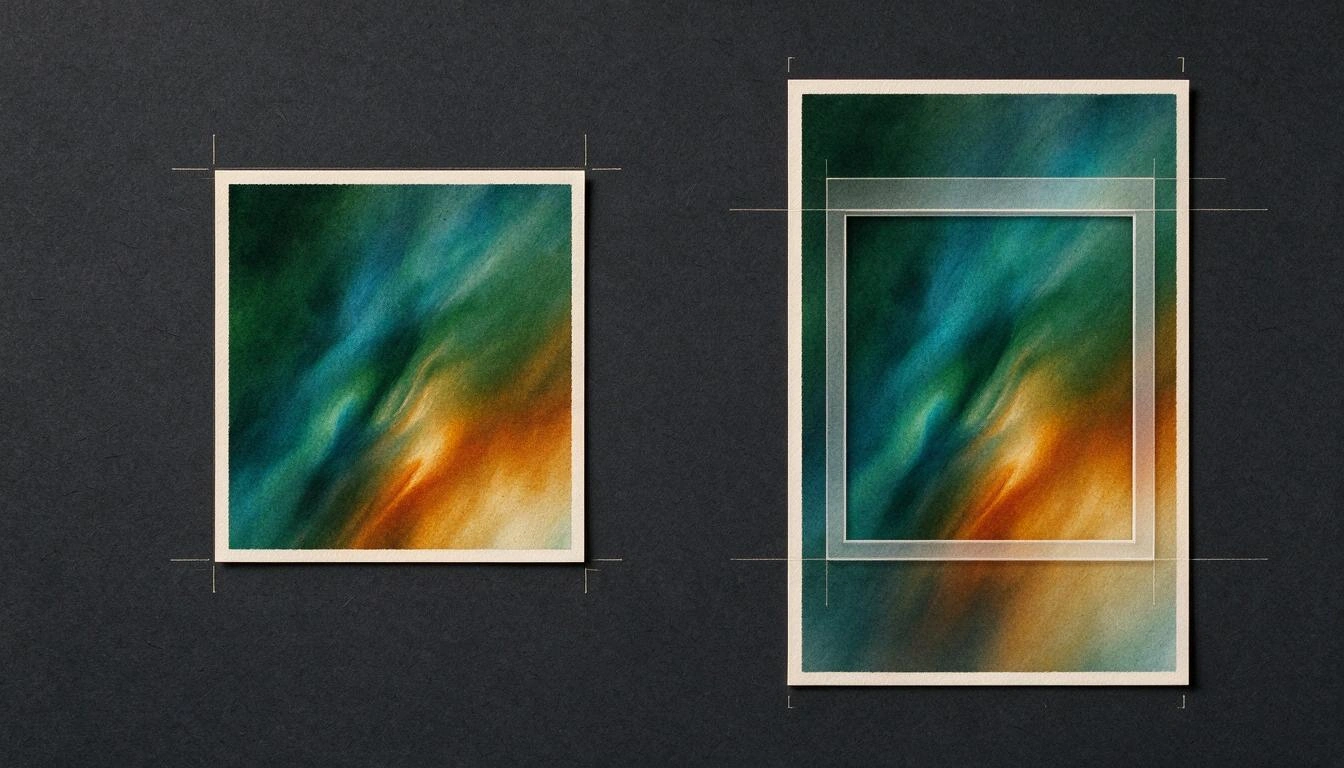
The only verifiable thing in official documentation is this: the cover is uploaded as JPEG and is lightweight. The endpoint PUT /playlists/{playlist_id}/images of the Spotify web API specifies "Base64 encoded JPEG image data" with a maximum payload of 256 KB. And the image is always displayed in a square frame, so anything that is not 1:1 will be cropped.
For manual uploads from the app, Spotify support explains the flow (mobile, tablet, desktop, and web player) and reminds that the image must not infringe copyright, trademark, or third-party image rights, a criterion that it expands upon in its profile and playlist image guidelines. Be careful with this: uploading someone else's album artwork to your playlist is exactly the case that those guidelines describe as removable.
Where there is noise is in the exact pixel and megabyte figures. Third-party guides disagree with each other —some speak of 4 MB and others of 10 MB as the limit, and recommendations range from 640×640 to 3000×3000— so it is advisable to treat them as guidance, not as rules. A working size of 1000×1000 px in JPEG is the practical sweet spot: square, sharp on high-density mobile screens, and easy to keep well below any weight limit.
| Specification | What the official source says | What to do |
|---|---|---|
| Format | JPEG in base64 (web API) | Export as .jpg. Neither HEIC, nor PNG with transparency, nor WebP |
| Ratio | Displayed in a square frame | 1:1 from the source; don’t let the crop decide |
| Weight | 256 KB of payload via API | Aim for 150-250 KB; JPEG quality 80-85 is sufficient |
| Pixels | No official public figure | 1000×1000 px as a working measure |
| Rights | No copyright, trademark, or third-party image (guidelines) | Own or generated art; never someone else's artwork |
Why your iPhone photo fails to upload as a cover
Because it's not a JPEG. The iPhone records by default in HEIF (.HEIC file) with the "High Efficiency" setting; to capture in JPEG you need to go to Settings → Camera → Formats and select "Most Compatible", as documented by Apple. If your cover only accepts JPEG, a HEIC fresh from the camera roll is the first candidate for rejection or silent lossy conversion.
The second reason for failure is the size. A modern mobile photo is several megabytes; against a limit of 256 KB in the API, the difference is an order of magnitude. You need to reencode, not just rename the extension: changing .heic to .jpg manually does not convert anything, it leaves a corrupt file.
The third is the aspect ratio. Cameras shoot in 4:3 or 16:9; the cover appears square. If you upload a vertical photo, the automatic cropping takes the center and eats the top and bottom —which, with a concert photo, is usually just the subject—.
Export checklist, in order:
- Convert to JPEG for real, reencoding the file (not renaming).
- Crop to 1:1 yourself, deciding what stays inside.
- Resize to 1000×1000 px.
- Compress until comfortably below 256 KB.
- Recheck once exported and verify dimensions, format, and actual file size, not what you thought you had requested.
The 60-pixel test: where your title becomes unreadable
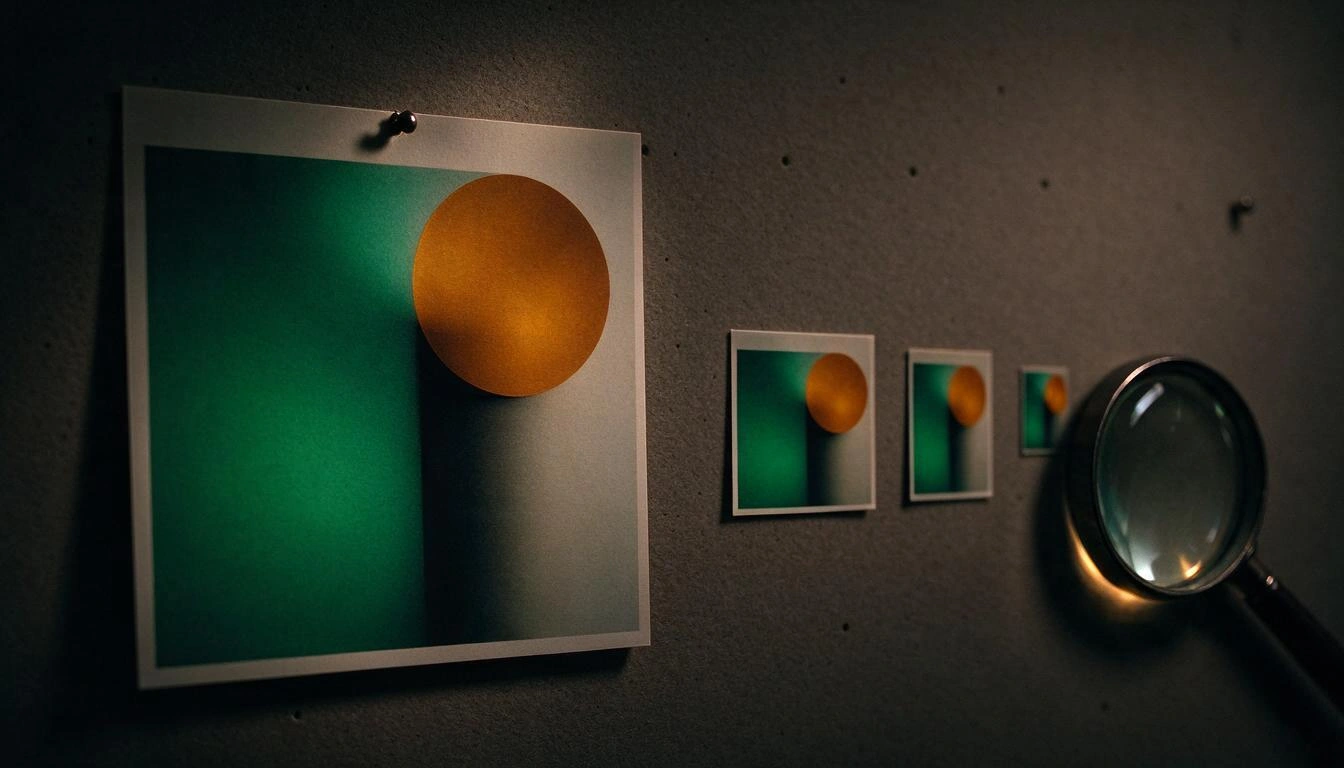
Your cover is almost never seen large. In the library, in search results, and on the playback screen, it appears as a thumbnail of a few dozen pixels wide. The practical test is simple: reduce your cover to about 60 px wide and look at it from an arm's length away. If the title is not readable, it won't be readable in the app either.
What survives that reduction is little and known: one or two words, in bold typography, with high contrast against the background. What does not survive: long phrases, thin or handwritten fonts, text over noisy photos, lines longer than ~18 characters, and anything stuck to the edge, because some surfaces round the corners.
There is a more elegant solution than enlarging the text: do not place the title inside the image. Spotify already shows the playlist name in text next to the cover, so repeating it competes with itself. A symbol, a strong color shape, or a recognizable color block perform much better at 60 px, leaving the text in the field where it can be searched.
| Cover Element | At 1000 px | At 60 px |
|---|---|---|
| Title of 1-2 words in bold | Perfect | Readable |
| Phrase of 6+ words | Readable | Gray blob |
| Thin or italic font | Elegant | Disappears |
| Photo with a lot of detail | Rich | Noise |
| Geometric shape or unique symbol | Clean | Recognizable |
| Text stuck to the edge | Correct | Cuts off when rounded |
Consistency between covers: your profile is a grid, not a list
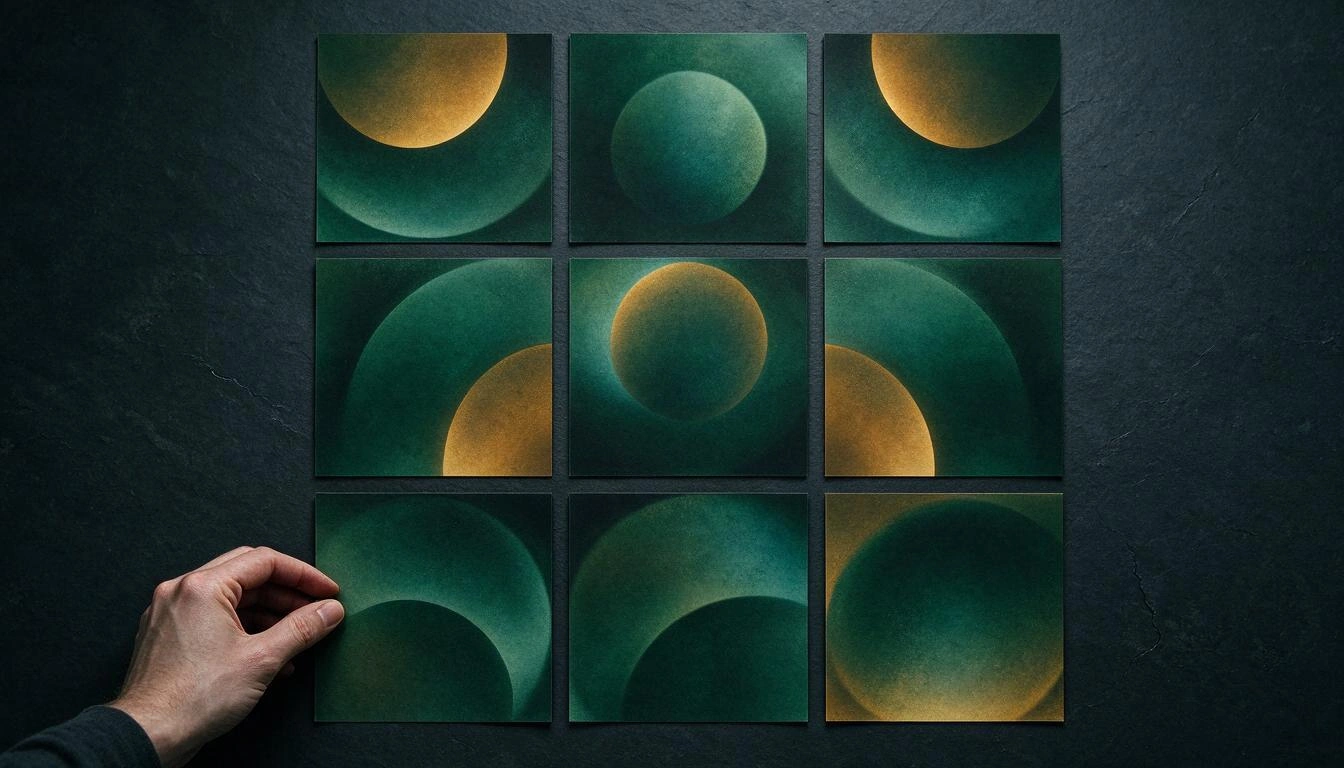
When someone arrives at your profile from a shared Wrapped, they do not see a cover: they see all at once, in a grid. This grid functions as a personal brand, and what makes it look professional is not that each image is pretty, but that all ten are recognized as from the same hand.
Three levers are enough to achieve this without starting from scratch:
- Closed palette: two or three dominant colors and an accent, repeated in all. It's the first thing the eye groups.
- One single composition rule: if the subject is centered in one, it is centered in all; if the text is at the bottom left, it’s always at the bottom left.
- Same texture and same treatment: grain, gradient, contrast level. Mixing a flat photo with a vector illustration and an AI gradient breaks the series even if the colors match.
The detail that most reveals a careless profile is the mix of origins: two handmade covers from three years ago, one reencoded capture, and four generated with different styles. If you are going to renew, renew the entire series, even if it’s with minimal variations of the same mold.
Which lists you can't customize (and what to do with them)
You can only change the cover of the lists that you have created. The Spotify support describes customization as an action on your own lists, and everything else is excluded: Spotify's editorial lists, those of other users, and algorithmic or automatically generated ones.
The algorithmic ones are the case that generates the most frustration, because they receive the most traffic: the "Made for You" section —Discover Weekly, Daily Mix, Daylist, and company— comes with an automatic cover, generated by the system based on your listening, and in the case of Daylist, it changes several times a day because the list itself is rewritten.
The workaround is as old as it is useful, and it's worth setting it up right now: duplicate the content in your own list. Create your list, copy the songs you are interested in, give it your own title, description, and cover, and it becomes shareable with your identity instead of with the platform's template. That is the list that can hang from a shared Wrapped.
| List Type | Own Cover | Alternative |
|---|---|---|
| Created by you | Yes | — |
| Spotify Editorial | No | Create your own curated version separately |
| Algorithmic / "Made for You" | No | Copy the songs to your own list |
| Self-rewriting generated (e.g., Daylist) | No | Capture a snapshot in your own list |
| From another user | No | Clone it to your profile if the usage license allows it |
Two-week plan before the December peak
If you are only going to dedicate a few hours, this is the order that yields the most results: first fix what's broken, then unify, and finally write. With the expected release around December 2, 2026, spreading it over two weeks is plenty of time.
- Inventory (day 1). List your public lists, sort them by followers, and mark the five that truly represent your profile.
- Technical audit (days 2-3). For each cover: Is it JPEG? Is it square? Does it weigh little? Is it readable at 60 px? Those that fail, redo.
- Rescue of algorithmic lists (day 4). Duplicate in your own lists what currently lives in lists that you cannot customize.
- Visual series (days 5-8). Define palette, composition, and texture, and generate the covers of the five main ones with the same mold.
- Titles and descriptions (days 9-10). Short and searchable names; the description explains what moment the list is for, which is exactly what Spotify editors have started doing publicly with the notes.
- Frozen (day 11 onward). Upload, review on mobile at real size, and do not touch anything else.
How aiSpotify fits into this work
aiSpotify is AiToolsForApps's tool for the work you just read: generating the covers of your lists and checking the resulting file before you upload it. Two design decisions make it useful right at this point in the calendar.
The first is typographic: the image model never writes the text. The label is composed on the server over the generated image, which is the only way for a title to come out sharp, with the typography you requested and without invented letters —the classic problem of generating covers with text in any image generator—.
The second is the binary guarantee: no file is delivered without re-reading its binary and measuring dimensions, format, and real weight. It is, literally, step 5 of the export checklist above, done by the tool instead of by you at a glance. The specifications (measurements, weights, formats, and character limits) live in versioned configuration with a verification date, not embedded in the code, because this is a territory where platforms change their criteria.
And before the cover is the name: the generator proposes titles grouped by formula —hyper-specific scenario, one-word minimalist, cinematic poetic— based on a "vibe" that you choose with a tap, and there is a bank of deterministic titles that works without registration to test the mechanics. You can start wherever you feel most urgent in the cover, names, and descriptions tool for Spotify lists.
Frequently Asked Questions
When is Spotify Wrapped 2026 coming out?
There is no official date announced. The pattern of the last three editions —November 29, 2023, December 4, 2024, and December 3, 2025, all Wednesdays— points to Wednesday, December 2, 2026, according to the review from Sweety High.
Can I still upload videos for Wrapped 2026 if I am an artist?
No. The deadline closed on Friday, November 13, 2026, at 9:00 PM ET and Spotify indicated that there would be no further extensions, after having already moved it from November 6 (Hypebot). What you can still adjust is the appearance of your playlists, which has no deadline.
What size should a Spotify playlist cover be?
Square, always. The Spotify web API accepts JPEG in base64 with a maximum of 256 KB of payload, but does not publish a mandatory pixel count; third-party guidelines range from 640×640 to 3000×3000. A JPEG of 1000×1000 px below 250 KB works well on all surfaces.
Why won't Spotify let me upload a photo from my iPhone as a cover?
Almost always because it is a HEIC file, not a JPEG: the iPhone records in HEIF by default with the "High Efficiency" setting, and you need to switch to "Most Compatible" in Settings → Camera → Formats to capture in JPEG, according to Apple. The second reason is the size: a mobile photo weighs several megabytes compared to a limit of 256 KB.
Can I change the cover of Discover Weekly or my Daylist?
No. The algorithmic lists "Made for You" and those that regenerate on their own have automatic system covers, and you can only customize the lists you have created (Spotify Support). The practical way is to copy the songs to your own list and put your cover there.
Should I put the title of the list on the cover?
Only if it fits in one or two words and in bold typography. At thumbnail size —about 60 px— a long phrase becomes a blur, and the name of the list already appears in text next to the image, so repeating it competes with yourself.
Does it make sense to redo all the covers at once?
Yes, if they will be seen together. On the profile, they are shown in a grid, and the sense of personal branding comes from sharing palette, composition, and texture. Renewing only one or two usually worsens the overall effect, because it adds one more style to the mix.
Can I use an album cover as the cover of my list?
It's not advisable. The Spotify profile and playlist image guidelines prohibit images that violate copyright, trademarks, or third-party image rights, and content that violates these rules is removed. Use your own, licensed, or generated art.
Get your profile ready before visitors arrive
Wrapped does not give you traffic: it gives you a week of attention, and what that attention finds on your profile is up to you with a square cover, legible in thumbnail size, and consistent with the others. The good thing about this work is that it has no platform deadline, it can be done in an afternoon, and it is valid for the entire following year.
aiSpotify, from AiToolsForApps, is the tool that covers that segment: it composes the text on the server so that the label comes out sharp, re-reads the binary to confirm real dimensions, format, and weight, and suggests names through title formulas that work. Go to the cover, names, and descriptions tool for Spotify lists and start with the list that the most people will look at in December.
Generate your playlist covers with the size, format, and weight that Spotify accepts —and the title formatted for thumbnail viewing— before Wrapped 2026 arrives. Try aiSpotify for free and without registration.
Generate your playlist covers with the size, format, and weight that Spotify accepts —and the title formatted for thumbnail viewing— before Wrapped 2026 arrives. Try aiSpotify for free and without registration.Keep reading
View all articles →
How to Write the Name and Description of Your Spotify Playlist to Get Found (2026 Guide)

Broken Geode in Geometry Dash 2.2091: which mods are not working and how to keep creating

DLS 27 in December 2026: what is confirmed, what is not, and what happens to your club, your squad and your kits when you update
