Why do I look backwards on Zoom? The app explains it with your own background
A card appears next to your first logo background, showing the two versions side by side — 'This is how you look' and 'This is how they see you' — and lets you download the adapted version with one click.
It's the number one complaint from those trying out a virtual background with their brand: you upload it to Zoom, open the camera, and the logo appears inverted. No one has explained that Zoom shows you a mirrored view of your camera, and the attendees see you perfectly.
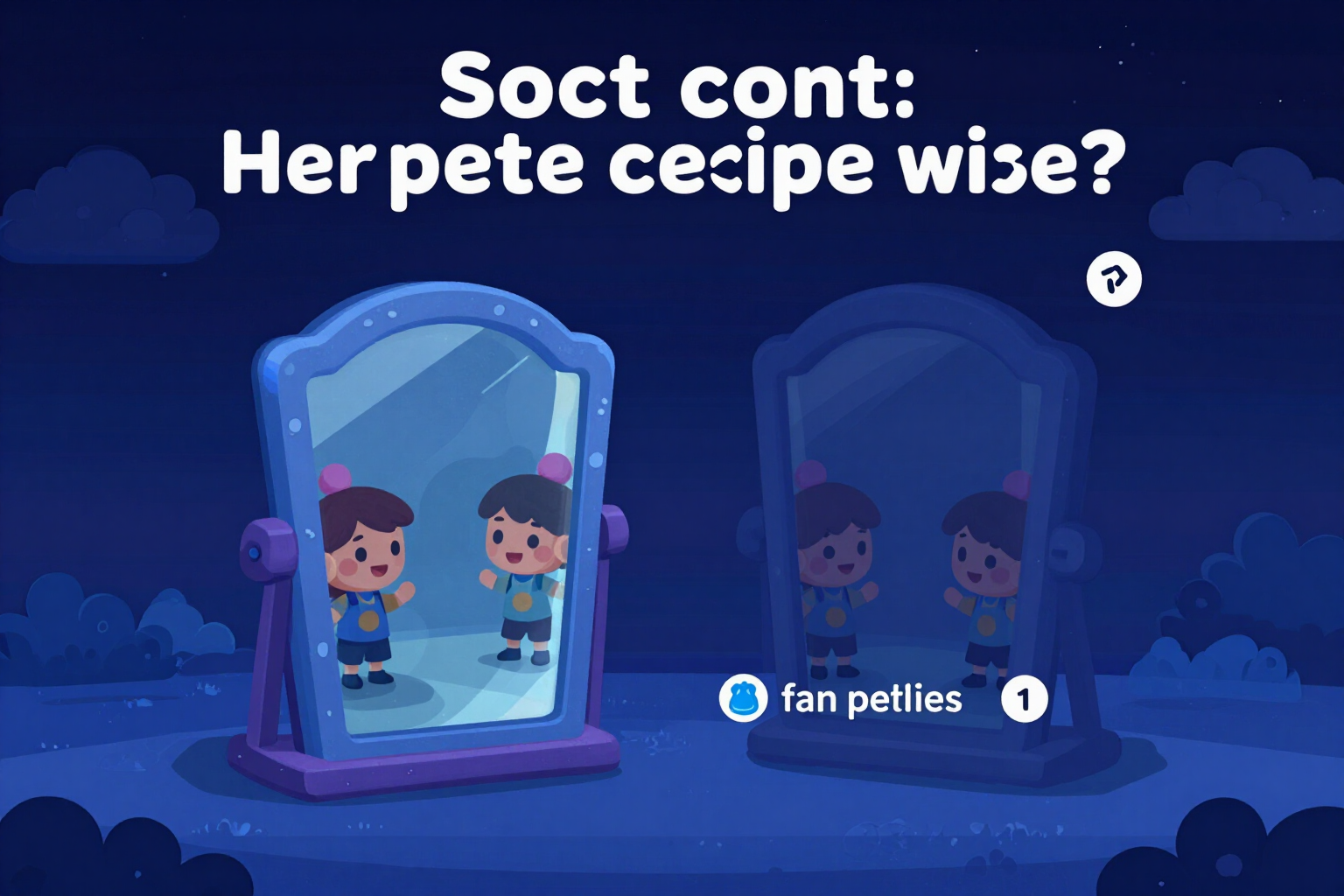
As soon as your first background with the stamped logo is generated, the app opens an online card — not a modal that covers the screen — right where the eye drops from the image to the download button. Inside, there's no generic diagram: there are two 16:9 thumbnails of your own background, the one you just created. On the left, the mirrored version, labeled 'This is how you look.' On the right, the normal version, labeled 'This is how they see you.' The comparison is understood before reading anything.
Below, a one-line explanation, without jargon: Zoom mirrors your camera so that moving in front of it feels natural, just like a mirror, but your clients see it correctly. And below the explanation, a link that doesn't take you to any menu: it directly downloads the adapted version in 1920x1080, allowing you to select the correct variant and resolution yourself.
The card closes with an X, and when you close it, the app remembers it in your brand profile: it won't appear in subsequent meetings. Instead, a tiny link remains, 'Why do I see my logo backwards?', which reopens it whenever you want — for example, the day a colleague asks you about it.
It only shows when there is something real to compare: it needs a stamped logo or a pause sign and both versions of the file already generated. If there's nothing to show, it doesn't appear. And nothing that it does here consumes an AI generation: the mirroring and downloads are resolved with image processing on the clean background that is already saved.
Try The mirror effect, explained right here
Use it free without an account. If you want to save your result, you can sign up afterwards.
Save / Sign upBenefits of The mirror effect, explained
The explanation appears where the doubt arises
an online card after the first result with the logo, between the image and the download, not a notice you read three screens ago and forgot.
Compare your background, not an example
the two thumbnails are the two real files that the app just generated for you.
Labels in personal language
'You look like this' and 'They see you like this.' Neither 'self-view,' nor 'horizontal investment,' nor 'mirror.'
A link that resolves instead of informing
download the adapted version in 1920x1080 directly, choosing the variant and resolution for you.
It closes and does not insist
when closed, it is recorded in your brand profile, so it does not reappear in subsequent meetings.
But it doesn’t leave you without an exit
instead, there’s a tiny link 'Why do I see my logo upside down?' that reopens it when you need it.
It does not appear if there is nothing to compare
it requires a stamped logo (or a pause sign) and both versions of the file ready.
Opening the card, viewing it, and downloading from it does not consume any AI generation
it works on the clean background already saved.
Stop thinking the background is poorly exported
Upload your logo, generate a background without registering, and you'll see the card with both versions of your own image, along with the explanation and download adapted to a click.
In the features that use AI, responses are generated by artificial intelligence and are not a substitute for professional advice.