Try Zoom — Virtual backgrounds with your logo, agenda and meeting minutes now, no sign-up needed

Zoom — Virtual backgrounds with your logo, agenda and meeting minutes · Show up to the meeting with your background and agenda, and leave with the minutes written
For those who live in video calls: a virtual background at the exact size Zoom expects, with your logo applied without distortion; an agenda timed to the minute that you can paste into the invitation; and the minutes, tasks and follow-up email from the transcript Zoom already downloads for you. No bot joins your meeting.
In the features that use AI, responses are generated by artificial intelligence and are not a substitute for professional advice.

هل لديك أسئلة حول حماية البيانات؟
مع Chat تسأل مساعد الذكاء الاصطناعي في القانون وقتما تريد وتحل استفساراتك في دقائق.
See the tools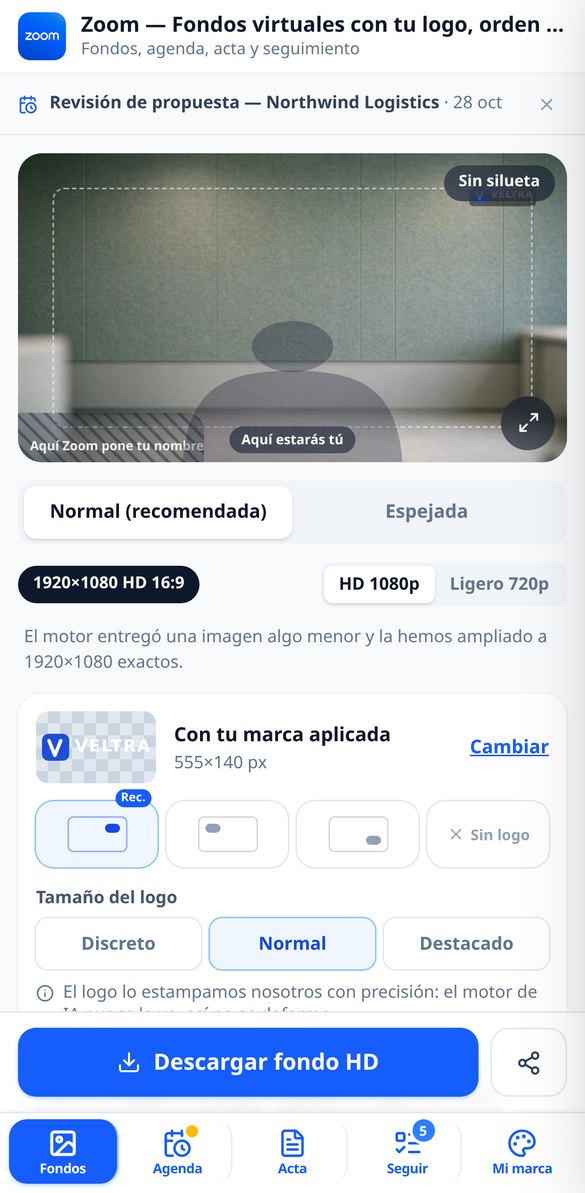
Discover every feature in detail

Virtual Background for Zoom in 1920x1080 with AI: Exact Measurement and Your Logo
Generate exact 1920x1080 virtual backgrounds for Zoom with AI: 11 environments, free prompt, 1280x720 variant, and your logo printed without distortion. Free without registration.
Try it free
Place your logo on the virtual background of Zoom without distortion
Stamp your logo on a Zoom background at 1920x1080 without distorting it: it is not painted by AI, it is composed by the server with sharp in three sizes and with a 120 px safe margin.
Try it free
Mirrored and normal Zoom background: the pair ready to upload
Do you see your logo upside down on Zoom? Each background comes with four files: 1920x1080 and 1280x720, normal and mirrored, with the logo never inverted.
Try it free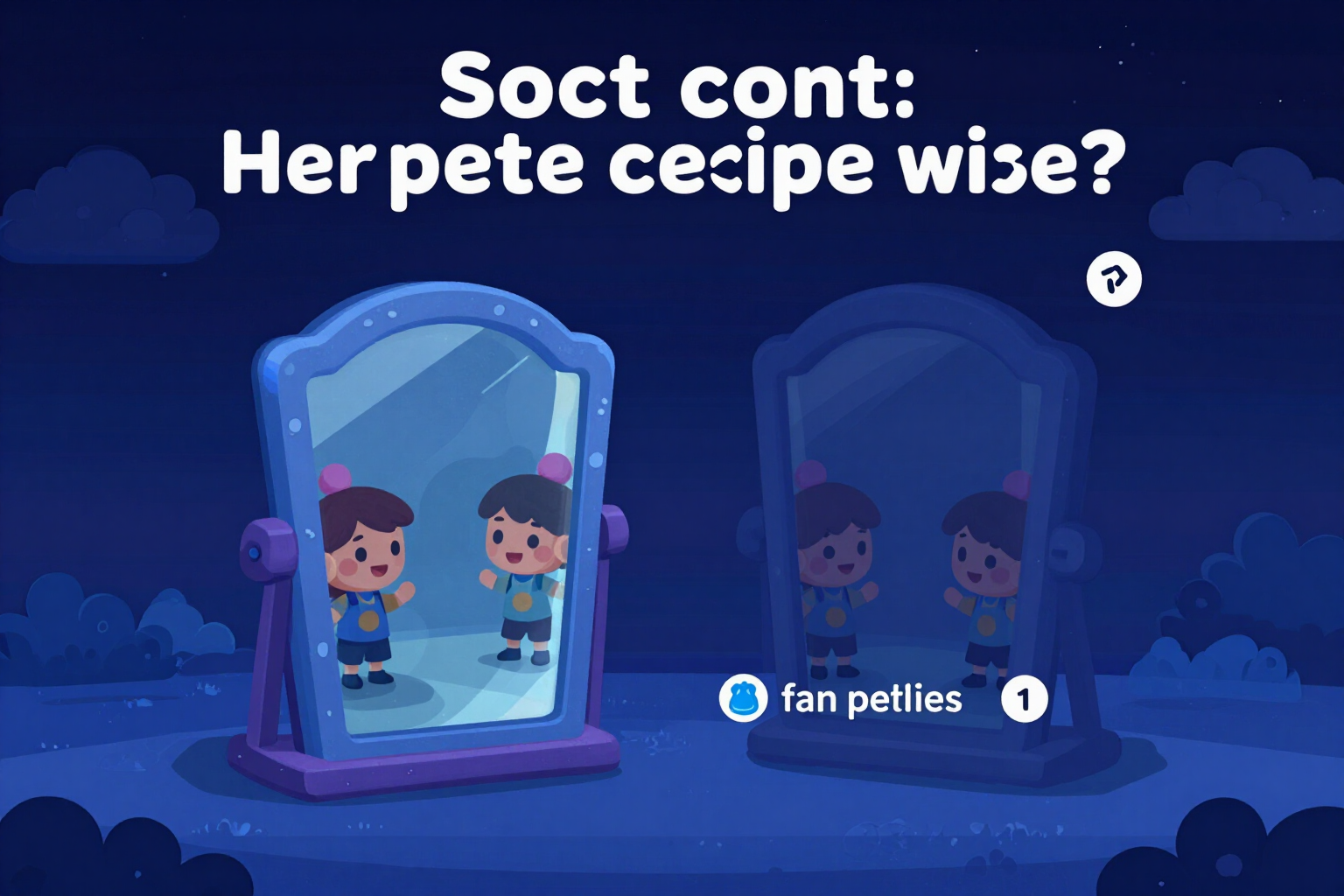
Why do I look reversed on Zoom? Explained with your own background
Zoom shows you a mirrored camera: you see the logo reversed, your clients see it correctly. The app explains it to you with both versions of your background side by side.
Try it free
On a break background for Zoom with sign: I’ll be back in 5 minutes
Create the Zoom background with the sign "5-minute break" or "Back at 11:30" by reusing your background: 1920x1080, sharp text, limit 48 characters, and no generation consumption.
Try it free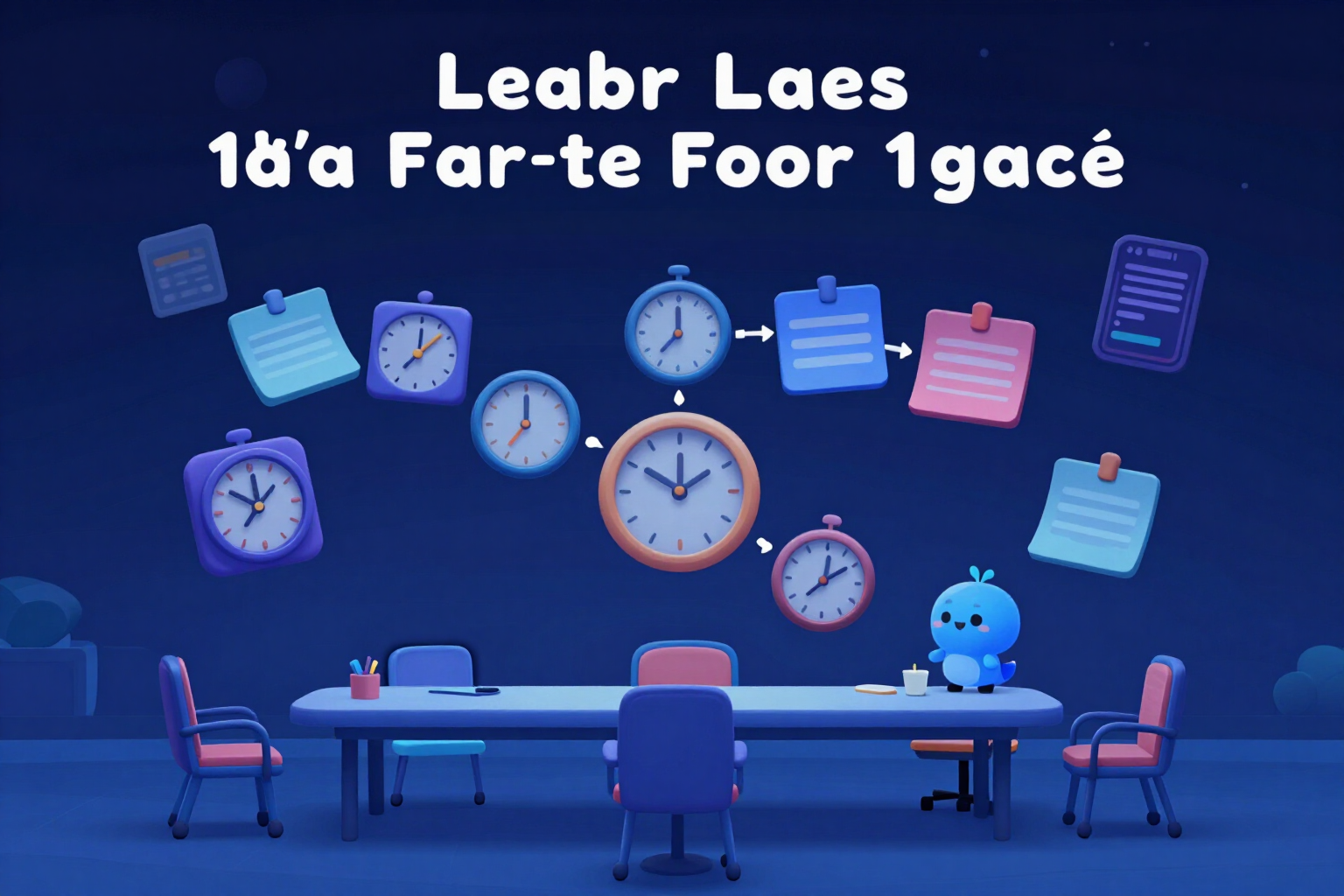
Timed meeting agenda for Zoom meetings with AI
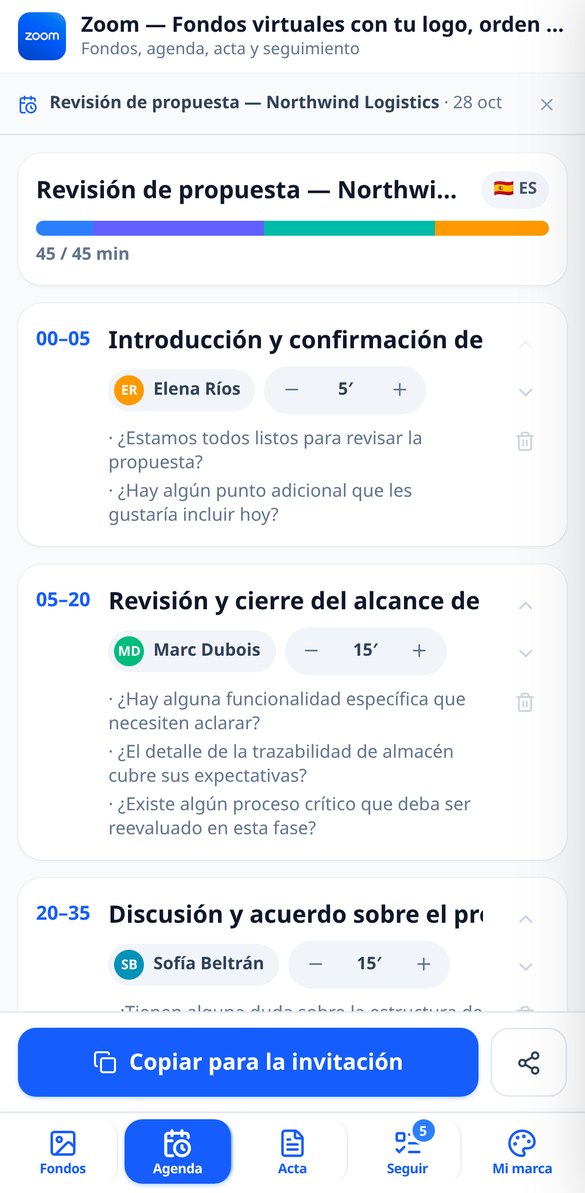
Generate the agenda for your Zoom meeting divided into time blocks with exact timing, responsible parties, and key questions. Editable, copyable in the invitation, and exportable to PDF.
Try it free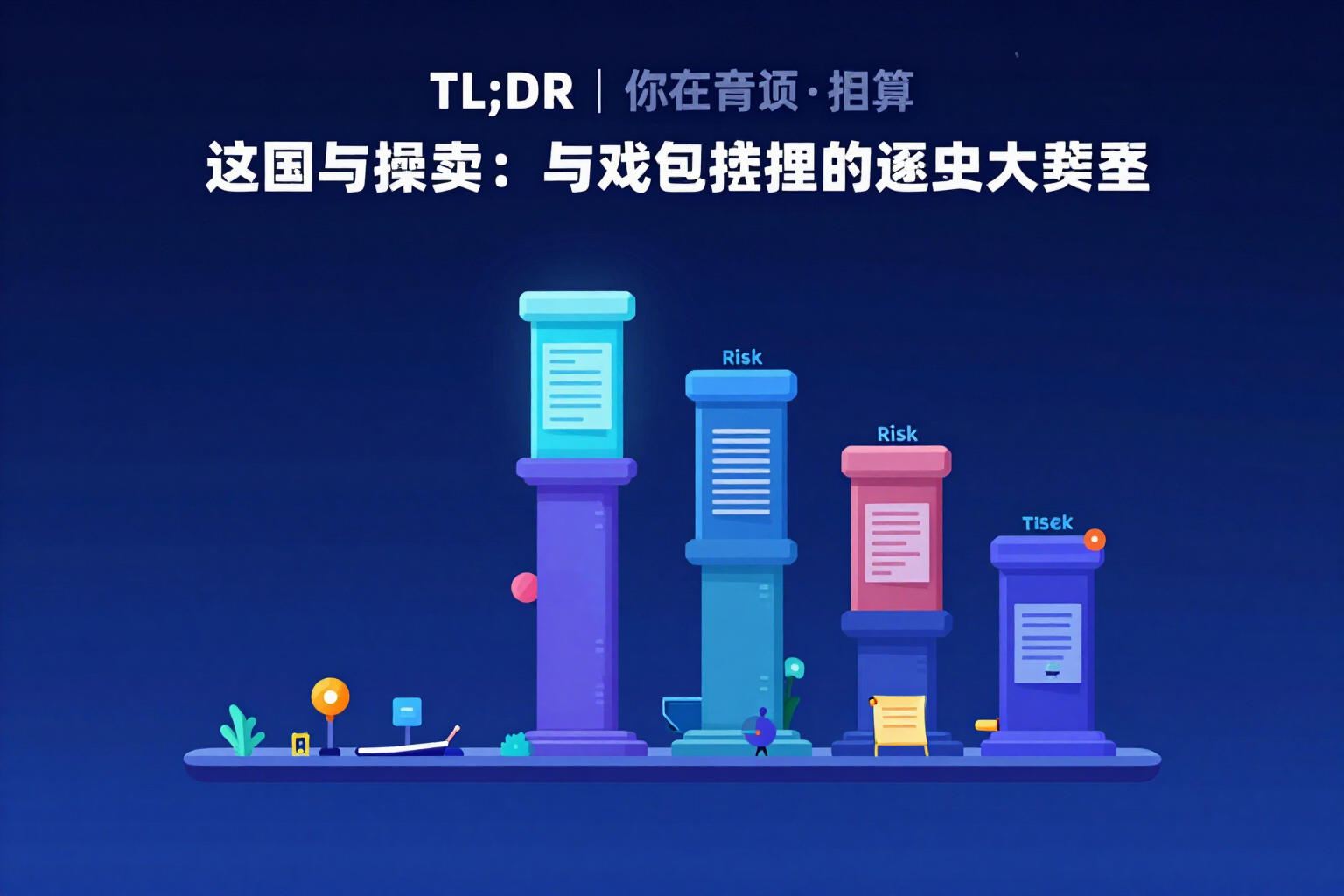
Zoom meeting minutes with AI in six sections
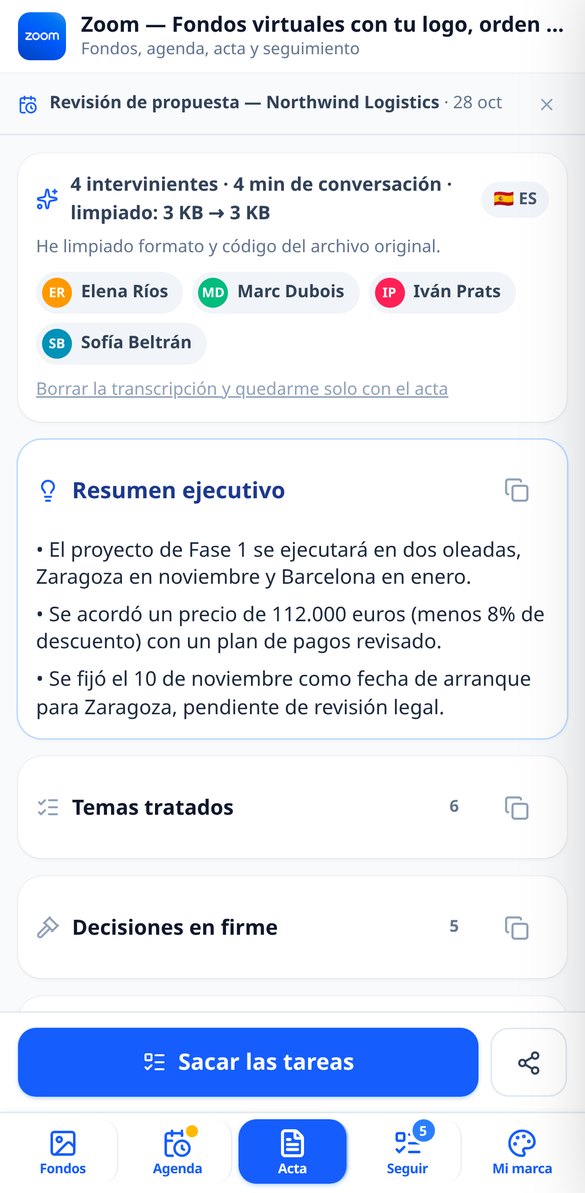
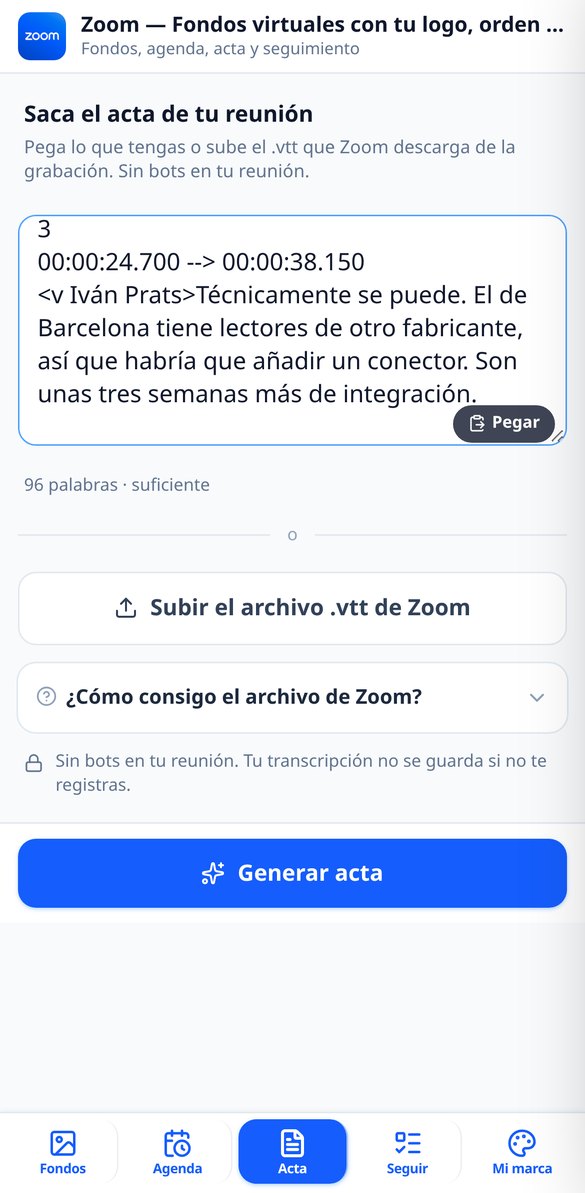
Turn your Zoom meeting transcript into structured minutes: executive summary in 3 bullet points, topics, final decisions, agreements, risks, and open points. In PDF and Markdown.
Try it free
Tasks from a Zoom meeting: who, what, and when
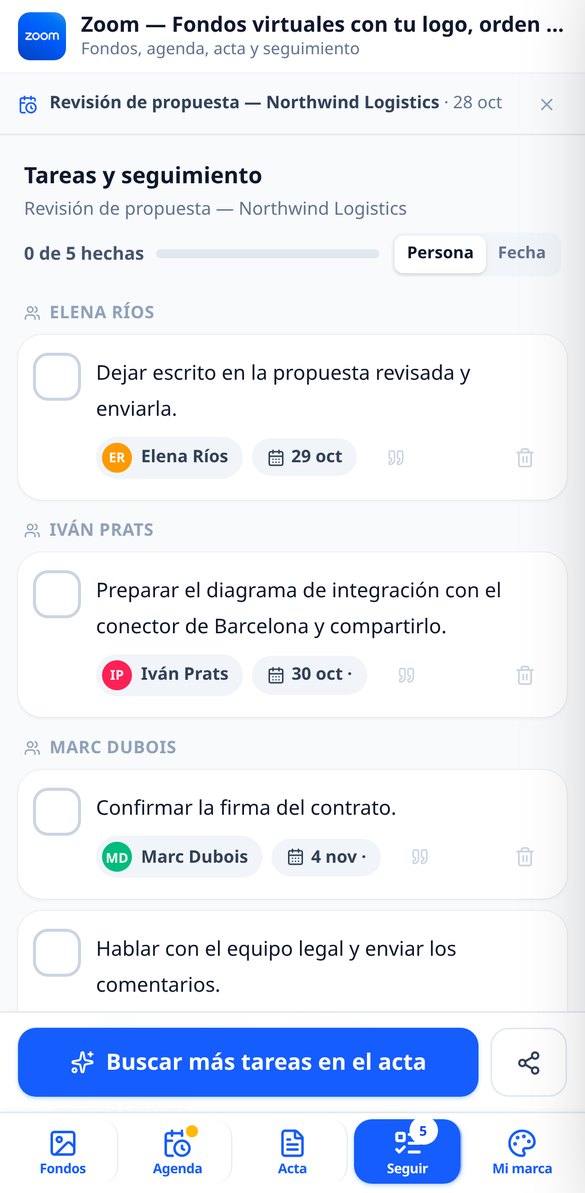
Extract tasks from your Zoom meeting from the transcript: only real commitments, with the responsible person from the attendee list, absolute date, and the verbatim quote of origin. Exportable to CSV.
Try it free
Follow-up email from a Zoom meeting with AI (4 tones)
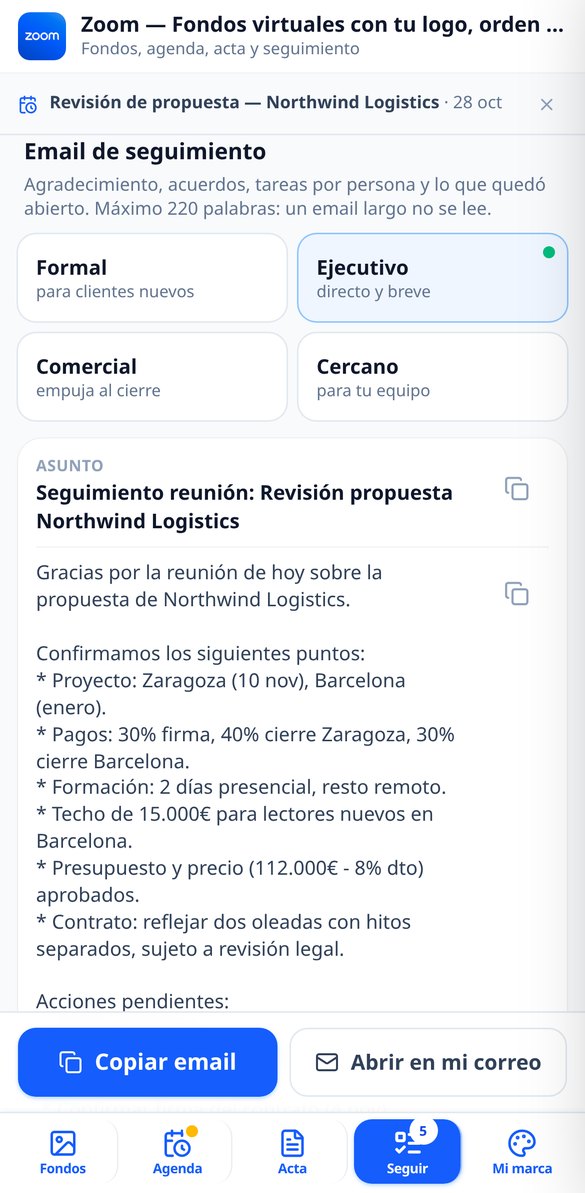
Draft the follow-up email for your Zoom meeting in four tones: formal, executive, commercial, and friendly. Subject and body separated, tasks grouped by person with their deadlines and a maximum of 220 words.
Try it freeBefore, during and after the meeting
كل ما تحتاجه لاستشارة فعّالة
Virtual background with your brand, at Zoom's exact size
11 photorealistic settings with filtering by 6 sectors, free prompt and three one-tap examples. The output is always exactly 1920x1080 and 1280x720, cropped by the server reading the metadata of the actual file, not the size requested from the engine. Your logo is stamped in post-production with sharp: 3 positions (the bottom-left corner is off-limits, that's where Zoom paints your name), 3 sizes and a 120 px margin; if the wall doesn't give enough contrast, a shadow or plate is added and you're told about it. The silhouette simulator warns you if your own head would cover the logo, and each background is delivered in four files: normal and mirrored, HD and 720. Moving the logo, mirroring or packaging doesn't consume any generation.

Timed agenda ready to paste into the invitation
Write the objective, choose 15, 30, 45, 60 minutes or whatever duration you want, add the attendees with one of the 6 roles, and the app suggests 3 to 6 blocks with their time slot, their owner and their questions, tailored to one of the 8 meeting types. The minutes add up exactly to the duration — validated on the server — and the times recalculate themselves when you edit a block. It ends with the 3 questions that must be resolved before hanging up, checkable from your phone during the meeting, and with the copy-paste block for the Zoom invitation in plain text or Markdown. Export to PDF with your brand and to Markdown.

Minutes in 6 pillars, tasks and follow-up email
Upload the .vtt Zoom downloads from the recording (also .srt, .txt or your pasted notes) and the minutes come out in six blocks: 3-bullet executive summary, topics covered, firm decisions, agreements, risks and what was left unresolved. If you had made the agenda, the comparison tells you how many blocks you covered, which questions went unanswered, what was discussed off-agenda and proposes the agenda for the next meeting. From there come the who/what/when tasks with the exact quote they come from, the CSV that Excel opens with accents intact, and the follow-up email in 4 tones, with subject and body separate.
From invitation to minutes in three steps
سجّل الدخول
أنشئ حسابك في دقائق وادخل إلى المنصة.
اختر استشارتك
اختر الموضوع الذي تريد مناقشته وابحث عن المساعد المناسب.
احصل على إجابات
تحدث في الوقت الفعلي وأوضح جميع استفساراتك القانونية.
Frequently Asked Questions
Latest blog articles
Guides and news to get more out of it
ZoomMate and Zoom's new AI features (November 2026): what it already does for your meeting minutes and what’s next for you
Zoomtopia 2026: ZoomMate, Unified Context Layer, and My Notes Workflows. What Zoom AI already covers in your minutes and what’s next for you.

Zoom has changed its virtual backgrounds in 2026: what the new library includes, the exact size you need, and why it's worth having your own
Zoom revamped its virtual background library in 2026. What changed, the exact size (1920x1080 16:9), the safe zone, and where to place your logo.
Prepare your next meeting before you hit “Start”
احصل على إجابات لأسئلتك القانونية على الفور مع Chat.